Integrating a new Model Context Protocol server into your infrastructure requires careful security evaluation. The official reference-server repository describes its examples as educational starting points; assess each third-party implementation on its own evidence. When you introduce a third-party server, you are granting it access to runtime permissions and credentials that could compromise your entire stack if mishandled.
Retrospective edition for 2026-04-19. Researched and published September 9, 2026. Product details reflect documentation checked at publication unless explicitly identified as historical.
This guide provides a concrete audit playbook using a fictional issue-search server. We will walk through the steps required to evaluate the package owner, inspect the source code, analyze network destinations, and verify token handling mechanisms. By following this methodology, you can identify potential vulnerabilities before they affect your systems.
Assessing the Threat Landscape
Before diving into the code, it helps to understand what a Model Context Protocol server actually does. The server acts as a bridge between an AI model and your local or remote resources. Because the server implementation can access runtime permissions and credentials, a compromised or poorly designed server poses a significant risk.
Relying on community reference servers for production workloads is a significant security risk. The official repository explicitly notes that reference servers are educational and not production certified, so their presence in that repository is not evidence that they meet your production requirements. You can verify this in the MCP servers repository.
Our fictional target is an open-source package called mcp-issue-search. This server connects to a remote issue tracking system to fetch bug reports and project statuses based on user queries. The first step in our audit is to evaluate the provenance of this package. We need to look at the package owner, the source repository, and the build process.
You should examine the dependency lock file to ensure no unexpected libraries are pulled down during installation. Malicious actors often use typosquatting or compromised transitive dependencies to inject harmful code. Always verify that the lock file matches the expected dependency tree and that the package owner has a track record of maintaining secure software.
Initial Code and Dependency Review
Once you have verified the package provenance, the next step is to inspect the installation hooks. Many package managers allow scripts to run automatically during the install phase. For mcp-issue-search, we must check the package configuration file for preinstall or postinstall hooks.
These hooks execute with the privileges of the user installing the package. If a malicious script is present, it could exfiltrate environment variables or establish persistence on the host machine. You should disable automatic script execution in your package manager when evaluating untrusted third-party servers.
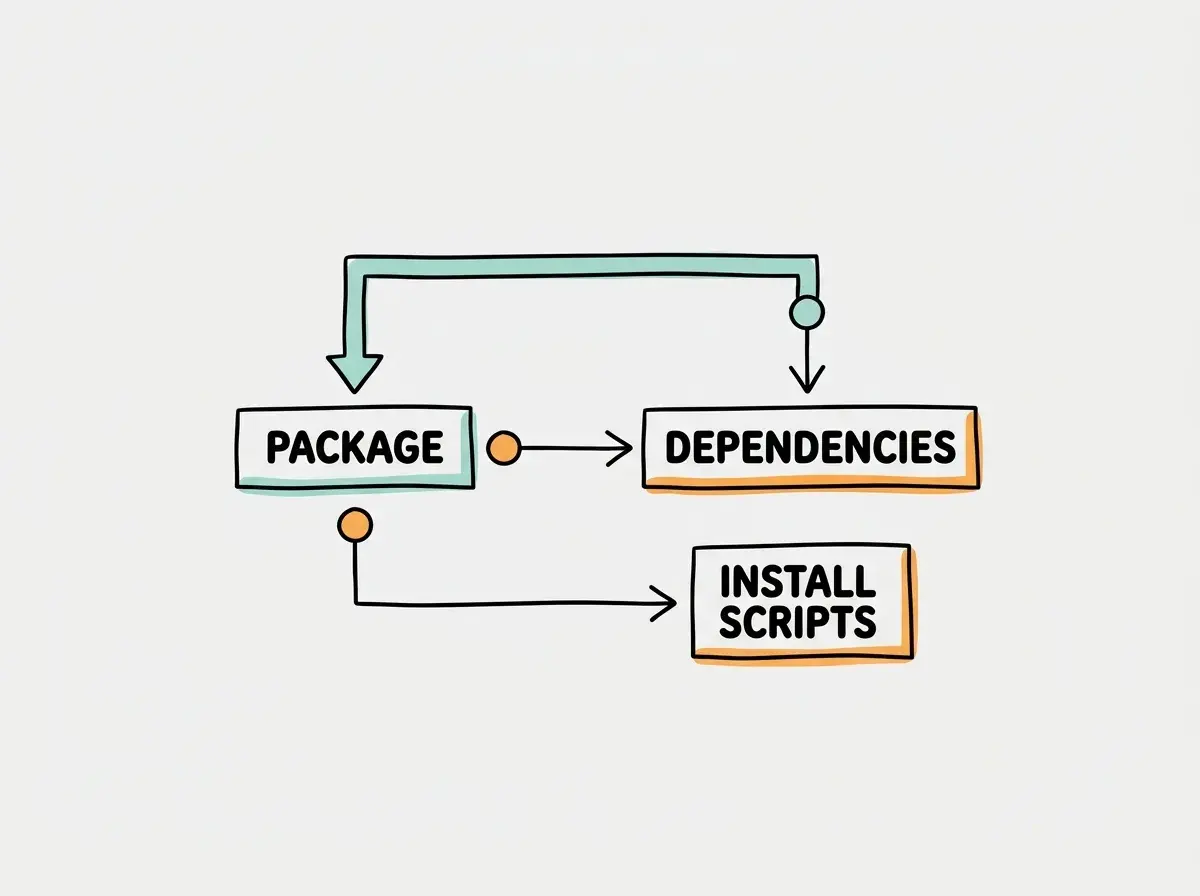
After clearing the installation hooks, review the build process. Ensure that the source code provided in the repository matches the compiled artifacts distributed in the package registry. Discrepancies between the source and the published package can indicate that the build pipeline was compromised or that the author intentionally obfuscated malicious code.
Network and Data Flow Analysis
Understanding where the server sends data is critical. The mcp-issue-search server needs to communicate with the remote issue tracker, but it should not send data anywhere else. You must review the network destinations hardcoded in the source or configured via environment variables.
Look for potential Server-Side Request Forgery vulnerabilities. If the server accepts URLs or hostnames directly from the AI model without validation, a malicious prompt could trick the server into querying internal network resources. The documentation on security best practices highlights SSRF and local server risks as primary concerns when deploying these integrations.
Explore clear explanations of AI coding tools, project context, and reliable development workflows.
Explore the blogLogging mechanisms also require careful scrutiny. The server should log operational metrics and errors, but it must never log sensitive data such as authentication tokens, personal identifiable information, or the raw contents of the issue tracker. Review the logging configuration to ensure that data flow remains secure and compliant with your organizational policies.
Authentication and Token Handling
Authentication is often the most complex part of a third-party server audit. The server must authenticate with the remote resource, but it should never misuse the credentials provided by the client. A major risk in this architecture is the confused deputy problem, where a server is tricked into misusing its authority to perform actions on behalf of an unauthorized user.
According to the authorization specification, token passthrough is strictly forbidden. The server must not take a token provided by the client and pass it directly to the backend service. An MCP server must validate tokens intended for itself and separately authorize access to upstream services. A correctly designed token-exchange flow is one possible implementation, not a requirement for every server.
| Feature | Secure Server | Insecure Server |
|---|---|---|
| Token Handling | Validates its own token and separately authorizes upstream access | Passes client token directly to backend API |
| Audience Restriction | Validates token audience matches the specific service | Accepts tokens intended for any audience |
| Scope Limitation | Requests minimum necessary permissions for the task | Requests global read and write access |
In our mcp-issue-search example, we must verify that the remote OAuth implementation correctly scopes the requested permissions. The server should only request read access to the specific projects it needs to search. If the server requests write access or global administrative privileges, it violates the principle of least privilege and should be rejected.
Execution Environment and Tool Outputs
The environment in which the server executes dictates its potential impact on your system. You must review how the server handles standard input and output streams. If the server uses local execution to run shell commands based on model input, it introduces a severe risk of arbitrary code execution.
Tool annotations provided by the server should be treated only as hints. The client application must enforce its own security boundaries and never blindly trust the instructions provided by a third-party tool.
Tool output can carry prompt injection payloads. You must treat returned content as untrusted data, not as instructions with authority over the user’s task. Never allow the server to directly execute commands or modify system state without explicit user confirmation and strict sanitization.
When auditing mcp-issue-search, check if the server attempts to parse and execute code snippets found within the issue tracker. If an attacker places a malicious payload in a bug report, the server might inadvertently execute it when fetching the issue. Prevent source content from being executed as code and test how the consuming host handles embedded instructions. Text sanitization alone does not solve prompt injection.
Testing with Injected Fixtures
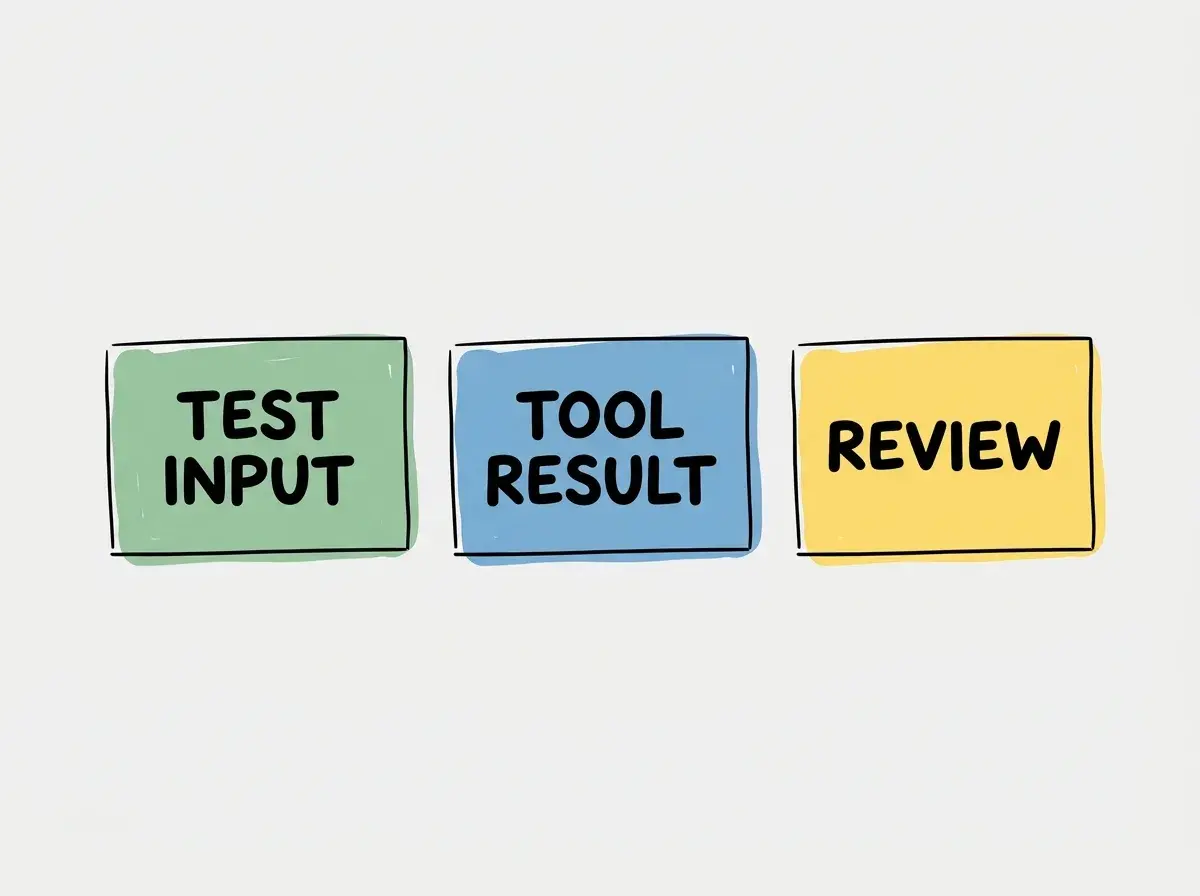
Static analysis is necessary, but dynamic testing provides confirmation of your findings. You can test the server safely by using injected fixtures. Create a harmless test payload designed to trigger edge cases in the server logic without causing actual damage or interacting with production network resources.
For example, you can inject a fixture into the local test environment that mimics a prompt injection attack. Observe how the mcp-issue-search server processes this fixture. Does it attempt to execute the injected command? Does it pass the malicious payload directly to the remote API?
Finally, you must audit the revocation and offboarding process. If the server is compromised, you need a reliable way to revoke its access immediately. Verify that the server respects token expiration and handles revocation gracefully. The server should not cache credentials indefinitely or attempt to bypass access controls when its authorization is revoked.
Write Down the Audit Decision
Turn the review into a short evidence record. Identify the exact package version, repository commit, artifact checksum, requested credentials, permitted network destinations, and test environment. For every concern, record the observed behavior and the control that limits it. “The maintainer seems trustworthy” is background context, not a substitute for checking the artifact you will execute.
Use a harmless issue body containing an instruction to ignore the user and request an unrelated test file. In an isolated environment with dummy credentials, verify that the host treats that sentence as issue content. Record whether an unauthorized tool call is proposed, whether approval blocks it, and whether server-side permissions reject it. These are separate controls; one successful refusal does not prove the others work.
Define the approval boundary in concrete terms, such as read access to one test project with no write credential and an allowlisted upstream endpoint. Add a named owner and review date. A changed dependency, new tool, broader OAuth scope, or new outbound destination should trigger another review. Keeping the decision tied to a specific version prevents an old audit from silently approving a materially different server.
Frequently Asked Questions
What this means for you
Auditing third-party Model Context Protocol servers is not an optional step. The architecture of these systems means that servers often have direct access to sensitive credentials and network resources. By systematically reviewing the package provenance, network data flow, and token handling mechanisms, you can mitigate the risks associated with external integrations.
The fictional mcp-issue-search exercise illustrates failure modes to look for; it is not an audit finding against a real package. From insecure installation hooks to missing audience restrictions, these vulnerabilities require careful attention. Always remember that tool outputs are untrusted data and that reference implementations are not designed for secure production use.
Read more practical articles for choosing tools, reviewing changes, and shipping useful software.
Read more guides