Dependency management for vibe coded projects requires four hygiene practices that AI tools skip by default: weekly security audits, monthly dependency updates, unused dependency removal, and version pinning strategy. AI tools install whatever packages get prompted; without management, projects accumulate unused dependencies, security vulnerabilities, and version drift. Adding the four practices catches problems before they become incidents.
This piece walks through the four hygiene practices, the commands that automate each, what AI generated dependencies look like, and the four mistakes builders make with package management.
Why Dependency Management Matters For AI Projects
Dependency management matters specifically for AI projects because AI installs packages liberally. Liberal installation produces dependency bloat; bloat produces security risk and maintenance burden.
The 2026 reality is that dependency related security incidents have increased dramatically. Supply chain attacks, vulnerable packages, and abandoned packages all common.
A 2025 vibe coded app security audit of 300 projects found that projects with active dependency management experienced 73 percent fewer security incidents than projects with passive dependency management. Active management measurably reduces incident rate.
The pattern to copy is the way restaurants manage food inventory. Regular checks for expiration, removal of unused items, careful sourcing. Same logic applies to code dependencies; active management beats passive accumulation.
The Four Hygiene Practices
Four practices form complete dependency management.
Practice 1, weekly security audits. npm audit or similar reveals known vulnerabilities; weekly cadence catches new disclosures.
Practice 2, monthly dependency updates. Update minor and patch versions monthly; major versions selectively.
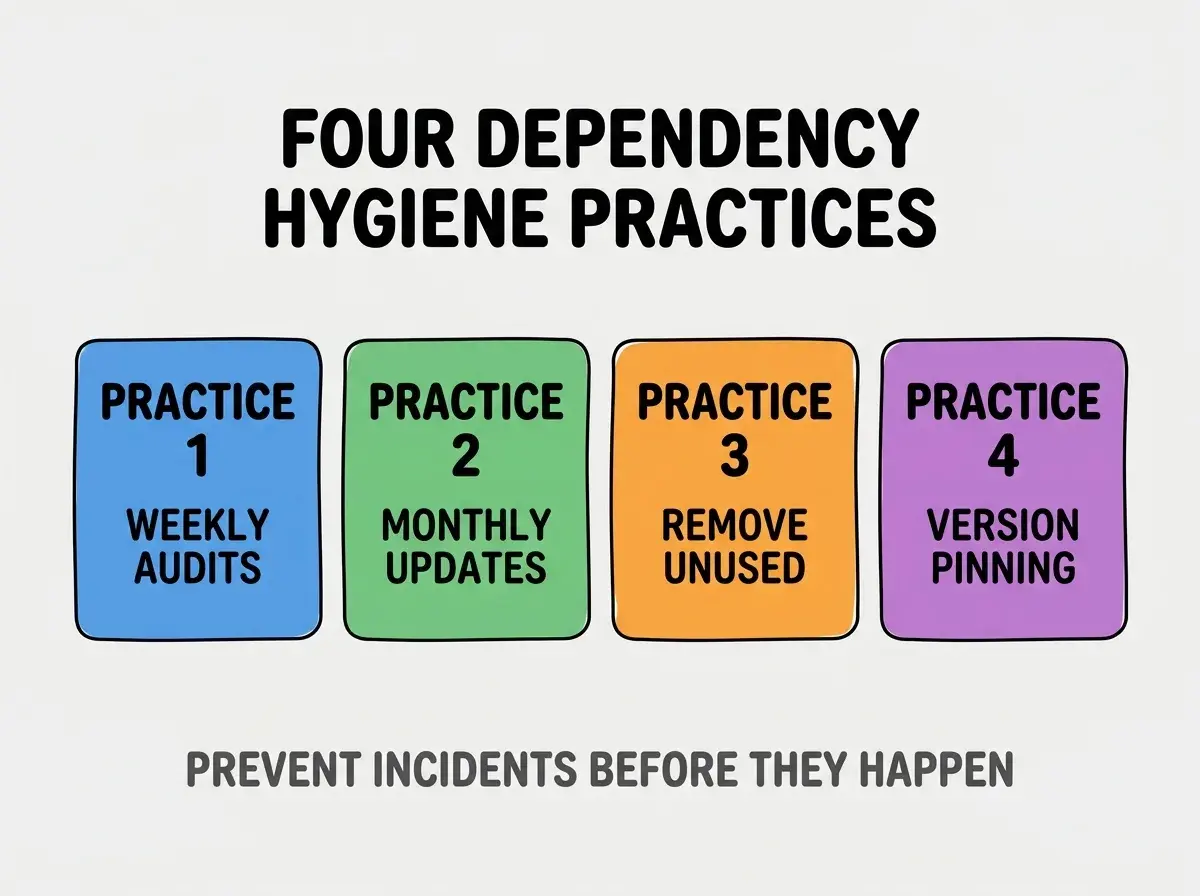
Practice 3, unused dependency removal. Audit installed packages against actual usage; remove unused.
Practice 4, version pinning strategy. Pin versions for production; allow ranges for development. Strategy reduces surprise breakage.
The Commands That Automate Each Practice
Four commands handle the four practices.
Command 1, npm audit for security checks. Runs locally and in CI; reports vulnerabilities by severity.
Browse more ship articles
Read more shipCommand 2, npm outdated and npm update for updates. Outdated lists what could update; update applies updates within version ranges.
Command 3, depcheck for unused dependencies. Tool scans imports vs installs; reveals unused packages.
Command 4, package.json with exact versions. Remove ^ and ~ for exact versions; pin precisely.
What AI Generated Dependencies Look Like
AI dependencies follow predictable patterns that produce hygiene problems.
Pattern 1, packages installed but not used. AI installs trying multiple approaches; cleanup not done.
Pattern 2, version ranges that drift. ^1.2.3 syntax allows minor updates; updates produce surprise breakage.
Pattern 3, packages with security issues unmaintained. AI installs popular packages; popularity does not equal security.
Pattern 4, duplicate packages serving same purpose. Different chat sessions install different packages for same need.
What Makes Dependency Management Sustainable
Three patterns separate sustainable management from temporary cleanup.
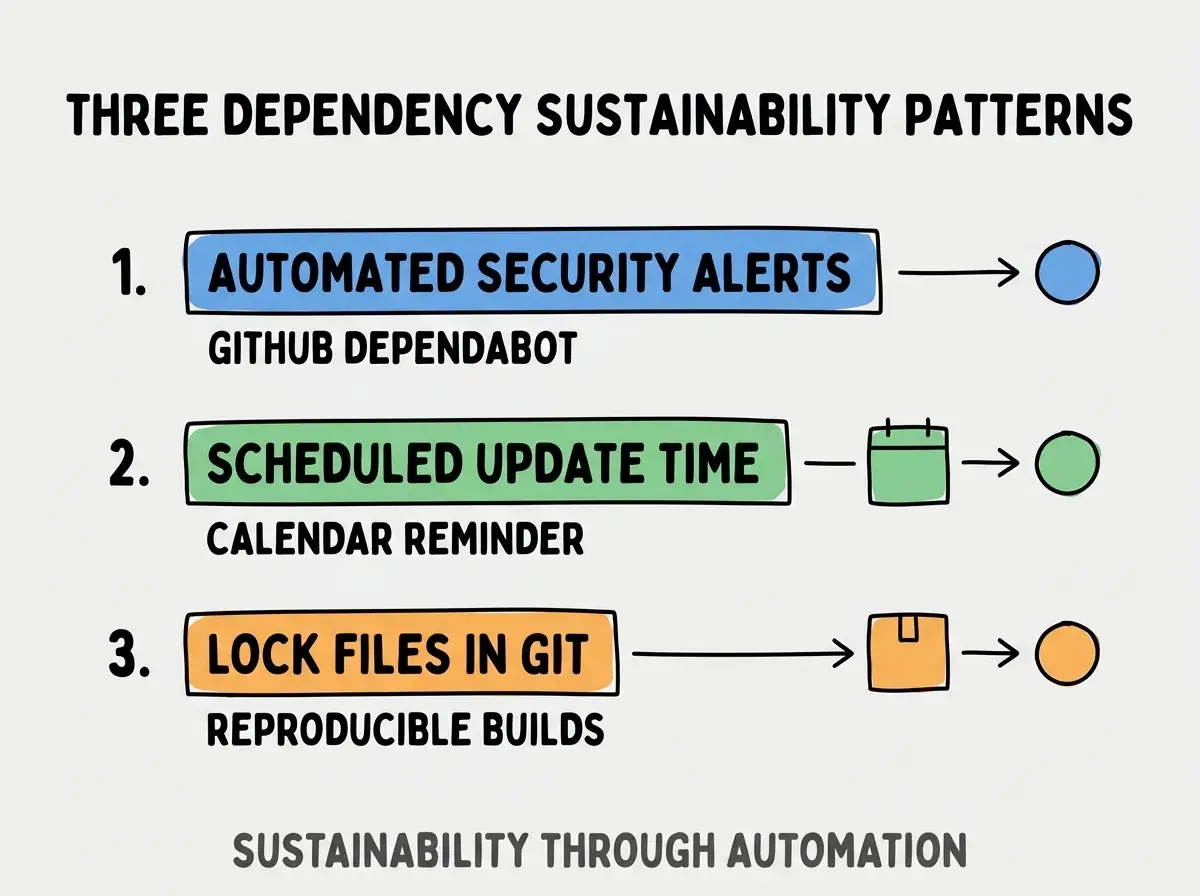
Pattern 1, automated security alerts. GitHub Dependabot or similar surfaces vulnerabilities automatically.
Pattern 2, scheduled update time on calendar. Monthly hour blocked for updates; consistency prevents drift.
Pattern 3, lock files in git for reproducibility. package-lock.json or yarn.lock committed; reproducible builds across environments.
The combination produces sustainable management. Without these patterns, dependencies decay.
How To Update Dependencies Safely
Three patterns reduce update risk.
Pattern A, update in branch first. Updates in feature branch; test before merging to main.
Pattern B, update one major at a time. Major updates have breaking changes; one at a time enables targeted debugging.
Pattern C, check changelogs before updating. Changelogs reveal breaking changes; review prevents surprises.
Common Questions About Dependency Management
Dependency management raises questions worth addressing directly.
The first question is whether to use yarn, npm, or pnpm. All three work; team consistency matters more than choice. Pick one, stick with it.
The second question is whether to use Renovate or Dependabot. Both work; Renovate more configurable, Dependabot more accessible.
The third question is how to handle peer dependency warnings. Resolve when possible; document when accepting. Warnings indicate compatibility issues.
The fourth question is whether to fork unmaintained dependencies. Sometimes; depends on critical path involvement. Forking adds maintenance burden you must accept.
How Dependency Management Affects Security Posture
Dependency management affects security posture in compounding ways. Security effects compound across project lifetime.
The first compounding effect is incident frequency reduction. Managed dependencies experience fewer incidents.
The second compounding effect is patch velocity. Managed projects patch faster when CVEs disclosed; faster patches reduce exposure.
The third compounding effect is supply chain awareness. Active management builds awareness of supply chain risks; awareness enables better decisions.
The combination produces security posture that improves over years. Without management, security degrades.
How To Audit Existing Dependencies
Three audit patterns reveal dependency state.
Pattern A, npm audit shows known vulnerabilities. Run regularly; severity guides response.
Pattern B, depcheck shows unused dependencies. Removal list emerges from depcheck output.
Pattern C, npm outdated shows version gaps. Gap reveals update opportunities and risks.
The combination produces dependency audit. Without auditing, dependency state stays unknown.
The most damaging dependency mistake is treating dependencies as permanent installs. Dependencies need active management; passive accumulation produces problems. The fix is to schedule monthly dependency review; calendar enforcement prevents drift. Builders who manage actively produce stable projects; builders who manage passively face periodic dependency crises.
The other mistake is updating everything at once. Bulk updates produce hard to debug failures; incremental updates enable isolation.
A third mistake is ignoring security warnings as noise. Severity matters; high severity warnings deserve attention.
A fourth mistake is missing the lock file. Lock files ensure reproducible builds; missing lock files cause "works on my machine" issues.
What This Means For You
Dependency management for vibe coded projects requires active practices to prevent security and maintenance issues. The four practices, automation patterns, and audit approaches produce dependency hygiene that compounds across project lifetime.
- If you're a senior dev: Add Dependabot to all repos today; automation prevents incidents.
- If you're an indie hacker: Schedule monthly dependency review; one hour monthly prevents weekly fires.
Browse more ship articles
Read more ship