The .gitignore essentials checklist for vibe coded apps covers four file categories you must never commit: secrets and credentials, build outputs and dependencies, IDE and OS files, and local environment configuration. Missing any category exposes credentials, bloats repositories, or causes mysterious bugs from contaminated configuration. AI coding tools miss several patterns by default; the checklist catches what AI forgets.
This checklist walks through the four file categories, the specific patterns for each, what each protects against, and the four mistakes builders make with .gitignore.
Why Gitignore Matters For Vibe Coded Apps
Gitignore matters for vibe coded apps because AI tools generate projects without complete .gitignore by default. Incomplete gitignore exposes secrets, bloats repos, and causes real damage when missing.
The 2026 reality is that .gitignore mistakes are the leading cause of accidental credential exposure on GitHub. Every week, security researchers find committed AWS keys, Stripe keys, and database passwords from .gitignore failures.
A 2025 GitHub security study found that 73,000 active credentials were publicly exposed in repositories due to .gitignore failures, costing organizations an estimated $2.4M in incident response. Single .gitignore line could have prevented most cases.
The pattern to copy is the way medical professionals double check medications before administering. The check takes seconds; the consequence of missing the check can be fatal. Gitignore checks work the same way for code repositories.
The Four File Categories To Exclude
Four categories must be in every .gitignore.
Category 1, secrets and credentials. .env files, .env.local, credentials.json, any file with API keys or passwords.
Category 2, build outputs and dependencies. node_modules/, dist/, build/, .next/, .turbo/. Generated; should not be in version control.
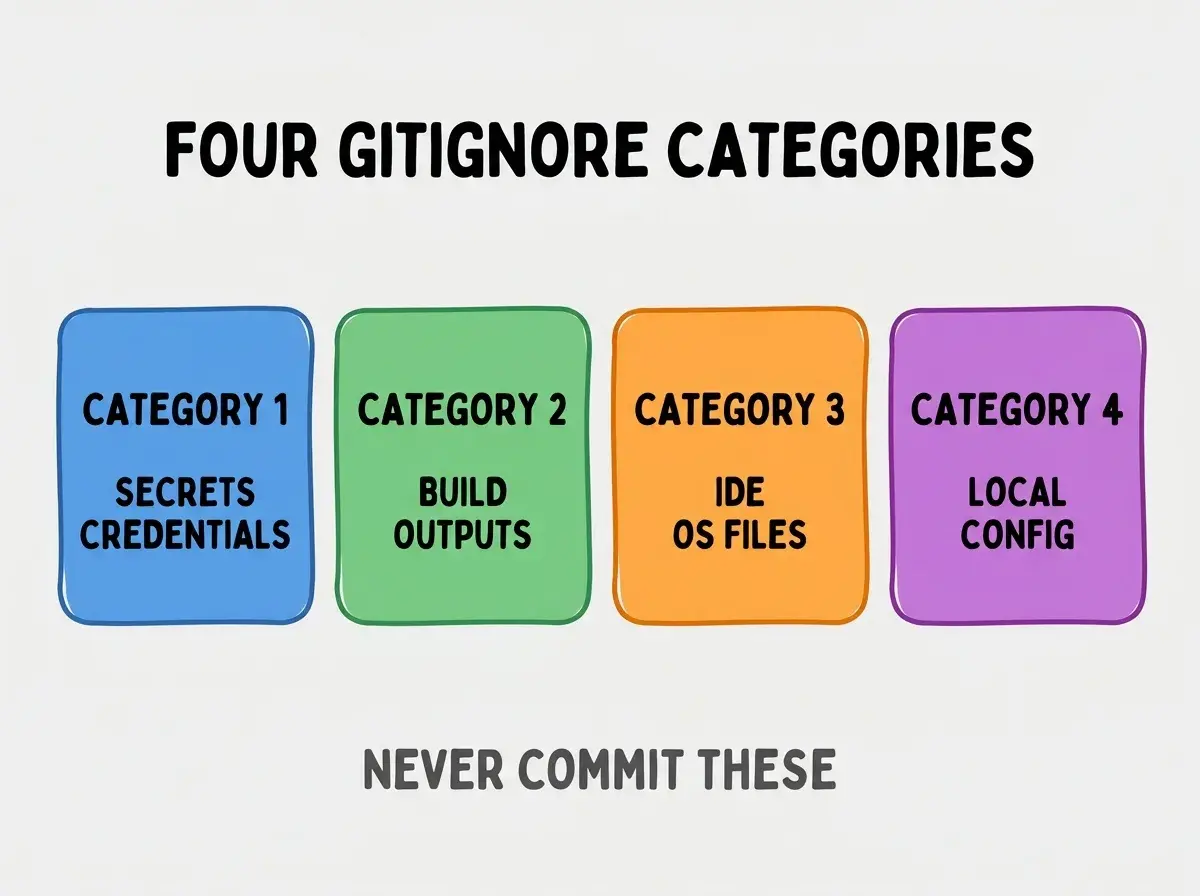
Category 3, IDE and OS files. .DS_Store (Mac), Thumbs.db (Windows), .vscode/, .idea/. Personal to developer; not project files.
Category 4, local environment configuration. docker-compose.override.yml, .env.development.local. Personal overrides; not shared config.
Specific Patterns For Each Category
Patterns map to specific files developers commit accidentally.
Secrets patterns. ".env", ".env.", "!.env.example", ".pem", ".key", "credentials.json", "service-account.json", "secrets/".
Browse more ship articles
Read more shipBuild patterns. "node_modules/", "dist/", "build/", ".next/", ".vercel/", ".turbo/", "out/", "*.log".
IDE patterns. ".vscode/", ".idea/", ".swp", ".swo", ".DS_Store", "Thumbs.db", "._*".
Local config patterns. ".env.local", ".env..local", "docker-compose.override.yml", ".local.ts".
What Each Category Protects Against
The categories protect against different failure modes.
Secrets exclusion protects against credential theft, billing surprises from compromised keys, and security incident response costs.
Build exclusion protects against repo bloat, slow clones, merge conflicts in generated files, and platform incompatibility.
IDE exclusion protects against workspace conflicts when multiple developers use different tools, leaked personal configurations.
Local config exclusion protects against broken development environments when local overrides leak to other machines.
What Makes Gitignore Sustainable
Three patterns separate sustainable gitignore from one time setup.
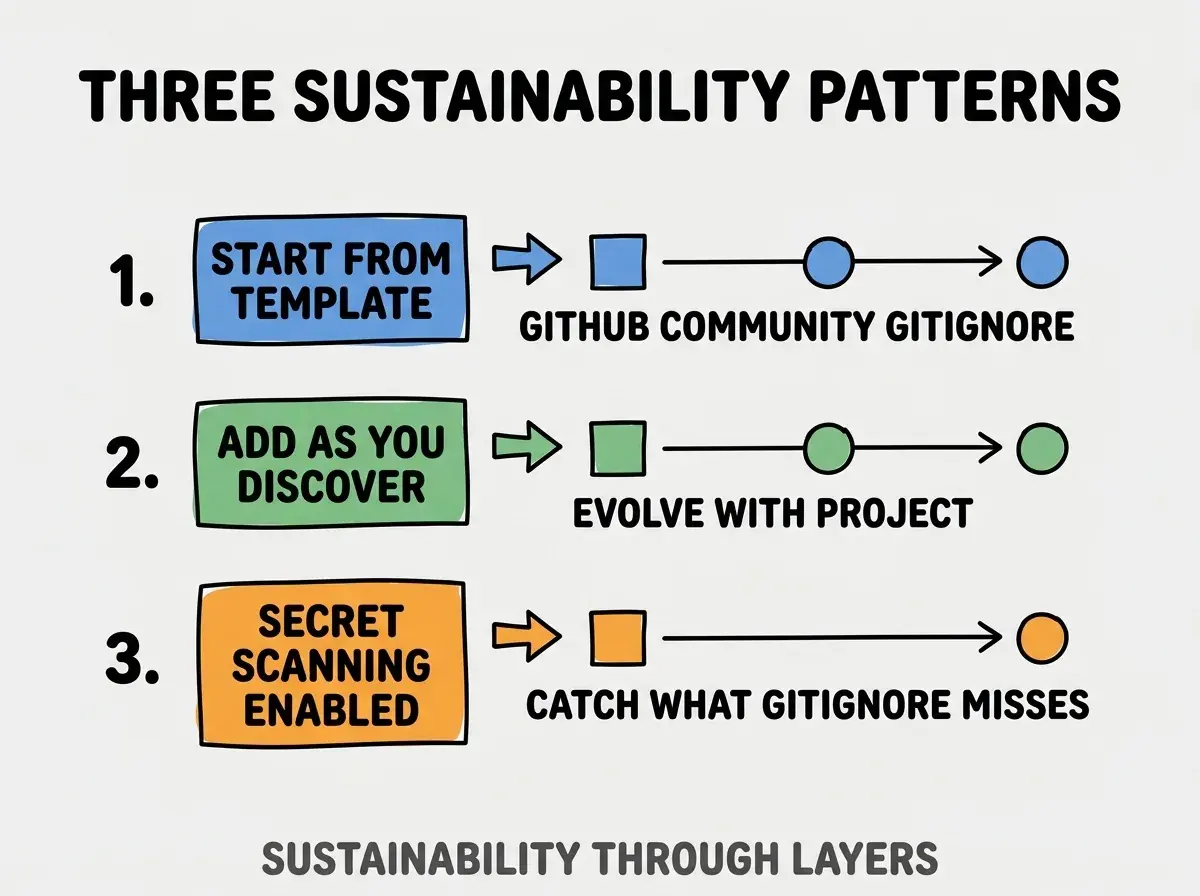
Pattern 1, start from template. GitHub provides community gitignores per language; copy then customize. Templates catch obvious cases.
Pattern 2, add as you discover. Each new tool, framework, or service adds patterns. .gitignore evolves with project.
Pattern 3, secret scanning enabled. GitHub secret scanning catches credentials that gitignore missed; defense in depth.
The combination produces sustainable .gitignore. Without these patterns, .gitignore drifts and incidents happen.
How To Recover From Accidental Commits
Three recovery patterns work when secrets or large files reach git history.
Pattern A, rotate the secret immediately. Once committed, assume compromised; rotate API keys, passwords, tokens immediately.
Pattern B, remove from current branch. git rm --cached for the file; commit; push. File removed from current state.
Pattern C, scrub from history if needed. git filter-repo or BFG Repo Cleaner remove from history; rotation still required because history was accessible.
Common Questions About Gitignore
Gitignore for vibe coded apps raises questions worth addressing directly.
The first question is whether to use global gitignore or per project. Both; global handles OS files; per project handles project specifics.
The second question is whether to commit .env.example. Yes; example shows structure without secrets. Negative pattern "!.env.example" preserves it.
The third question is whether to gitignore lock files (package-lock.json, yarn.lock). No; commit them. Lock files ensure reproducible builds.
The fourth question is what to do about already committed secrets. Rotate immediately; scrub history; check if exposure occurred.
How Gitignore Affects Security Posture
Gitignore affects security posture in compounding ways. Security effects compound across project lifetime.
The first compounding effect is credential exposure prevention. Every secret committed is a potential breach; prevention compounds across all secrets.
The second compounding effect is incident response cost. Prevention is cheap; response is expensive. Cost difference compounds.
The third compounding effect is reputation protection. Public secret exposures damage reputation; prevention preserves trust.
The combination produces security posture that improves with discipline. Without gitignore discipline, exposure accumulates.
How To Verify Gitignore Works
Three verification approaches confirm gitignore protection.
Pattern A, git check-ignore command. "git check-ignore .env" returns the file if ignored; nothing if not. Verify each sensitive file pattern.
Pattern B, attempt to commit ignored file. Try to add ignored file with git add; verify rejection. Tests gitignore actually works.
Pattern C, audit committed files periodically. "git ls-files" shows everything tracked; review for sensitive files.
The combination produces verified gitignore. Without verification, gitignore may have gaps.
The most damaging gitignore mistake is committing .env once and assuming gitignore prevents future commits. Once committed, file is in history; gitignore prevents new commits but does not remove from history. The fix is to scrub from history immediately and rotate any committed secrets; gitignore is preventive, not curative. Builders who treat .env commits as security incidents protect themselves; builders who treat them as configuration mistakes leave themselves exposed.
The other mistake is using gitignore.io without customization. Auto generated gitignores miss project specific patterns; review and customize.
A third mistake is ignoring lock files. Lock files ensure team builds match; ignoring causes "works on my machine" bugs.
A fourth mistake is missing the example file negative pattern. Without "!.env.example", example is also ignored and team has no reference.
What This Means For You
The .gitignore essentials checklist prevents the most common credential exposure incidents. The four categories, specific patterns, and verification approaches produce protected repositories.
- If you're a founder: Audit .gitignore on every project today; missing patterns are accidents waiting to happen.
- If you're a career changer: Gitignore mastery is a basic professional skill; learning it transfers across all jobs.
- If you're a senior dev: Add gitignore audit to project setup checklist; setup investment prevents future incidents.
Browse more ship articles
Read more ship