Using multiple AI models for different tasks produces better outcomes than relying on one model for everything. Four selection patterns guide model choice: large reasoning models for architecture decisions, fast cheap models for boilerplate, code specialized models for refactoring, and vision capable models for UI work. Multi model workflows add complexity but produce measurable productivity gains for developers willing to learn each model's strengths. Solo developers benefit from 2-3 models; teams benefit from 4-5.
This piece walks through the four selection patterns, when each model wins, how to integrate multiple models in workflow, and the four mistakes when adopting multi model approaches.
Why Multi Model Workflows Matter
Multi model workflows matter because no single AI model excels at all coding tasks. Models have strengths and weaknesses; matching tasks to strengths produces better outcomes than forcing all tasks through one model.
The 2026 reality is that AI model capabilities differentiate substantially. Speed, cost, reasoning quality, and specialization vary dramatically across models. Strategic selection captures benefits that defaults miss.
A 2025 developer productivity study of 400 senior developers found that developers using 3+ models strategically produced 31 percent more shipped code than developers using one model. Multi model approach measurably outperforms single model approach for skilled developers.
The pattern to copy is the way professional kitchens use specialized tools. Chef knife for vegetables, cleaver for bones, paring knife for detail work. Each tool excels at specific task; using right tool produces better cooking. AI models follow the same pattern.
The Four Model Selection Patterns
Four patterns guide model selection by task type.
Pattern 1, large reasoning models for architecture. Claude Opus, GPT-4 with thinking mode, similar. Use for design decisions, complex debugging, system architecture.
Pattern 2, fast cheap models for boilerplate. Smaller models, faster responses. Use for routine code, repetitive patterns, simple changes.
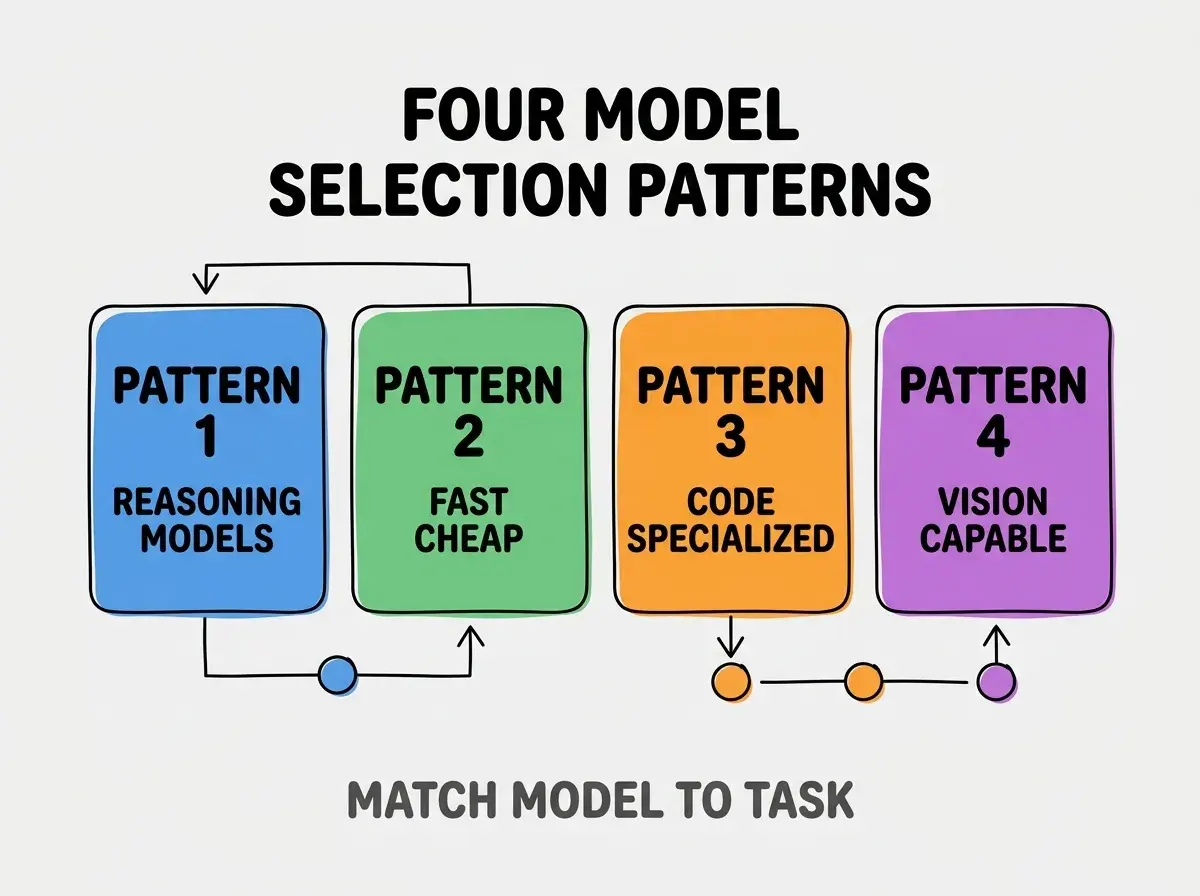
Pattern 3, code specialized models for refactoring. Models trained specifically on code. Use for refactoring large codebases, code review, pattern detection.
Pattern 4, vision capable models for UI work. Models that handle images. Use for UI from screenshots, design feedback, visual debugging.
When Each Model Type Wins
Four task categories map to four model types.
Task category 1, design decisions favor reasoning models. "Should I use REST or GraphQL?" benefits from deep reasoning over quick generation.
Browse more tools articles
Read more toolsTask category 2, repetitive code favors cheap fast models. "Generate 20 form input components" benefits from speed over reasoning depth.
Task category 3, large codebase work favors code specialized models. "Refactor authentication across 50 files" benefits from code understanding over general intelligence.
Task category 4, UI work favors vision models. "Build this design from screenshot" benefits from vision capability over text only models.
How To Integrate Multiple Models In Workflow
Three integration patterns enable multi model workflows.
Pattern 1, IDE plugins supporting multiple models. Cursor, Continue.dev support model switching mid session.
Pattern 2, model selection by command. Custom slash commands that route to right model based on task type.
Pattern 3, automated routing based on prompt. More advanced; analyze prompt to select model. Setup overhead worth it for high volume.
What Makes Multi Model Workflows Sustainable
Three patterns separate sustainable multi model workflows from temporary experiments.
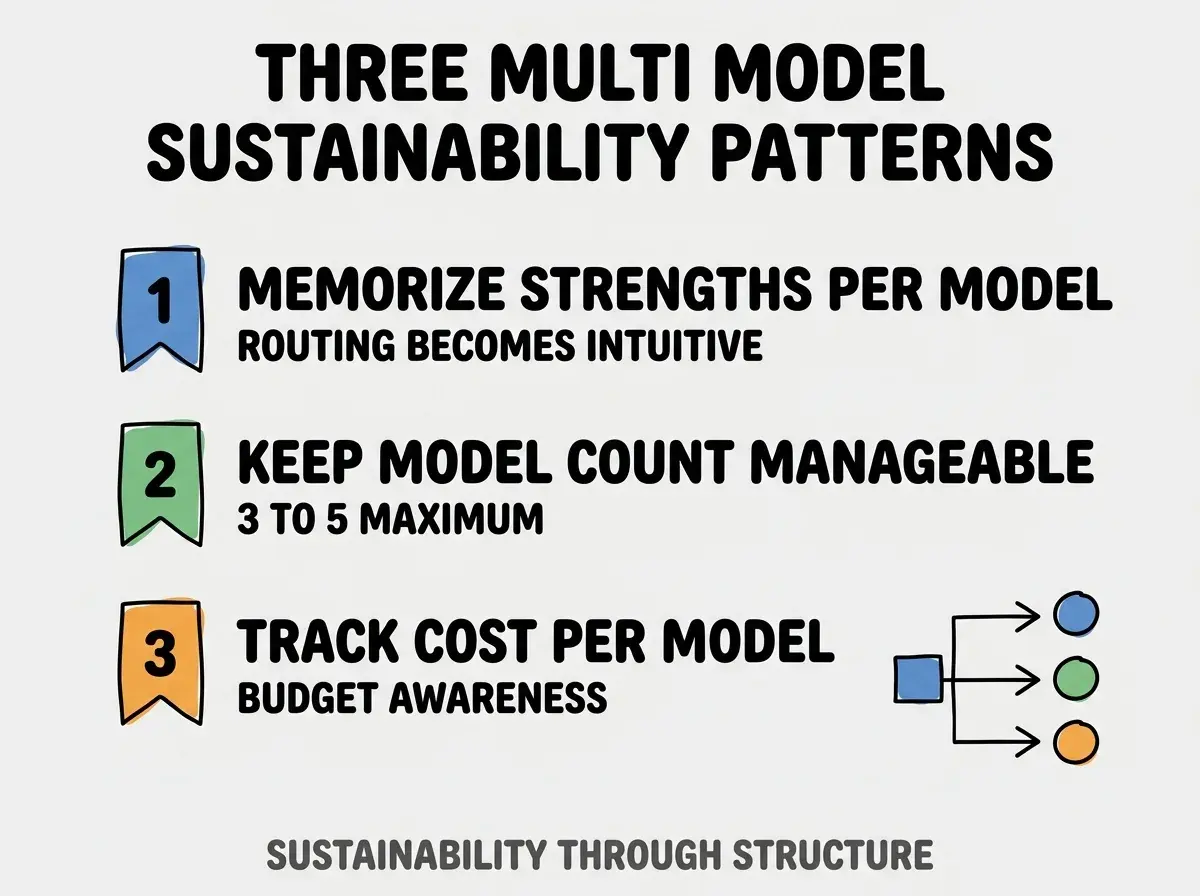
Pattern 1, memorize strengths per model. Routing becomes intuitive after practice; intuition speeds workflow.
Pattern 2, keep model count manageable. 3-5 models maximum; more produces selection paralysis.
Pattern 3, track cost per model. Budget awareness prevents cost surprises; awareness enables optimization.
The combination produces sustainable multi model workflows. Without these patterns, multi model becomes overhead.
How To Adopt Multi Model Progressively
Three adoption patterns help shift from single to multi model.
Pattern A, start with two models. Add one specialized model alongside default; build comfort before expanding.
Pattern B, add models when bottleneck identified. Add specific model when current model bottlenecks specific task; targeted addition.
Pattern C, periodically reassess model lineup. Models improve quickly; quarterly reassessment catches changes.
Common Questions About Multi Model Workflows
Multi model workflows raise questions worth addressing directly.
The first question is whether multi model is worth complexity for solo developers. Yes for high volume work; questionable for low volume work. Match complexity investment to volume benefit.
The second question is which models to choose first. Claude or GPT for reasoning; Gemini Flash or GPT-4o-mini for fast cheap; specialized code model based on stack.
The third question is whether to use API access or IDE plugins. Plugins for routine work; API for specialized workflows. Most developers use both.
The fourth question is whether to combine open source and commercial models. Yes; combination captures benefits of each. Open source for cost sensitive work; commercial for capability sensitive.
How Multi Model Affects Productivity
Multi model workflows affect productivity in compounding ways. Productivity effects compound across coding sessions.
The first compounding effect is task fit improvement. Better task fit produces better output; output quality compounds across iterations.
The second compounding effect is cost optimization. Right model for right task minimizes total cost; savings compound.
The third compounding effect is capability awareness. Multi model exposure builds model awareness; awareness improves all decisions.
The combination produces productivity gains that compound. Without multi model, productivity hits single model ceiling.
How To Build A Personal Multi Model Toolkit
Three patterns help individual developers build multi model toolkit.
Pattern A, primary model for daily work. One model handles 70 percent of work; primary becomes intuitive default.
Pattern B, specialized models for specific tasks. 2-3 specialized models for tasks where primary underperforms.
Pattern C, experimental slot for new models. Reserved capacity for trying new models; experimentation catches improvements.
The combination produces personal toolkit that evolves over time. Without toolkit, model choice follows fashion or convenience.
The most damaging multi model mistake is using more models than you can keep mental model of. 8 models means choosing wrong one frequently; choices waste time. The fix is to limit to 3-5 models max; deeper knowledge of fewer models beats shallow knowledge of many. Developers who limit produce intuitive routing; developers who maximize produce decision paralysis.
The other mistake is treating model selection as personal preference. Task fit matters more than preference; objective selection beats subjective.
A third mistake is missing the cost tracking. Multi model can spike costs; tracking prevents surprise.
A fourth mistake is using reasoning models for trivial tasks. Reasoning models are slow and expensive; trivial tasks waste capability.
What This Means For You
Using multiple AI models for different tasks produces measurable productivity gains for developers willing to invest in selection skills. The four patterns, integration approaches, and sustainability practices produce multi model workflow that captures benefits no single model provides.
- If you're a senior dev: Add one specialized model to your default workflow; specialized addition often produces immediate gains.
Browse more tools articles
Read more tools