Model Context Protocol servers bridge the gap between your local development environment and large language models. By providing standardized access to tools and data, they allow AI assistants to perform complex coding tasks with real context.
Retrospective edition for 2026-04-09. Researched and published September 9, 2026. Product details reflect documentation checked at publication unless explicitly identified as historical.
Evaluating the right server for your workflow requires understanding the difference between educational references and vendor-maintained integrations that still require review. This guide covers twenty five options to help you build a robust AI coding environment.
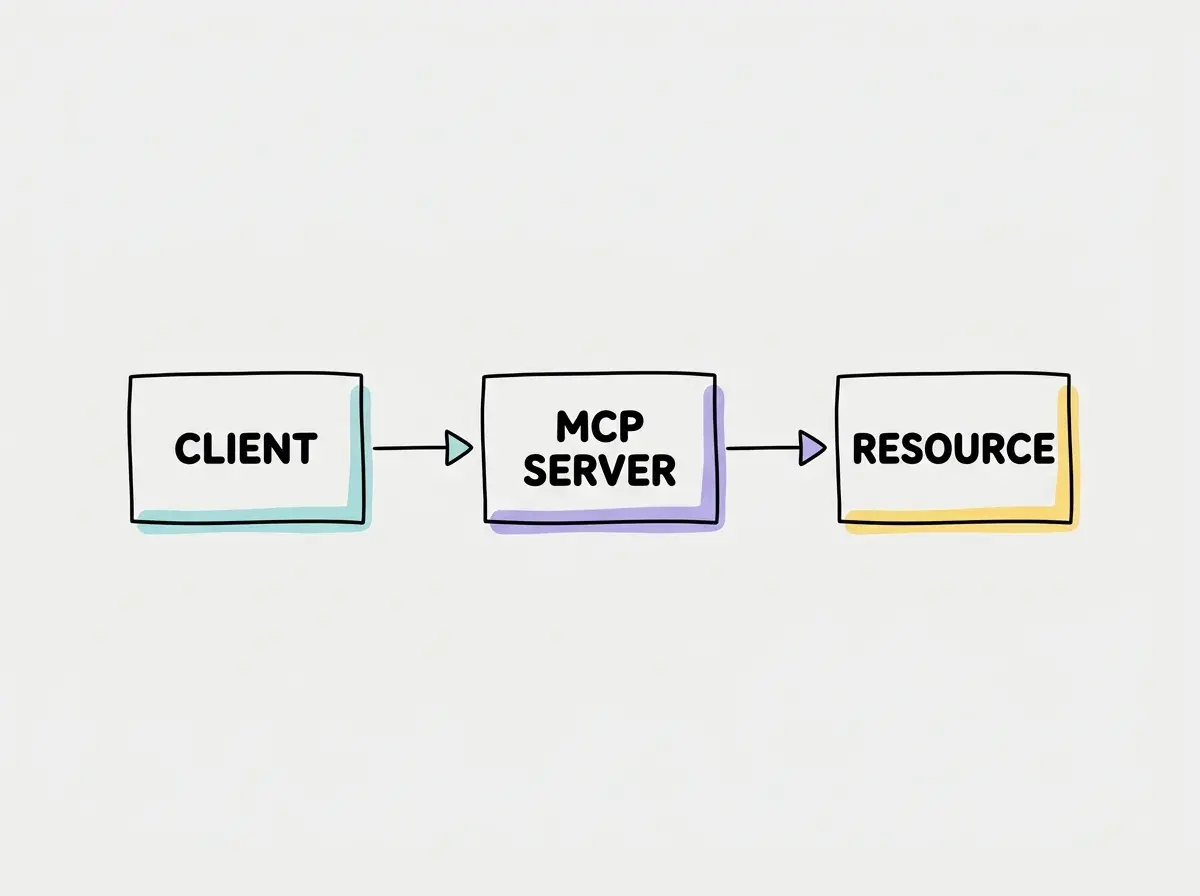
Decision Guide for Evaluating MCP Servers
When choosing an integration, you should first determine if you need a reference implementation to learn the protocol or a vendor supported tool for daily work. Educational servers are excellent for understanding how the protocol handles local files and memory. Vendor servers provide authenticated access to your issue trackers and cloud infrastructure.
| Source type | Useful starting point | Still verify |
|---|---|---|
| Educational reference | Learn protocol behavior with dummy data | Process permissions and implementation limits |
| Vendor-maintained integration | Connect a supported product workflow | Tools, scopes, retention, and account access |
| Community implementation | Evaluate a capability outside a vendor offering | Provenance, maintenance, and deployment controls |
The AWS, Azure, and Cloudflare entries are catalogs: select the specific server you need. This list contains 25 evaluation entries, not 25 interchangeable installations.
Do not use educational reference servers in production environments. The repository’s examples are educational, not a production certification. Vendor ownership is also not a substitute for reviewing permissions, dependencies, and data handling.
1 Filesystem
Local configurable file operations. Provided as an educational reference implementation. Useful for testing how an AI reads local directories. Setup via the official Filesystem repository.
2 Git
Local git inspection and manipulation. This educational reference helps you understand how language models can read commit histories. Setup via the official Git repository.
3 Memory
Knowledge graph persistence. An educational reference demonstrating how an AI agent can store and retrieve facts across sessions. Setup via the official Memory repository.
4 Sequential Thinking
Structured thought sequence tool. This educational reference does not guarantee a smarter model but offers a structured workspace for iterative problem-solving notes. Setup via the official Sequential Thinking repository.
5 Fetch
Fetch webpage content. A basic educational reference for retrieving web content for an assistant. Setup via the official Fetch repository.
6 Time
Timezone conversion. An educational reference that provides current time context to an AI model for scheduling tasks. Setup via the official Time repository.
7 GitHub
Official repository issue and pull request operations. Allows your AI assistant to read issues and propose code changes directly. Setup via the official GitHub server repository.
8 Playwright
Browser automation with accessibility snapshots. Enables AI models to interact with web pages and verify visual states during testing. Setup via the official Playwright MCP repository.
Explore clear explanations of AI coding tools, project context, and reliable development workflows.
Explore the blog9 Sentry
Error and issue triage. This hosted OAuth integration allows AI agents to analyze stack traces and suggest fixes without manual token management. Setup via the official Sentry MCP portal.
10 Cloudflare
Choose a specific vendor server for your Cloudflare workflow. Enables AI agents to manage workers and DNS settings. Setup via the official Cloudflare MCP documentation.
11 Stripe
Payment platform tools. Payment-related capabilities depend on the exposed tools and account permissions. Begin evaluation in a test environment. Setup via the official Stripe MCP documentation.
12 Linear
Issue and project workflow management. Allows AI agents to transition ticket states and read project requirements directly. Setup via the official Linear MCP documentation.
13 Notion
Workspace documents integration. Enables AI tools to read internal wikis and project specs to inform code generation. Setup via the official Notion MCP documentation.
14 Figma
Design context retrieval. Allows your AI assistant to inspect design tokens and component layouts for accurate frontend implementation. Setup via the official Figma MCP documentation.
15 Supabase
Project database development. Provides AI models with schema definitions and migration tools for building backend features rapidly. Setup via the official Supabase MCP documentation.
16 Postgres MCP Pro
Configurable access and query plans. A community implementation by crystaldba, not the official PostgreSQL project. Great for database analysis. Setup via the Postgres MCP Pro repository.
17 Atlassian Rovo
Jira and Confluence workspace integration. Allows AI agents to search enterprise knowledge bases and update ticket statuses seamlessly. Setup via the official Atlassian Rovo documentation.
18 AWS
Select a specific AWS server from their catalog. Enables AI agents to inspect cloud resources and propose infrastructure changes. Setup via the official AWS MCP repository.
19 Azure
Official Azure MCP implementation catalog. Provides access to various Azure resource management tools for cloud native AI workflows. Setup via the official Azure MCP repository.
20 Terraform
Terraform ecosystem references. Provides Terraform-related context and capabilities documented by HashiCorp. Review the exposed tools and permissions before connecting an infrastructure workspace. Setup via the official Terraform MCP repository.
21 Context7
Library documentation retrieval. Provides up to date context for various programming libraries to reduce AI hallucination during coding. Setup via the official Context7 repository.
22 Exa
Web search and crawl capabilities. Enables AI agents to find recent developer documentation and code snippets across the internet. Setup via the official Exa MCP repository.
23 Brave Search
Official Brave Search API server. Allows AI models to perform web queries to augment their internal knowledge base with current facts. Setup via the official Brave Search repository.
24 Tavily
Search extract map and crawl operations. Optimized for AI agents to gather comprehensive research data for complex coding tasks. Setup via the official Tavily MCP repository.
25 Everything
Reference test server for protocol testing only. This is not for production integration. It helps developers test client implementations. Setup via the official Everything repository.
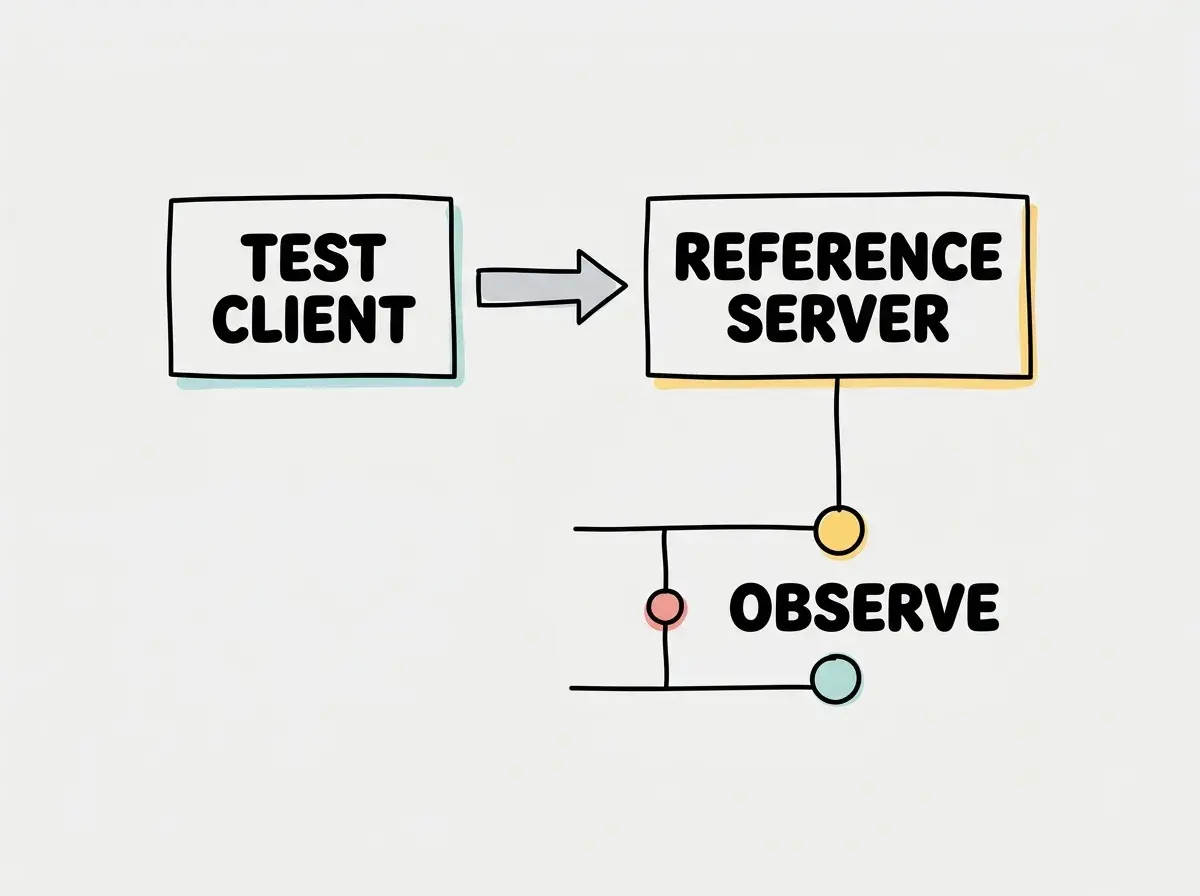
Use a small, reviewable task to check how this applies in your own project before expanding the workflow.
Always scope your server permissions tightly. When integrating cloud providers or database tools, ensure the AI agent only has access to the specific resources required for the task to minimize security risks.
Build a Small Set Around One Workflow
Start with the task you repeat most often. For a bug-triage workflow, an issue source such as GitHub, Linear, or Sentry may be enough. Add a documentation source only when the task needs information outside the repository. Connecting every server in this list at once increases the number of tools to understand and the amount of data that may enter a conversation.
For frontend work, test whether design context from Figma and browser inspection through Playwright answer two distinct questions: what should the interface look like, and what does the implemented page actually do? A design reference is not a behavior test. A browser screenshot is not proof that the database stored the right value. Keep those checks separate when reviewing the result.
For database work, select one provider-specific or community implementation, then inspect its available operations before authorizing it. A schema-reading task rarely needs broad write privileges. Use a disposable project to test a harmless query and an intentionally disallowed action. Inspect the actual server response rather than accepting the assistant’s description of its permissions.
Search tools need a different evaluation. Ask Exa, Brave Search, or Tavily for a specific current API document, then open the primary source and verify the version. Search results and fetched pages remain untrusted content. They can help locate evidence but should not silently override repository instructions or authorize another action.
Verify Setup Without Copying Stale Commands
Each entry links to its maintainer’s setup instructions because authentication, packaging, and endpoint details can change. Confirm that the page belongs to the intended project and choose the documented client configuration. For a hosted OAuth server, review the account and requested scopes before connecting. For a local package, review the resolved release and installation scripts before execution.
Record the client version, server version or endpoint, enabled tools, and a small successful fixture request. Then test a boundary: an unavailable project, an excluded directory, or a tool that the workflow should not be able to call. Use only resources you control. A connection indicator confirms initialization, not that every permission is correctly enforced.
Finally, disconnect the integration and verify that a new request fails. Remember that revoking future access does not erase information already returned to the conversation. Keep a note of where prompts, results, and logs are retained. This makes the connection review useful beyond the first successful demo and gives you a repeatable check after updates.
Frequently Asked Questions
What This Means For You
Integrating these servers into your daily development environment allows your AI tools to act with significantly more context. By selecting the right combination of vendor integrations and search capabilities, you reduce the time spent copying and pasting context manually. Start by integrating one or two tools that match your most frequent tasks, such as issue tracking or documentation retrieval.
Read more practical articles for choosing tools, reviewing changes, and shipping useful software.
Read more guides