Using GitHub Issues and Projects with AI coding turns scattered AI sessions into trackable structured work. Four integration patterns matter: Issues as work units (each AI task as Issue), AI generated code links to Issues (PR references Issue, Issue tracks PR), Projects organize Issues by status (kanban board), and milestones group Issues by release. Vibe coders without Issue tracking lose work to AI exploration; with tracking, AI work becomes accountable.
This piece walks through the four integration patterns, the implementation approaches, what makes Issues sustainable for AI work, and the four mistakes builders make on AI plus Issues.
Why Issues Matter For AI Coding
Issues matter for AI coding because AI generates code in patterns that scatter across sessions; without Issues, work invisible. Issues capture intent before AI generation, accountability after.
The 2026 reality is that AI generates more code than humans can mentally track. Issues provide tracking AI velocity requires.
A 2025 AI coding workflow survey of 800 builders found that builders using Issues plus AI shipped 38 percent more features than builders using AI without Issues, primarily through Issues providing structure that AI velocity needs. Issue tracking measurably affects shipping outcomes.
The pattern to copy is the way film productions use call sheets. Call sheets specify scenes, locations, actors before shooting; without call sheets, productions chaos. Issues function as call sheets for AI work; structure enables velocity.
The Four Integration Patterns
Four patterns form complete Issues plus AI workflow.
Pattern 1, Issues as work units. Each AI task becomes Issue. Issue describes intent.
Pattern 2, PRs link to Issues. AI generated PR references Issue; Issue tracks PR.
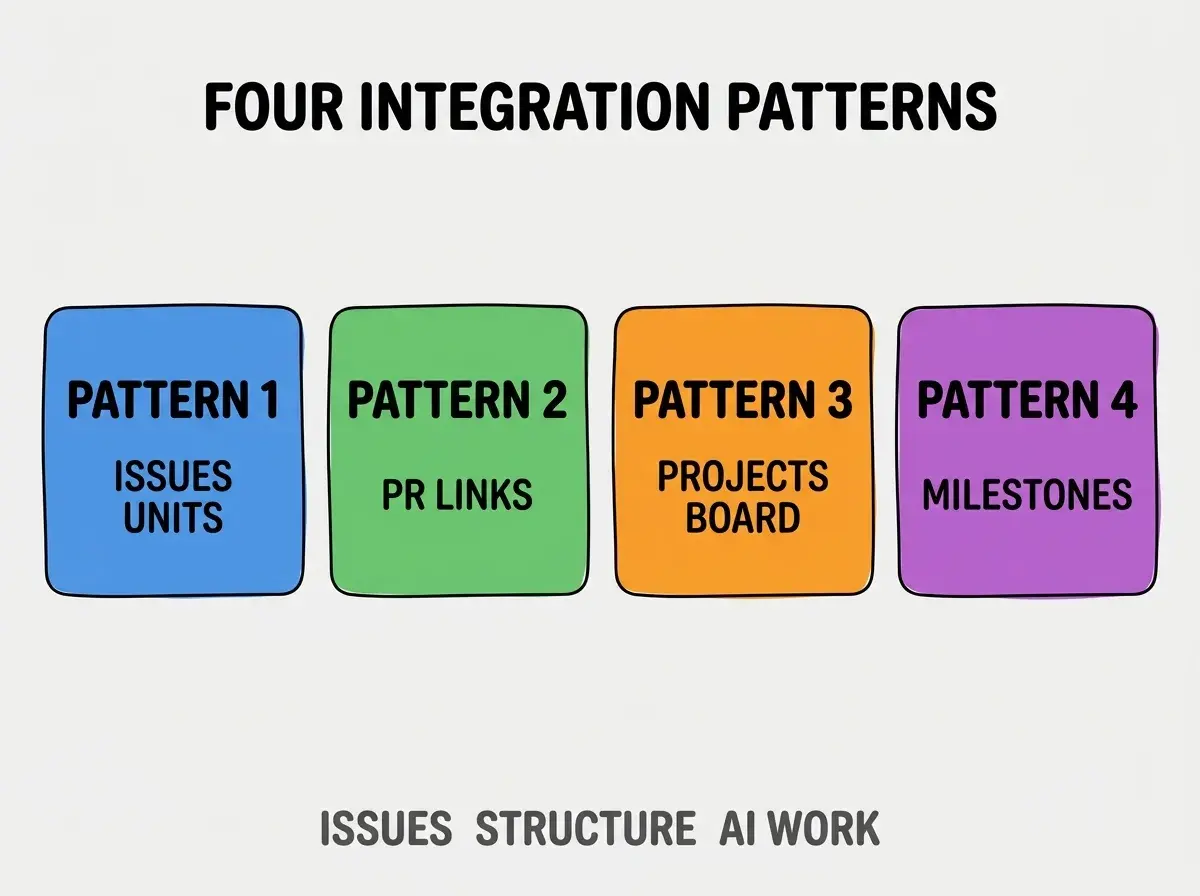
Pattern 3, Projects board. Kanban board organizes Issues by status. Visibility.
Pattern 4, Milestones for releases. Group Issues by release. Release planning.
How To Implement Each Pattern
Four implementation patterns address each integration.
Implementation 1, Issue per AI task. Before AI session, create Issue; intent documented.
Browse more tools
Read more toolsImplementation 2, PR mentions Issue (Closes #123). PR description references Issue; auto closes on merge.
Implementation 3, GitHub Projects v2. Modern Projects; powerful filtering and views.
Implementation 4, Milestones for sprint or release. Milestones group; release planning visible.
What Makes Issues Plus AI Sustainable
Three patterns separate sustainable Issue usage from issue graveyards.
Pattern 1, Issue creation friction low. Templates accelerate; without templates, Issue creation skipped.
Pattern 2, regular Issue grooming. Stale Issues archived; grooming maintains relevance.
Pattern 3, Issues drive AI work. AI work flows from Issues; ad hoc AI work bypasses tracking.
What Makes Issue Strategy Effective
Three patterns separate effective strategy from theatrical PM.
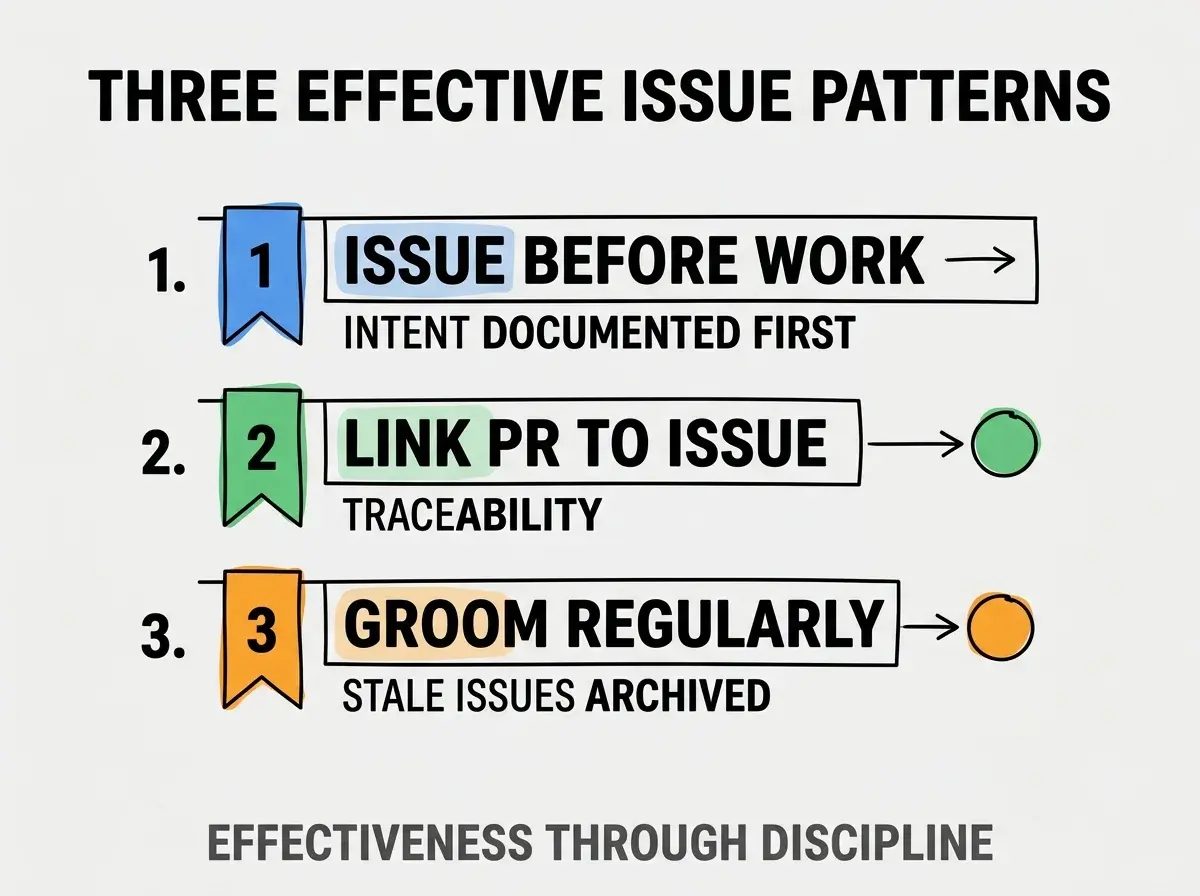
Pattern 1, Issue before work. Intent documented first; AI work flows from intent.
Pattern 2, link PR to Issue. Traceability; without links, work invisible.
Pattern 3, groom regularly. Stale Issues archived; grooming compounds.
The combination produces effective Issue strategy. Without these patterns, Issues become graveyards.
How To Use Issues With AI Coding
Three patterns help AI plus Issues.
Pattern A, Issue describes intent for AI. Before AI session, write Issue; AI reads Issue.
Pattern B, AI references Issue in commits. Commit messages mention Issue; traceability automatic.
Pattern C, Issue updates with AI progress. Comments document AI exploration; insights preserved.
Common Questions About Issues With AI
Issues with AI raise questions worth addressing directly.
The first question is whether to use Issues or external PM. GitHub Issues for code work; external for marketing or business.
The second question is whether to use templates. Yes; templates accelerate Issue creation.
The third question is whether to label Issues. Yes; labels enable filtering. Standard labels (bug, feature, chore).
The fourth question is whether AI can create Issues. Yes via API; useful for AI generated work.
How Issues Affect Project Velocity
Issues affect project velocity in compounding ways. Velocity effects compound across project life.
The first compounding effect is work visibility. Visible work informs prioritization; prioritization compounds.
The second compounding effect is shared awareness. Team awareness from Issues; awareness compounds collaboration.
The third compounding effect is reflection capability. Issues enable retrospectives; retrospectives improve.
The combination produces velocity shaped by Issue discipline. Without Issues, velocity bounded by individual memory.
How To Use Projects v2
Three patterns help Projects v2.
Pattern A, multiple views per Project. Kanban, table, roadmap; views serve different needs.
Pattern B, custom fields. Status, priority, sprint; custom fields organize.
Pattern C, automation rules. Automation moves Issues; automation reduces manual.
The combination produces effective Projects usage. Without patterns, Projects underused.
The most damaging Issues mistake is creating Issues without linking work. Issues without linked PRs become forgotten lists; lists not connected to work produce no value. The fix is to always link PR to Issue (Closes #123); links create accountability. Builders who link maintain useful tracking; builders who skip links create issue graveyards that consume time without producing structure.
The other mistake is over engineering Issue templates. Simple templates work; complex templates ignored.
A third mistake is missing the Project board view. Projects organize Issues; without board, Issues invisible.
A fourth mistake is treating Issues as bug tracker only. Features, chores, ideas all valuable Issues; tracker thinking limits.
What This Means For You
Using GitHub Issues and Projects with AI coding turns scattered AI sessions into structured accountable work. The four patterns, implementation approaches, and sustainability practices produce Issue usage that compounds AI work effectiveness.
- If you're a senior dev: Issue plus AI fluency expected; learn integration patterns deeply.
- If you're a product manager: Issues enable PM visibility into AI work; integration matters.
- If you're an indie hacker: Solo Issues valuable; future you appreciates structure.
Browse more tools
Read more tools