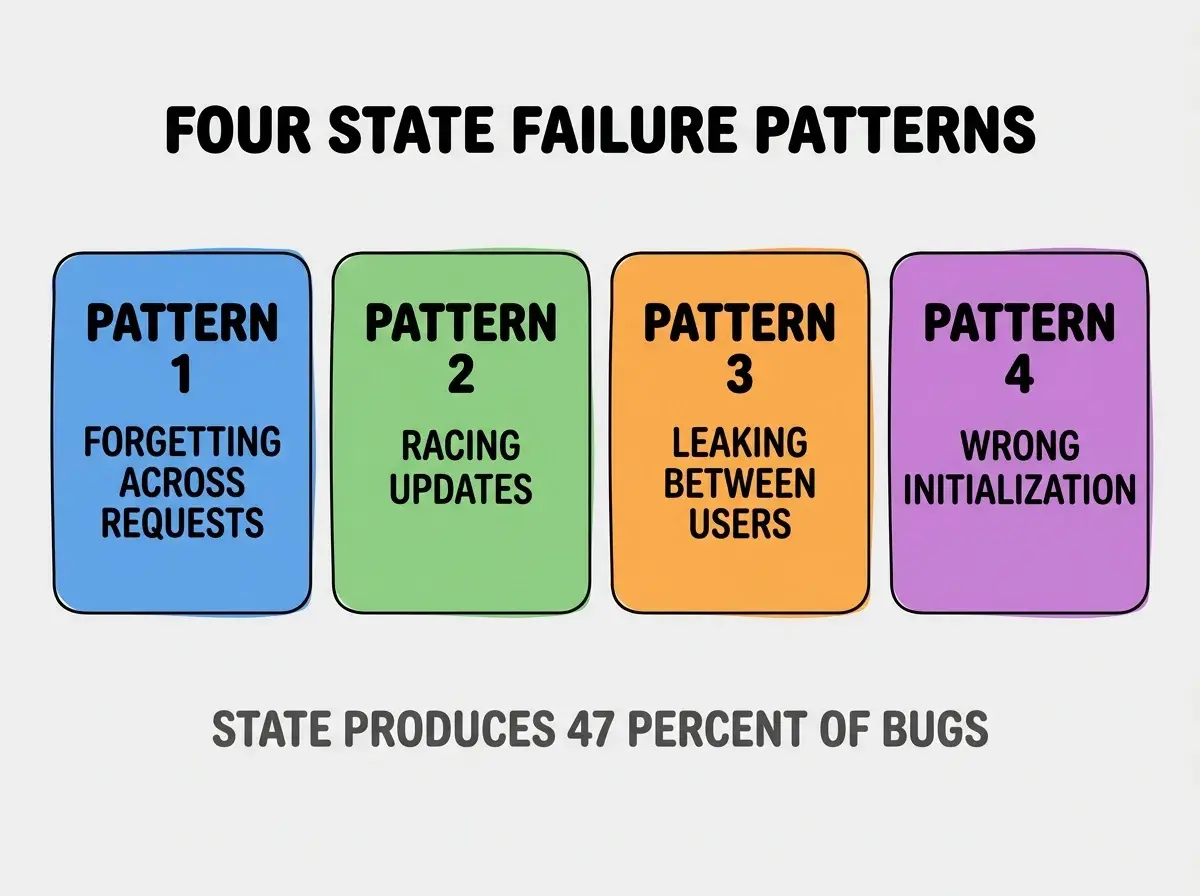
Understanding state is the concept that AI coding tools confuse more than any other, and the confusion produces the most damaging bugs in vibe coded apps. State means "what your app remembers right now" and AI tools repeatedly mishandle it through four predictable failure patterns: forgetting state across requests, racing state updates, leaking state between users, and incorrectly initializing state. Knowing the patterns helps you spot the bugs before users do.
This piece walks through what state actually is, the four AI failure patterns around state, how to recognize them in your code, and the four mistakes builders make when fighting state related bugs.
Why State Is The Hardest Concept For AI
State is the hardest concept for AI coding tools because state requires reasoning across time. Code without state is one shot logic; code with state requires understanding what came before and what comes next.
The 2026 reality is that even the best AI coding tools produce state related bugs at significantly higher rates than other bug categories. State bugs are also the hardest to debug because they appear inconsistently.
A 2025 vibe coded app bug analysis of 400 production apps found that 47 percent of all reported bugs involved state management failures, while state related code accounted for only 12 percent of total code. State produces 4x its share of bugs because AI mishandles it 4x more often than other code.
The pattern to copy is the way novelists track character knowledge across chapters. A character cannot know in chapter 3 something they learn in chapter 5; tracking what each character knows when is the novelist's challenge. AI handling state faces the same challenge across requests, sessions, and users.
What State Actually Is
State is divided into multiple types that AI handles with varying skill.
State 1, component state. What this UI element knows right now. Example: whether a dropdown is open or closed.
State 2, session state. What this user's current session knows. Example: items in their shopping cart.
State 3, application state. What the entire app knows about all users. Example: how many users are online.
State 4, persistent state. What the database remembers across all sessions. Example: user accounts, posts, transactions.
The Four AI State Failure Patterns
Four patterns explain how AI mishandles state.
Pattern 1, forgetting state across requests. AI generates code that initializes state per request when it should persist. User actions disappear after page refresh.
Pattern 2, racing state updates. AI generates code where two updates can happen simultaneously and corrupt state. Last write wins overwrites earlier write incorrectly.
Browse more foundations
Read more foundationsPattern 3, leaking state between users. AI generates code where one user's state contaminates another user's state. Shared variables that should be per user.
Pattern 4, wrong initialization. AI generates state with wrong initial values; bugs surface only when initial state is exercised.
How To Recognize State Bugs
Three recognition patterns help spot state bugs before users do.
Recognition 1, intermittent failures. Bugs that appear sometimes but not always usually involve state. Reproducibility difficulty correlates with state involvement.
Recognition 2, multi user weirdness. Bugs that only appear when multiple users use the app simultaneously usually involve state leakage or racing.
Recognition 3, refresh dependent behavior. Features that work until refresh or break after refresh usually involve state lifecycle confusion.
The pattern recognition matters because state bugs hide in normal testing; deliberate state stress testing reveals them.
What Makes State Code Reliable
Three patterns separate reliable state code from AI generated state failures.
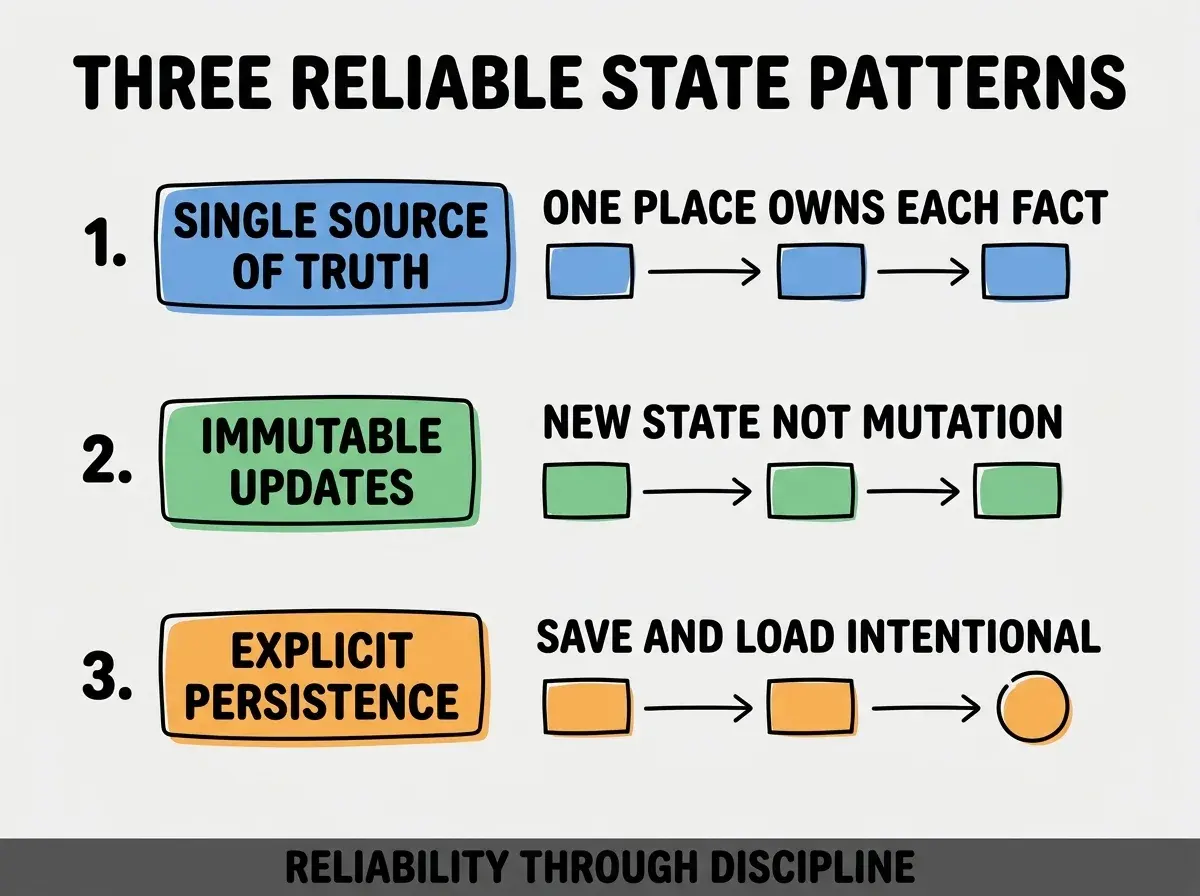
Pattern 1, single source of truth. Each fact lives in exactly one place; everything else reads from it. Without single source, contradiction emerges.
Pattern 2, immutable updates. State updates create new state rather than mutating existing state. Without immutability, racing produces corruption.
Pattern 3, explicit persistence. Saves and loads are intentional; not implicit. Without explicit, lifecycle bugs proliferate.
The combination produces reliable state. Without these patterns, state code drifts toward bugs.
How To Ask AI For Better State Code
Three prompting patterns help AI produce better state code.
Pattern A, specify state lifecycle explicitly. "This state persists for the user's session and survives refresh" tells AI what to build.
Pattern B, name state ownership. "The shopping cart state is owned by the cart component and read by checkout" prevents leaking patterns.
Pattern C, request state diagrams in plain English. "Before writing code, describe in 3 sentences what state this needs and where it lives." Forces AI to reason about state explicitly.
The combination produces state code that handles the four failure patterns. Without explicit prompting, AI defaults to patterns that produce the failures.
Common Questions About State Bugs
State bugs raise questions worth addressing directly.
The first question is whether better AI tools will eliminate state bugs. Tools improve but state reasoning remains harder than other reasoning. Bugs reduce but do not eliminate.
The second question is whether to avoid state heavy features. State is fundamental to interactive apps; avoidance limits app value. Better strategy is careful state design.
The third question is whether to use state management libraries. For complex apps yes; libraries encode state best practices. For simple apps, simpler state often suffices.
The fourth question is how to test state related code. Manual testing across sessions, users, and refreshes; automated testing with state lifecycle assertions; dedicated state stress tests.
How State Bugs Affect App Reputation
State bugs affect app reputation in compounding ways. Reputation effects compound across users.
The first compounding effect is trust erosion. Intermittent bugs erode trust faster than reproducible bugs because users feel the app is unreliable rather than buggy.
The second compounding effect is support burden. State bugs generate support tickets that are hard to resolve because reproduction is difficult.
The third compounding effect is rebuild temptation. Apps with too many state bugs tempt rebuild; rebuild often introduces new state bugs.
The combination produces app trajectories shaped by state quality. Without state attention, apps decline despite functional progress.
How To Build State Skills Over Time
Three skill building patterns help developers improve state handling.
Pattern A, study existing state code carefully. Reading good state code teaches patterns that explanations cannot match.
Pattern B, debug state bugs deliberately. Each state bug fixed teaches patterns that future fixes apply. Practice compounds.
Pattern C, learn one state management library deeply. Deep knowledge of one library transfers to others. Breadth without depth produces confusion.
The combination produces state skills that improve over years. Without skill building, state remains the perpetual confusion source.
The most damaging state debugging mistake is treating state bugs as random rather than pattern based. The intermittent appearance feels random; the underlying causes are pattern based. The fix is to categorize each state bug into the four patterns; categorization reveals the systematic cause. Builders who categorize fix patterns; builders who treat bugs as random fix individual bugs while patterns regenerate them.
The other mistake is asking AI to fix state bugs without explaining state intent. AI without state intent context produces fixes that introduce new state bugs.
A third mistake is over engineering state for simple cases. Simple state needs simple solutions; library overhead for trivial state is waste.
A fourth mistake is treating state as one concept. State is multiple concepts (component, session, application, persistent); treating them uniformly produces wrong solutions.
What This Means For You
Understanding state reveals why AI coding tools produce so many bugs in this specific area. The four failure patterns, recognition signals, and reliability patterns produce framework for working with state effectively.
- If you're a founder: Add state behavior to your app testing; state bugs hide from feature testing but affect user trust.
- If you're a career changer: Invest deliberate study time in state management; this skill differentiates you from other vibe coders.
- If you're a student: Learn one state management approach deeply before learning others; depth produces transferable understanding.
Browse more foundations
Read more foundations