Welcome to this documentation based review of the Trae AI editor. Developers are constantly looking for tools that streamline their workflow without getting in the way or introducing unnecessary friction. Trae offers a distinct approach to AI assisted coding by separating different types of tasks into specific modes and environments. We will look at how it structures these features and how you can test them in your own local development environment.
Retrospective edition for 2026-03-07. Researched and published September 9, 2026. Product details reflect documentation checked at publication unless explicitly identified as historical.
Understanding the Core Modes Available in Trae Editor
The February 13 membership announcement outlines the structure of the TRAE IDE, specifically highlighting the SOLO coding mode designed for autonomous task execution official documentation. This mode is intended to handle complex multi step operations directly within the editor interface. A later development, outside the March 7 editorial date, was the separate standalone SOLO beta announcement for March 31. Distinguish that product from the integrated IDE SOLO mode official documentation. At the September publication check, the homepage refers to the broader environment using terms like TraeCode and TraeWork to describe different facets of the user experience.
When evaluating the integrated SOLO mode, you should consider how it handles context gathering. A typical autonomous agent needs to read multiple files, understand the dependency graph, and propose changes across different modules. For example, if you ask the agent to implement a new authentication middleware, it may need changes to routing, data definitions, and server initialization, depending on the application.
Testing this capability requires a structured approach. You should monitor how the agent explains its proposed changes before executing them. Does it provide a clear summary of the files it intends to modify? Can you easily reject specific file changes while accepting others? These granular controls are essential for maintaining code quality and ensuring the AI does not introduce unintended side effects into your stable branches.
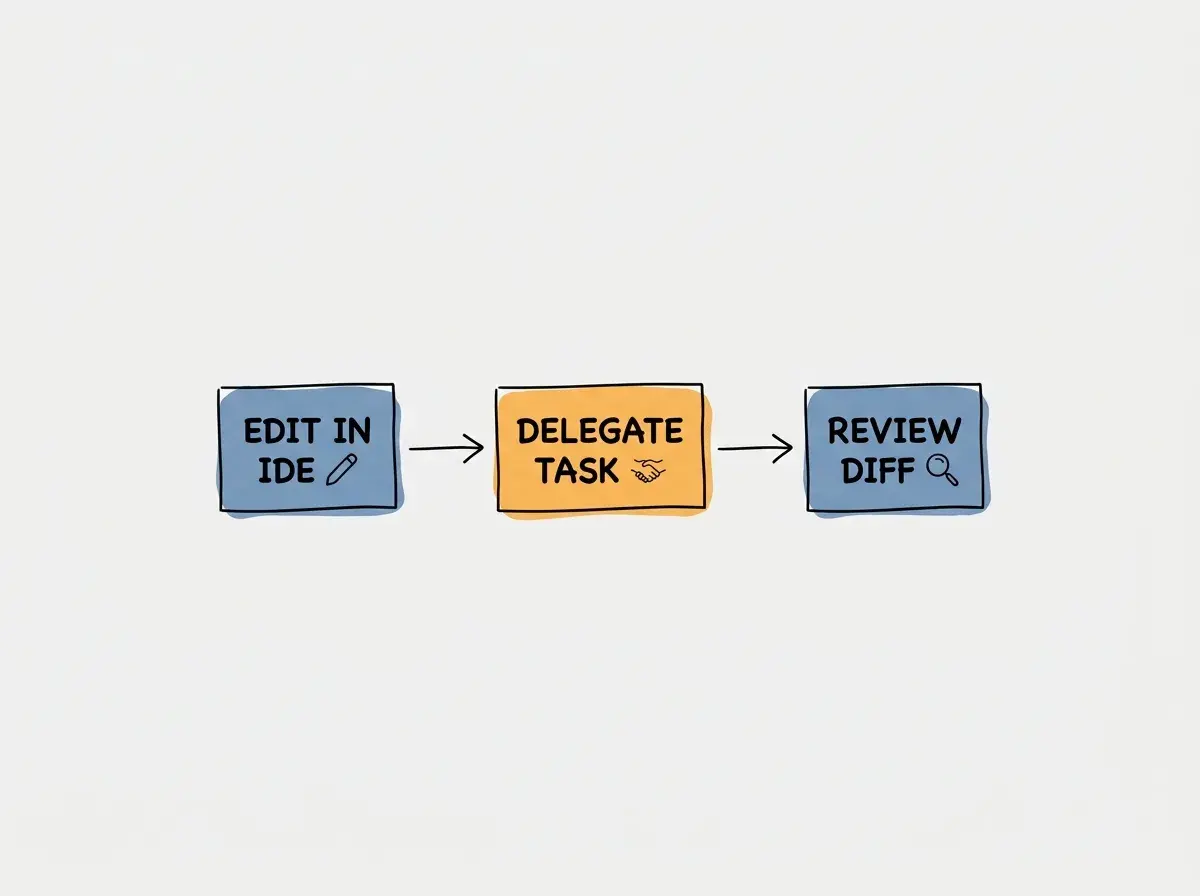
The introduction of token allowances effective February 24 means that developers must also be mindful of their usage patterns official documentation. When an agent reads extensive context to solve a problem, it consumes tokens rapidly. You will need to develop an intuition for which tasks are worth delegating to the autonomous mode and which are better handled through standard manual coding or simple autocomplete suggestions.
Evaluating the Cue Pro Autocomplete for Daily Coding
Autocomplete is the feature developers interact with most frequently during a typical workday. The February announcement mentions Cue-Pro autocomplete as a key component of the Trae experience official documentation. A robust autocomplete system must predict not just the next word, but the logical structure of the function or component you are building.
Consider a scenario where you are writing a utility function to parse complex date strings. As you type the function signature, the autocomplete engine should analyze the surrounding code, recognize the libraries you have imported, and suggest a complete implementation that handles potential edge cases. The speed and accuracy of these suggestions determine whether the feature feels like a helpful pair programmer or a distracting hindrance.
The effectiveness of an autocomplete tool relies heavily on its ability to process local context quickly. You should evaluate how well it understands your specific project conventions rather than just generic programming patterns.
To properly evaluate Cue-Pro, you should pay attention to how it handles boilerplate code versus custom business logic. Generating standard React component structures or SQL queries is relatively straightforward for modern AI models. The real test is whether the autocomplete can infer the correct variable names and method calls based on the custom types and interfaces defined elsewhere in your workspace.
You should also observe the latency of the suggestions. If the autocomplete takes more than a few hundred milliseconds to appear, it can disrupt your typing rhythm. A seamless integration requires the editor to balance suggestion quality with rendering speed, ensuring that the AI assistance feels instantaneous and natural.
Designing a Practical Three Task Trial for Your Team
To determine if this editor fits your workflow, I recommend setting up a specific three task trial. This structured evaluation prevents you from getting distracted by flashy features and forces you to focus on practical utility. The goal is to measure how the tool performs on the exact types of problems you solve every day.
The first task should involve refactoring a legacy function. Find a piece of code in your project that is overly complex or poorly documented. Ask the editor to simplify the logic, extract reusable helper functions, and add explanatory comments. Review the output carefully to ensure the AI maintained the original behavior while improving readability.
Explore clear explanations of AI coding tools, project context, and reliable development workflows.
Explore the blogThe second task should focus on writing unit tests for an edge case. Select a function that handles unexpected input or relies on external API responses. Instruct the editor to generate a comprehensive test suite using your preferred testing framework. Check if the generated tests accurately mock the external dependencies and cover all logical branches within the function.
The third task is to scaffold a new feature from scratch. Use the SOLO mode to request a new API endpoint or a user interface component. Provide a detailed prompt outlining the requirements, expected data structures, and styling guidelines. Evaluate how well the autonomous agent translates your natural language instructions into a reviewable implementation that passes the acceptance checks.
Comparing Trae Features to Standard Editor Workflows
When adopting a new tool, it is helpful to compare its capabilities against your existing setup. Many developers currently use a standard code editor augmented with various third party AI extensions. We can look at how an integrated environment compares to a modular approach.
| Question | What to compare in both setups |
|---|---|
| Context | Can the tool find the actual definitions across files? |
| Execution | Can it propose, apply, and explain a multi-file change? |
| Review | Can you inspect the complete diff and test results? |
| Usage | Are account limits and model costs visible? |
Editor extensions can also offer agents, repository retrieval, and terminal tools. Test the particular products and versions rather than assuming an integrated editor has capabilities that extensions lack.
One potential advantage of an integrated environment is a convenient flow of context between the editor, the terminal, and the AI agent. The agent can theoretically read error messages directly from the integrated terminal and propose fixes without requiring you to copy and paste logs into a chat window.
Do not assume that an integrated AI editor will automatically understand your entire codebase upon installation. You still need to structure your project logically and provide clear prompts to get the best results.
A modular setup may offer flexibility. If a new, more powerful AI model is released, you can often update your extension or change your API key immediately. Check the provider choices available in each product; both integrated editors and extensions can depend on vendor-supported integrations.
Navigating Privacy Questions and Workspace File Data
Privacy and data security are critical considerations when evaluating any AI coding assistant. You must understand how the tool handles your proprietary source code and whether that data is used to train future models. These questions are especially important for enterprise teams working on confidential projects.
You should investigate the provider routing mechanisms. When you submit a prompt or request an autocomplete suggestion, where is that data sent? Does the editor route requests through a proprietary backend, or does it connect directly to third party model providers? Understanding this data flow is essential for compliance with internal security policies.
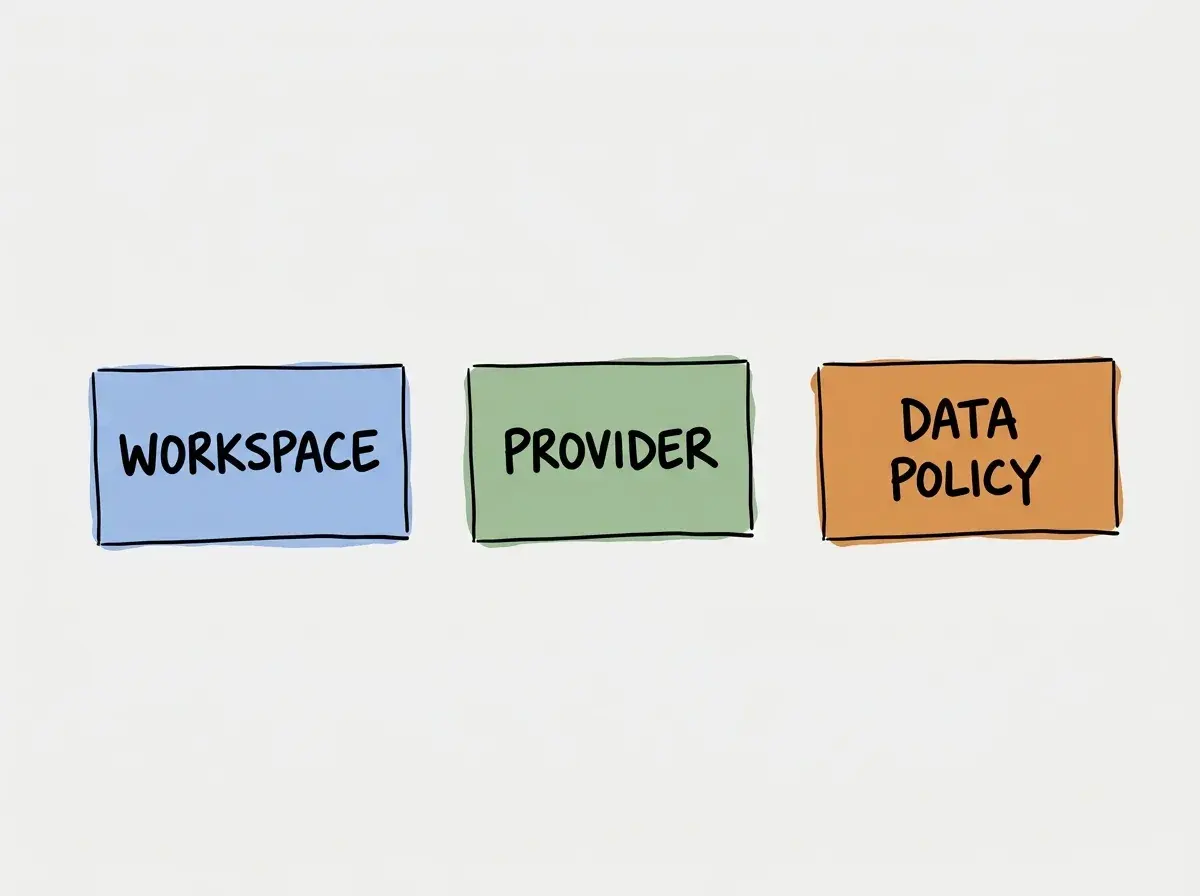
Data retention policies are another major factor. You need to verify how long the provider stores your prompts and code snippets. Some services offer zero retention policies for enterprise customers, subject to the exact contract, feature coverage, and exceptions. You should consult the official documentation to determine the default retention settings and how to opt out of data sharing if necessary.
Finally, consider how the editor indexes your workspace files. To provide accurate context, the tool must read and analyze your local files. You should look for configuration options that allow you to exclude specific directories, such as environments containing sensitive credentials or massive build artifacts that could consume unnecessary processing power.
Frequently Asked Questions About Trae Editor Features
What This Means for You and Your Software Developers
Evaluating a new AI editor requires looking past the marketing terminology and focusing on practical utility. By understanding the distinction between standard editing and autonomous task modes, you can better integrate these tools into your daily routine. The effectiveness of features like Cue-Pro autocomplete depends in part on how well they adapt to your specific coding style and project architecture.
When testing these capabilities, rely on structured trials rather than random experimentation. Define clear tasks, measure the outcomes objectively, and pay close attention to how the tool handles complex context. Furthermore, never compromise on privacy. Always verify data routing and retention policies in the official documentation before allowing any tool access to your proprietary source code.
Read more practical articles for choosing tools, reviewing changes, and shipping useful software.
Read more guides