Snapshot testing for UI components captures rendered component output and detects unintended changes. Four snapshot patterns matter: serialized component output snapshots for structural changes, visual regression snapshots for pixel level changes, interaction state snapshots for stateful components, and accessibility tree snapshots for a11y regressions. Snapshot tests catch regressions traditional unit tests miss; they catch unintended changes that AI generated refactors sometimes introduce. Vibe coders use snapshot testing to maintain UI quality at AI development velocity.
This piece walks through the four snapshot patterns, the implementation approaches, what makes snapshot tests sustainable, and the four mistakes builders make on snapshot testing.
Why Snapshot Testing Matters For Vibe Coders
Snapshot testing matters for vibe coders because AI generates UI changes fast; fast changes accumulate unintended modifications. Without snapshots, regressions hide in successful PR reviews.
The 2026 reality is that AI generated UI changes pass code review yet break visually. Visual regression invisible to traditional review.
A 2025 vibe coder testing study of 600 builders found that builders with snapshot testing caught 67 percent more UI regressions than builders without, primarily through detecting unintended visual changes from AI assisted refactors. Snapshot testing measurably catches AI introduced regressions.
The pattern to copy is the way film editors use continuity tracking. Continuity track captures shot details; subsequent shots compared to track. Snapshot tests provide continuity for UI; comparison detects breaks.
The Four Snapshot Patterns
Four patterns form complete snapshot testing strategy.
Pattern 1, serialized component output snapshots. Jest snapshot serializer; structural representation. Catches structural changes.
Pattern 2, visual regression snapshots. Image comparison; pixel level. Catches visual changes.
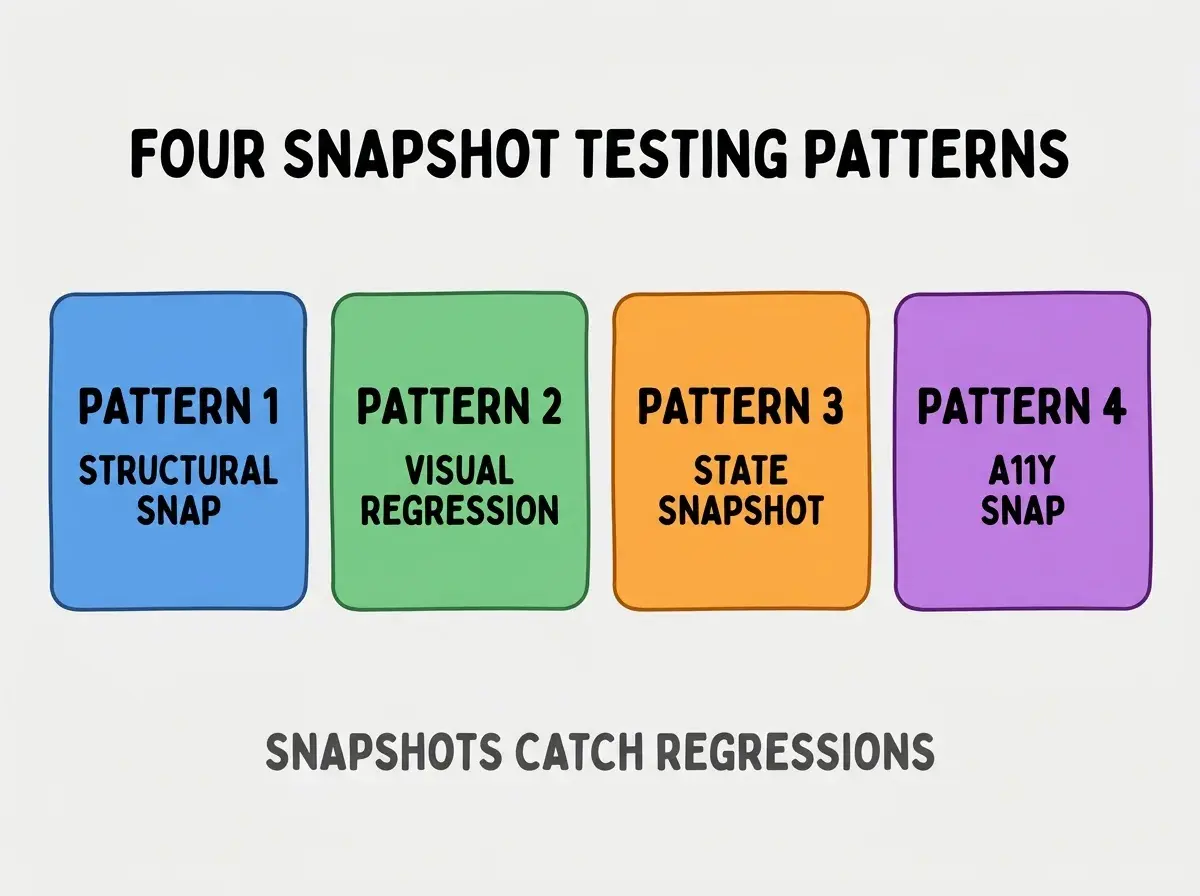
Pattern 3, interaction state snapshots. Component in different states; state transitions captured.
Pattern 4, accessibility tree snapshots. A11y tree; semantic structure. Catches a11y regressions.
How To Implement Each Pattern
Four implementation patterns address each snapshot type.
Implementation 1, Jest snapshot for structure. Built into Jest; minimal setup. Standard for React components.
Browse more ship
Read more shipImplementation 2, Percy or Chromatic for visual. Visual regression services; per PR comparison. Production ready.
Implementation 3, Storybook for state snapshots. Storybook captures states; Chromatic snapshots states.
Implementation 4, jest-axe for a11y snapshots. Accessibility tree captured; a11y regressions caught.
What Makes Snapshot Tests Sustainable
Three patterns separate sustainable snapshot tests from snapshot fatigue.
Pattern 1, snapshot updates with intention. Updates require thought; mindless updates defeat purpose.
Pattern 2, snapshot scope manageable. Per component snapshots; not per page. Scope affects review burden.
Pattern 3, snapshot review in PRs. Reviewers check snapshots; without review, snapshots accumulate untracked.
What Makes Snapshot Strategy Effective
Three patterns separate effective strategy from over snapshotting.
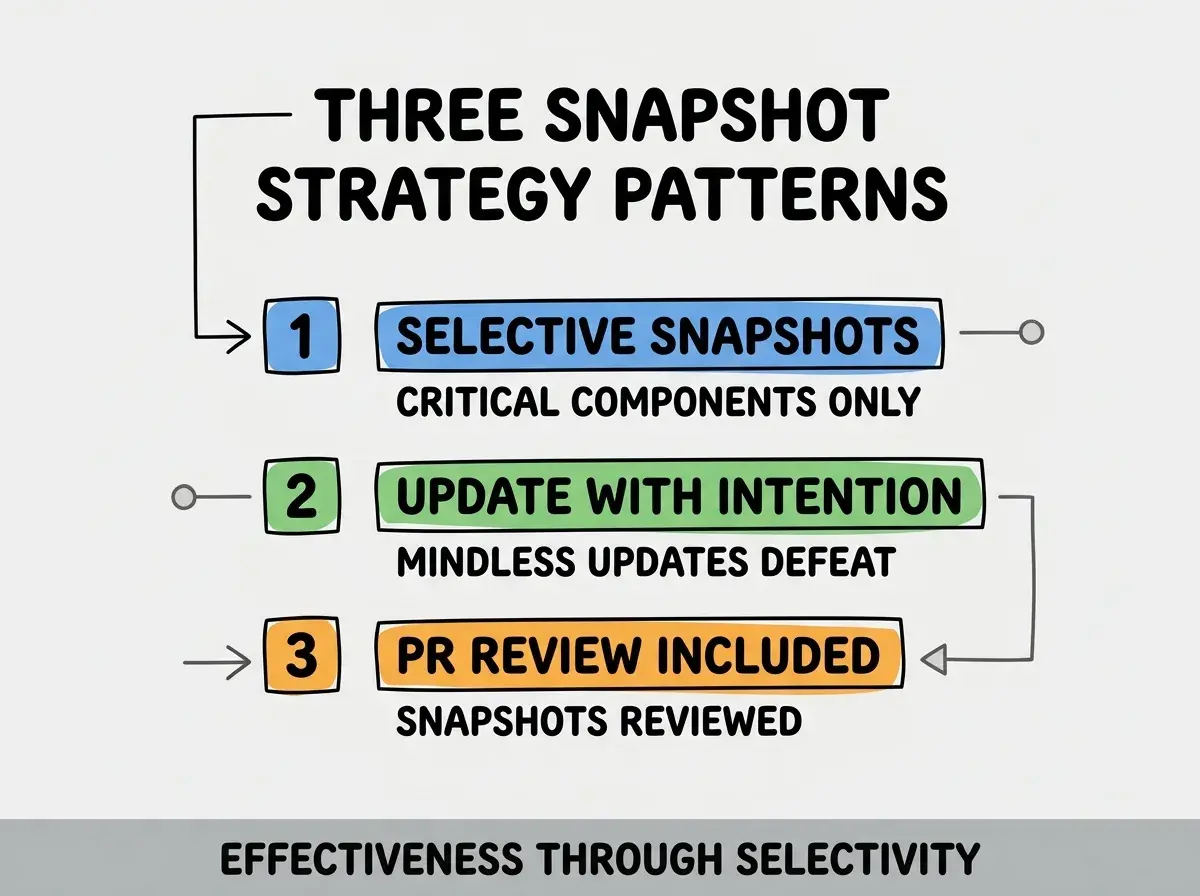
Pattern 1, selective snapshots. Critical components only; over snapshotting produces noise.
Pattern 2, update with intention. Each update reviewed; intentional updates catch regressions.
Pattern 3, PR review included. Snapshots reviewed in PR; review prevents accumulation.
The combination produces effective snapshot strategy. Without these patterns, snapshots become noise.
How To Avoid Snapshot Fatigue
Three patterns help avoid fatigue.
Pattern A, scope snapshots to stable components. Frequently changing components produce churn; stable produce signal.
Pattern B, avoid timestamps and randomness. Dynamic content produces false positives; mock or exclude.
Pattern C, automated snapshot review tools. Tools highlight meaningful changes; manual review fatigues.
Common Questions About Snapshot Testing
Snapshot testing raises questions worth addressing directly.
The first question is whether to commit snapshots to git. Yes; snapshots are tests. Commit and review.
The second question is when to use visual vs structural snapshots. Visual for design critical; structural for logic critical. Both have place.
The third question is whether to snapshot every component. No; selective snapshotting better. Critical components only.
The fourth question is how to handle intentional UI changes. Update snapshot, document reason in PR. Updates routine when justified.
How Snapshots Affect Code Quality
Snapshots affect code quality in compounding ways. Quality effects compound across UI evolution.
The first compounding effect is regression catching. More regressions caught means fewer in production.
The second compounding effect is review depth. Snapshots add UI dimension to review; review catches more.
The third compounding effect is design system enforcement. Snapshots enforce design system; enforcement compounds consistency.
The combination produces UI quality shaped by snapshot discipline. Without snapshots, UI quality depends on manual review.
How To Train Team On Snapshot Testing
Three patterns help team adoption.
Pattern A, document snapshot patterns in repo. Team patterns documented; documentation enables adoption.
Pattern B, snapshot review training. Train review skills; without training, snapshots ignored.
Pattern C, snapshot ownership clear. Each component owner; ownership prevents abandonment.
The combination enables team snapshot adoption. Without training, snapshots stay individual.
The most damaging snapshot testing mistake is updating snapshots blindly when tests fail. Blind updates defeat snapshot purpose; regressions get committed as updates. The fix is to always review snapshot diff before updating; ask "did I intend this change?" Builders who review catch regressions; builders who blind update accumulate them.
The other mistake is over snapshotting. Snapshotting everything produces noise; selective snapshotting produces signal.
A third mistake is missing the visual regression component. Structural snapshots catch some changes; visual catches others. Both required for full coverage.
A fourth mistake is treating snapshots as replacement for unit tests. Snapshots complement unit tests; not replacement.
What This Means For You
Snapshot testing for UI components catches regressions traditional tests miss. The four patterns, implementation approaches, and sustainability patterns produce testing that compounds UI quality at AI velocity.
- If you're a founder: UI quality affects user perception; snapshot testing protects perception during fast iteration.
- If you're a senior dev: Snapshot testing fluency expected for senior roles; learn patterns deeply.
- If you're changing careers: Testing skills marketable; snapshot testing differentiates UI engineers.
Browse more ship
Read more ship