Accessibility testing combines automated and manual approaches because automated tools catch only 30 percent of issues. Four testing layers matter: automated linting during development (axe core, eslint-plugin-jsx-a11y), automated browser testing in CI (axe playwright, jest-axe), keyboard testing manually (tab through entire app), and screen reader testing manually (VoiceOver, NVDA). Layered approach catches issues that single approach misses. Vibe coders without accessibility testing ship apps unusable for 15 percent of users.
This piece walks through the four testing layers, the implementation patterns, what makes accessibility testing sustainable, and the four mistakes builders make on accessibility testing.
Why Accessibility Testing Matters
Accessibility testing matters because excluded users represent 15 percent of population; excluding them excludes potential customers and creates legal exposure (ADA lawsuits in US, EAA in EU).
The 2026 reality is that accessibility tooling has matured to where comprehensive testing affordable. Without testing, exclusions invisible until lawsuits arrive.
A 2025 web accessibility survey of 1000 vibe coded apps found that apps with layered accessibility testing (automated plus manual) had 84 percent fewer accessibility violations than apps with automated only, primarily through manual catching issues automation misses. Layering measurably affects accessibility outcomes.
The pattern to copy is the way buildings combine code inspection and walkthrough testing. Code inspection catches structural issues; walkthrough catches usability issues. Accessibility testing benefits from same layered approach.
The Four Testing Layers
Four layers form complete accessibility testing.
Layer 1, automated linting. Catches issues during development; fast feedback. axe-core integration.
Layer 2, automated browser testing in CI. Catches issues automated linting misses; runs every PR.
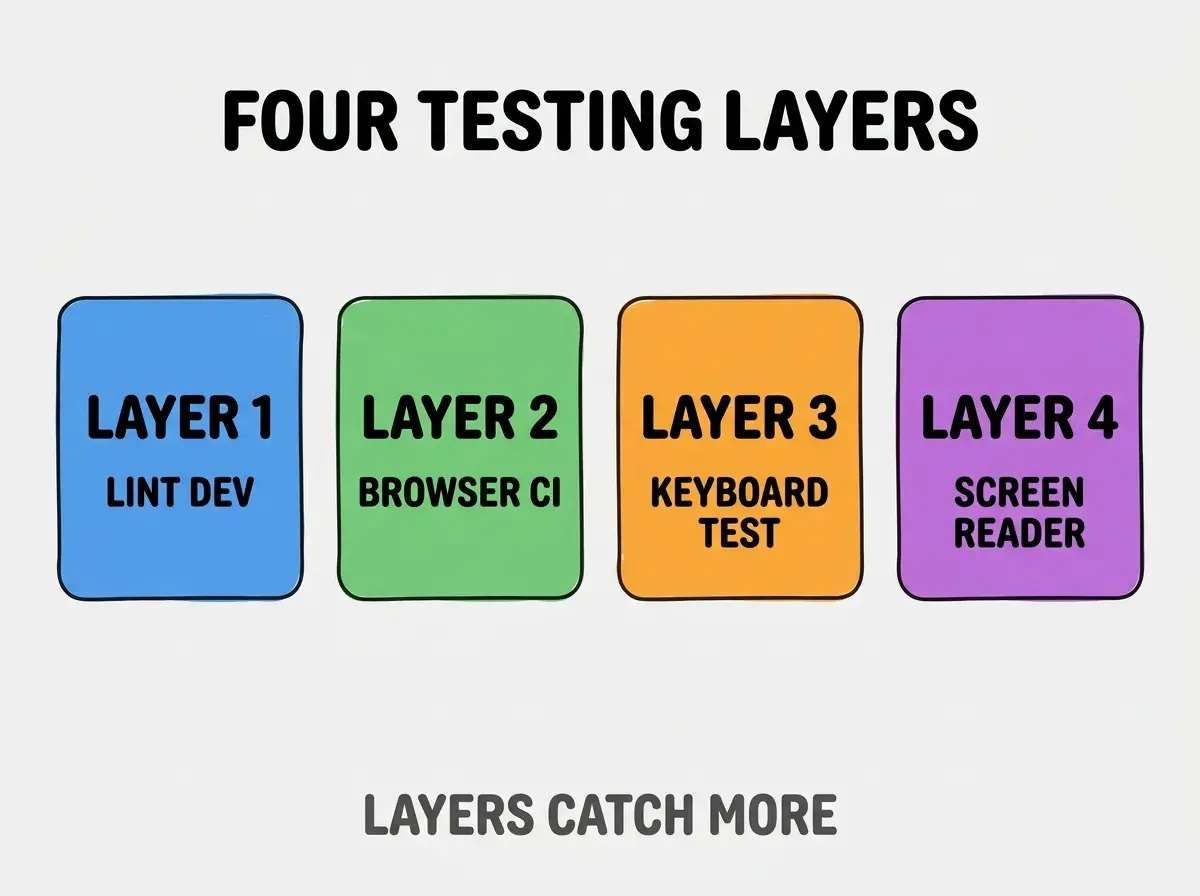
Layer 3, keyboard testing manually. Tab through app; ensure all functionality keyboard accessible.
Layer 4, screen reader testing manually. VoiceOver or NVDA; ensure semantic structure works.
How To Implement Each Layer
Four implementation patterns address each layer.
Implementation 1, eslint-plugin-jsx-a11y. Lints React for accessibility; runs on save. Standard tooling.
Browse more ship
Read more shipImplementation 2, axe playwright in CI. Browser testing with axe; comprehensive automated coverage.
Implementation 3, scheduled keyboard testing. Weekly or per release; tab through critical paths.
Implementation 4, screen reader testing per release. Critical paths through screen reader; reveals what other tests miss.
What Makes Accessibility Testing Sustainable
Three patterns separate sustainable testing from one off audits.
Pattern 1, accessibility in definition of done. Each feature accessible before shipping; without inclusion, accessibility decays.
Pattern 2, automated tests block merges. CI blocks accessibility regressions; without blocking, regressions accumulate.
Pattern 3, periodic manual audits. Manual audits catch what automation misses; quarterly cadence works.
What Makes Accessibility Programs Effective
Three patterns separate effective programs from theatrical compliance.
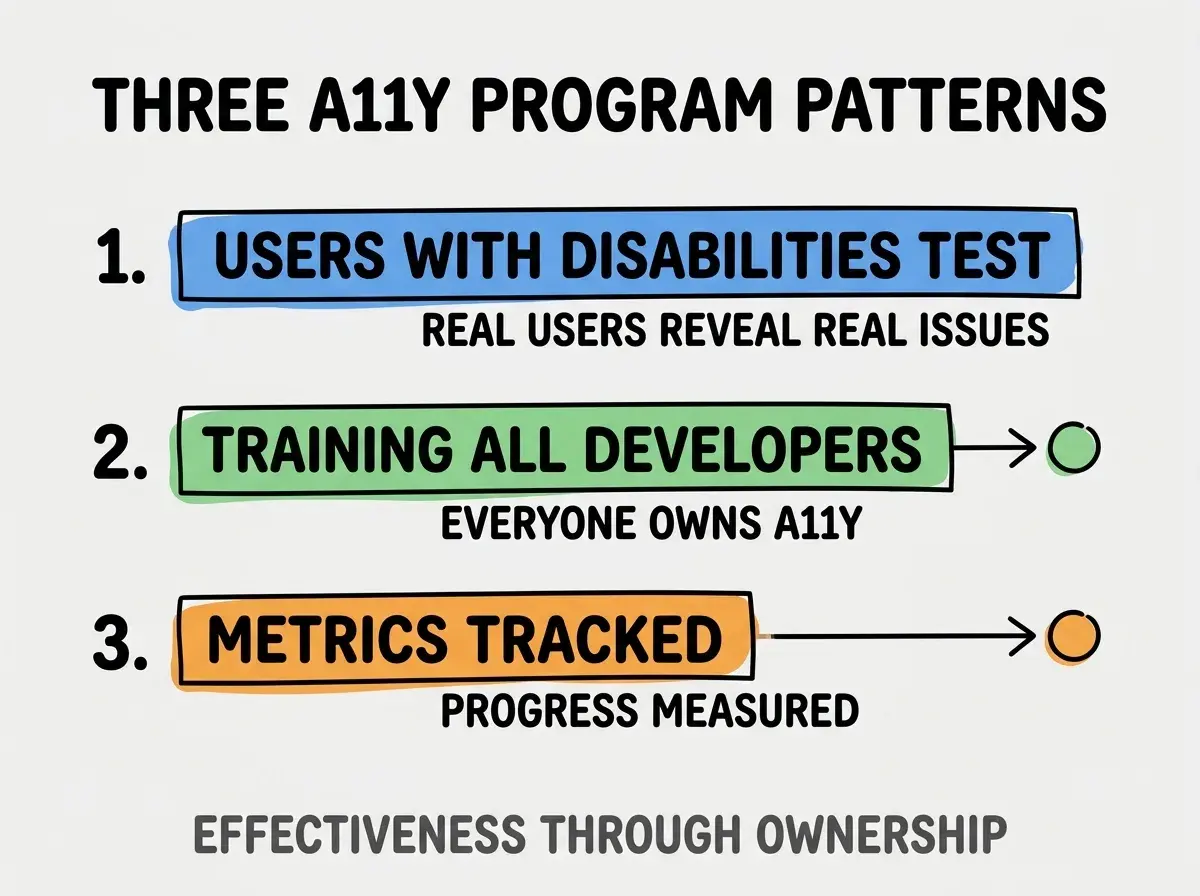
Pattern 1, users with disabilities test. Real users reveal real issues; expert audits miss real user reality.
Pattern 2, training all developers. Everyone owns accessibility; specialist only fails at scale.
Pattern 3, metrics tracked. Progress measured; without metrics, programs drift.
The combination produces effective accessibility programs. Without these patterns, programs become theater.
How To Test Keyboard Navigation
Three patterns help keyboard testing.
Pattern A, tab order makes sense. Tab order matches visual flow; mismatches confuse keyboard users.
Pattern B, focus visible. Focus ring visible at all times; invisible focus disorienting.
Pattern C, no keyboard traps. Modal dialogs trap focus appropriately; non modal traps trap permanently.
Common Questions About Accessibility Testing
Accessibility testing raises questions worth addressing directly.
The first question is whether automated alone sufficient. No; automated catches 30 percent. Manual required for full coverage.
The second question is which screen reader to test. VoiceOver Mac/iOS; NVDA Windows; JAWS Windows enterprise. Multiple matter.
The third question is what WCAG level to target. AA standard for most; AAA for critical or government. AA reasonable.
The fourth question is whether to test third party components. Yes; third party components often have a11y issues.
How Accessibility Affects Business Outcomes
Accessibility affects business outcomes in compounding ways. Outcome effects compound across user base.
The first compounding effect is market expansion. 15 percent of users; market expansion through accessibility.
The second compounding effect is SEO benefits. Accessible apps rank better; SEO compounds organic traffic.
The third compounding effect is legal protection. ADA compliance prevents lawsuits; protection compounds.
The combination produces business outcomes shaped by accessibility investment. Without accessibility, outcomes limited and risk accumulated.
How To Build Accessibility Culture
Three patterns help build culture.
Pattern A, accessibility champions in team. Champions drive culture; without champions, accessibility neglected.
Pattern B, accessibility in design reviews. Designs reviewed for a11y; design phase cheaper than fix phase.
Pattern C, accessibility in retrospectives. Retrospectives surface a11y issues; addressing compounds capability.
The combination builds accessibility culture. Without culture, accessibility depends on individuals.
The most damaging accessibility mistake is relying on automated tools alone. Automated tools catch only 30 percent of issues; remaining 70 percent only caught by manual testing or real users. The fix is to layer automated and manual; combine for coverage. Builders relying on automated alone ship inaccessible apps that pass tests; builders combining approaches ship genuinely accessible apps.
The other mistake is treating accessibility as one off audit. Accessibility evolves with code; ongoing testing required.
A third mistake is missing the keyboard testing layer. Keyboard testing reveals issues automated misses; layer essential.
A fourth mistake is over indexing on visual a11y. Visual matters but cognitive, motor, hearing all matter too.
What This Means For You
Accessibility testing combining automated and manual approaches catches issues single approach misses. The four layers, implementation patterns, and sustainability approaches produce accessibility testing that compounds inclusion.
- If you're a designer: Accessibility starts in design; design phase shapes downstream testing.
- If you're a senior dev: Accessibility fluency expected; learn layered testing patterns.
- If you're changing careers: Accessibility expertise marketable; specialization differentiates.
Browse more ship
Read more ship