Skeleton screens and loading indicators in vibe coded apps fall into four pattern categories: skeleton screens for content placeholders, spinners for unknown duration loads, progress bars for known duration loads, and inline loaders for action feedback. AI tools default to spinners for everything; right pattern choice dramatically improves perceived performance. Skeleton screens feel 30 percent faster than spinners for content loads even when actual load time identical.
This piece walks through the four loading patterns, when each fits, the prompts that build them, and the four mistakes builders make with loading states.
Why Loading State Choice Matters
Loading state choice matters because perceived performance affects user satisfaction more than actual performance. Same load time feels different depending on visual feedback during loading.
The 2026 reality is that AI tools generate spinners by default; spinners are wrong choice for many scenarios. Pattern selection produces measurable user experience improvement.
A 2025 user perception study of 200 vibe coded apps found that apps using appropriate loading patterns scored 31 percent higher in perceived performance than apps using spinners universally. Pattern matching to load type produces measurable perception improvement at zero performance cost.
The pattern to copy is the way restaurants signal cooking progress to waiting diners. Showing kitchen activity feels faster than blank waiting; estimated time feels faster than unknown duration. Loading patterns work the same way; visible progress feels faster than blank screens.
The Four Loading Patterns That Matter
Four patterns cover most loading scenarios.
Pattern 1, skeleton screens for content loads. Gray rectangles in shape of content; appear instantly, replaced by content when loaded.
Pattern 2, spinners for unknown duration. Rotating circle indicator; communicates loading without progress information.
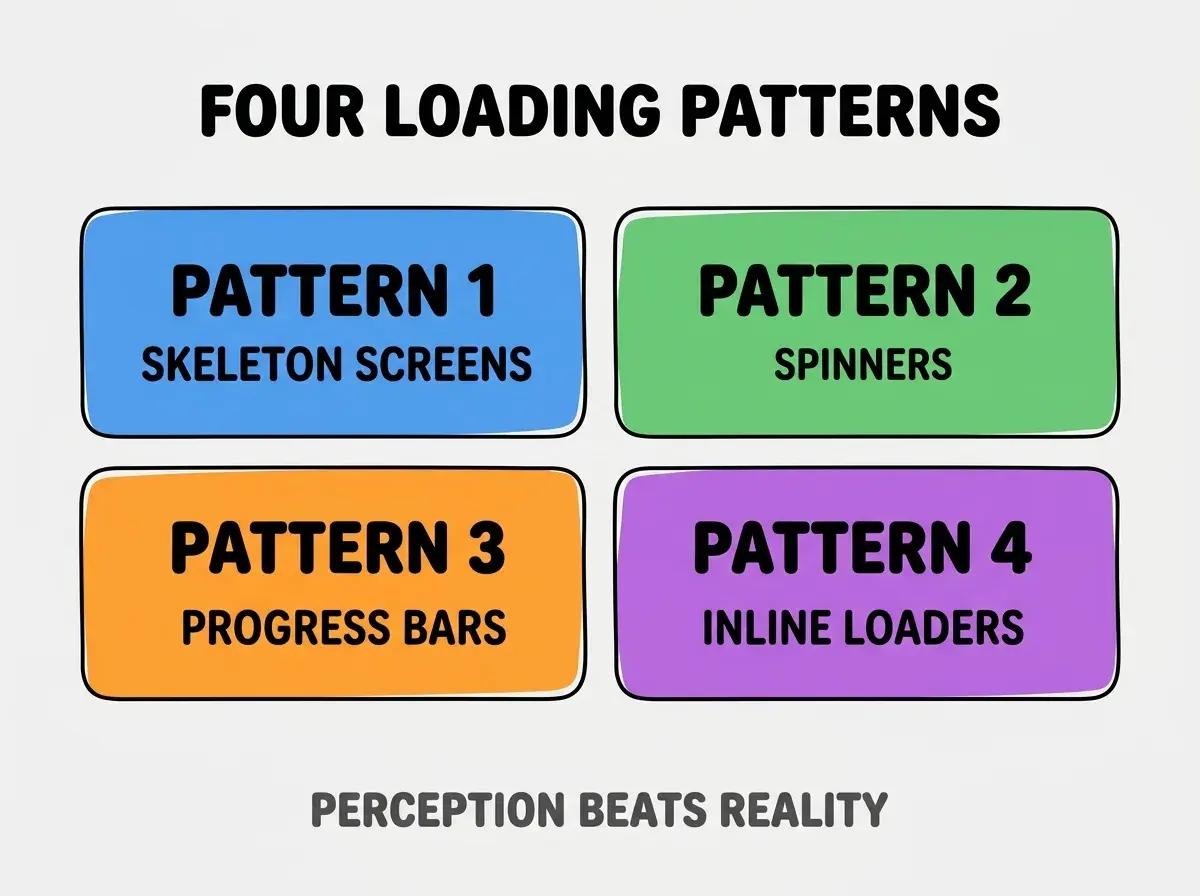
Pattern 3, progress bars for known duration. Linear bar fills from 0 to 100 percent; communicates how much remains.
Pattern 4, inline loaders for action feedback. Small spinner inside button; communicates action processing without blocking interface.
When Each Pattern Fits
Four scenarios match the four patterns.
Scenario 1, content load above 1 second. Skeleton screens win; content layout visible during load.
Browse more build articles
Read more buildScenario 2, navigation or unknown load. Spinners win; minimal information needed for short loads.
Scenario 3, file upload or known process. Progress bars win; users tolerate longer waits when progress visible.
Scenario 4, button click or form submission. Inline loaders win; action feedback without blocking interface.
The Prompts That Build Each Pattern
Four prompts implement each loading pattern.
Prompt 1, build skeleton screens. "Replace loading spinner with skeleton screen using shadcn Skeleton component. Match skeleton shape to content shape; gray rectangles where text and images will appear."
Prompt 2, build spinner. "Use shadcn Loader component for spinner. Center on page or container. Use only for unknown duration loads under 3 seconds."
Prompt 3, build progress bar. "Use shadcn Progress component. Update value from 0 to 100 as operation progresses. Show percentage and estimated time remaining."
Prompt 4, build inline button loader. "Add loading state to button: when clicked, show spinner inside button replacing text, disable button. Restore on action complete."
What Makes Loading States Sustainable
Three patterns separate sustainable loading patterns from inconsistent implementation.
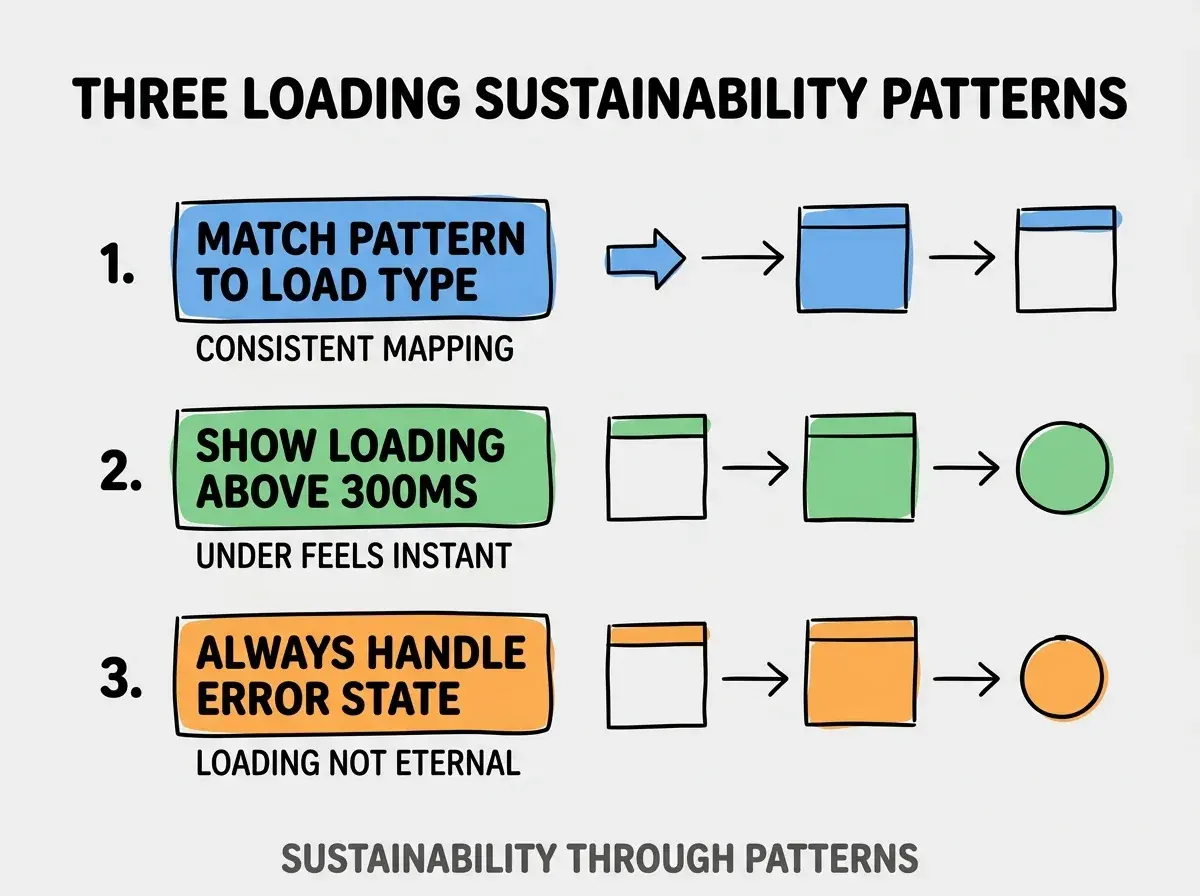
Pattern 1, match pattern to load type consistently. Same load type gets same pattern across app; consistency aids learning.
Pattern 2, show loading state above 300ms threshold. Sub 300ms loads feel instant; loading state for shorter loads adds visual noise.
Pattern 3, always handle error states. Loading without error handling traps users; error state required.
The combination produces loading patterns that improve perception. Without these patterns, loading becomes friction.
How To Add Optimistic Updates
Three patterns help add optimistic updates that feel instant.
Pattern A, update UI immediately on action. UI shows new state assuming success; revert on failure.
Pattern B, queue actions during offline state. Actions queue, sync when connection returns; user perceives instant action.
Pattern C, background sync with status indicator. Subtle indicator shows sync status; user not blocked.
Common Questions About Loading States
Loading states raise questions worth addressing directly.
The first question is whether to use spinners ever. Yes; for short unknown loads under 3 seconds, spinners work. Skeleton for longer or content specific loads.
The second question is whether to animate skeleton screens. Subtle pulse animation helps; aggressive animation distracts.
The third question is whether to show estimated time. Yes when reasonably accurate; no when inaccurate. Wrong estimates damage trust more than no estimate.
The fourth question is how to handle slow APIs. Skeleton screens plus optimistic updates plus background loading; combination minimizes perceived wait.
How Loading Patterns Affect Engagement
Loading patterns affect engagement in compounding ways. Engagement effects compound across user interactions.
The first compounding effect is bounce rate reduction. Better loading reduces abandonment during loads.
The second compounding effect is task completion improvement. Users complete more tasks when loads feel fast.
The third compounding effect is satisfaction perception. Apps that feel fast feel professional; perception affects retention.
The combination produces engagement shaped by loading patterns. Without pattern attention, loads accidentally lose users.
How To Measure Loading Perception
Three measurement patterns reveal loading perception.
Pattern A, time to interactive metric. When app becomes interactive matters more than total load time; measure TTI.
Pattern B, user perception surveys. Ask users about app speed; perception data complements technical data.
Pattern C, abandonment analytics during loads. Track when users leave during loading; abandonment reveals loading issues.
The combination produces loading perception measurement. Without measurement, loading optimization follows assumption.
The most damaging loading state mistake is using spinners for everything regardless of load type. Spinners work for short unknown loads; spinners feel slow for content loads where skeleton screens work better. The fix is to match pattern to load type; pattern matching produces measurable perception improvement. Apps using right patterns feel fast; apps using spinners universally feel slow despite identical actual load times.
The other mistake is loading states that block interaction. Modal spinners that block entire app frustrate users; minimize blocking.
A third mistake is missing the error state. Loading without error handling produces stuck users; error state always required.
A fourth mistake is loading states for sub 300ms operations. Visual noise without benefit; threshold matters.
What This Means For You
Skeleton screens and loading indicators produce measurable perceived performance improvement at zero technical cost. The four patterns, scenarios, and measurement approaches produce loading states that compound user satisfaction.
- If you're a designer: Replace default spinners with appropriate patterns; immediate perceived performance gain.
- If you're a senior dev: Add loading pattern guidelines to CLAUDE.md; AI defaults shift toward better patterns.
Browse more build articles
Read more build