Reverting AI damage requires Git reflog and recovery techniques that recover work after AI generates damaging changes. Four recovery scenarios cover most situations: revert uncommitted bad changes, recover deleted files from history, restore branches deleted accidentally, and undo merges that included bad code. Each scenario has specific Git commands; knowing them before disaster prevents lost work and stress.
This piece walks through the four recovery scenarios, the Git commands for each, when reflog saves you, and the four mistakes builders make when recovering from AI damage.
Why Recovery Knowledge Matters For Vibe Coders
Recovery knowledge matters specifically for vibe coders because AI generates code volume that exceeds review capacity. Some bad code reaches production or spreads across codebase; recovery skills become essential when this happens.
The 2026 reality is that recovery situations happen regularly in vibe coded projects. Builders without recovery skills face significant lost work; builders with recovery skills handle situations routinely.
A 2025 vibe coder survey of 800 builders found that 73 percent had experienced AI generated code damage requiring recovery in their last 6 months of work. Recovery skills are not optional; they are required.
The pattern to copy is the way professional photographers handle data recovery. Specific tools (Photo Mechanic, Lightroom catalog backup) for specific scenarios; knowledge prevents catastrophic loss. Git recovery follows same logic.
The Four Recovery Scenarios
Four scenarios cover most AI damage recovery needs.
Scenario 1, revert uncommitted bad changes. AI changed files but you have not committed; revert recovers original.
Scenario 2, recover deleted files from history. Files deleted in commit; reflog and checkout recover.
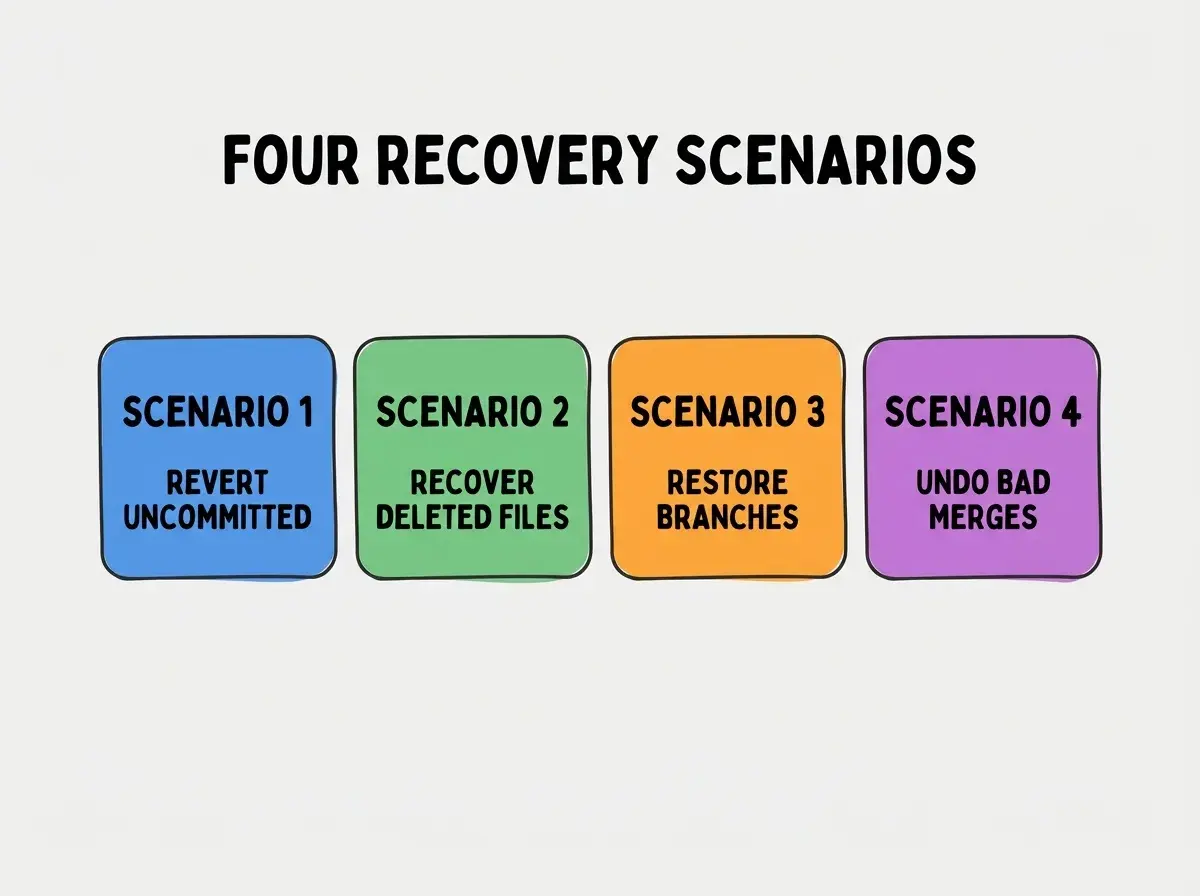
Scenario 3, restore branches deleted accidentally. Branch deleted; reflog finds last commit; new branch from commit recovers.
Scenario 4, undo merges that included bad code. Bad merge committed; revert merge or reset removes.
The Git Commands For Each Scenario
Four command patterns implement the four recoveries.
Commands for uncommitted changes. "git restore filename" or "git checkout -- filename" reverts to last committed state.
Browse more ship articles
Read more shipCommands for deleted files. "git checkout HEAD~1 -- filename" recovers from one commit ago. Adjust commit count as needed.
Commands for deleted branches. "git reflog" lists recent activity; "git branch new-name COMMIT_HASH" restores.
Commands for bad merges. "git revert -m 1 MERGE_COMMIT" undoes merge. Or "git reset --hard COMMIT_BEFORE_MERGE" if not yet pushed.
When Reflog Saves You
Three reflog patterns save situations that other recovery cannot.
Pattern 1, reflog finds commits not in current branches. Detached HEADs, deleted branches all show in reflog.
Pattern 2, reflog times out after 90 days default. Recovery must happen within 90 days of damage usually.
Pattern 3, reflog is per repository not per branch. Cross branch recovery possible through reflog.
What Makes Recovery Sustainable
Three patterns separate sustainable recovery practice from emergency only knowledge.
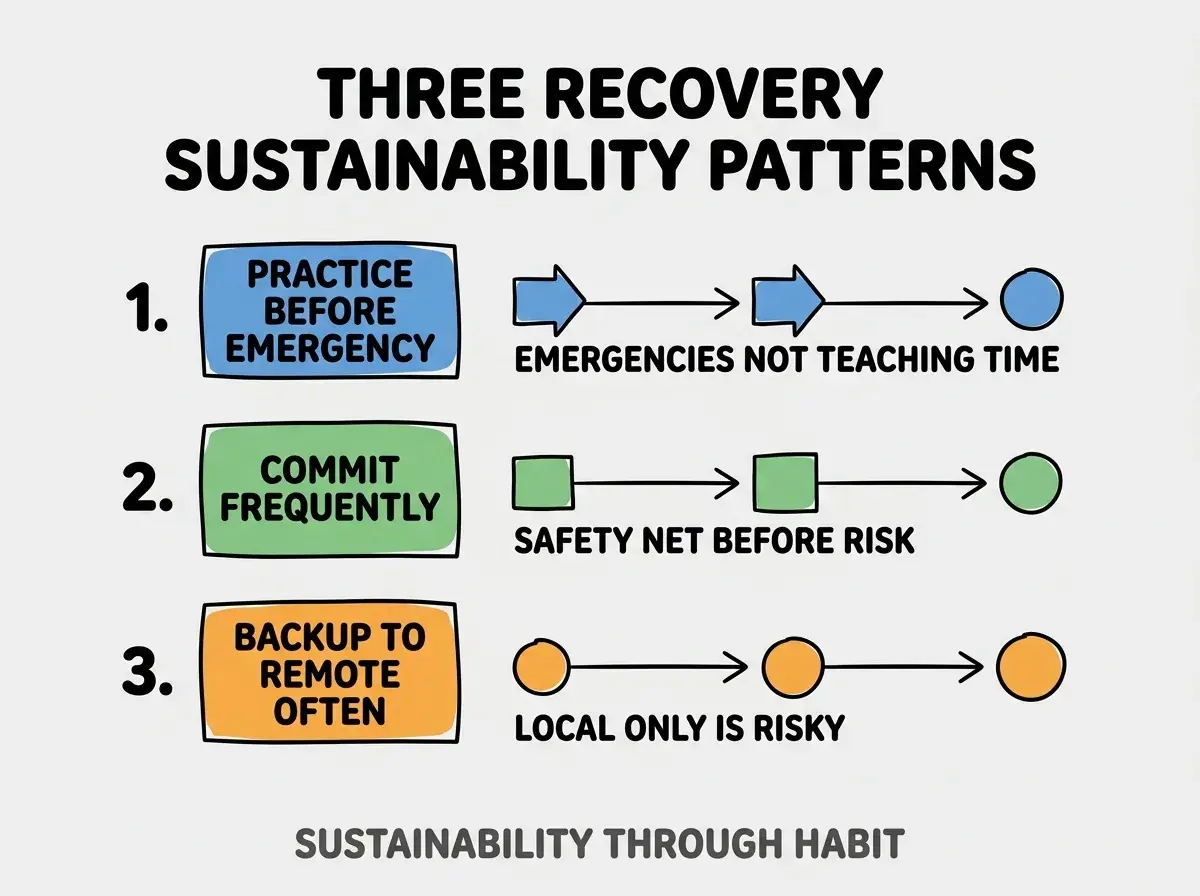
Pattern 1, practice recovery before emergency. Practice with throwaway projects; emergencies are not teaching time.
Pattern 2, commit frequently to enable recovery. Commits are recovery points; frequency provides options.
Pattern 3, backup to remote often. Remote backup protects against local disasters; remote required for full safety.
The combination produces recovery skills that work when needed. Without these patterns, recovery fails at critical moments.
How To Recover From Specific AI Damage Patterns
Three patterns address common AI damage scenarios.
Pattern A, AI rewrote multiple files badly. git reset --hard HEAD undoes uncommitted; git revert COMMIT undoes committed.
Pattern B, AI deleted important files. git checkout HEAD -- filename recovers if not committed; git checkout COMMIT -- filename if committed.
Pattern C, AI generated bad commit you pushed. git revert COMMIT creates undo commit; force push only if not on shared branch.
Common Questions About Git Recovery
Git recovery raises questions worth addressing directly.
The first question is whether to use rebase or revert. Revert for shared branches; rebase for personal. Force push restrictions matter.
The second question is how to recover after force push. Reflog on local; remote may not be recoverable. Force push is dangerous for this reason.
The third question is whether AI tools can suggest recovery commands. Yes; describe situation, AI suggests commands. Verify before running.
The fourth question is how reflog interacts with garbage collection. gc may remove unreachable commits; recovery time limited by gc settings.
How Recovery Skills Affect Stress Management
Recovery skills affect stress management in compounding ways. Stress effects compound across emergencies.
The first compounding effect is calm under pressure. Knowing recovery exists reduces panic; calm enables better decisions.
The second compounding effect is faster resolution. Skills produce faster recovery; faster recovery reduces incident impact.
The third compounding effect is willingness to take risks. Recovery skills enable more ambitious work; ambition compounds career growth.
The combination produces stress management that improves over time. Without recovery skills, every incident produces fresh stress.
How To Build Recovery Practice
Three patterns build recovery skills.
Pattern A, deliberately damage test projects. Practice scenarios on throwaway projects; practice produces fluency.
Pattern B, document recovery procedures. Personal cheat sheet of commands; reference enables fast access.
Pattern C, share recovery experiences with team. Shared experiences spread learning; team capability compounds.
The combination produces recovery competence. Without practice, knowledge stays theoretical.
The most damaging recovery mistake is panicking and making situation worse. Panic decisions like git reset --hard or force push can destroy recovery options. The fix is to pause, verify situation, then act; verification prevents compounding damage. Builders who pause produce successful recovery; builders who panic produce double damage.
The other mistake is missing the reflog opportunity. Reflog saves situations that nothing else saves; awareness matters.
A third mistake is not committing before risky AI work. Without commit, no recovery point; commit before risk.
A fourth mistake is treating recovery as senior dev only skill. All vibe coders need recovery skills; AI damage hits everyone.
What This Means For You
Reverting AI damage requires Git knowledge that prevents lost work when AI generates problems. The four scenarios, commands, and practice patterns produce recovery competence that compounds confidence.
- If you're a senior dev: Practice recovery scenarios with team; team competence compounds.
Browse more ship articles
Read more ship