Collaborative Git workflows when multiple people use AI require coordination beyond traditional team Git practices. Four workflow components matter: branch naming conventions that signal AI involvement, PR description templates that document AI contribution, merge conflict patterns from parallel AI work, and code review patterns adapted for AI generated code. Teams without coordination produce conflict chaos and inconsistent code quality; teams with coordination produce clean history and consistent quality at AI velocity.
This piece walks through the four workflow components, the implementation patterns, what makes collaborative Git sustainable, and the four mistakes teams make on collaborative AI Git workflows.
Why Collaborative Git Matters For AI Teams
Collaborative Git matters for AI teams because AI dramatically increases code velocity; velocity overwhelms uncoordinated teams. Without coordination, AI productivity benefits get consumed by conflict resolution.
The 2026 reality is that AI assisted teams produce 3-5x more PRs than non AI teams. PR volume requires workflow adaptation.
A 2025 team workflow study of 400 AI assisted engineering teams found that teams with AI specific Git workflows shipped 52 percent more features than teams using traditional workflows, primarily through reduced conflict resolution time and clearer review processes. Workflow adaptation measurably affects team output.
The pattern to copy is the way construction crews coordinate when using power tools. Traditional carpentry crews coordinate at hand tool pace; power tools require new coordination. AI coding teams face similar transition.
The Four Workflow Components
Four components form complete collaborative AI Git workflow.
Component 1, branch naming conventions. Prefixes signal AI involvement; conventions enable scanning.
Component 2, PR description templates. Templates document AI contribution, prompt context, validation done.

Component 3, merge conflict patterns. Parallel AI work produces conflicts; patterns reduce conflicts.
Component 4, code review patterns adapted. AI generated code review differs; patterns enable effective review at AI scale.
How To Implement Each Component
Four implementation patterns address each component.
Implementation 1, branch prefix indicating AI use. "ai/" prefix for AI heavy branches; "feat/" for human heavy.
Browse more ship
Read more shipImplementation 2, PR template with AI section. Template includes "AI tools used", "AI contribution percentage", "human validation done".
Implementation 3, frequent rebases reduce conflicts. Daily rebase from main; rebases reduce conflict scope.
Implementation 4, review focuses on intent and edge cases. Mechanical review insufficient; intent and edge case review matters.
What Makes Collaborative Git Sustainable
Three patterns separate sustainable workflows from one off processes.
Pattern 1, automation enforces conventions. Hooks check branch names, PR templates; automation prevents drift.
Pattern 2, retrospectives identify workflow gaps. Regular retrospectives identify gaps; gaps inform improvements.
Pattern 3, training new team members. Workflow training onboarding; without training, conventions decay.
What Makes AI Team Workflows Compound
Three patterns separate compounding workflows from initial enthusiasm.
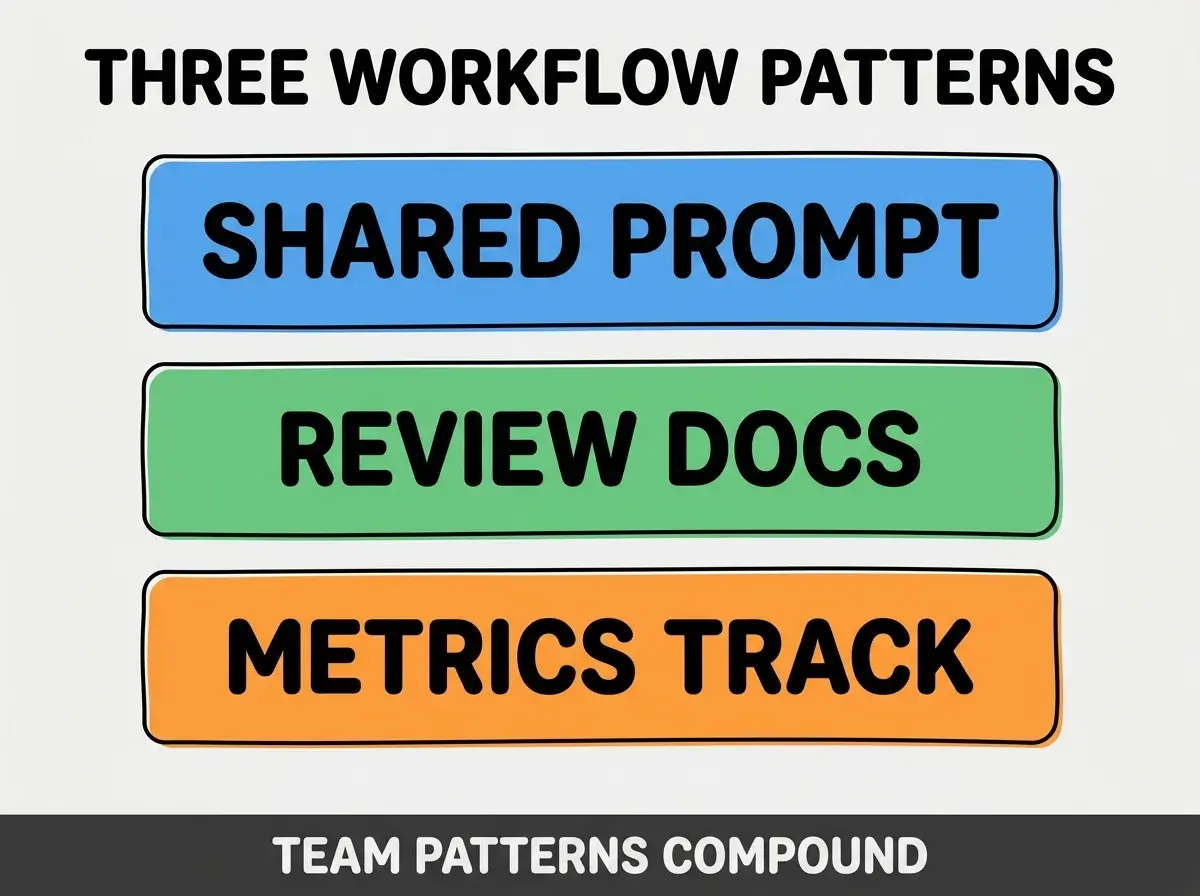
Pattern 1, shared prompt library. Team prompts compound; isolated prompts produce inconsistent output.
Pattern 2, review patterns documented. Review patterns enable quality at scale; ad hoc review fails at AI volume.
Pattern 3, metrics track velocity. Velocity metrics inform optimization; without metrics, optimization guesses.
The combination produces compounding workflows. Without these patterns, workflows produce initial gains then plateau.
How To Reduce AI Generated Conflicts
Three patterns help reduce conflicts.
Pattern A, smaller PRs more frequent. Small PRs merge fast; fast merges reduce conflict windows.
Pattern B, feature flags for incomplete work. Flags enable merging unfinished work; merging reduces conflicts.
Pattern C, communication about parallel work. Team awareness of parallel work prevents conflicts.
Common Questions About Collaborative AI Git
Collaborative AI Git raises questions worth addressing directly.
The first question is whether to require AI disclosure in PRs. Yes; disclosure builds trust and enables learning.
The second question is whether AI commits need different review. Yes; AI generated code reviewed differently than human written. Patterns matter.
The third question is whether to use trunk based or feature branches. Trunk based works better at AI velocity; feature branches accumulate conflicts.
The fourth question is how to handle large AI refactors. Plan, communicate, branch, merge fast. Large refactors need coordination.
How Workflows Affect Team Productivity
Workflows affect team productivity in compounding ways. Productivity effects compound across team scale and time.
The first compounding effect is conflict reduction. Less conflict means more shipping; reduction compounds.
The second compounding effect is review efficiency. Better review patterns enable more review at quality.
The third compounding effect is shared learning. Workflow patterns spread; spreading compounds team capability.
The combination produces team productivity shaped by workflow quality. Without workflow investment, productivity bounded by individual.
How To Train Team On New Workflow
Three patterns help train teams.
Pattern A, document workflow in repo. README plus CONTRIBUTING.md document; documentation enables self learning.
Pattern B, workshop with practical exercises. Workshop reinforces; theory plus practice builds fluency.
Pattern C, retrospectives surface workflow issues. Issues addressed in retrospectives; addressing compounds workflow improvement.
The combination enables effective training. Without training, workflows fail to take root.
The most damaging collaborative AI Git mistake is treating AI assisted Git like traditional Git. AI velocity overwhelms traditional patterns; conflicts compound, reviews fall behind, history becomes unreadable. The fix is to adapt workflows for AI scale; smaller PRs, better tooling, automated checks. Teams who adapt achieve AI productivity benefits; teams who do not lose benefits to coordination overhead.
The other mistake is over engineering workflow complexity. Heavy process slows velocity; light process enables. Balance matters.
A third mistake is missing the conflict prevention component. Conflicts cost time; prevention compounds.
A fourth mistake is treating AI disclosure as optional. Disclosure enables review accuracy; without disclosure, review patterns fail.
What This Means For You
Collaborative Git workflows when multiple people use AI require coordination beyond traditional patterns. The four components, implementation patterns, and sustainability approaches produce workflows that enable AI velocity at team scale.
- If you're a senior dev: Lead workflow adoption; senior leadership accelerates team adoption.
- If you're a product manager: Workflow quality affects feature velocity; understanding workflow informs roadmap.
- If you're a founder: Team workflow shapes engineering culture; cultural foundation compounds across years.
Browse more ship
Read more ship