Responsive design patterns AI gets right and wrong differ predictably. Four pattern categories matter: AI gets right (basic breakpoints, common layouts, standard navigation), AI gets wrong (complex grid layouts, edge case interactions, unusual viewports), AI partially right (touch interactions, accessibility), and AI mostly right (modern CSS, Tailwind utilities). Knowing patterns saves verification time; verify AI weak areas, trust AI strong areas.
This piece walks through the four pattern categories, the verification approaches, what makes AI responsive design effective, and the four mistakes builders make on AI responsive design.
Why Knowing AI Responsive Strengths Matters
Knowing AI responsive strengths matters because AI responsive design accelerates work but has predictable weaknesses. Without knowing weaknesses, builders ship subtly broken responsive design.
The 2026 reality is that AI handles responsive design substantially better than 2023 but gaps remain. Knowing gaps matters.
A 2025 design quality study of 600 vibe coded apps found that apps with verified AI responsive design had 41 percent fewer responsive bugs than apps trusting AI output unverified, primarily through builders catching AI weak pattern issues. Verification measurably affects responsive quality.
The pattern to copy is the way commercial pilots trust autopilot for routine but verify for unusual. Autopilot strong on routine; weak on edge cases. Same patterns apply to AI responsive design; trust common, verify edge.
The Four Pattern Categories
Four categories describe AI responsive performance.
Category 1, AI gets right. Basic breakpoints, common layouts. Trust mostly.
Category 2, AI gets wrong. Complex grids, edge interactions. Verify always.
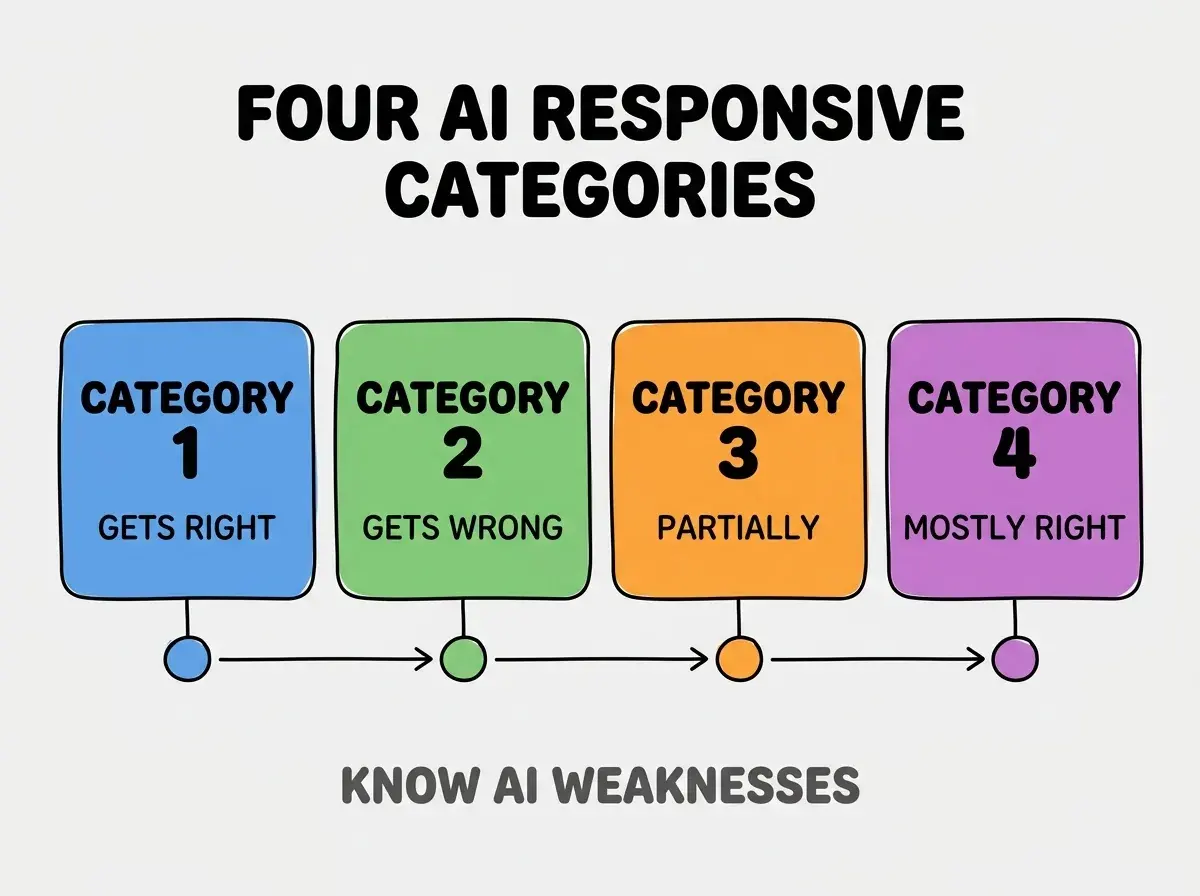
Category 3, AI partially right. Touch interactions, accessibility. Verify selectively.
Category 4, AI mostly right. Modern CSS, Tailwind. Trust mostly.
How To Verify Each Category
Four verification patterns address each category.
Implementation 1, smoke test common. Common patterns smoke tested; pass usually.
Browse more build
Read more buildImplementation 2, deliberate test wrong. Edge cases deliberate test; reveals issues.
Implementation 3, manual verify partial. Manual testing for partial; AI insufficient.
Implementation 4, light verify mostly. Light verification; mostly trust.
What Makes AI Responsive Design Effective
Three patterns separate effective AI responsive from broken ship.
Pattern 1, mobile first prompt explicit. Prompt mobile first; AI follows.
Pattern 2, breakpoints explicit. Specify breakpoints; AI uses.
Pattern 3, real device verification. Devices catch issues simulators miss.
What Makes Responsive Strategy Sustainable
Three patterns separate sustainable strategy from one off projects.
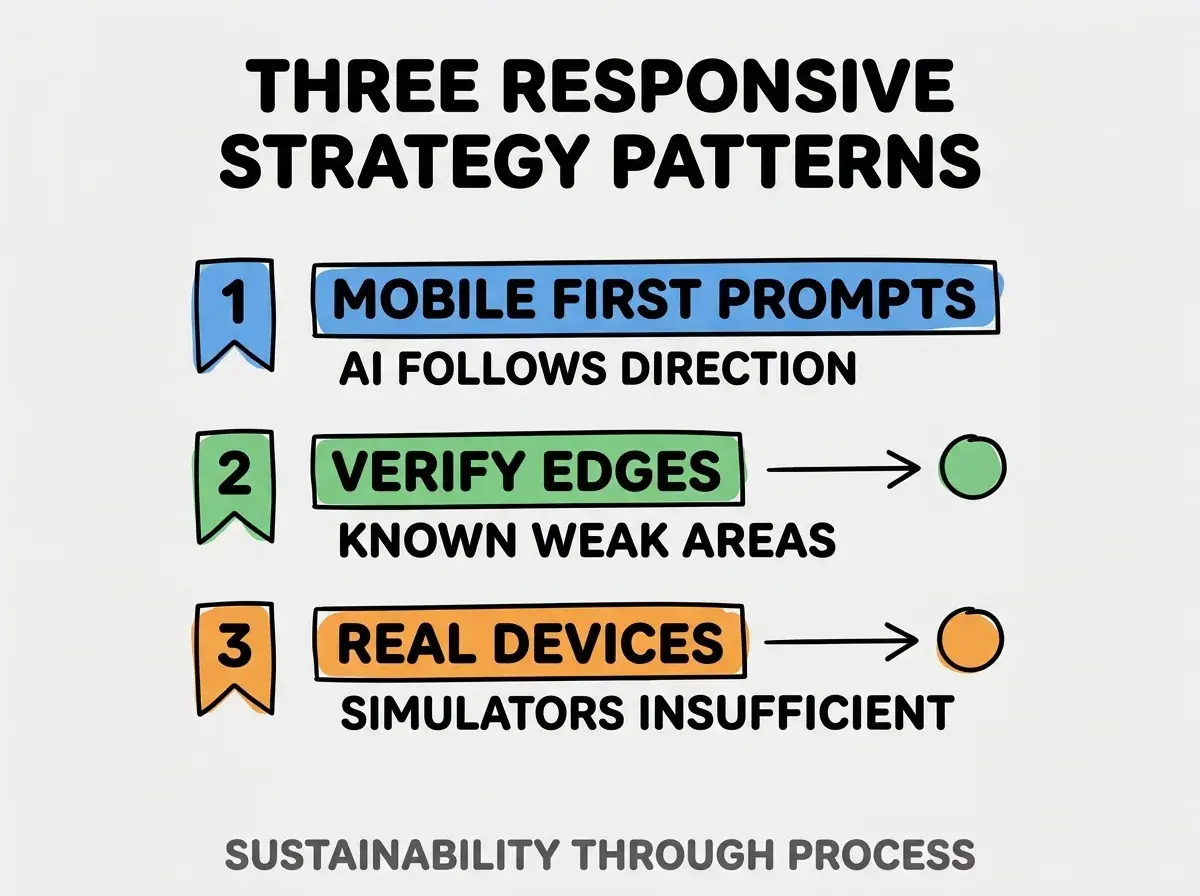
Pattern 1, mobile first prompts. Direction matters.
Pattern 2, verify edges. Known weak areas verified.
Pattern 3, real devices. Real testing reveals real issues.
The combination produces effective responsive design. Without these patterns, responsive bugs ship.
How To Verify Common AI Mistakes
Three patterns help mistake catching.
Pattern A, complex grid manual verification. Complex grids check.
Pattern B, touch target sizes. AI sometimes misses; verify 44px+.
Pattern C, viewport edge cases. Foldable, ultra wide; verify.
Common Questions About AI Responsive Design
AI responsive raises questions worth addressing directly.
The first question is whether to use Tailwind. AI handles Tailwind well; recommended.
The second question is whether to test on iPad. Yes; iPad differs from phone and desktop.
The third question is whether AI handles dark mode. Mostly yes; verify.
The fourth question is whether AI handles RTL. Less reliably; verify carefully.
How AI Responsive Affects Time To Ship
AI responsive affects time to ship in compounding ways. Time effects compound across features.
The first compounding effect is base time. AI accelerates base; faster shipping.
The second compounding effect is verification time. Knowing where to verify saves time.
The third compounding effect is bug fixing. Caught early bugs cheaper.
The combination produces time shaped by AI use plus verification. Without verification, savings consumed by bugs.
How To Use AI For Responsive Effectively
Three patterns help AI usage.
Pattern A, prompts include responsive specs. Specs guide AI.
Pattern B, generate then verify. AI generates; human verifies.
Pattern C, iterate on issues. Issues feedback to AI; AI fixes.
The combination produces effective AI responsive. Without patterns, AI generates plausible but broken.
The most damaging AI responsive mistake is trusting AI output without verification. AI generates plausible code; plausible not always correct. The fix is to verify AI output on real devices; verification catches issues. Builders who verify ship working responsive; builders who trust ship subtle bugs that compound across users.
The other mistake is missing the touch target check. AI sometimes too small; check.
A third mistake is over indexing on common patterns. Common works; edges break.
A fourth mistake is treating responsive as one off. Designs evolve; responsive evolves.
What This Means For You
Knowing responsive design patterns AI gets right and wrong saves verification time. The four categories, verification patterns, and sustainability approaches produce responsive design that ships working across devices.
- If you're a designer: Responsive verification key; learn AI patterns.
- If you're a senior dev: AI responsive fluency expected; verification skill matters.
- If you're changing careers: Responsive expertise valuable; differentiates.
Browse more build
Read more build