The one page system sketch is the practice of drawing your entire app on a single page before prompting AI to build it. Four sketch components matter most: data entities, user flows, key screens, and external integrations. The sketch takes 15-30 minutes and produces dramatic improvements in AI generated code quality. Without sketching, AI builds fragments that may not assemble into coherent system. With sketching, AI builds toward defined target.
This tutorial walks through the four sketch components, how to draw each, what to do with the sketch, and the four mistakes builders make when skipping system sketching.
Why System Sketching Matters Before Prompting
System sketching matters because AI generates whatever you ask for; without coherent vision, you ask for incoherent things. Sketching creates the vision that prompts implement.
The 2026 reality is that vibe coders who sketch outperform vibe coders who dive in. The gap is large; sketching is high leverage skill investment.
A 2025 vibe coder productivity study of 300 builders found that builders sketching before prompting completed projects in 41 percent fewer iterations than builders prompting without sketches. Sketching investment produces multiplicative time savings.
The pattern to copy is the way architects sketch buildings before construction. Sketches reveal problems cheaply; same problems caught after construction cost dramatically more. AI coding follows the same dynamic; sketching is cheap, rebuilding is expensive.
The Four Sketch Components That Matter
Four components form a complete system sketch.
Component 1, data entities. What things does your app track? Users, posts, products, orders, whatever. Each entity gets a box with fields listed.
Component 2, user flows. How does a user accomplish core tasks? Signup, main action, payment. Each flow gets arrows from start to finish.
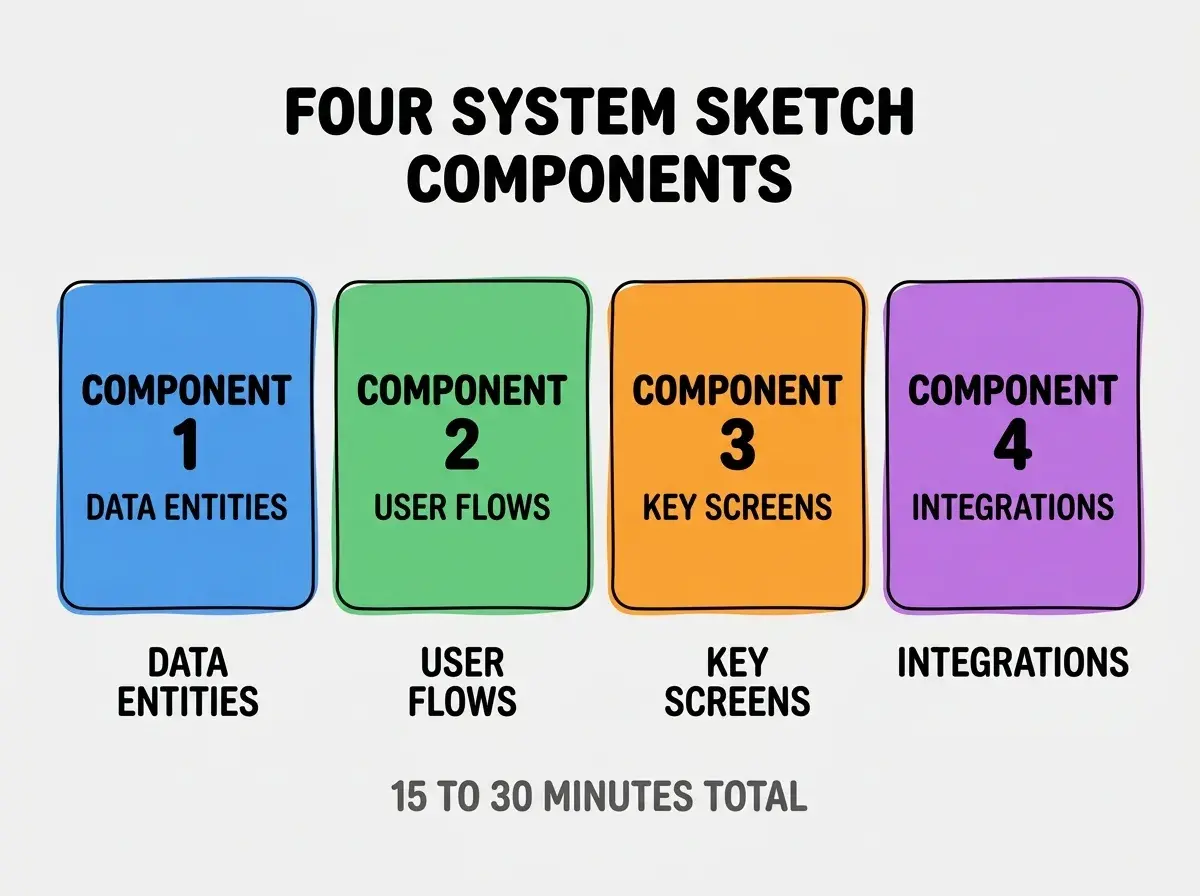
Component 3, key screens. What does the user see at each major step? Sketch wireframes for 3-5 most important screens.
Component 4, external integrations. What outside services does your app talk to? Stripe, email, AI APIs. Each integration gets arrow with what data flows.
How To Draw Each Component
Four drawing patterns produce useful sketches.
Drawing 1, entities as labeled boxes. Box with entity name; lines for fields. Connections between boxes show relationships.
Drawing 2, user flows as arrow chains. Box for each step; arrow to next step; branches for decisions.
Browse more foundations
Read more foundationsDrawing 3, screens as wireframes. Rectangle for screen; rough placement of major elements; no design polish needed.
Drawing 4, integrations as connections. Box for your app; box for external service; arrows showing data direction.
What To Do With The Sketch
Three usage patterns convert sketches into AI prompts.
Pattern 1, paste sketch description into AI context. Describe sketch in text; AI uses description to inform code generation.
Pattern 2, reference sketch when prompting features. "Following the sketch in docs/sketch.md, build the user signup flow."
Pattern 3, update sketch as system evolves. Sketch reflects current state, not original plan. Living document that guides ongoing work.
What Makes System Sketching Sustainable
Three patterns separate sustainable sketching from one off attempts.
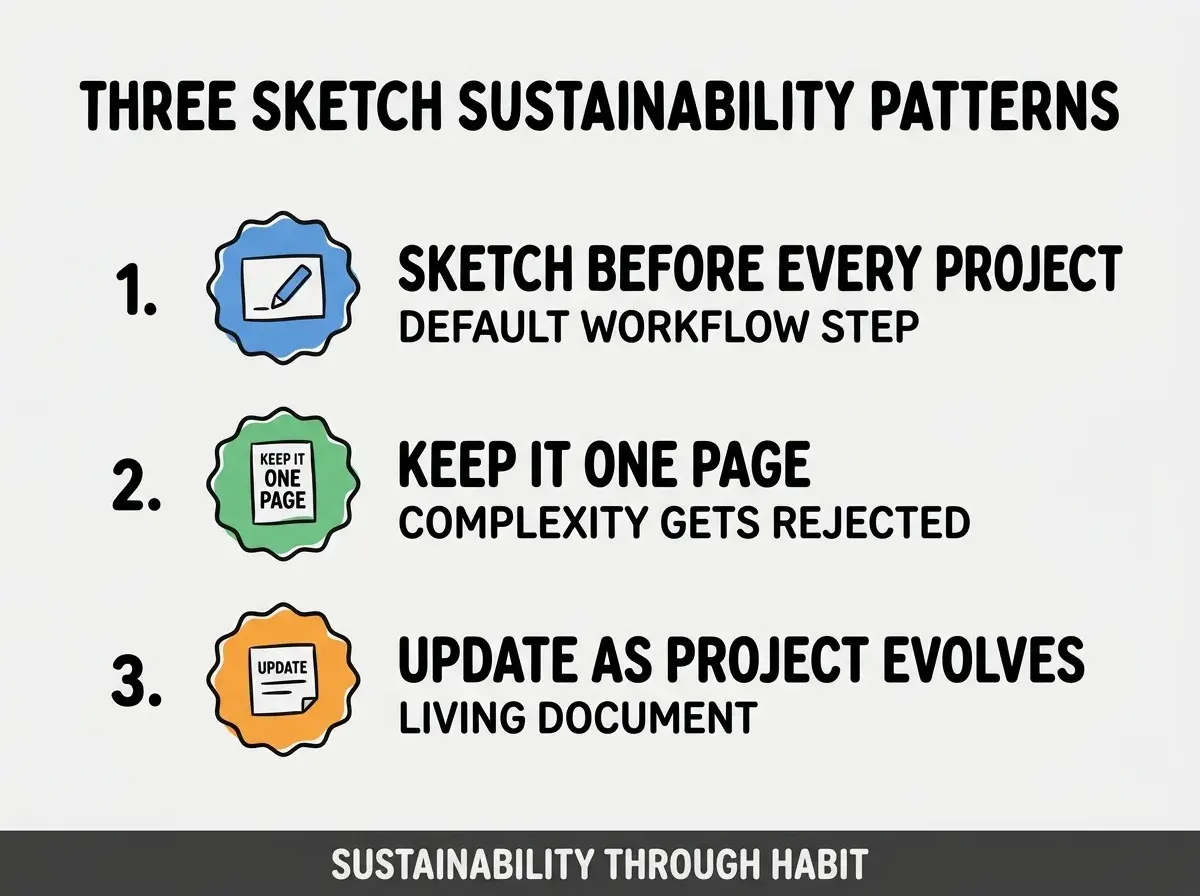
Pattern 1, sketch before every project. Default workflow step; not optional addition.
Pattern 2, keep it to one page. One page constraint forces ruthless prioritization; reveals what matters.
Pattern 3, update as project evolves. Sketch tracks reality; stale sketch loses value.
The combination produces sketching that lasts as habit. Without these patterns, sketching becomes exception.
How To Sketch Without Drawing Skills
Three patterns help non drawers create useful sketches.
Pattern A, use simple shapes only. Boxes and arrows; no artistic skill needed. Clarity beats aesthetic.
Pattern B, use digital tools that simplify. Excalidraw, tldraw, Whimsical produce clean sketches with minimal skill.
Pattern C, sketch with words if needed. Bullet point system description if drawing fails. Description still beats no design.
Common Questions About System Sketching
System sketching raises questions worth addressing directly.
The first question is whether to use formal diagram tools or hand sketching. Either works; speed of sketch matters more than tool choice.
The second question is whether AI tools can generate sketches from descriptions. Yes; Mermaid syntax in markdown produces diagrams AI generates. Combine human sketch with AI generation.
The third question is whether to include error states in flows. Yes for production scenarios; no for quick validation. Match sketch detail to scenario.
The fourth question is whether to share sketches with stakeholders. Yes; sketches communicate concept faster than documents.
How Sketching Affects Project Outcomes
System sketching affects project outcomes in compounding ways. Outcome effects compound across project lifetime.
The first compounding effect is reduced rework. Sketched systems produce coherent code; coherent code requires less rework.
The second compounding effect is faster onboarding. New collaborators read sketch; onboarding speeds.
The third compounding effect is better stakeholder communication. Sketches communicate concept faster than text; communication compounds across stakeholders.
The combination produces project outcomes shaped by sketch quality. Without sketching, outcomes follow accidental coherence.
How To Use Sketches In Team Settings
Three patterns extend sketching to team contexts.
Pattern A, collaborative sketching session. Team draws together; sketch becomes shared mental model.
Pattern B, sketch review before build. Stakeholders review sketch; alignment caught before code.
Pattern C, sketch artifact in repository. Sketch image or markdown lives in repo; accessible to all contributors.
The combination produces team alignment through sketching. Without team sketching, individual mental models diverge.
The most damaging system sketching mistake is treating sketching as design polish rather than design foundation. Sketching is foundation that determines what gets built; polish is irrelevant if foundation is wrong. The fix is to sketch first, even if drawing skills are limited; ugly sketches that reveal coherent system beat beautiful sketches that hide incoherent system. Builders who sketch first produce coherent systems; builders who skip sketching produce systems that grow in random directions.
The other mistake is over engineering the sketch. Two hour beautiful sketches do not produce more value than 20 minute rough sketches; speed matters.
A third mistake is missing the sketch update opportunity. Stale sketches mislead AI; updates compound value over time.
A fourth mistake is skipping data entity sketching. Data model is foundation; data sketching reveals system structure better than UI sketching alone.
What This Means For You
The one page system sketch transforms vibe coding from prompt by prompt fragmentation to coherent system building. The four components, drawing patterns, and team usage produce sketching as foundational practice.
- If you're a founder: Sketch your app on one page before next prompting session; results will surprise you.
- If you're a product manager: Use sketches to align engineering on intent; alignment reduces spec ambiguity.
- If you're a marketer: Sketches enable building campaigns or tools without engineering bottleneck; learn the basics.
Browse more foundations
Read more foundations