Multi step forms and wizards in vibe coded apps require four patterns AI defaults miss: progress indication that motivates completion, state preservation across steps, validation per step, and ability to navigate backward without data loss. Adding these patterns produces wizards that complete; missing them produces wizards that abandon. Wizards work for complex flows that single forms cannot serve well; long forms split into wizards complete more often.
This tutorial walks through the four wizard patterns, the prompts that build them, what AI defaults look like, and the four mistakes builders make on multi step flows.
Why Wizard Patterns Matter For Conversion
Wizard patterns matter because long forms abandon at high rates while well designed wizards complete. Splitting long forms into wizards reduces cognitive load per step; reduced load increases completion.
The 2026 reality is that AI generates basic multi step UI but misses patterns that drive completion. Missing patterns produce wizards that look right but convert poorly.
A 2025 form conversion study of 200 vibe coded apps with multi step flows found that wizards using all four patterns achieved 58 percent higher completion than wizards missing one or more patterns. Pattern application produces measurable conversion impact.
The pattern to copy is the way IKEA assembly instructions work. One step at a time, progress visible, ability to check previous steps. Assembly completes despite complexity because patterns reduce cognitive load. Wizards work the same way for digital flows.
The Four Wizard Patterns
Four patterns form converting multi step flows.
Pattern 1, progress indicator showing position. Visual indicator (1 of 4, progress bar, step list) shows where user is and how much remains.
Pattern 2, state preservation across steps. Data entered in step 1 persists when user reaches step 4; navigation back preserves state.
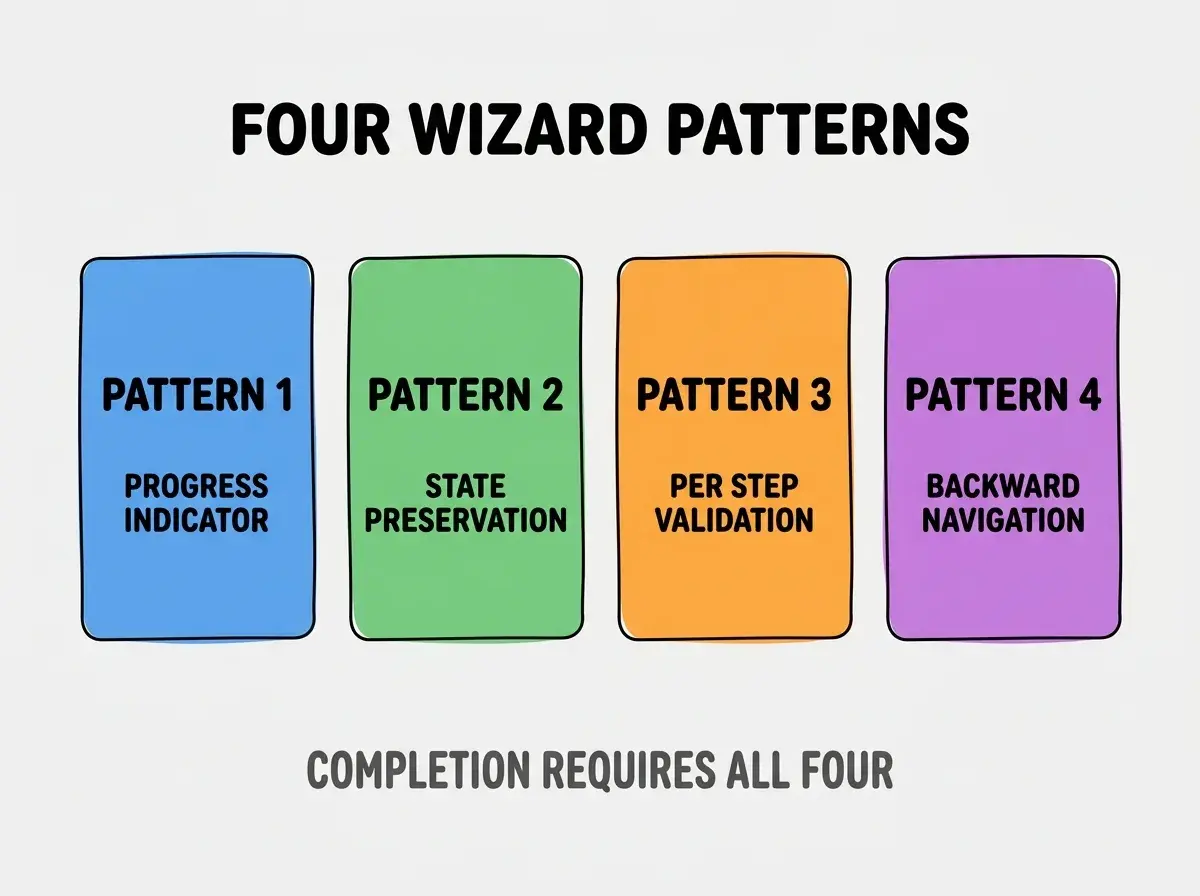
Pattern 3, validation per step. Each step validates before allowing advance; errors caught when user can fix easily.
Pattern 4, backward navigation without data loss. Back button works; user can revise earlier steps without losing later step data.
The Prompts That Build Each Pattern
Four prompts implement the four patterns.
Prompt 1, build progress indicator. "Add progress indicator at top of wizard showing current step (e.g., 'Step 2 of 4') and visual progress bar that fills as user advances. Position above wizard content."
Browse more build articles
Read more buildPrompt 2, preserve state across steps. "Use React state or form library (React Hook Form) to persist all field values across steps. Returning to previous step shows previously entered data. Final step shows summary of all fields."
Prompt 3, validate per step. "Each step has next button disabled until step fields valid. Show validation errors inline. Cannot proceed past invalid step."
Prompt 4, enable backward navigation. "Add back button on every step except first. Back navigates to previous step preserving current step state. Forward navigation restores future step state if user advanced previously."
What AI Default Wizards Look Like
AI defaults follow patterns that produce abandonment.
Default 1, no progress indicator. AI builds wizard without progress; users feel lost.
Default 2, state lost on back navigation. Back button clears state; users avoid back button or abandon.
Default 3, validation only at final submit. Errors revealed at end; users frustrated by late discovery.
Default 4, no back button. Users cannot revise earlier steps; force abandonment for any error in earlier step.
What Makes Wizards Sustainable
Three patterns separate sustainable wizards from one off implementations.
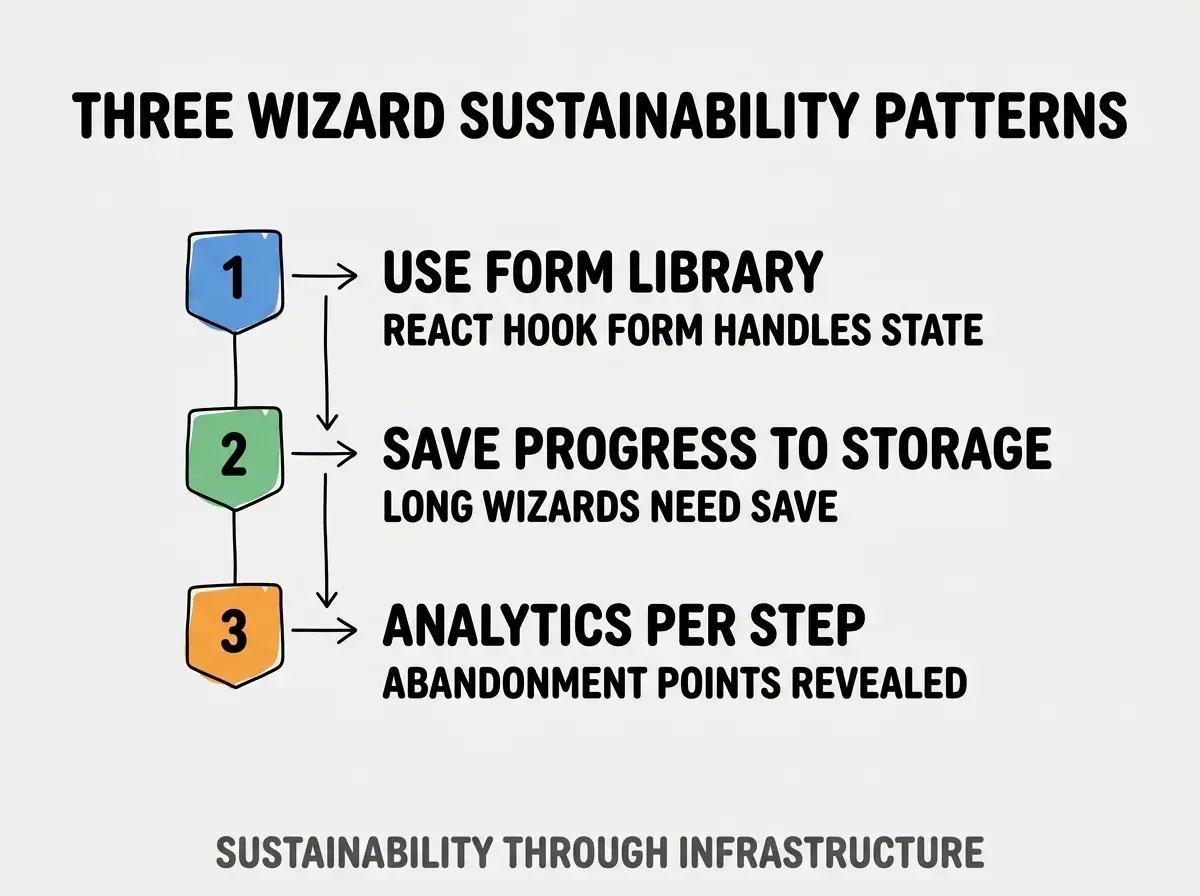
Pattern 1, use form library for state management. React Hook Form, Formik handle wizard state; manual state breaks easily.
Pattern 2, save progress to storage. Long wizards save progress to localStorage; users return without losing progress.
Pattern 3, analytics per step. Track which step users abandon at; data reveals improvement opportunities.
The combination produces sustainable wizards. Without these patterns, wizards become inconsistent.
How To Design Wizard Step Order
Three patterns guide step ordering.
Pattern A, easiest steps first to build momentum. Simple steps create commitment; commitment carries through harder steps.
Pattern B, related fields grouped per step. Related fields together reduce context switching.
Pattern C, optional steps clearly marked. Optional steps reduce required completion burden; mark to avoid confusion.
Common Questions About Wizards
Wizards raise questions worth addressing directly.
The first question is whether to use wizards or single long forms. Wizards for 7+ fields or 2+ logical groups; single form for fewer fields.
The second question is whether to allow skipping steps. Sometimes; for optional features. Required steps cannot skip.
The third question is whether to show summary before submission. Yes; review step reduces submission errors and builds confidence.
The fourth question is how to handle conditional steps. Branching wizards work; ensure progress indicator updates accordingly.
How Wizard Design Affects Conversion
Wizard design affects conversion in compounding ways. Conversion effects compound across all flow users.
The first compounding effect is completion rate. Better wizards complete; conversions translate to revenue.
The second compounding effect is data quality. Wizards with validation produce cleaner data; data quality affects business decisions.
The third compounding effect is user satisfaction. Smooth wizards satisfy users; satisfaction affects retention.
The combination produces conversion patterns shaped by wizard design. Without design attention, wizards lose users to abandonment.
How To Test Wizards For Conversion
Three test patterns validate wizard effectiveness.
Pattern A, completion rate tracking per step. Drop off per step reveals problem steps.
Pattern B, time per step tracking. Long times signal confusion; short times may signal data quality issues.
Pattern C, user session recordings. Hotjar shows actual user struggles; recordings reveal what analytics cannot.
The combination produces validated wizards. Without testing, wizards may have hidden issues.
The most damaging wizard mistake is making all steps required when some could be optional. Required steps that users cannot skip force abandonment for users without that data; optional skipping enables completion. The fix is to make required only what is truly required; optional fields with skip option preserve completion. Wizards with fewer required steps complete more often than wizards requiring everything.
The other mistake is missing the progress indicator. Without progress, users feel trapped; progress provides escape velocity.
A third mistake is poor validation messaging. "Required" tells nothing useful; specific errors enable fixing.
A fourth mistake is treating wizards as one time builds. Wizards need iteration based on conversion data; iteration compounds value.
What This Means For You
Multi step forms and wizards convert at higher rates than long forms when patterns are followed. The four patterns, prompts, and testing approaches produce wizards that complete across complex flows.
- If you're a founder: Audit existing wizards against the four patterns; missing patterns hurt conversion.
- If you're a designer: Use wizards for flows above 7 fields; cognitive load reduction increases completion.
Browse more build articles
Read more build