To test mobile apps effectively in 2026, use a four-level approach (emulators for daily development, real devices for pre-merge validation, cloud device farms for cross-device coverage, beta users for production-realistic testing), match each level to the bugs it catches best (emulators for logic, devices for performance, farms for compatibility, betas for UX), and never skip the real-device step because emulators miss the bugs that affect users most. The combination is what catches problems before users do; using only one level is the single most common mobile QA mistake.
This piece walks through the four testing levels, the bugs each level catches, the cloud services that matter, and the four mistakes that let mobile bugs reach users.
Why Mobile Testing Is Different From Web Testing
Web testing has a manageable matrix: a handful of browsers, a few screen sizes, generally consistent behavior across devices. Mobile testing has dozens of device models per platform, multiple OS versions still in active use, and significant performance variance between high-end and low-end devices. The complexity is qualitatively different.
The 2026 advantage is that cloud device farms (BrowserStack, Sauce Labs, AWS Device Farm, Firebase Test Lab) make cross-device testing accessible to small teams that previously could not afford device labs. Combined with AI-assisted test generation, mobile QA has finally caught up with the platform's complexity.
A 2025 Mobile QA survey of 800 mobile teams found that teams using only emulator testing shipped apps with 4.3x more user-reported bugs than teams using emulators plus real devices plus cloud farms. The gap was widest on Android due to device fragmentation. Investment in real-device testing has the highest ROI of any mobile QA investment, and most teams under-invest because the cost of cloud farms feels high until you compare it to the cost of bad reviews.
The pattern to copy is the way drug companies test medications across populations rather than just on lab samples. Lab testing finds the obvious effects; population testing finds the rare interactions. Mobile testing follows the same pattern: emulators find the obvious bugs; device variety finds the bugs that actually hurt users.
The Four Testing Levels
Each testing level catches a different class of bugs. Together they cover the mobile testing matrix.
Level 1, emulators. iOS simulator and Android emulator. Fast, free, fits in your dev workflow. Catches logic bugs, basic UI issues. Misses performance, sensor, network reality.
Level 2, real devices. At least one iOS and one Android device on your desk. Catches the bugs emulators miss: real performance, real gestures, real network conditions.
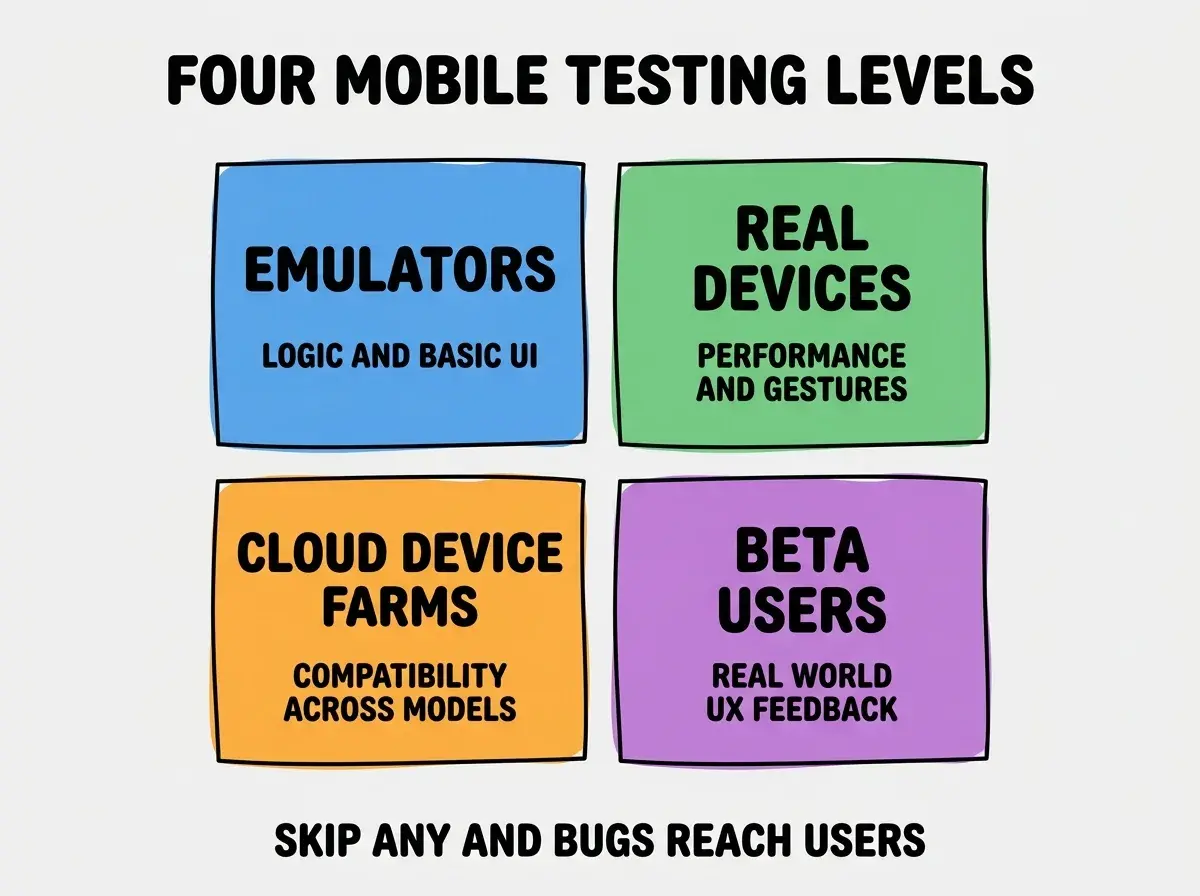
Level 3, cloud device farms. BrowserStack, Sauce Labs, AWS Device Farm. Catches device-specific bugs across the long tail of Android models you do not have on your desk.
Level 4, beta users. TestFlight (iOS) and Google Play Internal Testing (Android). Catches the UX bugs that no automated testing can catch: confusing flows, missing affordances, real-world interaction patterns.
What Each Level Catches Best
The right level for each bug class lets you allocate testing effort efficiently.
Emulators catch best. Logic bugs in app state, basic UI rendering issues, navigation bugs, simple integration issues. The fast feedback loop makes these the right place to find these bugs.
Browse more mobile QA guides
Read more ship articlesReal devices catch best. Performance issues on lower-end hardware, gesture-handling bugs, sensor integration issues, real-world network variability, battery drain problems. None of these surface reliably on emulators.
Cloud farms catch best. Device-specific bugs (Samsung-specific, Xiaomi-specific), OS-version-specific bugs, screen-size edge cases. The breadth of devices is what catches the long-tail bugs your own devices miss.
Beta users catch best. UX problems, confusing flows, terminology issues, missing features users expect, accessibility gaps. The kinds of issues that no QA process catches because they require users actually using the app.
The Cloud Services That Matter
Four cloud services dominate mobile cross-device testing as of 2026.
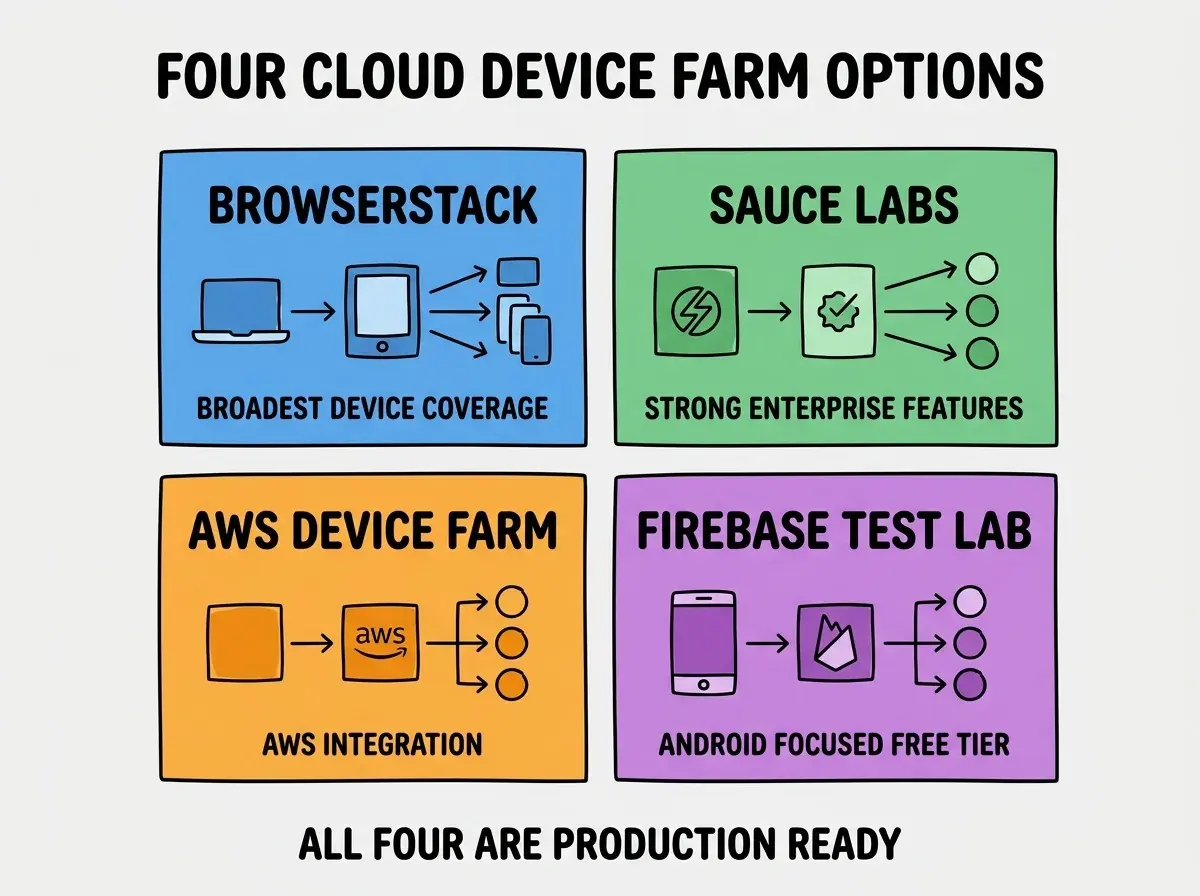
Service 1, BrowserStack. The broadest device coverage of any cloud service. Strong UI for manual testing. Reasonable pricing for small teams. Default choice for most teams.
Service 2, Sauce Labs. Enterprise-focused. Strong CI/CD integration. Higher pricing. Right for teams already in the Sauce Labs ecosystem.
Service 3, AWS Device Farm. Pay-per-minute pricing. Right for teams already on AWS who want testing in their existing billing. Less polished UI.
Service 4, Firebase Test Lab. Android-focused with iOS support. Generous free tier. Tight integration with Firebase. Right for teams already using Firebase.
Building a Mobile Testing Workflow
The four levels work best when integrated into a clear workflow. Three patterns make the workflow effective.
Pattern 1, automate the tedious parts. Unit tests on every commit, smoke tests on PR merge, full device farm runs nightly. Manual testing focused on UX, not regression.
Pattern 2, beta release before public release. Every public release goes through TestFlight and Internal Testing first. Even a 24-hour beta catches issues that crash a public release.
Pattern 3, monitor production aggressively. Crash reporting (Sentry, Firebase Crashlytics) tells you what testing missed. Review crash reports weekly; patterns emerge that inform what to test better next time.
The combination of automated lower-level testing and selective higher-level testing produces high quality without consuming all your time. Teams who try to do everything manually burn out; teams who automate the right things ship faster with fewer bugs.
Budgeting for Mobile QA
Mobile QA costs add up. A few budgeting patterns help small teams afford the right combination.
Pattern 1, start with Firebase Test Lab free tier. 15 free tests per day covers most early-stage Android testing. iOS testing through TestFlight is also free. Zero budget gets you surprisingly far.
Pattern 2, add BrowserStack starter when needed. $39/month for the cheapest BrowserStack tier gives you on-demand access to 1000+ devices. Worth it the first time a device-specific bug bites you.
Pattern 3, scale to enterprise services at 10+ team size. Sauce Labs and similar enterprise services pay back at team scale where the testing volume justifies the price. Smaller teams should stay on lighter-weight services.
The right budget depends on app revenue and team size. A solo indie hacker can do excellent mobile QA on $50/month total; an enterprise team should budget significantly more. Match QA budget to product stakes rather than to industry maximums.
The most damaging mobile testing mistake is testing only on iOS during development and adding Android at the end. The platforms have enough behavioral differences that issues caught at the end take dramatically longer to fix than issues caught during development. The fix is to test both platforms in parallel from day one, even if Android testing is less frequent. Run your code on at least one Android device per feature, not just at release time. The 30 minutes of cross-platform testing per feature catches bugs that would otherwise eat days at release time.
The other mistake is over-investing in automated UI tests too early. Automated UI tests for mobile are notoriously brittle (tests break with minor UI changes) and expensive to maintain. Build them only for the most critical user flows, and accept that most testing should be manual or via cloud device farms. The right test pyramid for mobile is heavier on unit and integration tests, lighter on UI tests.
What This Means For You
Mobile testing strategy is one of the highest-leverage QA investments any mobile team can make in 2026. The right combination of levels catches bugs before users do and dramatically reduces the cost of shipping.
- If you're a founder: Invest in at least one real iOS device and one Android device, plus a cloud farm subscription. The cost is small compared to the cost of bad reviews.
- If you're changing careers: Mobile QA skills are less competitive than mobile development and equally valuable. The hybrid skill set opens more doors.
- If you're a student: Test your mobile projects on real devices, not just emulators. The discipline shows up positively in interviews and prevents portfolio embarrassment.
Browse more mobile QA guides
Read more ship articles