Image optimization for vibe coded apps requires four practices that AI tools skip by default: modern format usage (WebP, AVIF), responsive size variants, lazy loading below the fold, and proper width/height attributes. Each practice cuts page weight measurably; combined they reduce typical image weight by 60-80 percent. The result is faster pages, better Core Web Vitals scores, and lower CDN bills. Implementation takes minutes per image when prompted correctly.
This tutorial walks through the four optimization practices, the prompts that build each, what to measure for verification, and the four mistakes AI generated apps make with images.
Why Image Optimization Matters For AI Built Apps
Image optimization matters for AI built apps because AI generates pages with images but skips optimization steps. Skipped optimization compounds across every page; cumulative impact is dramatic.
The 2026 reality is that image optimization has matured to where automated solutions handle most cases. Next.js Image component, Cloudflare Images, and similar tools optimize automatically when used correctly.
A 2025 web performance study of 400 vibe coded apps found that apps using all four optimization practices loaded pages 2.8x faster than apps using AI defaults. Faster pages also showed 23 percent higher conversion rates than slower pages. Optimization affects both user experience and business outcomes.
The pattern to copy is the way photographers compress images for different uses. A web photo, a print photo, and a thumbnail differ dramatically in size; each is appropriate for its use. Image optimization on the web does the same thing automatically.
The Four Optimization Practices
Four practices form complete image optimization.
Practice 1, modern formats over JPEG and PNG. WebP saves 25-35 percent over JPEG; AVIF saves 50 percent. Browser support is universal in 2026.
Practice 2, responsive size variants. Multiple sizes generated; browser picks size matching viewport. Phone gets phone sized image; not desktop sized.
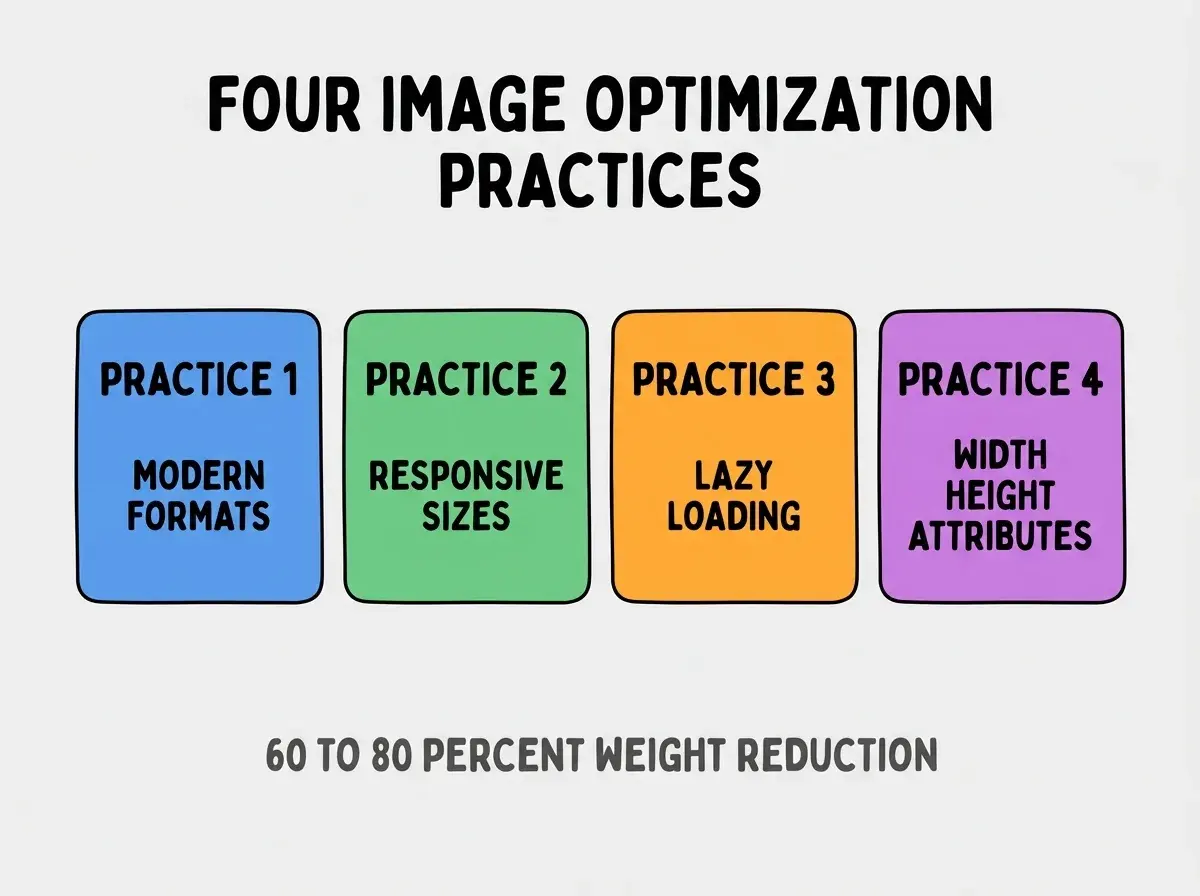
Practice 3, lazy loading below the fold. Above fold images load immediately; below fold images load when approaching viewport. Initial page weight drops dramatically.
Practice 4, width and height attributes. Browser reserves space before image loads; prevents layout shift. CLS (Cumulative Layout Shift) score improves dramatically.
The Prompts That Build Each Practice
Four prompt patterns implement the practices.
Prompt 1, request modern format generation. "Generate WebP and AVIF versions of all images. Use Next.js Image component which handles format negotiation automatically based on browser support."
Browse more build articles
Read more buildPrompt 2, build responsive sizes. "Use Next.js Image with sizes prop matching layout. For full width images: sizes='100vw'. For sidebar images: sizes='(max-width: 768px) 100vw, 33vw'."
Prompt 3, add lazy loading. "All images below the initial viewport use loading='lazy'. Hero images and above the fold images use loading='eager' with priority prop."
Prompt 4, specify width and height. "Every image has explicit width and height attributes matching aspect ratio. Use Next.js Image which enforces this. Prevents Cumulative Layout Shift."
How To Verify Image Optimization
Three verification approaches confirm optimization works.
Verification 1, Lighthouse audit. Run Lighthouse in Chrome DevTools; performance section reports image issues. Fix issues until score 90+.
Verification 2, network tab inspection. Open Network tab, filter to images, verify formats are WebP/AVIF and sizes match viewport. Wrong formats and sizes immediately visible.
Verification 3, real user monitoring. Vercel Analytics or similar tracks Core Web Vitals from real users. Field data beats lab data for actual performance.
The combination produces verified optimization. Without verification, optimization may be incomplete.
What Makes Image Optimization Sustainable
Three patterns separate sustainable optimization from one off improvements.
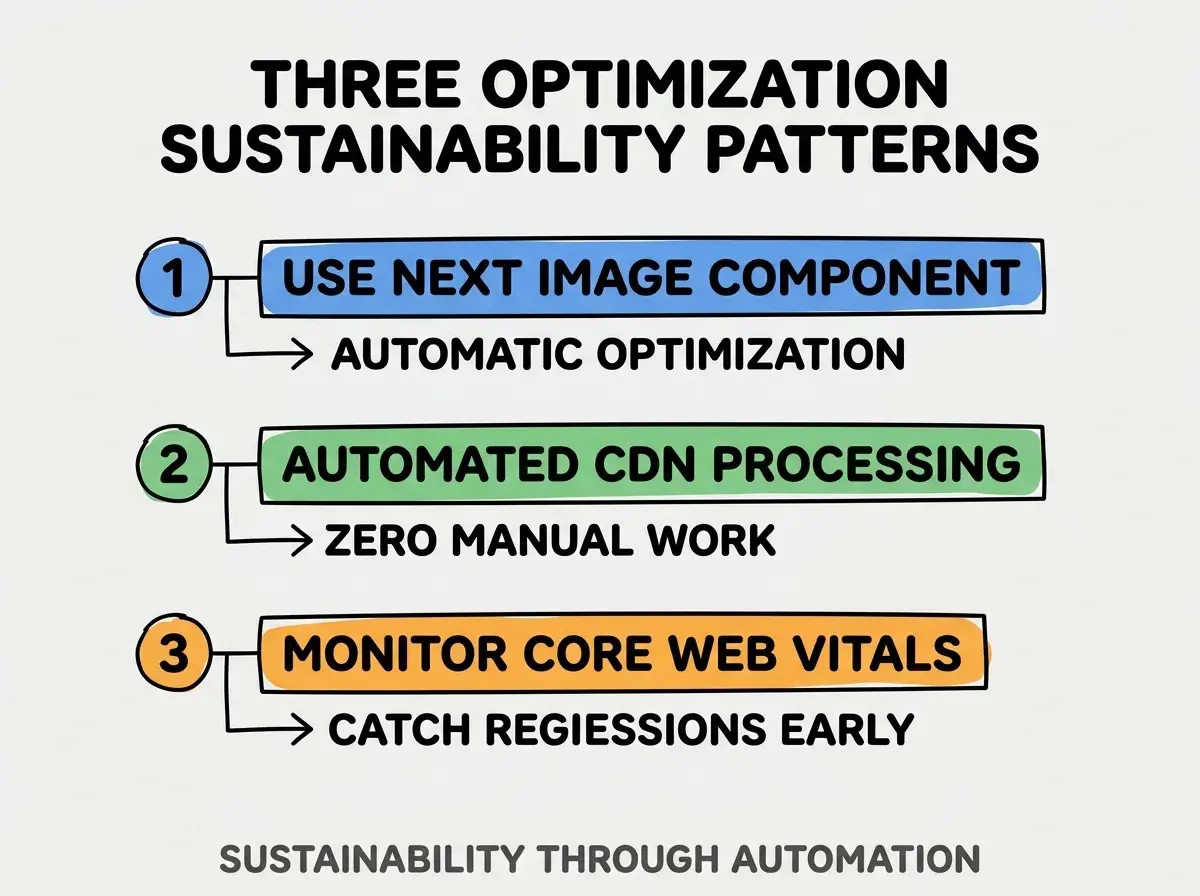
Pattern 1, use Next.js Image component everywhere. Component handles format, size, lazy loading automatically. Manual handling produces inconsistency.
Pattern 2, automated CDN processing. Cloudflare Images, Imgix, or similar resize and reformat automatically. Zero manual work.
Pattern 3, monitor Core Web Vitals continuously. Regressions surface in monitoring; monitoring catches what manual review misses.
The combination produces optimization that lasts. Without these patterns, optimization fades.
How To Optimize Images For Specific Use Cases
Three use case patterns guide specific optimization.
Pattern A, photo galleries. Lazy load all but first 4-6 images; thumbnails for grid view; full size on click only.
Pattern B, hero images above fold. Priority loading, eager fetch, AVIF format, smaller variant for mobile.
Pattern C, user uploaded content. Resize on upload to maximum reasonable size; store one source plus generate variants on request.
The combination produces optimization matched to use cases. Without use case thinking, blanket optimization wastes work or misses opportunity.
Common Questions About Image Optimization
Image optimization raises questions worth addressing directly.
The first question is whether to optimize SVG images. Yes; minify with SVGO, inline small SVGs in HTML, lazy load decorative SVGs.
The second question is whether to use background images or img tags. Img tags get optimization benefits; background images do not. Use img unless background specifically needed.
The third question is whether to use a CDN for images. Yes; CDN reduces latency and enables automated optimization. Cloudflare Images and Cloudinary are popular options.
The fourth question is how to handle high DPI displays. srcset with 1x, 2x, 3x variants; Next.js Image handles automatically with deviceSizes config.
How Image Optimization Affects Business Outcomes
Image optimization affects business outcomes in compounding ways. Outcome effects compound across page views.
The first compounding effect is conversion rate improvement. Faster pages convert better; conversions translate to revenue.
The second compounding effect is SEO ranking improvement. Core Web Vitals affect ranking; ranking affects organic traffic.
The third compounding effect is CDN cost reduction. Smaller images cost less to deliver; cost reduction improves margins.
The combination produces business impact that scales with traffic. Without optimization, traffic growth produces proportional cost growth.
How To Retrofit Optimization Into Existing Apps
Three retrofit patterns work for existing apps with unoptimized images.
Pattern A, replace img tags with Next.js Image. Find and replace pattern; component handles optimization automatically.
Pattern B, run image audit and prioritize. Lighthouse identifies worst offenders; prioritize fixes by traffic impact.
Pattern C, set up CDN for legacy images. Cloudflare Images can serve legacy images with optimization without code changes.
The combination produces optimization for legacy apps. Without retrofit, legacy apps stay slow.
The most damaging image optimization mistake is uploading source images at original resolution. A 4000x3000 pixel photo for a 600x400 pixel display wastes 90 percent of bandwidth even with format optimization. The fix is to resize images to appropriate dimensions on upload; resize plus format plus lazy compounds dramatically. Builders who resize on upload produce fast pages; builders who skip resizing produce slow pages despite format optimization.
The other mistake is treating image optimization as one time work. New images get added regularly; optimization must be standard practice, not project.
A third mistake is missing the LCP (Largest Contentful Paint) image. Above fold hero image is usually LCP; LCP optimization has biggest performance impact.
A fourth mistake is over compressing images. Too aggressive compression produces visible artifacts; balance file size and visual quality.
What This Means For You
Image optimization for vibe coded apps produces dramatic performance improvements with minimal effort. The four practices, prompts, and verification approaches produce fast pages that convert better.
- If you're a senior dev: Add image optimization to project setup checklist; optimization upfront prevents retrofit later.
- If you're an indie hacker: Image optimization affects both user experience and CDN costs; both matter for indie economics.
Browse more build articles
Read more build