Git hooks for code quality enforce lint, test, and format checks at commit time, preventing bad code from entering history. Four hook types matter: pre-commit (runs before commit, fast checks like format and lint), commit-msg (validates commit message format), pre-push (runs before push, slower checks like tests), and prepare-commit-msg (templating commit messages). Combined with Husky for management, hooks enforce quality automatically rather than relying on developer discipline.
This piece walks through the four hook types, the implementation patterns, what makes Git hooks sustainable, and the four mistakes builders make on Git hooks.
Why Git Hooks Matter For Code Quality
Git hooks matter because manual quality checks get skipped when developers in hurry. Hooks enforce automatically; enforcement compounds quality across team.
The 2026 reality is that AI generates code fast; without hooks, quality drifts as AI velocity overwhelms manual review.
A 2025 vibe coder code quality study of 800 builders found that builders using Git hooks shipped 52 percent fewer code quality regressions than builders relying on manual checks, primarily through hooks running consistently while manual checks get skipped under deadline pressure. Hooks measurably affect quality outcomes.
The pattern to copy is the way industrial machines have safety interlocks. Interlocks prevent unsafe operation; without interlocks, operator discipline insufficient. Git hooks provide similar quality interlocks for code; without hooks, developer discipline insufficient.
The Four Hook Types
Four hook types form complete code quality enforcement.
Type 1, pre-commit. Runs before commit. Fast checks; format, lint.
Type 2, commit-msg. Validates commit message format. Conventional commits enforcement.
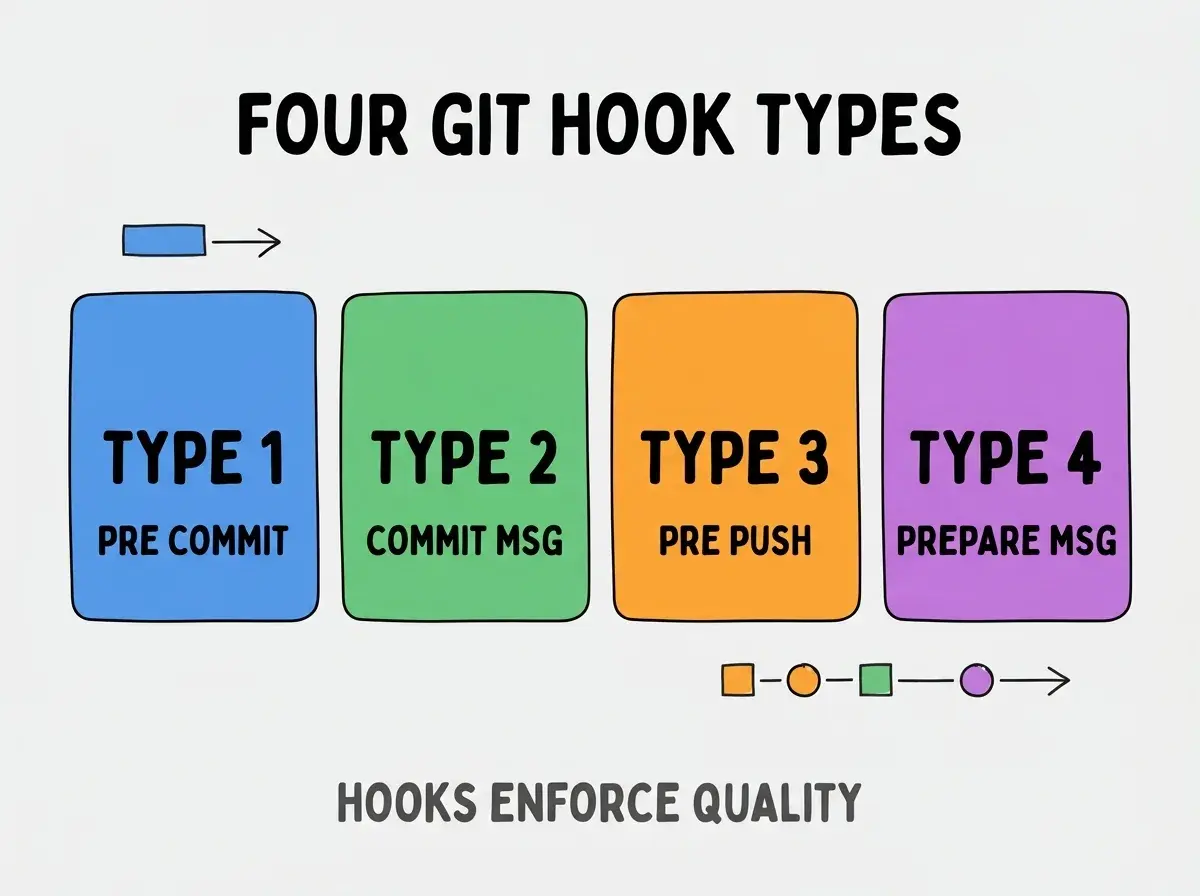
Type 3, pre-push. Runs before push. Slower checks; tests.
Type 4, prepare-commit-msg. Templates commit messages. Consistency.
How To Implement Each Hook
Four implementation patterns address each hook.
Implementation 1, Husky for hook management. Husky manages hooks; standard tool. npm install husky.
Browse more ship
Read more shipImplementation 2, lint-staged for fast pre-commit. Lint only changed files; fast feedback.
Implementation 3, commitlint for commit-msg. Validates Conventional Commits; standard format.
Implementation 4, test runner in pre-push. Test runs before push; catches before share.
What Makes Git Hooks Sustainable
Three patterns separate sustainable hooks from disabled hooks.
Pattern 1, fast hooks. Slow hooks frustrate; fast maintains use.
Pattern 2, clear failure messages. Clear messages guide fix; unclear frustrate.
Pattern 3, escape hatches when needed. --no-verify available; emergencies happen.
What Makes Hook Strategy Effective
Three patterns separate effective hooks from theatrical.
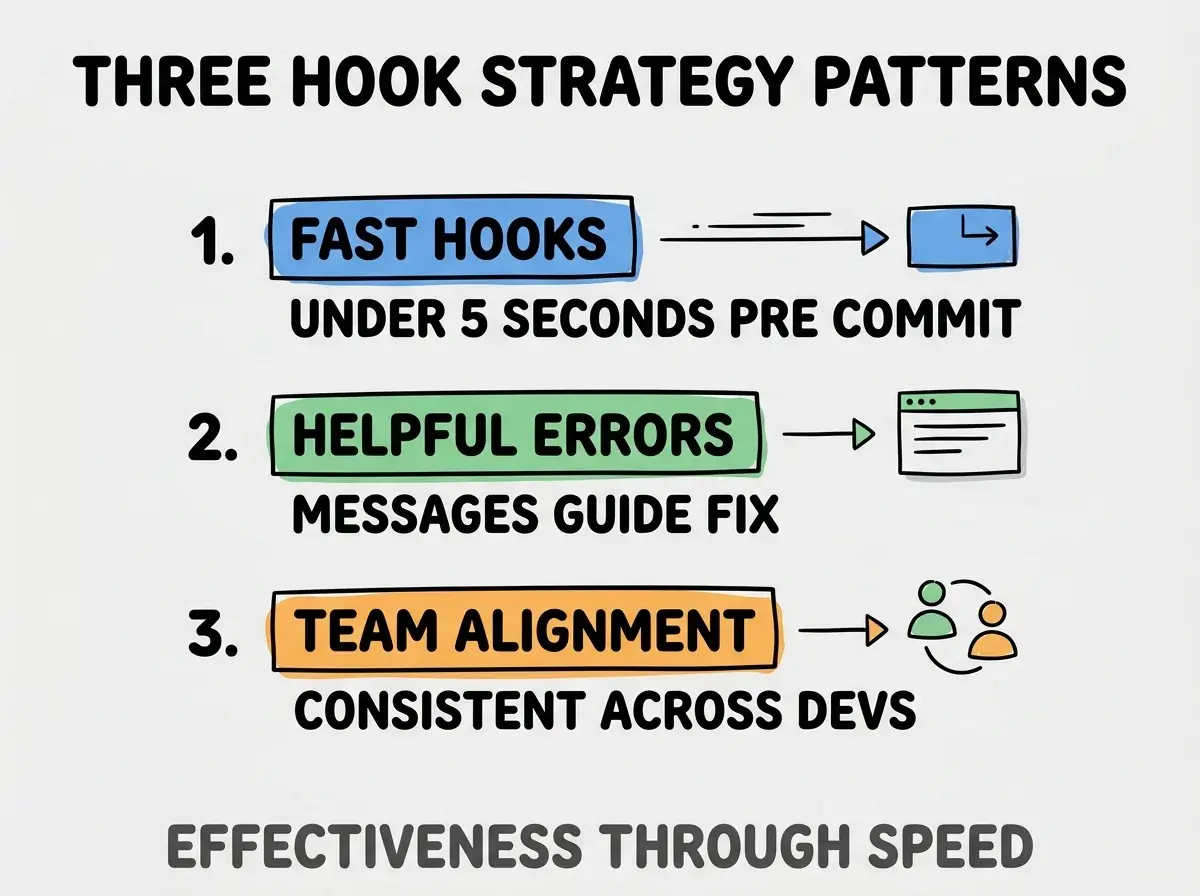
Pattern 1, fast hooks. Under 5 seconds pre-commit; fast maintains use.
Pattern 2, helpful errors. Messages guide fix; helpful builds trust.
Pattern 3, team alignment. Consistent across devs; alignment compounds.
The combination produces effective hook strategy. Without these patterns, hooks get disabled.
How To Configure Husky And Lint Staged
Three patterns help configuration.
Pattern A, husky-init for setup. npm init husky; standard initialization.
Pattern B, lint-staged config in package.json. Config in package.json; visible to team.
Pattern C, prettier plus eslint integration. Prettier formats; ESLint lints. Both run.
Common Questions About Git Hooks
Git hooks raise questions worth addressing directly.
The first question is whether to use Husky or alternatives. Husky standard; alternatives (lefthook, simple-git-hooks) work too.
The second question is whether to run tests pre-commit. Usually no; pre-push better. Pre-commit too slow with tests.
The third question is whether to enforce hooks for new contributors. Yes; setup script installs hooks.
The fourth question is whether to skip hooks ever. Sometimes; --no-verify for emergencies. Routine skipping defeats hooks.
How Hooks Affect Code Quality Trajectory
Hooks affect code quality trajectory in compounding ways. Quality effects compound across project life.
The first compounding effect is consistent format. Consistent code reads faster; reading compounds productivity.
The second compounding effect is fewer lint regressions. Lint catches issues automatically; catching compounds quality.
The third compounding effect is commit history quality. Conventional commits enable changelog automation; automation compounds.
The combination produces quality trajectory shaped by hook discipline. Without hooks, quality drifts.
How To Handle Hook Failures Gracefully
Three patterns help failure handling.
Pattern A, autofix what's autofixable. Format fixes auto; commits succeed after fix.
Pattern B, point to fix command. "Run npm run lint:fix" message; actionable.
Pattern C, document common failures. Documentation reduces friction; team learns.
The combination produces graceful failure handling. Without patterns, failures frustrate.
The most damaging Git hook mistake is making hooks slow. Pre-commit hooks taking 30 seconds frustrate developers; frustrated developers --no-verify routinely; routine skipping defeats hooks. The fix is to keep pre-commit under 5 seconds; lint-staged accomplishes this. Builders who keep hooks fast maintain quality; builders with slow hooks lose quality to bypass.
The other mistake is over engineering hook complexity. Simple hooks work; complex hooks break. Simplicity matters.
A third mistake is missing the team distribution. Hooks per developer fail; team hooks via Husky compound.
A fourth mistake is treating hooks as pre-commit only. Pre-push and commit-msg both valuable; full hook strategy beats pre-commit only.
What This Means For You
Git hooks for code quality enforce lint, test, and format checks automatically. The four hook types, implementation patterns, and sustainability approaches produce quality enforcement that compounds across project life.
- If you're a senior dev: Hooks fluency expected; learn Husky patterns deeply.
- If you're an indie hacker: Solo hooks valuable; future you appreciates past you's discipline.
- If you're changing careers: Hook fluency expected at senior; learn patterns early.
Browse more ship
Read more ship