Git for vibe coders matters because AI tools sometimes break working code, and Git is your undo button when this happens. The four essential commands you actually need are git status (what changed), git add (stage changes), git commit (save snapshot), and git push (sync to remote). Master these four, commit before every AI change, and you can always return to a working state when AI breaks something.
This guide walks through the four essential commands, when to commit during AI work, how to recover from AI breaking your code, and the four mistakes vibe coders make with Git.
Why Git Matters Specifically For Vibe Coders
Git matters specifically for vibe coders because AI tools change code unpredictably. Traditional developers know what their changes will be; vibe coders accept changes they did not write. Git is the safety net that makes accepting AI changes safe.
The 2026 reality is that vibe coders without Git skills lose work regularly. Lost work is the most common painful learning experience for new vibe coders.
A 2025 vibe coder survey of 800 builders found that 67 percent of new vibe coders experienced lost work in their first month, while only 9 percent of vibe coders with Git habits lost work. Git is the simplest, highest leverage skill investment for vibe coders.
The pattern to copy is the way savings accounts work for personal finance. You do not need to understand how banks work; you need to deposit money regularly and know how to withdraw. Git works the same way; commits are deposits, recoveries are withdrawals.
The Four Essential Git Commands
Four commands cover 95 percent of vibe coder Git needs.
Command 1, git status. Shows what files changed since last commit. Run this before every commit to see what you are about to save.
Command 2, git add. Stages files for commit. Use git add . to stage all changes, or git add filename to stage specific files.
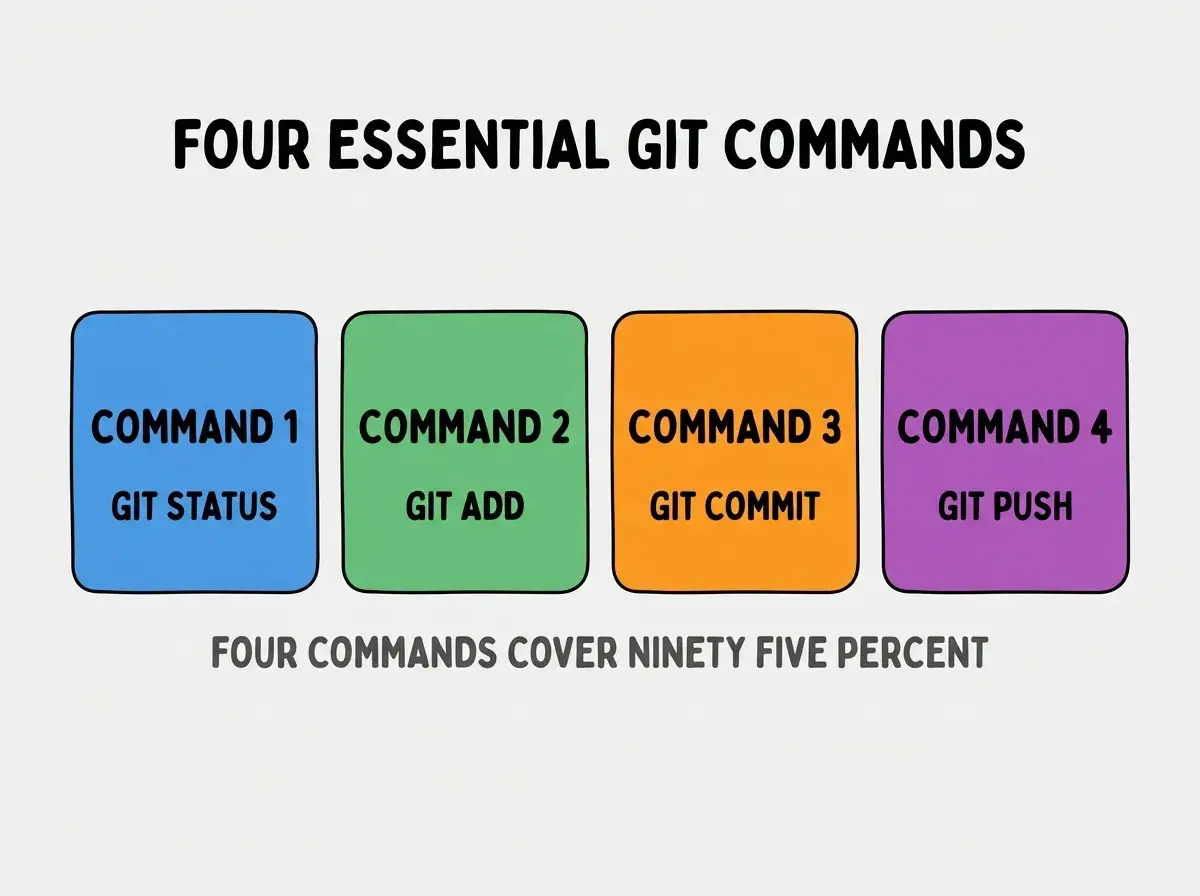
Command 3, git commit -m "message". Saves staged files as a snapshot with a message describing the change. Snapshots can be returned to later.
Command 4, git push. Syncs your local snapshots to a remote service like GitHub. Backs up your work outside your computer.
When To Commit During AI Work
The right commit timing for vibe coders differs from traditional developer commit timing.
Trigger 1, before asking AI to make any change. Commit current working state before AI touches anything. This is the safety net that lets you accept AI changes confidently.
Browse more ship articles
Read more shipTrigger 2, after AI change works as expected. Commit immediately after verifying AI change works. Lock in the working state.
Trigger 3, before testing. Commit before running tests or trying the app. If testing reveals issues, you can return to pre test state.
Trigger 4, end of work session. Commit and push at end of session. Backup your work outside your computer.
How To Recover From AI Breaking Code
Three recovery patterns handle the most common AI broken code situations.
Recovery 1, git restore filename. Reverts a single file to its last committed state. Use when AI broke one file and you want to undo just that file.
Recovery 2, git reset --hard HEAD. Reverts all uncommitted changes to last commit. Use when AI broke multiple files and you want to start fresh from your last save.
Recovery 3, git reset --hard COMMIT_HASH. Returns to a specific past commit. Use when AI broke things and your last commit is also broken; find an earlier good commit and return to it.
The recoveries work only because you committed before the AI changes. Without commits, recovery is impossible.
What Makes Git Habits Sustainable
Three patterns separate sustainable Git habits from abandoned attempts.
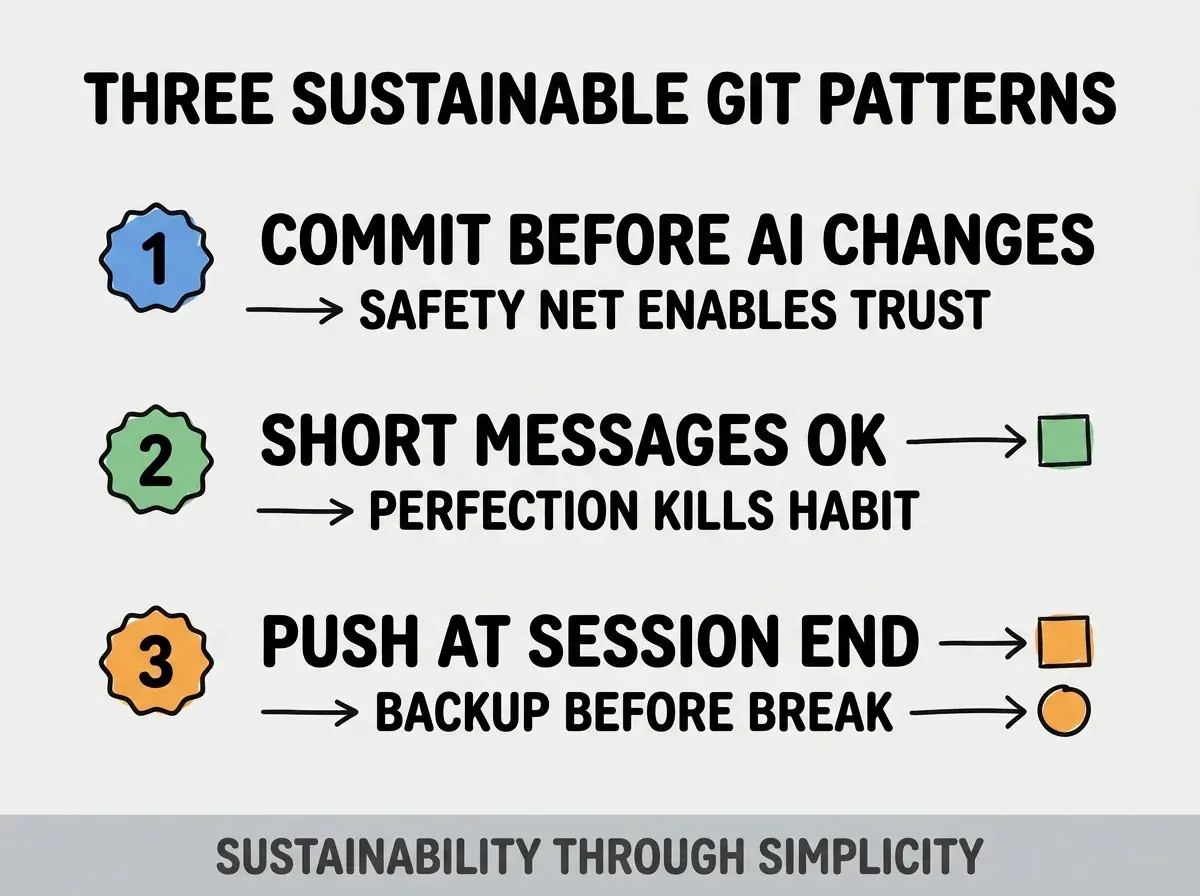
Pattern 1, commit before every AI change. The safety net is what makes vibe coding feel safe; without it, fear builds.
Pattern 2, short commit messages are fine. Perfect commit messages take time; time pressure causes skipped commits. Short messages beat skipped commits.
Pattern 3, push at end of every session. Local commits are not safe from disk failures; pushed commits are safe. Push as last action.
The combination produces Git habits that protect work for years. Without these patterns, Git use degrades and lost work returns.
How To Set Up Git With AI Tools
Three setup patterns make Git work smoothly with AI coding tools.
Pattern A, GitHub repository for every project. Free, easy to create, automatic backup. No reason to skip this for any vibe coding project.
Pattern B, GitHub Desktop or VS Code Git UI. Visual Git tools handle commits and pushes without command line; easier learning curve for non technical builders.
Pattern C, .gitignore from start. Standard .gitignore for your stack prevents committing files that should not be committed (node_modules, env files, build outputs).
The combination produces frictionless Git workflow. Without these patterns, friction causes Git skipping which causes lost work.
Common Questions About Git For Vibe Coders
Git for vibe coders raises questions worth addressing directly.
The first question is whether you need to learn Git deeply or just basics. Basics are enough for solo vibe coding; deep knowledge becomes necessary if working in teams.
The second question is whether Git GUIs are acceptable. Yes; GUIs reduce friction. Many professional developers use GUIs. Friction reduction matters for habit formation.
The third question is whether to commit secrets like API keys. Never; commit .env files to .gitignore and never to repository. Secrets in Git history are extremely difficult to remove.
The fourth question is what to do when Git commands fail with cryptic errors. Paste error message into AI tool and ask for help; AI handles Git error diagnosis well.
How Git Habits Affect Vibe Coder Confidence
Git habits affect vibe coder confidence in compounding ways. Confidence effects compound across years of building.
The first compounding effect is willingness to experiment. With safety net, experimenting feels safe; experimentation produces faster learning.
The second compounding effect is willingness to use AI for big changes. Big changes feel risky without safety net; with safety net, big changes become routine.
The third compounding effect is project ambition. Confidence enables ambitious projects; ambitious projects produce career growth.
The combination produces vibe coders who grow in capability over time. Without Git habits, fear limits ambition.
How To Recover Specifically From AI Disasters
Three patterns handle specific AI disaster scenarios.
Pattern A, AI deleted important files. git restore filename brings back deleted files if you committed them previously. If not committed, files may be lost.
Pattern B, AI rewrote working code into broken code. git reset --hard HEAD reverts to last commit; if last commit is also broken, find earlier commit with git log and reset to that.
Pattern C, AI committed changes you did not want. git reset --hard PREVIOUS_COMMIT reverts to before bad commit. Then force push if already pushed (rare for solo work).
The combination produces recovery options for any AI disaster. Without commits, no recovery is possible.
The most damaging Git mistake for vibe coders is committing only when projects feel done. By the time projects feel done, AI may have broken things multiple times in ways you cannot undo. The fix is to commit when work is in working state, regardless of how complete the project feels. Vibe coders who commit working states lose nothing; vibe coders who commit only completion experience repeated lost work.
The other mistake is committing without testing. Committing broken state means you cannot return to a known good state; verify before commit.
A third mistake is over learning Git before using it. Basics are enough; complex Git features can be learned later when needed.
A fourth mistake is treating Git as optional. Git is the difference between losing work occasionally and never losing work; treating it as optional guarantees lost work.
What This Means For You
Git for vibe coders is the safety net that makes AI assisted development sustainable. The four commands, commit triggers, and recovery patterns produce confidence that enables ambitious building.
- If you're a founder: Git habits protect your most valuable asset (working code) from the most common destruction (AI breaking changes).
- If you're a career changer: Git skills transfer directly to professional development; investment compounds across career.
Browse more ship articles
Read more ship