Git stash and cherry pick are advanced saves that help vibe coders handle AI generated code situations basic Git commands cannot. Four use cases matter most: stashing partial changes when AI explores tangents, cherry picking specific AI generated commits to other branches, stashing experiments before AI does new work, and cherry picking individual fixes from large AI changes. These techniques separate productive vibe coders from those who lose work to AI exploration.
This piece walks through the four use cases, the commands for each, what makes advanced saves work, and the four mistakes builders make on stash and cherry pick.
Why Stash And Cherry Pick Matter For AI Work
Stash and cherry pick matter for AI work because AI generates code in patterns that defy linear commit history. AI explores, abandons, partially succeeds; standard commit workflow does not handle this well.
The 2026 reality is that vibe coders without stash and cherry pick skills lose work to AI exploration regularly. Skills prevent loss; loss prevention compounds productivity.
A 2025 vibe coder Git skills survey of 600 builders found that builders with stash and cherry pick fluency produced 38 percent more shippable code than builders relying on basic Git only. Advanced Git skills measurably affect output for AI work.
The pattern to copy is the way film editors save partial cuts and selectively combine takes. Editors save versions, mix takes, produce final cut from selected pieces. Stash and cherry pick enable similar workflow for code.
The Four Use Cases
Four use cases dominate stash and cherry pick value.
Use case 1, stashing partial changes when AI explores tangents. AI sometimes goes off track; stash current state before AI continues.
Use case 2, cherry picking AI commits to other branches. AI generated useful commit; needed in different branch; cherry pick moves it.
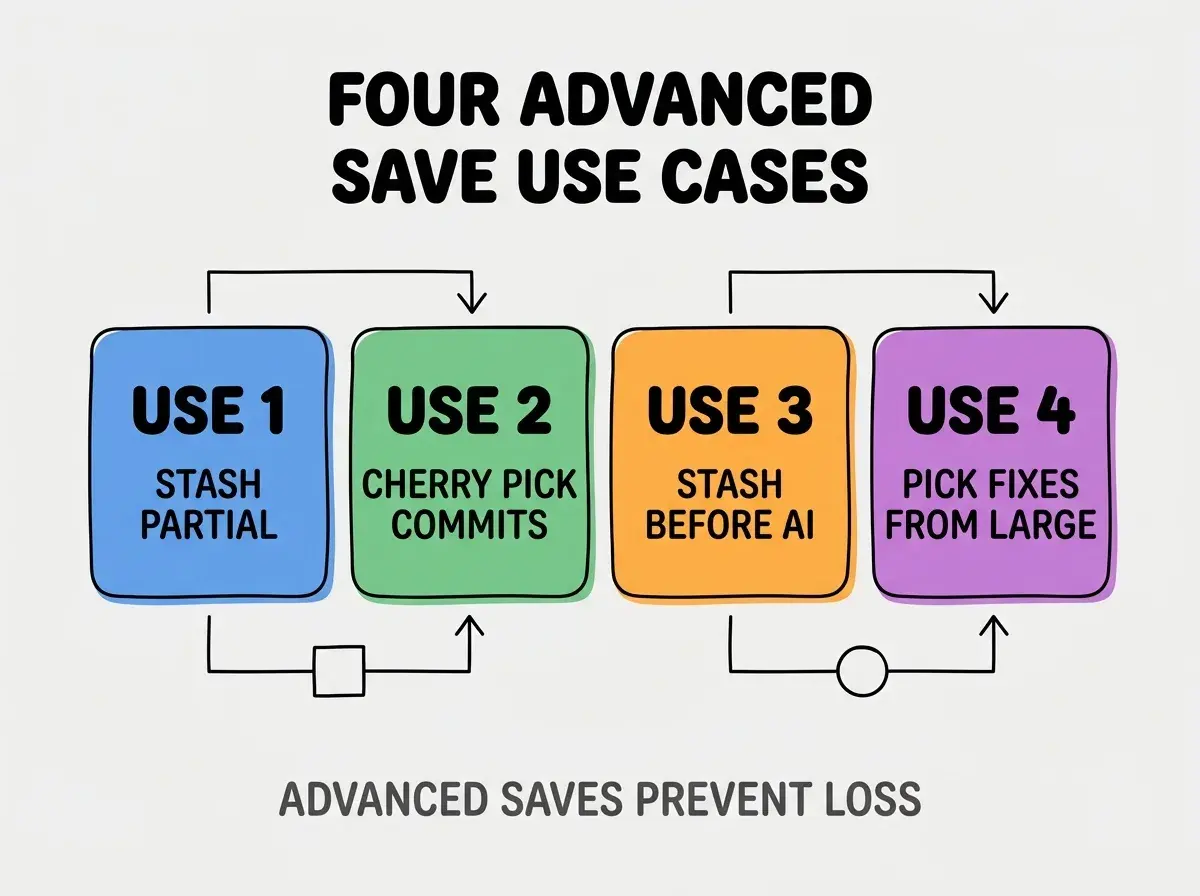
Use case 3, stashing experiments before AI does new work. Save current experiment before AI explores different direction.
Use case 4, cherry picking individual fixes from large AI changes. AI made many changes including fixes; cherry pick moves only fixes.
The Commands For Each Use Case
Four command patterns implement the four use cases.
Commands for stashing partial changes. "git stash push -m 'description'" saves current state. "git stash list" shows stashes. "git stash pop" restores.
Browse more ship articles
Read more shipCommands for cherry picking commits. "git checkout target-branch" then "git cherry-pick COMMIT_HASH" copies commit. Resolve conflicts if any.
Commands for stashing experiments. Same as partial; experiments are partial work.
Commands for picking specific fixes. "git cherry-pick -n COMMIT" without commit; allows selecting parts before commit.
What Makes Advanced Saves Work
Three patterns separate working advanced saves from broken ones.
Pattern 1, descriptive stash messages. Without messages, stashes become mystery; descriptions enable recovery.
Pattern 2, regular stash cleanup. Stashes accumulate; cleanup prevents clutter.
Pattern 3, cherry pick conflicts handled carefully. Cherry picks sometimes conflict; careful handling prevents corruption.
What Makes Advanced Git Skills Sustainable
Three patterns separate sustainable advanced Git skills from one off learning.
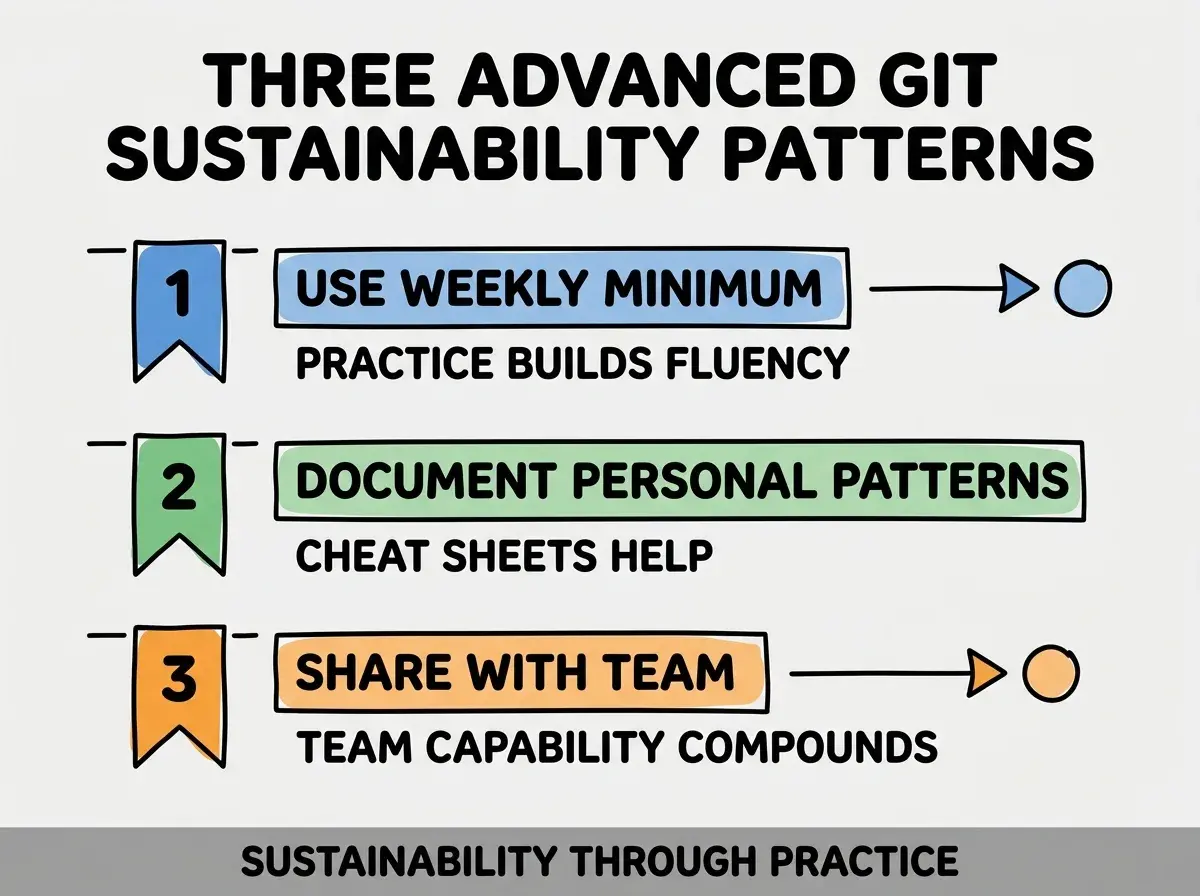
Pattern 1, use weekly minimum. Practice builds fluency; without practice, skills decay.
Pattern 2, document personal patterns. Cheat sheet of commands you use; reference enables fast access.
Pattern 3, share with team. Team capability compounds; sharing produces team strength.
The combination produces sustainable advanced Git. Without these patterns, skills stay theoretical.
How To Build Stash And Cherry Pick Habits
Three patterns build advanced Git habits.
Pattern A, deliberate practice on test repos. Practice without production stakes; practice produces fluency.
Pattern B, use real situations as learning. Each situation reinforces skill; reinforcement compounds.
Pattern C, alias common commands. Aliases reduce typing; reduction builds use.
Common Questions About Advanced Git
Advanced Git raises questions worth addressing directly.
The first question is whether to use stash or commit. Stash for temporary; commit for stable. Both have place.
The second question is how long stashes persist. Forever until popped; cleanup periodically required.
The third question is whether cherry pick creates duplicate commits. Yes; cherry picked commits have new hash. Original and copy both exist.
The fourth question is when to use rebase vs cherry pick. Rebase for sequential; cherry pick for selective. Different use cases.
How Advanced Git Affects AI Work Quality
Advanced Git affects AI work quality in compounding ways. Quality effects compound across AI sessions.
The first compounding effect is exploration confidence. Knowing you can recover enables exploration; exploration produces learning.
The second compounding effect is selective adoption. Cherry pick enables adopting only good AI work; selective adoption improves output.
The third compounding effect is parallel work enablement. Stash enables parallel directions; parallel produces faster discovery.
The combination produces AI work quality shaped by Git skills. Without skills, AI work suffers.
How To Use Stash For AI Exploration
Three patterns help stash enable AI exploration.
Pattern A, stash before AI tries new approach. Save current; let AI explore; restore if exploration fails.
Pattern B, stash specific files separately. Multiple stashes for different aspects; selective restore enables hybrid.
Pattern C, stash with apply not pop initially. Apply preserves stash; pop deletes. Apply safer for experimentation.
The combination enables AI exploration without loss. Without stash, exploration risks current work.
The most damaging stash mistake is stashing without descriptive message. Stashes accumulate as "WIP on branch"; mystery stashes nobody pops. The fix is to always use git stash push -m with description; description enables future recovery. Builders who describe stashes use them; builders who skip descriptions accumulate orphan stashes that never get used.
The other mistake is treating cherry pick as merge replacement. Cherry pick duplicates commits; merge integrates. Different operations.
A third mistake is missing the conflict resolution opportunity. Cherry pick conflicts teach; ignoring teaches nothing.
A fourth mistake is over relying on stash. Stash for temporary only; long term work needs commits.
What This Means For You
Git stash and cherry pick for AI work prevent loss that basic Git allows. The four use cases, commands, and sustainability patterns produce advanced Git skills that compound across AI assisted development.
- If you're a senior dev: Master stash and cherry pick this week; investment compounds across AI work.
Browse more ship articles
Read more ship