Code documentation for AI generated code requires four documentation categories that AI tools skip by default: API contracts (inputs, outputs, errors), architectural decisions (why), integration points (external dependencies), and operational requirements (deployment, monitoring). Each category serves different reader needs; combined they produce code other developers can use without reading every line.
This piece walks through the four documentation categories, what AI documents vs misses, how to enforce documentation, and the four mistakes builders make documenting AI code.
Why Documentation Matters Specifically For AI Code
Documentation matters specifically for AI code because AI generates code volume that exceeds reading capacity. Documentation enables other developers to use code without reading every line.
The 2026 reality is that AI tools generate working code with minimal documentation by default. Default produces working code that nobody can maintain.
A 2025 vibe coded project maintenance study of 200 projects found that projects with active documentation practice had 67 percent faster onboarding for new contributors than projects without. Documentation measurably affects team velocity over time.
The pattern to copy is the way medical professionals document patient care. Documentation enables continuity across providers; without documentation, care suffers when providers change. Code documentation works the same way.
The Four Documentation Categories
Four categories form complete code documentation.
Category 1, API contracts. Functions, classes, modules document inputs, outputs, errors, side effects.
Category 2, architectural decisions. Why decisions made; alternatives considered; trade offs accepted.
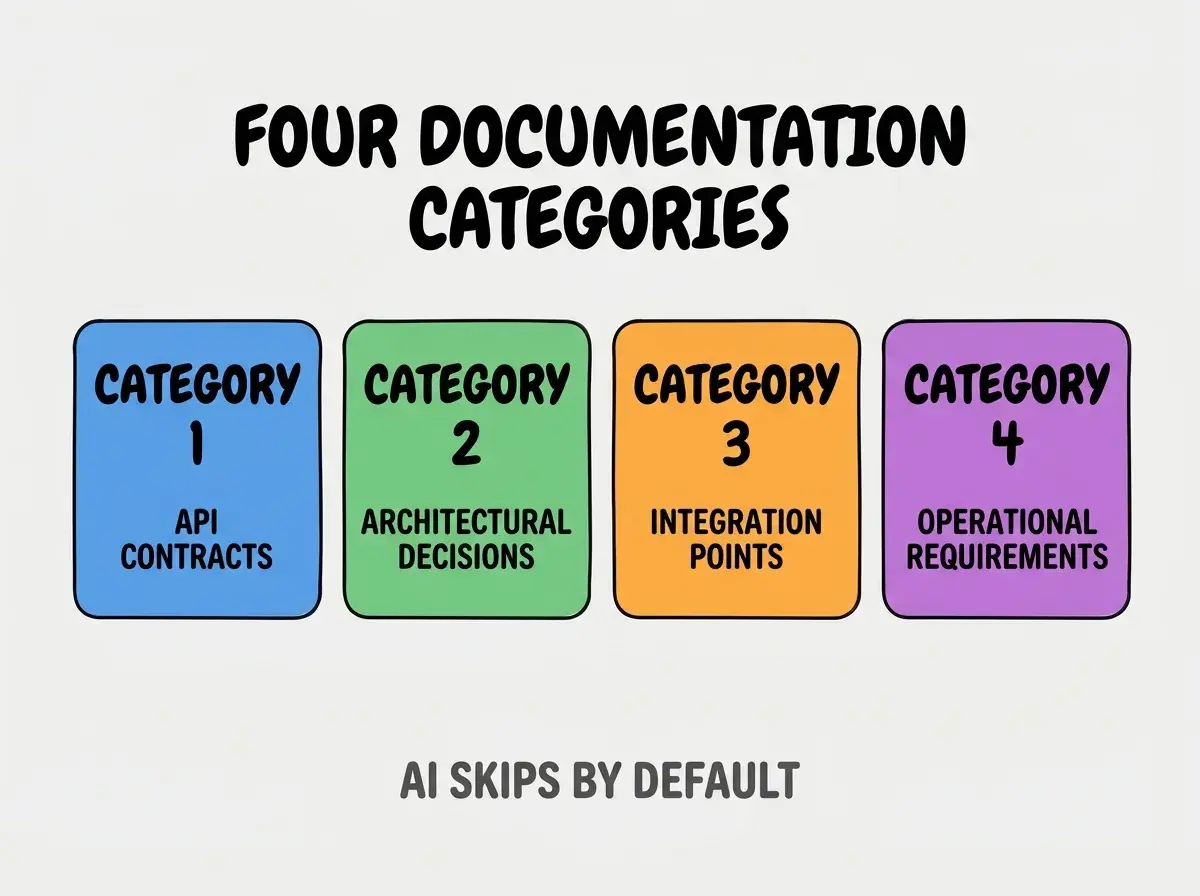
Category 3, integration points. External APIs, services, dependencies; what they expect; what they return.
Category 4, operational requirements. Deployment configuration, monitoring needs, scaling characteristics.
What AI Documents vs Misses
AI defaults pattern characterizes documentation gaps.
Default documentation. Inline comments on complex logic; basic JSDoc/docstrings on functions.
Browse more ship articles
Read more shipMissed documentation. Architectural reasoning; integration assumptions; operational requirements; cross cutting concerns.
The gap matters because missed documentation is exactly what other developers need most.
How To Enforce Each Documentation Category
Four enforcement patterns address each category.
Enforcement 1, API contracts via JSDoc/TypeScript. Type definitions document contracts implicitly; explicit JSDoc adds detail.
Enforcement 2, architectural decisions via ADRs. Architecture decision records capture why; ADRs separate from code.
Enforcement 3, integration points via README sections. README documents external dependencies; README in repo root.
Enforcement 4, operational requirements via runbooks. Runbooks document deployment, monitoring, scaling; runbook per service.
What Makes Documentation Sustainable
Three patterns separate sustainable documentation from one off documentation sprints.
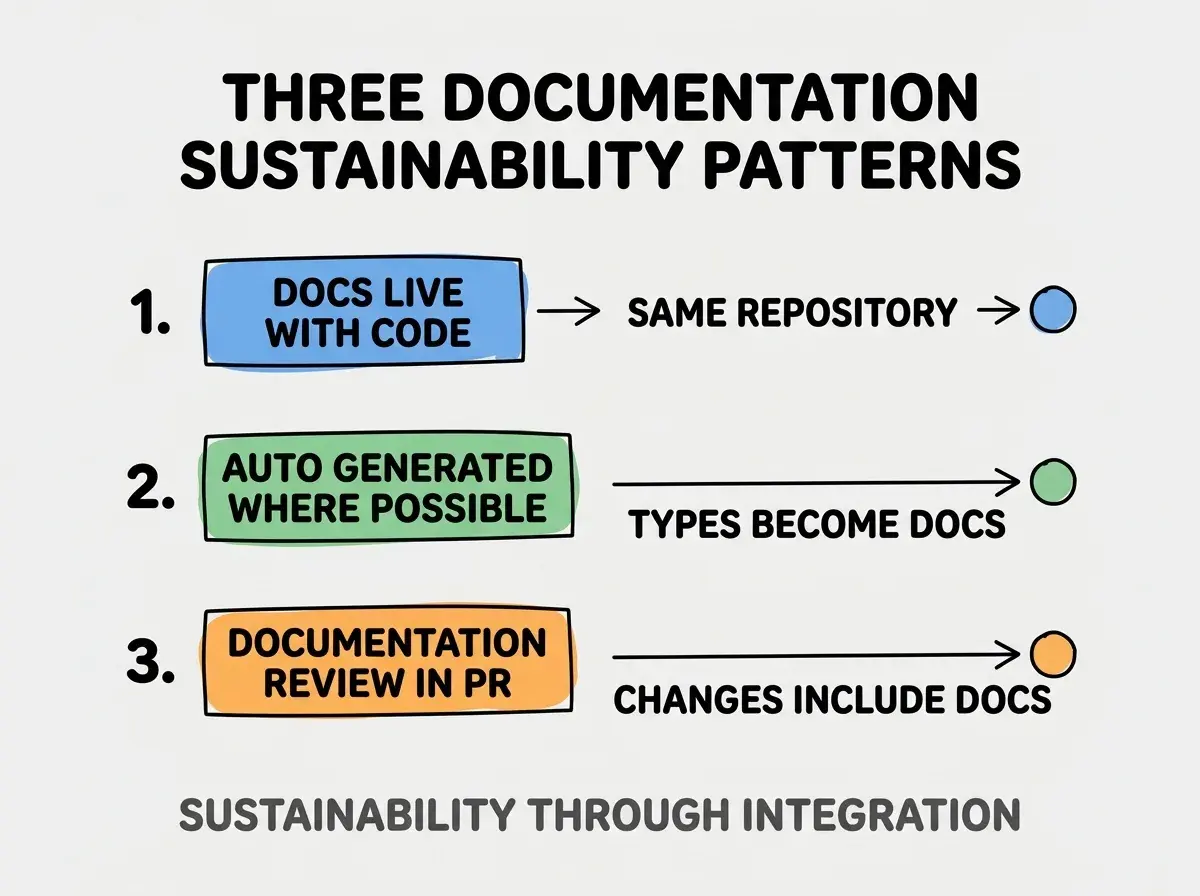
Pattern 1, docs live with code in same repo. Separate doc systems drift; integrated docs stay current.
Pattern 2, auto generated where possible. Type definitions become docs automatically; auto generation reduces manual work.
Pattern 3, documentation review required in PRs. PR template includes documentation update; review enforces.
The combination produces sustainable documentation. Without these patterns, documentation decays.
How To Use AI For Documentation
Three patterns help AI assist documentation.
Pattern A, AI generates first draft from code. AI reads code, generates documentation; human reviews accuracy.
Pattern B, AI updates docs when code changes. Code change triggers AI doc update; human reviews.
Pattern C, AI checks documentation completeness. AI identifies missing documentation areas; review informs fixes.
Common Questions About Code Documentation
Code documentation raises questions worth addressing directly.
The first question is whether to document every function. No; document public API, complex logic, surprising behavior. Trivial code documents itself.
The second question is whether to use JSDoc or TSDoc. Match language; TypeScript projects use TSDoc, JavaScript use JSDoc.
The third question is whether AI generated docs are accurate. Mostly yes; review essential. AI plus human beats either alone.
The fourth question is how to handle documentation rot. Quarterly review catches rot; updates restore accuracy.
How Documentation Affects Long Term Project Outcomes
Documentation affects long term outcomes in compounding ways. Outcome effects compound across project lifetime.
The first compounding effect is contributor velocity. Documented code easier to contribute to; velocity compounds across contributors.
The second compounding effect is bug rate. Documented assumptions become tested assumptions; testing reduces bugs.
The third compounding effect is project longevity. Documented projects survive contributor changes; undocumented projects depend on individual memory.
The combination produces project outcomes shaped by documentation. Without documentation, projects fragile to team changes.
How To Adopt Documentation Practice Progressively
Three adoption patterns help teams improve documentation.
Pattern A, document new features fully. Old code grandfathered; new features document fully.
Pattern B, document during refactoring. When refactoring, document. Spreads work over time.
Pattern C, dedicate documentation sprint quarterly. Reserve time for pure documentation work; addresses backlog.
The combination produces sustainable adoption. Without progression, comprehensive documentation attempts fail.
The most damaging documentation mistake is treating documentation as separate from code. Separate documentation systems drift; integrated documentation stays current. The fix is to keep documentation in same repository as code; PR changes touch both. Teams with integrated documentation maintain accuracy; teams with separate documentation maintain wrong information.
The other mistake is documenting what code does. Code shows what it does; documentation explains why and how to use.
A third mistake is missing the integration documentation. External dependencies often skip documentation; integrations matter most.
A fourth mistake is treating documentation as one off project. Documentation requires maintenance; maintenance keeps documentation valuable.
What This Means For You
Code documentation for AI generated code requires four categories that AI defaults skip. The categories, enforcement patterns, and adoption approaches produce documentation that compounds project sustainability.
- If you're a senior dev: Add documentation requirements to PR template; template enforces what aspirational guidelines do not.
Browse more ship articles
Read more ship