Maintaining consistent coding standards across a team is challenging enough when humans write all the code. When you introduce autonomous coding assistants into your workflow, enforcing these standards becomes an entirely different problem. Without explicit guidance, AI tools often default to generic patterns, mixing architectural styles and ignoring your carefully crafted repository conventions. This guide explores how to use Cline rules to enforce your project conventions systematically.
Retrospective edition for March 22, 2026. Researched and published September 9, 2026. Product details reflect documentation checked at publication unless explicitly identified as historical.
Well-structured instructions make project expectations explicit, but you still need to inspect the generated code and run relevant checks. We will explore how to organize your configuration files, write precise instructions for TypeScript projects, and debug situations where the assistant ignores your guidelines.
Understanding the Cline Rules Hierarchy and File Precedence Rules
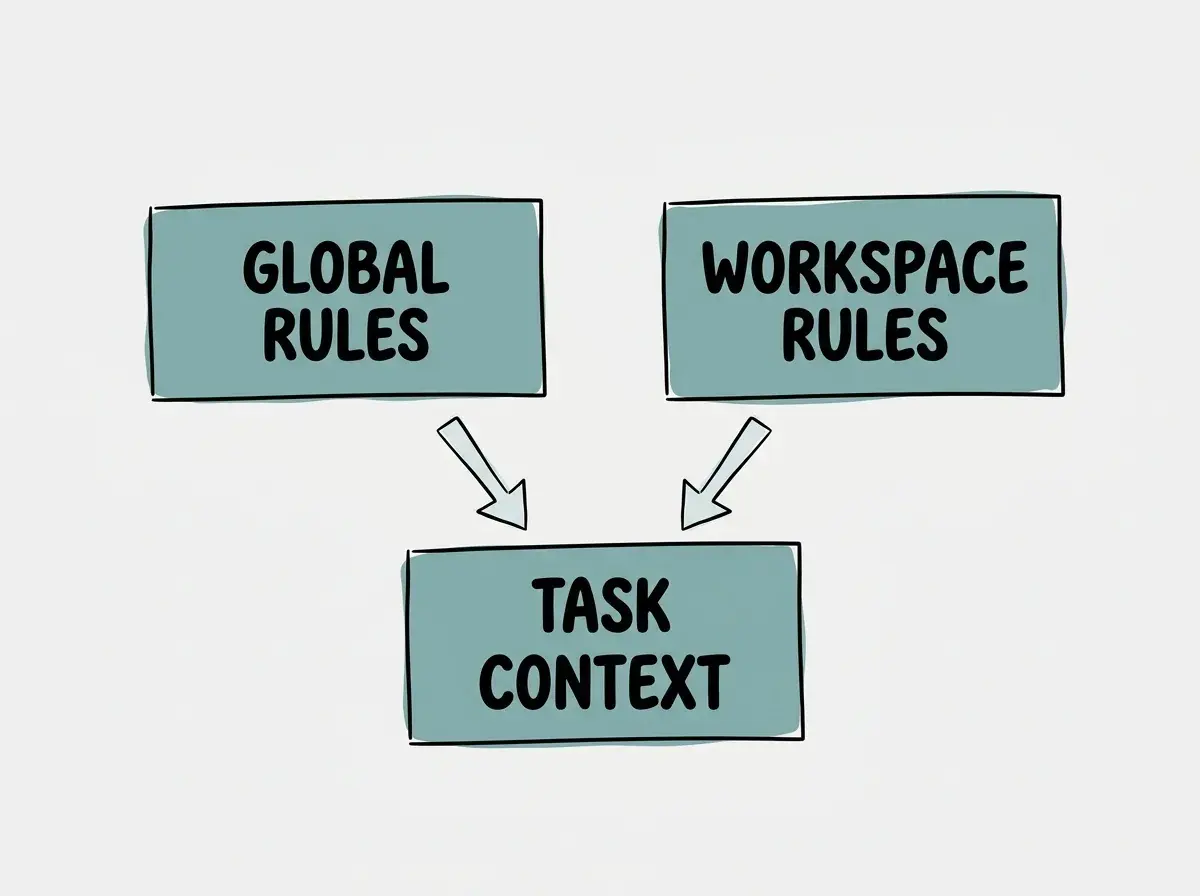
To effectively control how your assistant behaves, you must first understand how it processes instructions. According to the Cline rules documentation, the system combines rules from multiple sources. It reads both global configuration files and workspace specific files.
When you define guidelines, you can place them in a dedicated .clinerules directory within your project workspace. Inside this directory, you can mix both .md and .txt files. The system combines these files to form the context for the assistant. You can optionally use numeric prefixes like 01-coding.md to organize these files in your directory, though the prefix does not strictly dictate absolute overriding precedence in the AI context window.
Workspace rules take precedence over global rules when conflicts arise. This allows you to maintain a baseline set of global preferences for all your projects while overriding specific behaviors for individual repositories.
| Feature | Global Rules | Workspace Rules |
|---|---|---|
| Storage Location | User home directory configuration folder | Project root .clinerules directory |
| Primary Use Case | Personal preferences and baseline habits | Repository specific architectural standards |
| Precedence Level | Lower priority fallback | Highest priority override |
Understanding this hierarchy prevents frustrating debugging sessions. If you notice the assistant using a formatting style you dislike, you should first check if a workspace rule is overriding your global preferences. You can verify which rules are currently active by checking the UI toggle in the assistant panel, which displays the loaded context files.
Setting Up Project Conventions with Specific TypeScript Examples
Generic instructions yield generic results. If you tell an AI to "write good TypeScript," it will guess what "good" means based on its training data. Concrete constraints help explain your expectations; production readiness still depends on implementation and validation.
Consider an illustrative TypeScript backend whose team has already adopted the conventions below. These are sample local policies, not universal TypeScript recommendations. We will create a file named .clinerules/coding.md to establish our baseline architectural patterns.
# TypeScript Coding Standards

## Interface and Type Definitions
- Always use `interface` for object shapes, never `type` aliases, unless defining unions or intersections.
- Prefix all database model interfaces with `Db` (e.g., `DbUser`, `DbAccount`).
- Export all interfaces from a central `types/index.ts` barrel file.

## Error Handling
- Never throw generic `Error` objects.
- Always use the custom `AppError` class imported from `@/utils/errors`.
- Include a specific `errorCode` string in every `AppError` instantiation.

## Asynchronous Operations
- Prefer `async/await` over raw Promise chains `.then()`.
- Wrap all database calls in a `try/catch` block and map database errors to `AppError` instances.
This gives the assistant a specific implementation to look for. Confirm that the referenced class exists before adopting the example, and review whether the resulting code actually uses it.
You must also consider safe secret handling when writing these files. Never hardcode API keys, database passwords, or authentication tokens in your rule files. These files are committed to version control. Instead, instruct the assistant on how to load secrets from the environment. For example, add a rule stating: "Always retrieve API keys using process.env.API_KEY and validate their existence at application startup."
Writing Effective Testing Rules for Your Project Codebase Repositories
Testing conventions vary wildly between organizations. Some teams prefer deep unit tests with extensive mocking, while others rely entirely on integration tests against a live database. If you do not specify your testing philosophy, the assistant will likely generate a mix of both, leading to a fragmented test suite.
We can solve this by creating a dedicated .clinerules/testing.md file.
# Testing Conventions

## Test Framework and Runner
- Use Vitest for all unit and integration tests.
- Place test files alongside the implementation files using the `.test.ts` extension.

## Mocking Strategy
- Do not mock the database for service layer tests. Use the in-memory SQLite test database.
- Mock external HTTP requests using `msw` (Mock Service Worker). Never use `vi.mock()` for the `fetch` API.

## Assertion Styles
- Use `expect(result).toStrictEqual()` for object comparisons. Avoid `toEqual()` unless specifically ignoring undefined properties.
- Always assert that expected errors are thrown using `await expect(operation()).rejects.toThrow(AppError)`.
By separating testing rules into their own file, you keep the configuration modular and easy for human developers to read. Cline can combine these files, but inclusion does not guarantee compliance. Inspect the test it produces, especially whether the fixture database behaves like the production database for the query under test.
Modularity is crucial for maintainable AI instructions. By splitting your guidelines into focused files like coding, testing, and deployment, you make it easier to update specific conventions without cluttering the assistant context with a single massive document.
Keep these conventions tied to real project decisions so future changes remain easy to review.
Explore clear explanations of AI coding tools, project context, and reliable development workflows.
Explore the blogPublication Update Scoped Rules in Modern Cline Implementations
The documentation checked in September 2026 describes optional path scoping in Markdown rule frontmatter. This is a publication-time compatibility note; it does not establish when the feature first became available.
This is particularly useful in monorepos where the frontend and backend have entirely different architectural standards. You can define a scoped rule that applies React conventions only to the apps/web directory, and Node conventions only to the apps/api directory.
Save this example as .clinerules/frontend.md:
---
paths:
  - "apps/web/**/*.tsx"
---

# Frontend conventions
- Reuse the project's existing Button and Field components.
- Preserve keyboard access and visible focus for interactive controls.
- Keep API credentials out of browser code.
Use a separate .clinerules/backend.md with a matching API path when the backend needs different guidance. A standalone scopes.yaml file is not the documented format.
Scoped loading can keep unrelated guidance out of a task. Verify both a matching frontend file and an unrelated backend file before relying on the scope; the benefit depends on correct activation.
Do not write overly restrictive rules that conflict with the underlying framework requirements. If you force the assistant to use a pattern that the framework explicitly deprecates, the AI will struggle to generate working code, often looping in endless error correction cycles.
Diagnosing Failures and Rewriting Ineffective Rule Instructions
Even with well structured files, you will occasionally encounter situations where the assistant ignores your instructions. Diagnosing these failures requires a systematic approach to rule refinement.
First, verify that the rules are actually loaded. Use the UI toggle in the assistant panel to inspect the active context. If your new rule file is not listed, you may have a typo in the directory name or file extension.
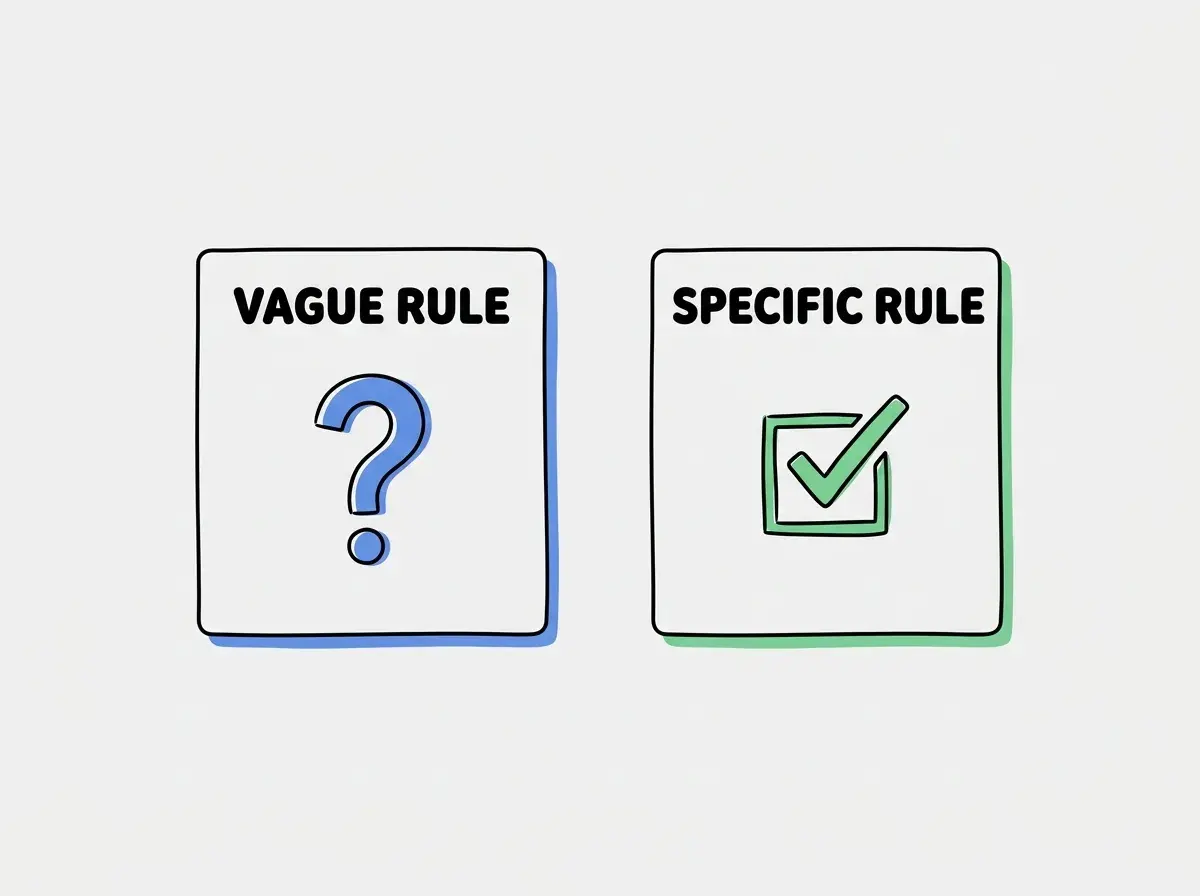
If the rules are loaded but ignored, the problem usually lies in how the instructions are phrased. Bad rules are often vague, contradictory, or buried in massive paragraphs. AI models respond best to clear, imperative statements.
Consider this bad rule: "Try to make the code look clean and ensure you handle errors properly if the database fails."
This is subjective and lacks concrete actions. We must rewrite it into an effective instruction:
"Wrap all database queries in a try/catch block. On failure, record the approved sanitized error fields and throw an AppDatabaseError; do not log query parameters or credentials."
When rewriting a rule, start with an isolated example and then check it with the other active rules. Ask the assistant to generate a small snippet of code relevant to the rule and verify the output. If it succeeds, you can confidently commit the updated .clinerules file to your repository.
A small verification exercise before sharing rules
Create a disposable branch and choose one existing function with a narrow behavior, such as rejecting a missing product identifier. Ask Cline to add that validation using the current error convention. Before it edits, have it identify the relevant rule and existing implementation. This separates missing context from a misunderstood requirement.
Review three things after the change. The error should use the project's actual class rather than a new class with a similar name. The test should exercise the rejected input and still accept a valid identifier. The check command should finish successfully or report its real failure. An assistant's statement that the change is correct is not equivalent to that evidence.
Now disable the proposed rule and repeat a comparable task in a fresh session. You are not trying to prove a universal productivity gain from two examples. You are checking whether the rule communicates a useful distinction in your own repository. If both attempts behave identically, the rule may be redundant or the task may not exercise it.
Finally, review the file with a teammate who has not seen the conversation. Ask whether they can tell which projects it applies to, whether the named commands exist, and how to recognize compliance. A rule that only makes sense to its author is difficult for either a human or an assistant to maintain.
Keep one short record of the exercise in your normal project documentation. Include the client version, the active rules, and the task used. Repeat it when you change the scope or upgrade a client in a way that affects rule discovery. Remove temporary test instructions when the experiment ends.
Frequently Asked Questions About Cline Configuration Management
What This Means for Your Development Workflow and Next Steps
Implementing structured project conventions transforms your AI assistant from a generic code generator into a disciplined team member. Organizing .clinerules and using supported scope metadata can reduce repeated explanations. It does not eliminate code review or turn instructions into an enforcement mechanism.
Start small. Create a single coding.md file today with your top three most frequently violated team conventions. Observe how the assistant adapts, refine the language based on the output, and gradually expand your rule set to cover testing, deployment, and architectural patterns.
Read more practical articles for choosing tools, reviewing changes, and shipping useful software.
Read more guides