A visual timeline of your life and career helps you see patterns across years that get lost in day to day. Four timeline components matter: event capture (add events with date, title, description), visual rendering (timeline display with zoom levels), category coloring (work, personal, learning, travel themes), and reflection prompts (AI suggests reflection questions for each era). Combined components produce timeline apps that turn scattered memories into visible patterns.
This tutorial walks through the four components, the implementation patterns, what makes timeline apps sustainable, and the four mistakes builders make on timeline apps.
Why Visual Timelines Matter
Visual timelines matter because narrative arc gets lost in calendars and chat logs. Stepping back to see decade level patterns reveals what mattered, what didn't, and where life pivoted in ways daily view cannot.
The 2026 reality is that AI tools (Claude, GPT) make timeline apps buildable in days that previously required dedicated journaling SaaS subscriptions or complex Notion templates.
A 2025 personal reflection study of 200 timeline app users found that users with visual timelines reported clearer career direction 49 percent more often than users journaling chronologically, primarily through pattern recognition that decade view enables. Visual format measurably affects insight generation.
The pattern to copy is the way museum exhibits arrange artifacts chronologically with thematic groupings. Visual chronology plus theme reveals patterns text alone hides; same patterns apply to personal timelines where visual format reveals career and life patterns daily journals miss.
The Four Timeline Components
Four components form complete timeline app.
Component 1, event capture. Date, title, description. Foundation.
Component 2, visual rendering. Display with zoom. Presentation.
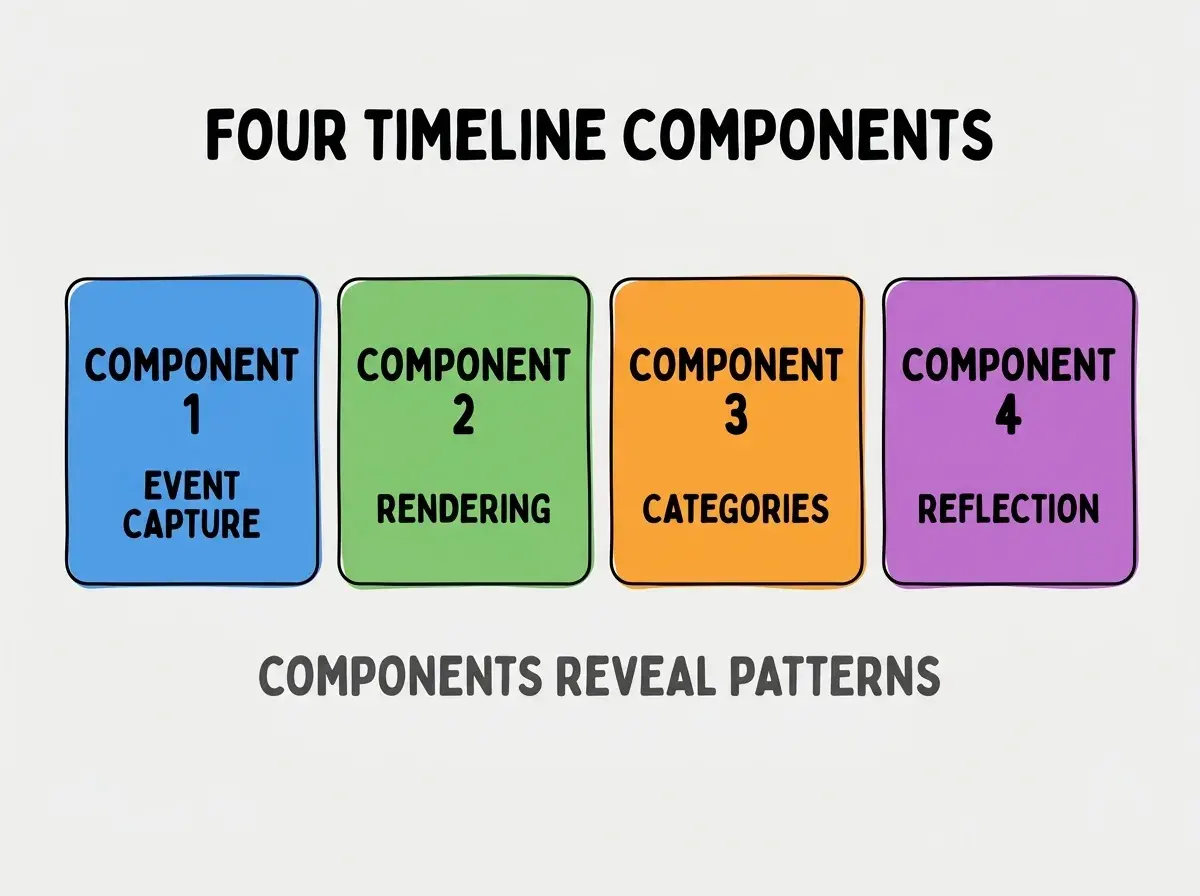
Component 3, category coloring. Themes visible. Patterns.
Component 4, reflection prompts. AI questions per era. Insight.
How To Implement Each Component
Four implementation patterns address each component.
Implementation 1, event form with date, title, body. Standard CRUD; tags for categories.
Browse more build
Read more buildImplementation 2, visx or D3 for rendering. Visualization libraries handle zoom, scroll.
Implementation 3, color per category. Tag categories; visual encoding via color.
Implementation 4, AI reflection prompts. GPT or Claude generates questions about era from events.
What Makes Timeline Apps Sustainable
Three patterns separate sustainable from abandoned.
Pattern 1, low friction event entry. Quick add maintains use.
Pattern 2, mobile capture available. Add events as they happen; not batch.
Pattern 3, private and owned. Personal data; own forever.
What Makes Timeline Strategy Effective
Three patterns separate effective from theatrical.
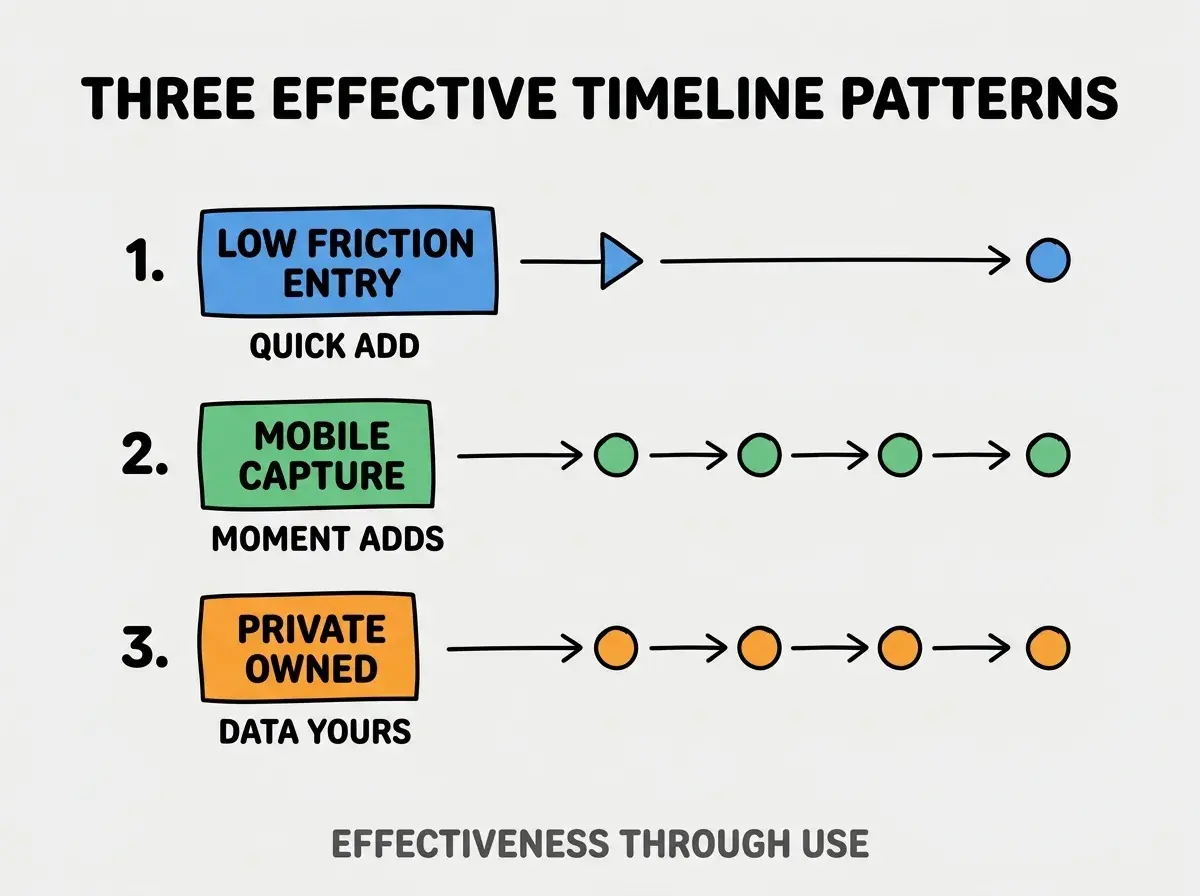
Pattern 1, low friction entry. Quick add.
Pattern 2, mobile capture. Moment adds.
Pattern 3, private owned. Data yours.
The combination produces effective timeline. Without these patterns, timeline empties.
How To Choose Timeline Stack
Three patterns help stack choice.
Pattern A, web app for cross device. Browser based works everywhere.
Pattern B, local first for privacy. Local storage with sync optional.
Pattern C, mobile first PWA. Mobile capture primary.
Common Questions About Personal Timelines
Personal timelines raise questions worth addressing directly.
The first question is what to record. Major events first; routine optional.
The second question is whether to share. Personal usually private; selective sharing optional.
The third question is how to handle sensitive events. Privacy critical; encryption considered.
The fourth question is whether to import from calendar. Yes; calendar events bootstrap timeline.
How Timelines Affect Personal Reflection
Timelines affect reflection in compounding ways. Reflection effects compound across years.
The first compounding effect is pattern recognition. Visual reveals patterns text hides.
The second compounding effect is decision context. Past patterns inform future choices.
The third compounding effect is gratitude. Seeing journey produces gratitude.
The combination produces reflection shaped by timeline depth. Without depth, reflection bounded.
How To Use AI For Timeline Insight
Three patterns help AI use.
Pattern A, era summarization. AI summarizes a year or era from events.
Pattern B, pattern detection. AI surfaces patterns across timeline.
Pattern C, reflection question generation. AI asks questions that prompt insight.
The combination produces AI augmented reflection. Without AI, reflection requires more discipline.
The most damaging timeline app mistake is treating it as comprehensive log requiring every event. Comprehensive feels overwhelming; abandonment follows. The fix is to record what matters; gaps OK. Users who record selectively maintain timelines for years; users who try comprehensive abandon within months when capture burden exceeds reflection value.
The other mistake is missing the visual emphasis. Text only timeline reverts to journal.
A third mistake is over engineering features before validating personal use.
A fourth mistake is treating timeline as one off project. Timeline is lifetime tool.
What This Means For You
Build a visual timeline of your life and career enables personal reflection that compounds across years. The four components, implementation patterns, and sustainability approaches produce timelines that reveal patterns daily view misses.
- If you're a creative: Timeline tools enable narrative reflection on creative arc.
- If you're changing careers: Career timelines reveal patterns informing next pivot.
- If you're a senior dev: Building personal tools demonstrates AI augmentation; transferable to other reflection apps.
Browse more build
Read more build