A mood board generator helps designers and creatives assemble visual references that capture project aesthetic before design work begins. Four components matter: image search and curation (find candidate images), drag and drop layout (arrange visually), color palette extraction (auto extract palette from images), and AI suggestion (suggest images matching theme). Combined components produce mood boards that scale beyond Pinterest screenshots; without these, mood board creation stays manual and slow.
This tutorial walks through the four components, the implementation patterns, what makes mood boards sustainable, and the four mistakes builders make on mood board generators.
Why Mood Board Generators Matter
Mood board generators matter because mood boards inform design direction. Better mood boards produce better designs; faster mood board creation enables more iterations.
The 2026 reality is that AI tools (Claude, GPT, Gemini image search) make custom mood board generators buildable in days that previously required Adobe stack or Pinterest workflow.
A 2025 design workflow study of 350 designers found that designers using custom mood board generators produced design concepts 38 percent faster than designers using Pinterest plus Figma manual workflow, primarily through AI suggested imagery and automatic palette extraction. Tools measurably affect concept iteration speed.
The pattern to copy is the way film directors create lookbooks before shoots. Lookbook captures visual intent; production references throughout. Same patterns apply to design; mood board captures intent, design references throughout build.
The Four Mood Board Components
Four components form complete mood board generator.
Component 1, image search. Find candidates. Foundation.
Component 2, drag and drop layout. Arrange visually. Composition.
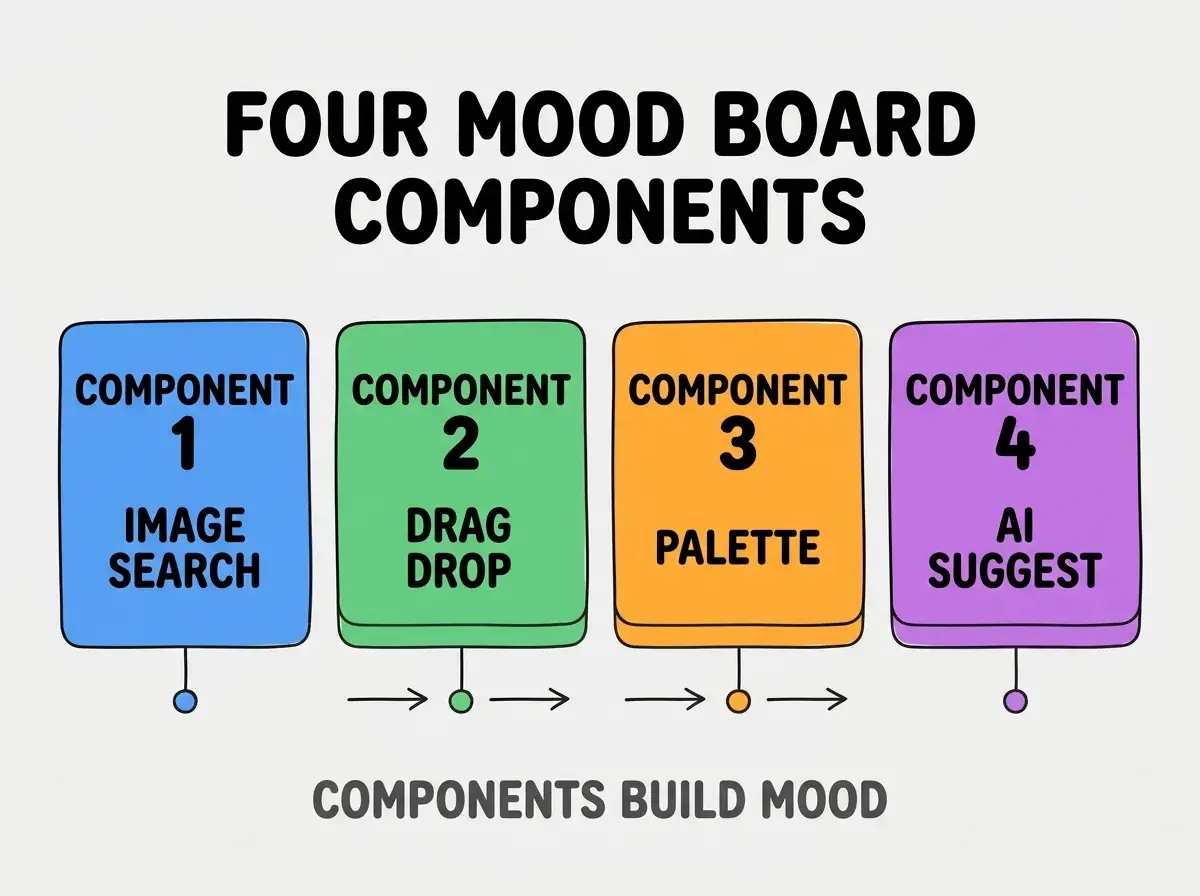
Component 3, color palette extraction. Auto extract palette. Analysis.
Component 4, AI suggestion. Suggest matching images. Augmentation.
How To Implement Each Component
Four implementation patterns address each component.
Implementation 1, Unsplash or Pexels API. Free image APIs; royalty free.
Browse more build
Read more buildImplementation 2, react grid layout for arrangement. Battle tested grid library; drag drop included.
Implementation 3, color thief library. Extract dominant colors from images; render palette.
Implementation 4, AI image search via embedding. Image embedding plus similarity search; surfaces matching aesthetic.
What Makes Mood Boards Sustainable
Three patterns separate sustainable from one off boards.
Pattern 1, easy export to design tools. Export to Figma, Sketch; bridge to design.
Pattern 2, share with team easily. Public link; comments enabled.
Pattern 3, library of past boards. History accessible; reference past work.
What Makes Generator Strategy Effective
Three patterns separate effective from theatrical.
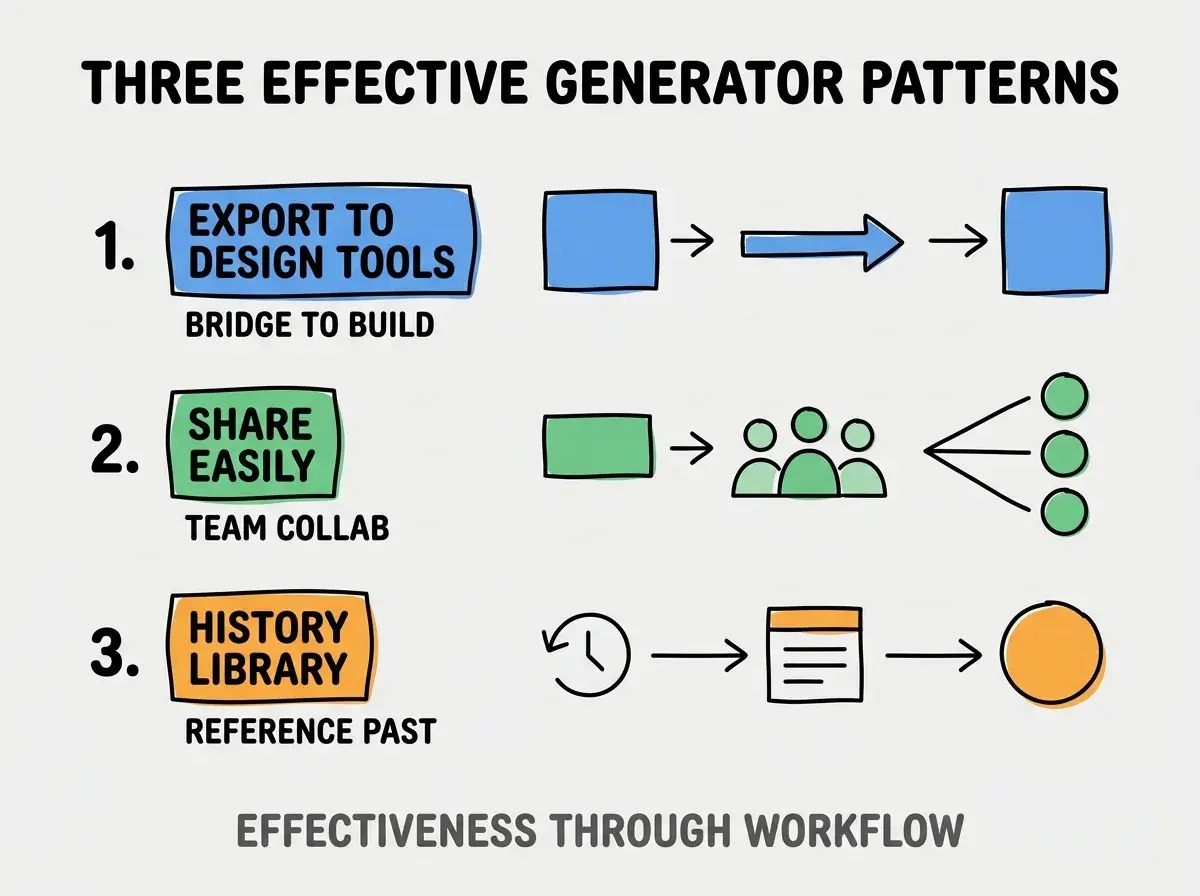
Pattern 1, export to design. Bridge to build.
Pattern 2, share easily. Team collab.
Pattern 3, history library. Reference past.
The combination produces effective generator. Without these patterns, generator stays standalone toy.
How To Choose Image Sources
Three patterns help source choice.
Pattern A, Unsplash for free. Royalty free; quality good.
Pattern B, Pinterest API where available. Curated by humans; high quality.
Pattern C, custom uploads. User uploads for niche imagery.
Common Questions About Mood Board Generators
Mood board generators raise questions worth addressing directly.
The first question is whether to handle copyright. Yes; track image sources for attribution.
The second question is what about high resolution. Need original res for design reference; thumbnails insufficient.
The third question is whether AI generated images appropriate. Sometimes; original imagery still preferred for client work.
The fourth question is how to handle large image collections. Pagination; lazy load; performance critical.
How Mood Board Generators Affect Design Process
Mood board generators affect process in compounding ways. Process effects compound across projects.
The first compounding effect is concept iteration speed. Faster boards enable more concepts.
The second compounding effect is client alignment. Visual mood board aligns client expectations.
The third compounding effect is design team learning. Library accumulates team aesthetic knowledge.
The combination produces process shaped by generator quality. Without quality, process bottlenecked by manual work.
How To Integrate AI Suggestions
Three patterns help AI integration.
Pattern A, embedding based similarity. Image embeddings find similar images.
Pattern B, text to image search. Text prompt finds matching imagery.
Pattern C, theme detection from selected. AI detects theme from chosen images; suggests more.
The combination produces AI assisted curation. Without AI, curation entirely manual.
The most damaging mood board generator mistake is over engineering before validating designer workflow. Generators with 50 features get ignored for Pinterest; simple generators with right 4 features get used. The fix is to ship minimal; observe designer use; add features based on observed friction. Generators that fit workflow get used; generators with feature creep stay unused while designers revert to familiar Pinterest workflow.
The other mistake is missing the high resolution path. Designers need full res; thumbnails fail.
A third mistake is treating mood boards as static. Boards evolve through project; revisions expected.
A fourth mistake is over indexing on AI generation. Original imagery often better for distinctive design.
What This Means For You
A mood board generator build enables designers and creatives to assemble visual references that scale beyond manual Pinterest workflow. The four components, implementation patterns, and sustainability approaches produce generators that compound design team output.
- If you're a designer: Mood boards core design tool; custom generator enables workflow fit.
- If you're a creative: Visual reference assembly augments creative work; tools matter.
- If you're changing careers: Building creative tools demonstrates AI integration; valuable signal in design hiring.
Browse more build
Read more build