To build a React Native app with vibe coding in 2026, start with Expo for the simplest setup, structure the app around screens with clear navigation, use AI to generate platform-specific UI patterns rather than forcing the same UI on iOS and Android, and prepare for the App Store and Play Store submissions early because they take longer than the build itself. The path from idea to published app is roughly two weekends with AI assistance, and the result is a real cross-platform app that beats most "no-code" mobile builders on flexibility.
This piece walks through the four architectural choices, the AI prompt patterns for mobile, the submission preparation that catches teams off-guard, and the four mistakes that turn React Native projects into multi-month frustrations.
Why React Native With AI Is Particularly Powerful
React Native is uniquely well-suited to AI assistance because the framework leverages existing JavaScript/TypeScript knowledge, the component model maps directly to web React patterns, and the documentation is mature enough that AI training data covers most patterns well. The combination means a developer who can vibe code a web app can build a React Native app with relatively little additional learning.
The 2026 advantage is that Expo (the recommended starting framework) handles most of the platform complexity that previously required deep iOS or Android knowledge. AI handles the React component code; Expo handles the platform-specific runtime; you focus on the product itself.
A 2025 React Native survey of 3,000 developers using AI assistance found that those who started with Expo shipped to both iOS and Android in 60 percent less time than those who started with bare React Native or native development. The simplification compounds because Expo handles the App Store submission, push notification setup, and over-the-air updates that previously took weeks of platform-specific debugging. Choose your starting framework carefully; the choice has multi-month consequences.
The pattern to copy is the way Squarespace and Webflow simplified web design by abstracting the complexity that web designers used to wrestle with manually. Expo does the same for mobile development: it abstracts the platform-specific concerns that historically burned weeks of mobile developer time, leaving you to focus on the product.
The Four Architectural Choices That Matter
Four early decisions shape the whole project. Getting them right upfront saves significant rework.
Choice 1, Expo or bare. Expo is significantly simpler and handles 90 percent of what most apps need. Bare React Native gives you more control but requires native development knowledge. Default to Expo unless you have a specific reason not to.
Choice 2, navigation library. React Navigation is the standard. Expo Router is newer and matches Next.js patterns. Pick one and commit; switching mid-project is painful.
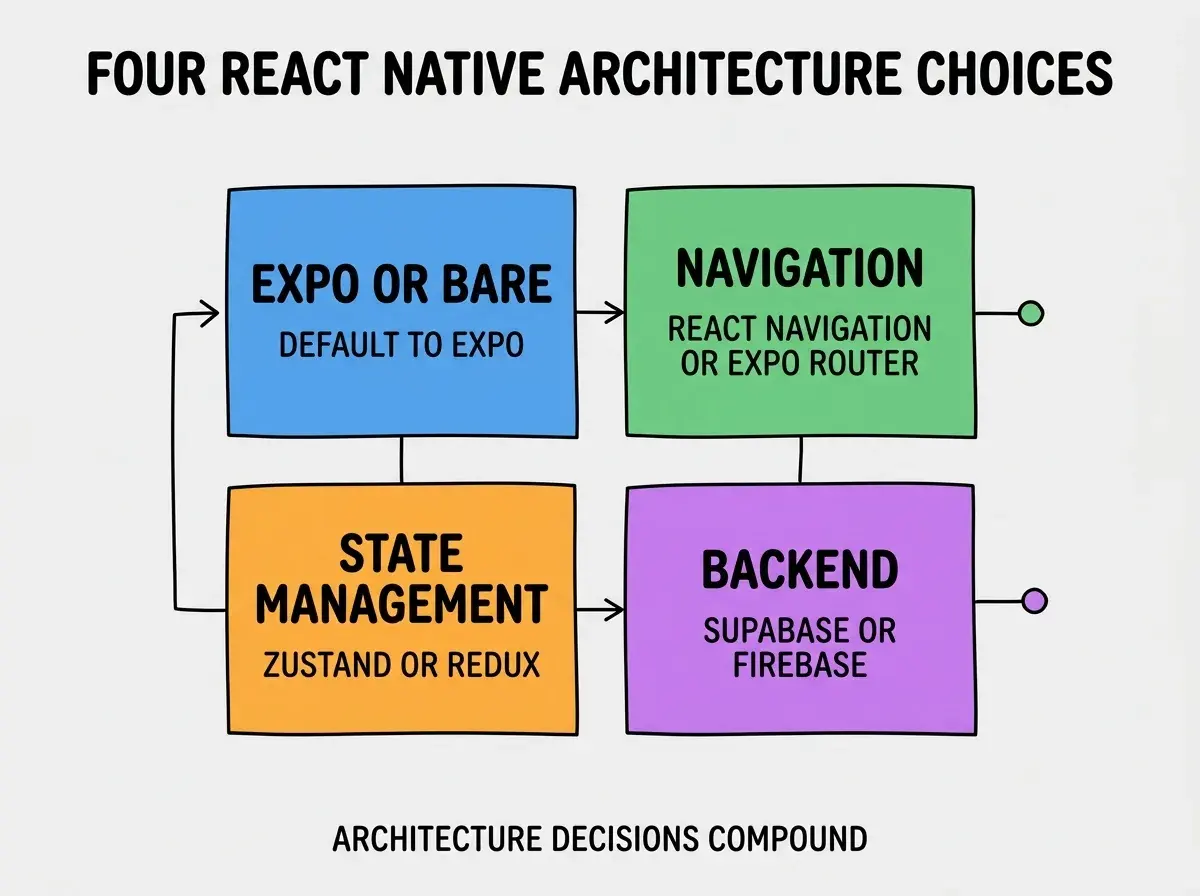
Choice 3, state management. Zustand for simple apps, Redux for complex ones, Context for trivial apps. Choose based on app size, not on what is trendy.
Choice 4, backend approach. Supabase, Firebase, or custom backend. Supabase wins for most indie apps; Firebase wins for real-time-heavy apps; custom is rarely worth it for vibe-coded mobile.
The AI Prompt Patterns for Mobile
Mobile apps benefit from prompt patterns that web apps do not. Three patterns matter most.
Pattern 1, specify the platform context. "Build a screen for iOS and Android. Use Pressable instead of TouchableOpacity for new code. Handle safe area insets." AI defaults sometimes use deprecated patterns; explicit instruction prevents this.
Browse more mobile build guides
Read more build articlesPattern 2, describe gestures explicitly. Mobile UX is gesture-heavy. "Swipeable card that snaps back if not dragged 50 percent" produces better code than "card with swipe."
Pattern 3, ask for accessibility from the start. "Include accessibilityLabel and accessibilityHint props on all interactive elements." Easier to add upfront than retrofit later.
How to Prepare for App Store Submission
App store submission catches most teams off-guard. Three patterns make submission smoother.
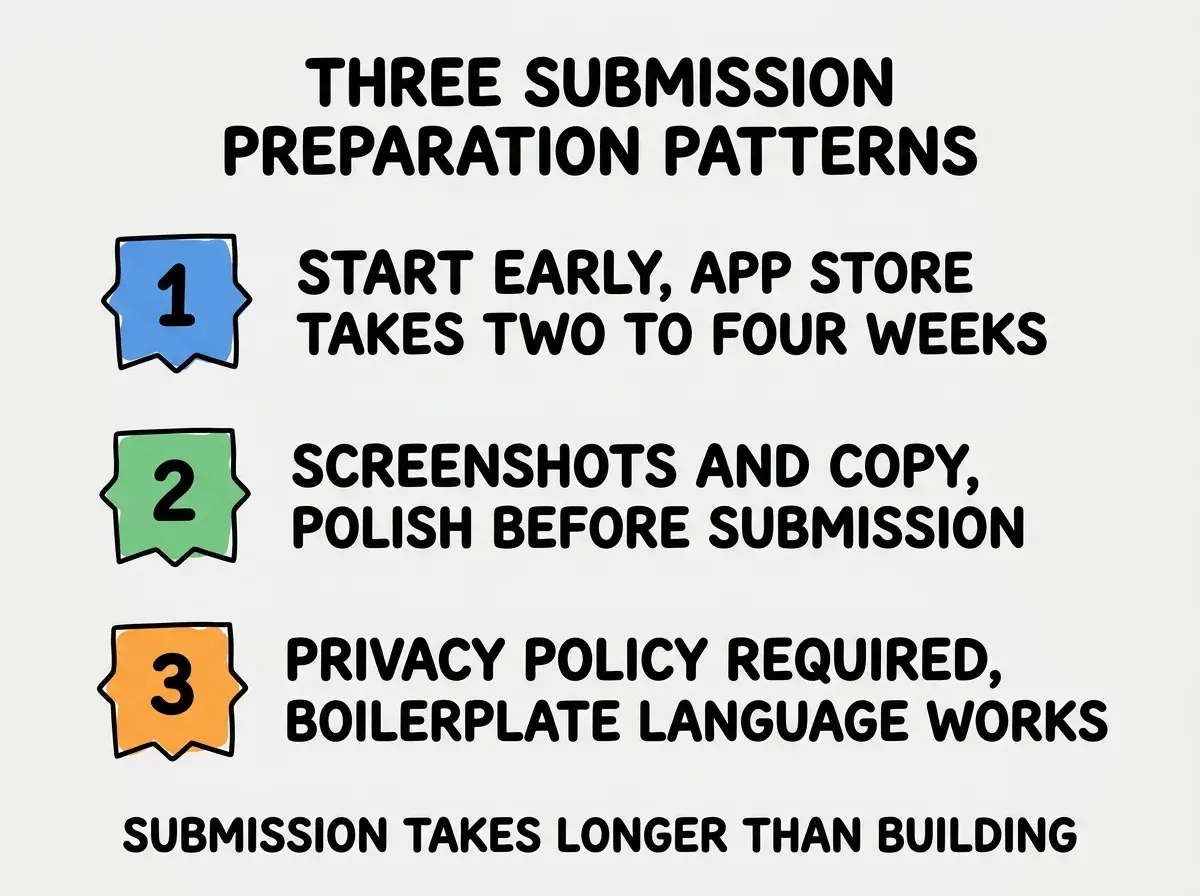
Pattern 1, start early. App Store review takes 2 to 4 weeks; Play Store is faster but still days. Submit your placeholder app early so you have an accepted developer status when the real submission comes.
Pattern 2, screenshots and copy. App stores require multiple screenshots per device size, app description, keywords. Polish these before submission; teams who treat them as afterthoughts get rejected and lose another week.
Pattern 3, privacy policy required. Both stores require a privacy policy URL. Use a simple one (Termly, iubenda, or your own) rather than getting blocked. Boilerplate is fine for most apps.
What to Avoid in React Native AI Builds
Four anti-patterns trip up most React Native AI builds. Avoiding them saves rework.
Anti-pattern 1, web React patterns that do not work. AI sometimes generates web React code (using div instead of View, using onClick instead of onPress). Always specify "React Native, not web React" in prompts.
Anti-pattern 2, platform-specific code without platform checks. iOS-only or Android-only features need Platform.OS checks. AI sometimes forgets these, producing crashes on the other platform.
Anti-pattern 3, ignoring the safe area. Modern phones have notches and rounded corners. SafeAreaView is required for screens to look right. AI forgets this often; explicitly request safe area handling.
Anti-pattern 4, native modules without thinking. Adding a native module (camera, geolocation, push notifications) often requires Expo-specific configuration or ejection to bare React Native. Plan these additions early.
The cumulative impact of avoiding these four anti-patterns is significant. Teams who hit them debug for days; teams who avoid them ship without the friction.
Performance Tips That Actually Matter
React Native performance is decent by default but degrades quickly with naive patterns. Three optimizations matter most.
Tip 1, use FlatList for long lists. Rendering 1000 items with map produces janky scrolling; FlatList virtualizes the rendering and stays smooth. AI sometimes uses map; explicitly request FlatList for scrolling lists.
Tip 2, memoize expensive components. React.memo and useMemo prevent unnecessary re-renders that cause dropped frames during animations and gestures. Profile to find the hot spots; memoize where it matters.
Tip 3, avoid synchronous bridge calls. Some native modules block the JS thread when called synchronously. The result is dropped frames during the call. Use async patterns whenever the native module supports them.
The combination of these three tips covers about 80 percent of common React Native performance issues. The remaining 20 percent require more specialized investigation but the basics catch the most user-visible problems.
The most damaging React Native mistake is testing only on simulators and not on real devices. Simulators are fast and convenient but miss problems that only appear on real hardware: performance issues, gesture quirks, sensor behavior, network handling. The fix is to test on at least one real iOS device and one real Android device before considering the app done. The 30 minutes of real-device testing catches problems that would otherwise become 1-star reviews. Buy a cheap Android phone if you do not have one; it pays for itself the first time it catches a problem.
The other mistake is over-investing in animations and transitions before the core flow is solid. React Native animations are powerful but expensive to debug. Ship the basic UX first, polish the animations second. The order matters because animation bugs are some of the hardest to track down on mobile.
What This Means For You
Building a React Native app with vibe coding is one of the highest-leverage mobile paths in 2026. The investment is two weekends; the result is a cross-platform app on both major stores.
- If you're a founder: Build your mobile MVP with React Native and Expo. The path is significantly faster than native development for most app categories.
- If you're changing careers: React Native skills transfer between web React and mobile development. The hybrid skill set is particularly valuable.
- If you're a student: Build a React Native app for your portfolio. The "I shipped to App Store and Play Store" credential opens doors.
Browse more mobile guides
Read more build articles