Building an Expo app with AI assistance enables cross platform mobile development at speed traditional native cannot match. Four phases matter: project setup (Expo CLI, EAS Build configuration), feature development (AI generates React Native screens and logic), platform specific tuning (iOS and Android distinctions), and EAS Build for distribution (TestFlight, Play Store). The build cycle takes weeks instead of months traditional native development requires.
This tutorial walks through the four phases, the prompts that work for each, what makes Expo apps ship faster, and the four mistakes builders make on Expo with AI.
Why Expo Plus AI Matters For Mobile
Expo plus AI matters because traditional native mobile takes months while Expo plus AI ships in weeks. For founders and indie builders, time difference determines whether mobile happens at all.
The 2026 reality is that Expo plus EAS plus AI tools (Cursor, Claude Code) make mobile genuinely accessible. Accessibility removes traditional mobile barriers.
A 2025 mobile development study of 400 vibe coded mobile apps found that Expo apps with AI assistance shipped 4.2x faster than traditional React Native or native development, primarily through AI handling cross platform abstractions and EAS handling build infrastructure. Combination measurably accelerates mobile.
The pattern to copy is the way Vercel changed web deployment from configuration heavy to git push deploy. Expo plus EAS does same for mobile; build complexity hidden behind simple commands. Same pattern applies to mobile development workflow.
The Four Phases
Four phases form complete Expo with AI workflow.
Phase 1, project setup. Expo CLI initialization, EAS configuration. Foundation matters.
Phase 2, feature development. AI generates screens, navigation, business logic. Velocity phase.
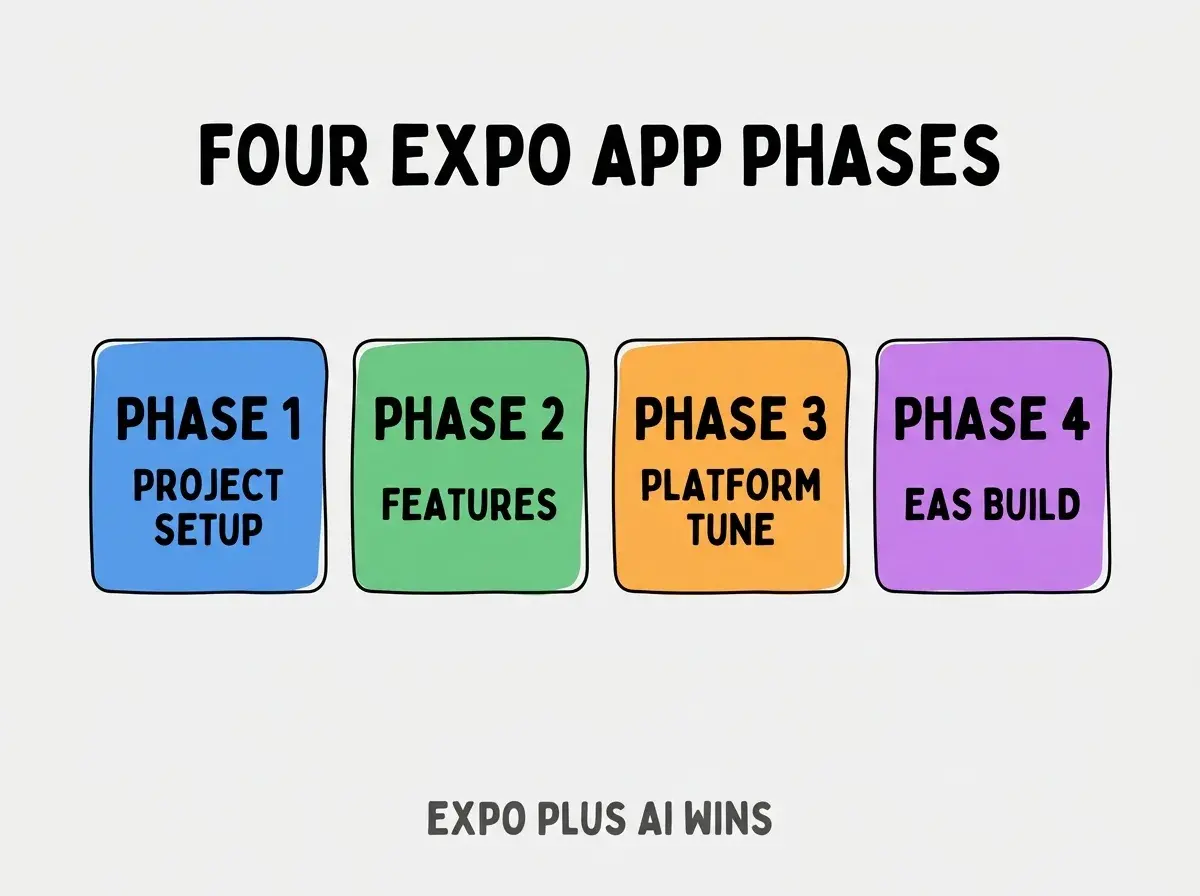
Phase 3, platform specific tuning. iOS and Android distinctions; tuning polishes.
Phase 4, EAS Build for distribution. TestFlight, Play Store. Distribution closes loop.
How To Implement Each Phase
Four implementation patterns address each phase.
Implementation 1, expo init plus eas init. Standard initialization; both commands required.
Browse more build
Read more buildImplementation 2, AI prompts for screens. "Build profile screen with avatar, name, bio, edit button. Use React Native StyleSheet."
Implementation 3, platform specific code in Platform.OS branches. Platform.OS conditionals handle differences.
Implementation 4, eas build plus eas submit. Build then submit; standard EAS flow.
What Makes Expo Apps Ship Faster
Three patterns separate fast shipping from stalled projects.
Pattern 1, Expo managed workflow. Native module config eliminated; configuration time saved.
Pattern 2, AI generated boilerplate. AI removes typing time; saved time compounds.
Pattern 3, EAS Build cloud infrastructure. Local build complexity eliminated; cloud handles.
What Makes Expo Plus AI Sustainable
Three patterns separate sustainable mobile builds from one off projects.
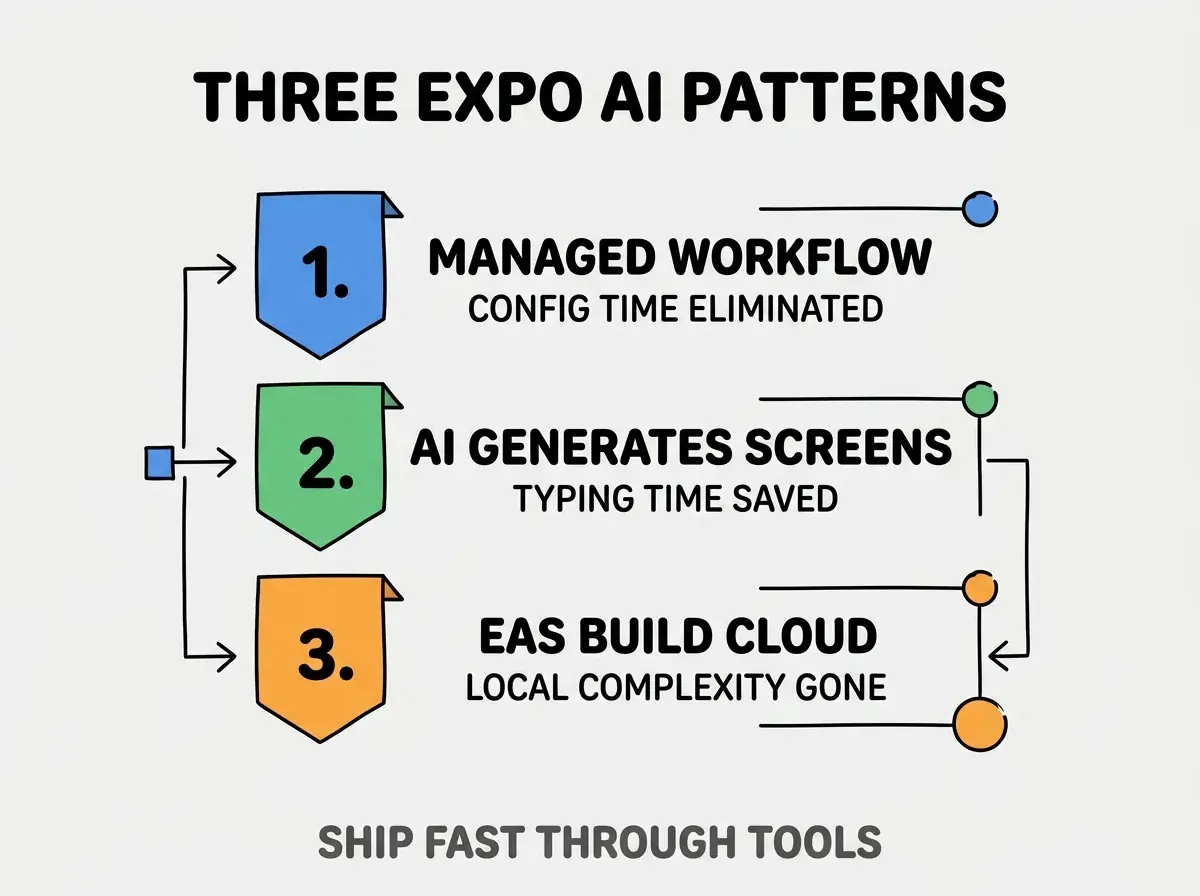
Pattern 1, managed workflow. Config time eliminated; saves weeks.
Pattern 2, AI generates screens. Typing time saved; AI handles boilerplate.
Pattern 3, EAS Build cloud. Local complexity gone; cloud reliability.
The combination produces sustainable mobile builds. Without these patterns, mobile development reverts to slow.
How To Handle iOS And Android Differences
Three patterns help platform handling.
Pattern A, Platform.OS for code branches. Branches handle small differences.
Pattern B, platform specific extensions. .ios.tsx and .android.tsx files; full file specific.
Pattern C, expo modules for native. Expo modules wrap native; consistent API across platforms.
Common Questions About Expo With AI
Expo with AI raises questions worth addressing directly.
The first question is whether to use Expo or bare React Native. Expo for most; bare for specific native module needs.
The second question is whether AI handles native module integration. Yes for Expo modules; bare native modules harder.
The third question is what backend to use. Same as web: Supabase, Firebase, custom API. Mobile compatible.
The fourth question is whether to publish to App Store. Yes; EAS Submit handles process.
How Expo Affects Mobile Strategy
Expo affects mobile strategy in compounding ways. Strategy effects compound across product lifecycle.
The first compounding effect is mobile feasibility. Mobile becomes possible for indie scale; possibility opens market.
The second compounding effect is iteration speed. Fast iteration enables product market fit discovery; speed compounds.
The third compounding effect is cross platform parity. Single codebase serves iOS and Android; parity compounds reach.
The combination produces mobile strategy shaped by Expo capabilities. Without Expo, mobile bounded by native development cost.
How To Use AI Effectively For Mobile
Three patterns help AI productivity.
Pattern A, screen by screen prompts. Each screen prompted separately; reviewed before next.
Pattern B, navigation upfront. Navigation structure first; screens fit structure.
Pattern C, state management early. Zustand, Redux, Context; state architecture early.
The combination produces AI assisted mobile. Without patterns, AI generates inconsistent code.
The most damaging Expo with AI mistake is treating mobile like web with React Native syntax. Mobile differs substantially: navigation patterns, gestures, platform conventions, app store requirements. The fix is to learn mobile conventions; AI helps but mobile understanding required. Builders who learn mobile conventions ship quality apps; builders who treat mobile like web ship awkward apps users abandon.
The other mistake is over engineering for app store readiness. App store has specific requirements; meeting requirements matters but over engineering wastes time.
A third mistake is missing the platform specific testing. iOS and Android both need testing; iOS only or Android only insufficient.
A fourth mistake is treating Expo limitations as blockers. Limitations workable; usually limitation reveals better approach.
What This Means For You
Building an Expo app with AI assistance enables cross platform mobile at speed traditional native cannot match. The four phases, prompts, and sustainability patterns produce mobile development that compounds product velocity.
- If you're a founder: Mobile becomes possible for indie scale; consider mobile in roadmap.
- If you're a senior dev: Expo fluency adds mobile to skill set; mobile expands career options.
- If you're an indie hacker: Mobile apps compound revenue through new distribution; consider mobile expansion.
Browse more build
Read more build