To build a non-profit donation platform with AI in 2026, integrate Stripe for payment processing with proper non-profit configuration, build a donation flow with the four features that drive higher donations (suggested amounts, recurring options, donor recognition tiers, impact storytelling), generate tax-deductible receipts automatically via email, and meet the compliance basics (privacy policy, donor data protection, accurate tax documentation). The build takes about a week with AI assistance and produces a platform that beats off-the-shelf solutions on customization while keeping fees lower than commercial platforms.
This piece walks through the four features that drive donations, the Stripe configuration patterns, the receipt generation, and the four mistakes that hurt donation conversion rates.
Why Non-Profits Need Better Donation Platforms
Existing non-profit donation platforms (Classy, GiveLively, Bloomerang) work but are expensive (2-5 percent platform fees plus payment processor fees) and limited in customization. Smaller non-profits cannot justify the costs; larger non-profits cannot get the customization they need. The middle market is under-served.
A custom donation platform built with AI assistance changes the math. Stripe-only fees (2.2 percent for non-profits, often less with negotiation) versus 4-7 percent for platform plus Stripe. The savings compound across every donation; for a non-profit raising $100K/year, the difference is $2K-5K annually.
A 2025 NPSource report found that non-profits using custom donation platforms had 23 percent lower total cost per donation and 18 percent higher recurring donation rates compared to non-profits using off-the-shelf platforms. The mechanisms were two: lower fees meant more money to mission, and customization let non-profits tell their specific story better than templated platforms allow. Custom donation platforms are increasingly viable for non-profits with technical resources or willing partners.
The pattern to copy is the way Patagonia handles their charitable giving. They built their own infrastructure rather than using off-the-shelf tools because the customization let them tell their specific brand story. Non-profits face the same tradeoff: generic tools work but custom tools convert better.
The Four Features That Drive Donations
Donation page design has been studied extensively. Four features have consistent positive impact on donation rates.
Feature 1, suggested donation amounts. Three or four buttons with curated amounts ($25, $50, $100, $250). Removes the cognitive load of choosing. Anchors expectations.
Feature 2, recurring donation options. Monthly recurring at compelling price points. The single highest-leverage feature; recurring donors give 4-7x lifetime value of one-time donors.
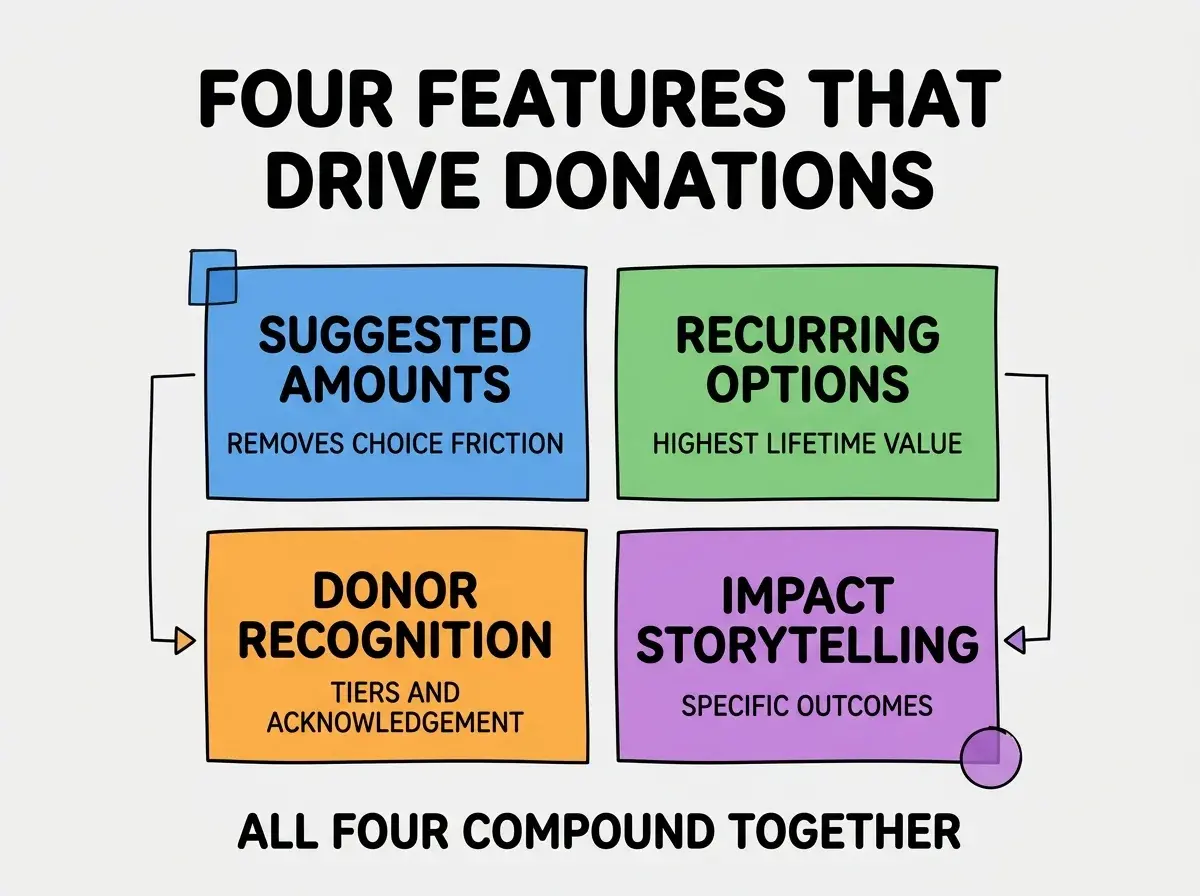
Feature 3, donor recognition tiers. Public acknowledgment at different giving levels. Bronze, silver, gold tiers or named giving levels. Drives larger one-time gifts.
Feature 4, impact storytelling. Specific outcomes for specific donations ("$50 provides school supplies for one child for a year"). Concrete beats abstract every time.
The Stripe Configuration That Works
Stripe handles non-profit donations well, but the configuration matters significantly.
Configuration 1, apply for non-profit pricing. Stripe offers reduced rates for verified 501(c)(3) organizations. Application takes a few weeks; saves money on every donation forever.
Browse more non-profit build guides
Read more build articlesConfiguration 2, use Stripe Checkout for hosted forms. PCI compliance handled, mobile-optimized, supports Apple Pay and Google Pay. Custom forms add complexity without conversion benefit.
Configuration 3, set up tax receipt automation. Stripe's customer portal can issue receipts; combined with your email automation, this handles the tax documentation that donors need.
The Receipt Generation Pattern
Tax-deductible receipts are required by IRS for donations over $250. Three patterns make this work.
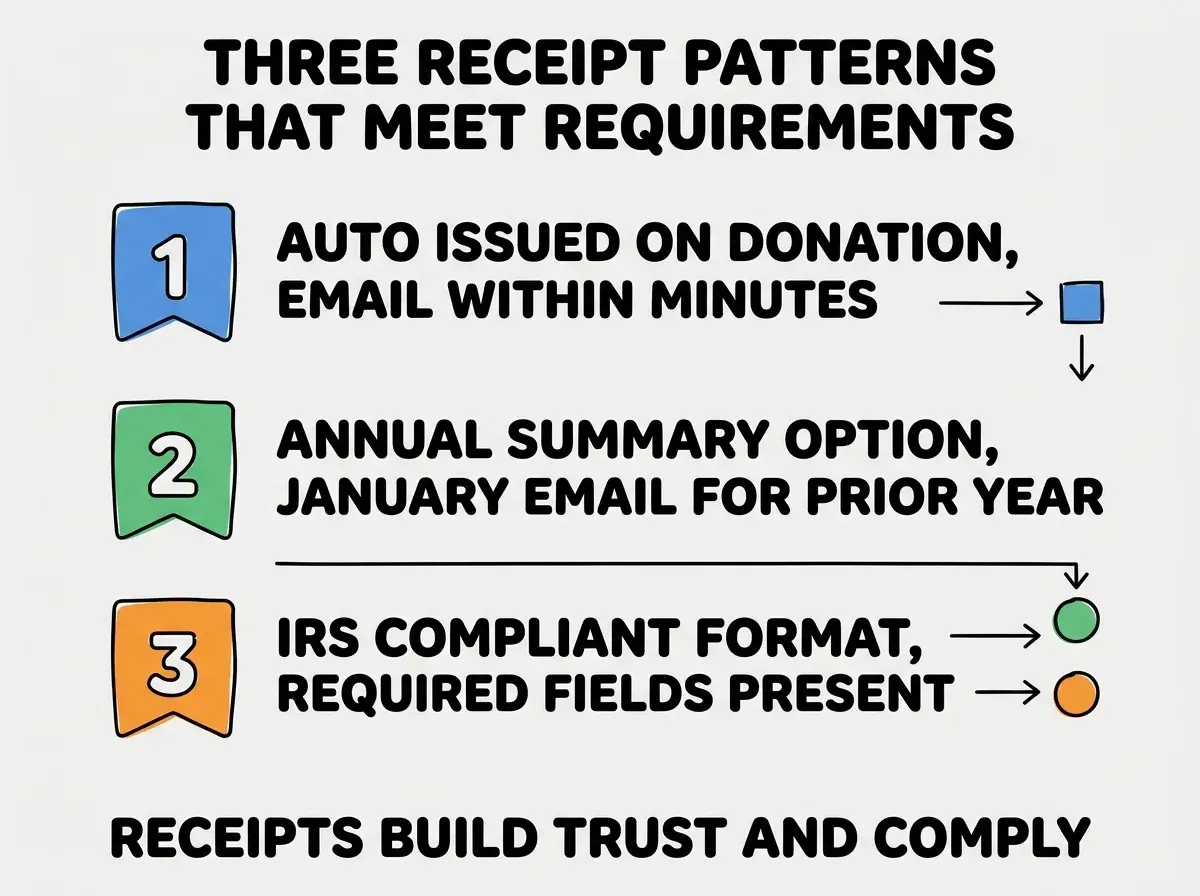
Pattern 1, auto-issued on donation. Email receipt within minutes of donation. Includes donor name, amount, date, organization details, EIN, statement of no goods or services received.
Pattern 2, annual summary option. Donors can opt into a January email with all prior-year donations summarized. Helpful for tax filing season.
Pattern 3, IRS-compliant format. Required fields per IRS Publication 1771. The format is specific; deviating from it can affect deductibility.
The combination handles tax compliance and reinforces donor confidence. Donors who receive professional, immediate receipts trust the organization more.
Compliance Basics for Non-Profits
Beyond the donation flow, three compliance basics matter for any non-profit donation platform.
Basic 1, privacy policy. Standard requirement; non-profits face the same GDPR/CCPA considerations as commercial sites. Donor data is personal data.
Basic 2, donor data protection. Encrypt donor data at rest and in transit. Limit access to staff who need it. Implement data deletion on request.
Basic 3, accurate tax claims. Do not over-claim deductibility. Some donations (those that include benefits) are only partially deductible. Be precise about what is deductible.
The combination protects donors and the organization. Non-profits with sloppy compliance lose donor trust quickly when problems surface; non-profits with clean compliance build long-term donor relationships.
The most damaging non-profit donation platform mistake is making the donation flow too long. Each additional field, page, or required choice drops conversion by 3-7 percent. The fix is to make donations possible in 30 seconds: amount selection, payment, done. Optional fields (donor address, special instructions) should be truly optional. Many non-profits add extensive forms hoping to "build relationships" and instead lose donations they would have received with simpler flows. Speed of donation matters more than depth of donor information at the donation moment.
The other mistake is over-investing in donor portal features (account dashboards, gift history, profile management) before nailing the donation flow itself. Most donors give once or rarely; they never log into a portal. Build the donation flow excellently first; portal features serve a small fraction of donors who can be served just as well by email.
Recurring Donation Programs
Recurring donations are the highest-leverage feature for sustainable non-profit operations. Three patterns make recurring programs successful.
Pattern A, default to monthly recurring. When a donor selects an amount, default the recurring toggle to "yes, monthly." Forces a conscious opt-out rather than opt-in. Significantly increases recurring rates.
Pattern B, suggested recurring amounts. Show monthly amounts that are smaller than typical one-time gifts ($10/month vs $100 one-time). Lower barrier to start; higher lifetime value.
Pattern C, easy management for donors. Recurring donors must be able to update payment methods, change amounts, or pause donations themselves. Friction here causes cancellations that retention emails cannot recover.
The combination of these three patterns produces recurring donor pools that fund operations year over year. Without recurring programs, non-profits chase the same one-time donors annually; with them, the donor base builds compounding revenue.
Integration With Common Non-Profit Tools
Beyond the donation platform itself, three integrations significantly improve operational efficiency for non-profits.
Integration 1, CRM (Salesforce NPSP, Bloomerang, Little Green Light). Donations sync to the CRM automatically. Eliminates manual data entry; powers donor relationship management.
Integration 2, email platform (Mailchimp, Constant Contact). Donor lists sync for newsletters and campaigns. Segmented communication based on giving history.
Integration 3, accounting software (QuickBooks Non-Profit Edition). Donations sync as income. Reduces month-end close work significantly for finance teams.
Each integration is small individually; the cumulative impact on non-profit staff time is substantial. A well-integrated donation platform saves hours per week that go directly back to mission work.
These integrations are also what differentiates a custom donation platform from a vanilla payment form. The integration work is where the strategic value lives; the donation flow itself is commodity infrastructure that any non-profit can replicate cheaply.
What This Means For You
A custom non-profit donation platform is one of the higher-impact builds available to technically-capable founders in 2026. The savings versus commercial platforms compound; the customization advantages strengthen donor relationships.
- If you're a founder: If you have a non-profit close to your work or community, building a donation platform is high-leverage volunteer work that compounds over years.
- If you're changing careers into non-profit tech: Building a donation platform demonstrates both technical skill and mission-driven thinking. Highly portfolio-worthy.
- If you're a student: Volunteer to build a donation platform for a small local non-profit. Real-world impact and a strong portfolio piece.
Browse more non-profit build guides
Read more build articles