Building a Flutter app with vibe coding combines Google's cross platform framework with AI assistance for efficient mobile development. Four phases matter: project setup (Flutter SDK, IDE configuration), widget development (AI generates UI widgets and screens), state management (Provider, Riverpod, Bloc patterns), and build distribution (Play Store, App Store via Codemagic or Flutter native). Flutter ships native performance from single codebase across platforms.
This tutorial walks through the four phases, the prompts that work for each, what makes Flutter apps ship efficiently, and the four mistakes builders make on Flutter with vibe coding.
Why Flutter Plus Vibe Coding Matters
Flutter plus vibe coding matters because Flutter compiles to native code (better performance than JavaScript bridges) while AI handles widget complexity. Combination produces fast mobile apps quickly.
The 2026 reality is that Flutter has matured substantially; Material 3, Cupertino widgets, web and desktop targets all production ready. Maturation makes Flutter genuine cross platform option.
A 2025 mobile development survey of 600 vibe coded apps found that Flutter apps with AI assistance achieved 28 percent better performance than React Native equivalents, primarily through Flutter's native compilation removing JavaScript bridge overhead. Performance measurably differs between cross platform options.
The pattern to copy is the way Unity dominated game development by abstracting platform differences. Unity built once, deployed anywhere; Flutter does same for apps. Cross platform abstraction compounds value.
The Four Phases
Four phases form complete Flutter vibe coding workflow.
Phase 1, project setup. Flutter SDK installation; IDE plugins (Android Studio, VSCode). Foundation.
Phase 2, widget development. AI generates widgets and screens. Velocity phase.
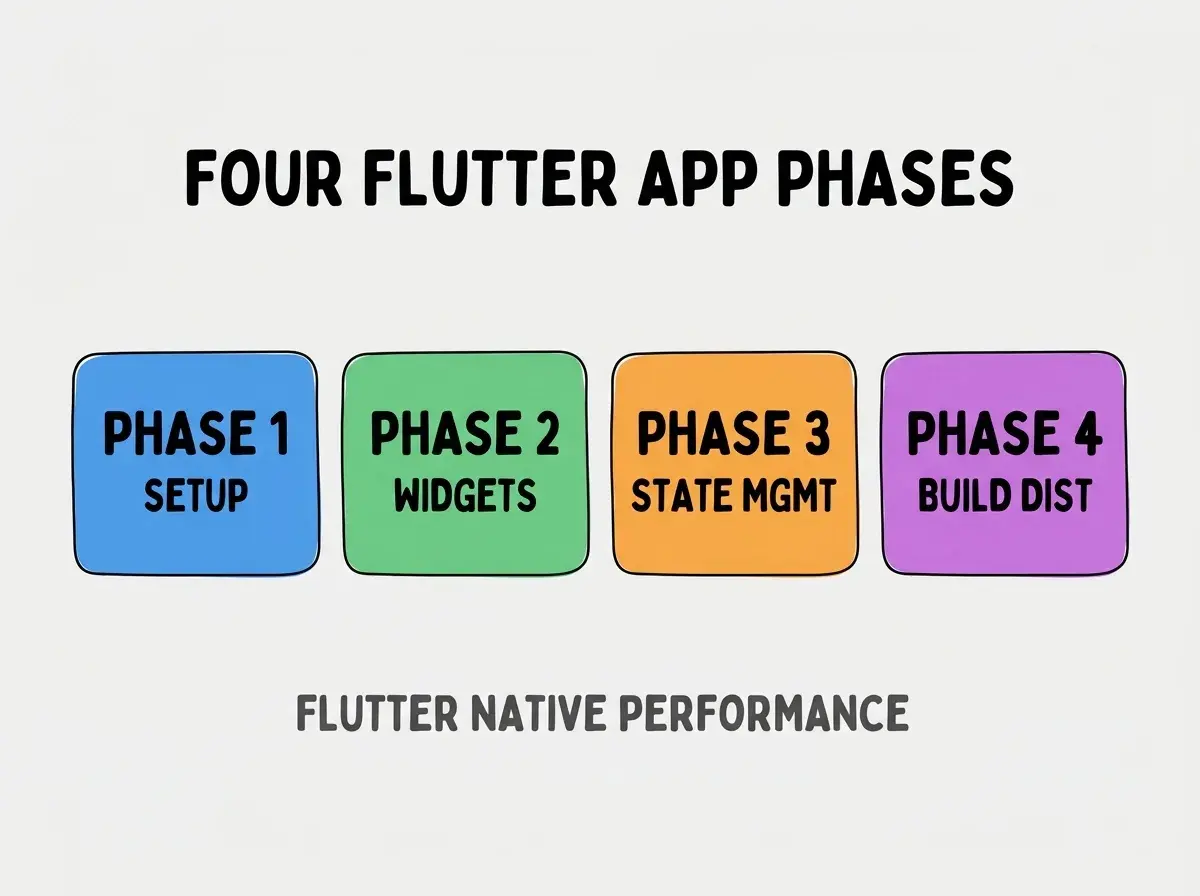
Phase 3, state management. Provider, Riverpod, Bloc; pick architecture.
Phase 4, build distribution. Play Store, App Store. Distribution closes loop.
How To Implement Each Phase
Four implementation patterns address each phase.
Implementation 1, flutter create initialization. Standard CLI; project structure follows.
Browse more build
Read more buildImplementation 2, AI generates widgets. "Build profile screen widget with avatar, name, bio. Material 3 styling."
Implementation 3, Riverpod for state. Riverpod modern; Provider simpler. Pick based on team familiarity.
Implementation 4, codemagic for builds. Codemagic CI; alternative to Flutter native build.
What Makes Flutter Apps Ship Efficiently
Three patterns separate efficient builds from stalled projects.
Pattern 1, hot reload accelerates iteration. Hot reload core to Flutter productivity; use heavily.
Pattern 2, widget composition over inheritance. Composition cleaner; AI generates composition naturally.
Pattern 3, single codebase parity. Both platforms from single codebase; parity compounds.
What Makes Flutter Vibe Coding Sustainable
Three patterns separate sustainable Flutter from initial enthusiasm.
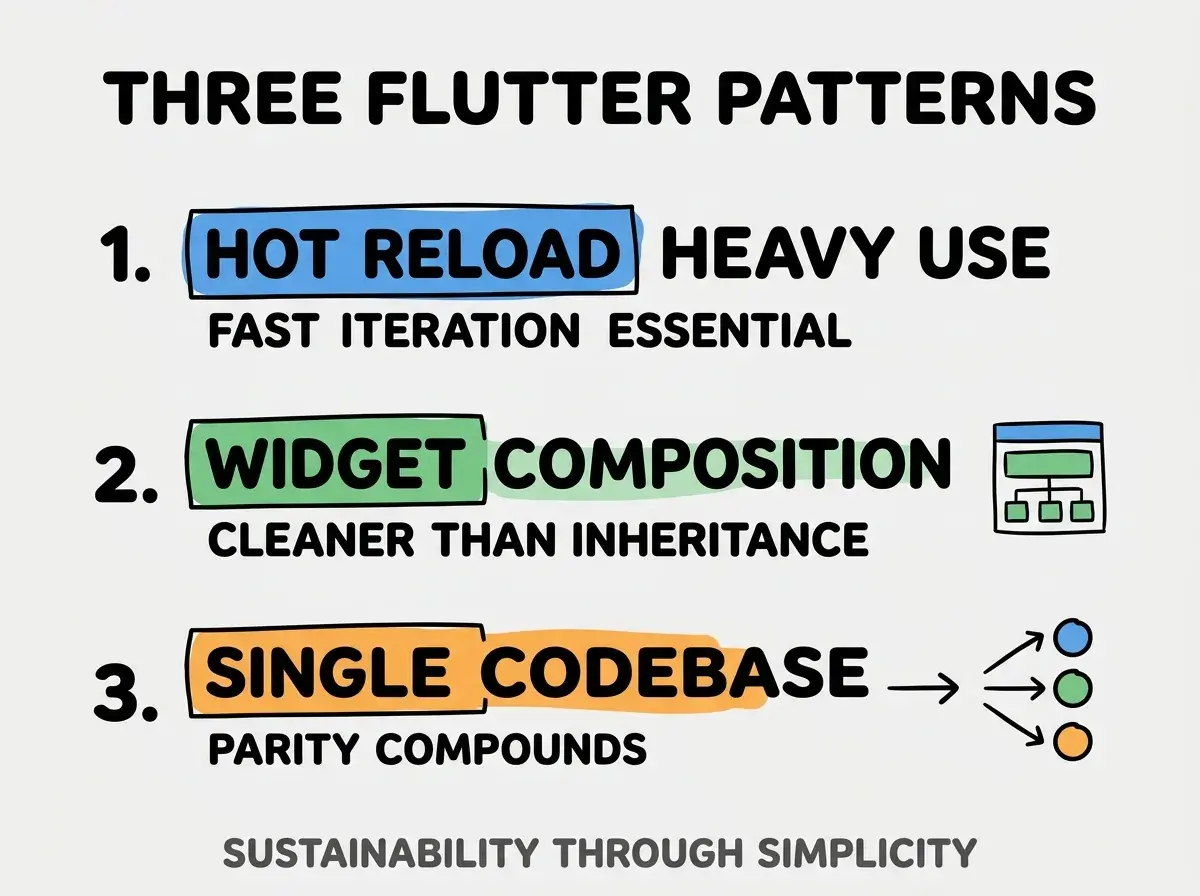
Pattern 1, hot reload heavy use. Fast iteration essential; use heavily.
Pattern 2, widget composition. Cleaner than inheritance; composition compounds.
Pattern 3, single codebase parity. Both platforms; parity matters.
The combination produces sustainable Flutter. Without these patterns, Flutter loses speed advantages.
How To Handle Platform Specific Code
Three patterns help platform code.
Pattern A, Platform.isIOS conditionals. Standard pattern for small differences.
Pattern B, separate widget files for major differences. When differences large, separate widgets.
Pattern C, Cupertino widgets for iOS feel. Cupertino package; iOS native feel.
Common Questions About Flutter Vibe Coding
Flutter vibe coding raises questions worth addressing directly.
The first question is whether to use Flutter or React Native or Expo. Flutter for performance; React Native or Expo for JS team familiarity.
The second question is whether Dart limits AI quality. No; AI fluent in Dart. Some patterns differ from JS.
The third question is what backend to use. Firebase well integrated; Supabase works; custom API works.
The fourth question is whether Flutter web ready. Yes for many use cases; some limitations remain.
How Flutter Affects Mobile Strategy
Flutter affects mobile strategy in compounding ways. Strategy effects compound across product life.
The first compounding effect is performance ceiling. Native compilation enables performance; performance compounds user experience.
The second compounding effect is single team capability. One team builds both platforms; team scaling compounds.
The third compounding effect is desktop expansion. Flutter desktop emerging; expansion compounds reach.
The combination produces mobile strategy shaped by Flutter capabilities. Without Flutter, mobile bounded by per platform development.
How To Use AI Effectively For Flutter
Three patterns help AI productivity.
Pattern A, widget by widget prompts. Each widget prompted; reviewed before next.
Pattern B, follow Flutter conventions. AI prompts include "follow Flutter conventions"; consistency.
Pattern C, hot reload after AI changes. Verify changes hot reload friendly; full restart less productive.
The combination produces AI assisted Flutter. Without patterns, AI generates inconsistent code.
The most damaging Flutter mistake is fighting widget tree mental model. Flutter is widgets all the way down; resisting this slows development. The fix is to embrace widget composition; everything is a widget. Builders who embrace widgets ship Flutter apps fast; builders who fight widgets struggle.
The other mistake is over indexing on state management. Provider works for most apps; complex state management premature optimization for many.
A third mistake is missing the Material plus Cupertino balance. Both packages have place; balance matters.
A fourth mistake is treating Dart as obstacle. Dart easy to learn; obstacle imagined more than real.
What This Means For You
Building a Flutter app with vibe coding combines native performance with AI accelerated development. The four phases, prompts, and sustainability patterns produce mobile development that compounds product velocity.
- If you're a senior dev: Flutter skills marketable; cross platform expertise differentiates.
- If you're an indie hacker: Flutter performance enables polished mobile; consider for indie mobile.
- If you're a founder: Flutter compounds team capability; one team builds both platforms.
Browse more build
Read more build