To build an employee directory with AI tools, follow the four phase approach (define what employee data you need surfaced, build the data model that supports searches and filters, design the search interface that makes finding people fast, and ship with the integration patterns that keep data current), recognize what separates directories teams use from directories they ignore, and apply the patterns that produce sustained value. The employee directory becomes valuable when finding people is faster than asking; without that bar, asking colleagues beats searching directories.
This piece walks through the four phases, the search interface patterns, the specific tooling, and the four mistakes that produce employee directories with stale data and no users.
Why Employee Directories Matter
Employee directories answer questions about who knows what and who works on what. The questions matter for cross team collaboration, onboarding, and remote team coordination. Without directories, the answers come from asking around; with directories, the answers come fast.
The 2026 reality is that AI tools make directory building dramatically faster while AI search makes finding people more flexible. The combination means small companies can have directory quality previously requiring HRIS investment; the leverage matters for growing teams.
A 2025 internal tools survey of 600 mid sized companies found that companies with searchable employee directories reduced new hire onboarding ramp time by 18 percent compared to companies without. The discovery of who to talk to becomes faster; faster discovery accelerates everything else.
The pattern to copy is the way college students use the campus directory at orientation. The directory makes finding professors and resources fast; without it, students wander asking around. Employee directories play the same role for new hires and cross team collaborators; the directory removes the friction that slows discovery.
The Four Phase Approach
Four phases produce employee directories that get sustained use.
Phase 1, define what employee data you need surfaced. Names, roles, teams, locations, expertise areas, current projects. The fields determine the value; missing fields reduce usefulness.
Phase 2, build the data model that supports searches and filters. Employees, teams, skills, projects. Relationships modeled clearly; AI tools generate the schema effectively.
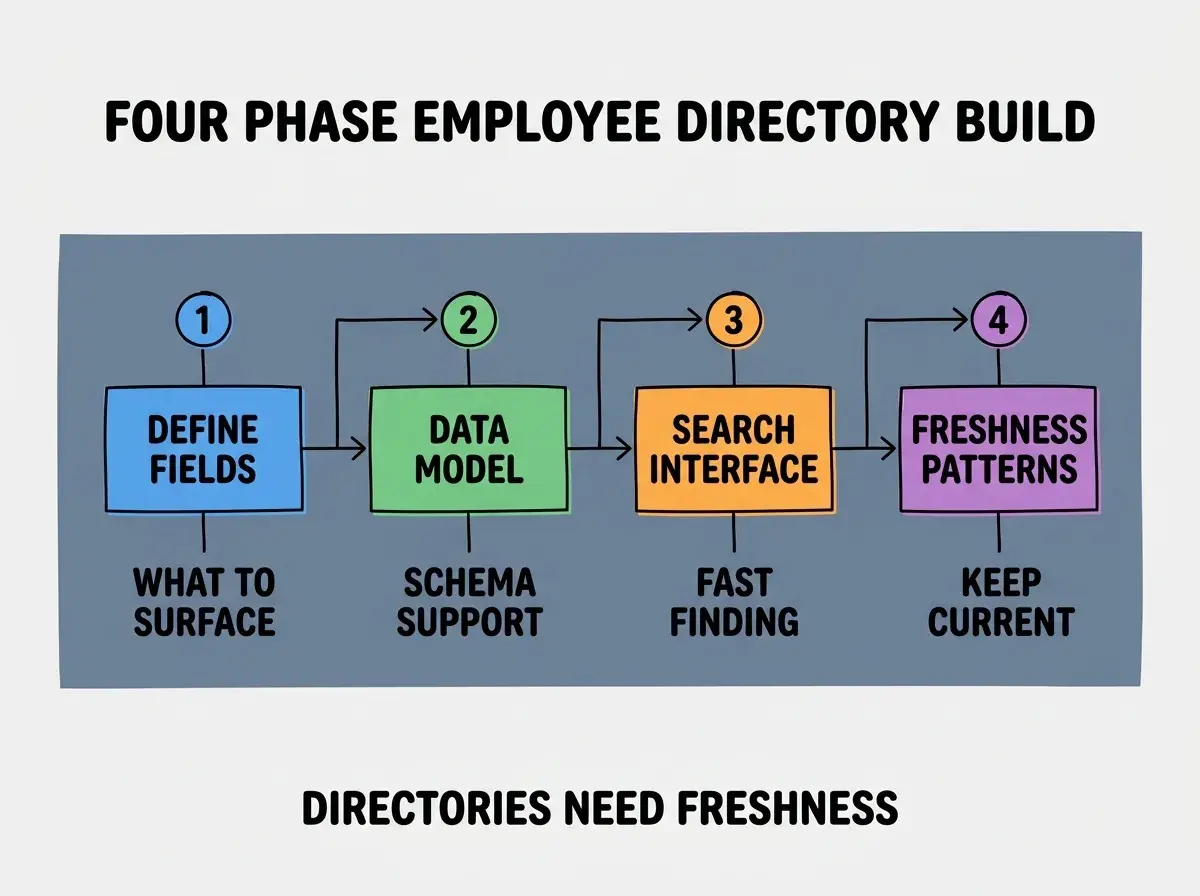
Phase 3, design the search interface that makes finding people fast. Name search, role search, expertise search, fuzzy matching. Search quality determines use frequency; slow or limited search produces low use.
Phase 4, ship with integration patterns that keep data current. HRIS sync, manager update prompts, employee self service. Freshness determines sustained value; stale data produces lost trust quickly.
The Search Interface Patterns That Work
Three patterns produce search interfaces that get used.
Pattern 1, instant search results as the user types. No submit button; results update on each keystroke. Speed produces use; submit based search produces fewer queries.
Browse more internal tool tutorials
Read more build tutorialsPattern 2, search across all fields, not just names. Searching "marketing" finds people on the marketing team. Searching "Spanish speaker" finds Spanish speakers. Multi field search handles the actual queries users have.
Pattern 3, AI semantic search for expertise queries. Searching "knows about React Native" finds people with React Native experience even if they did not list that specific term. AI search handles the variability of natural language queries.
The Specific Tooling That Worked
Three tool categories combine effectively for employee directory building.
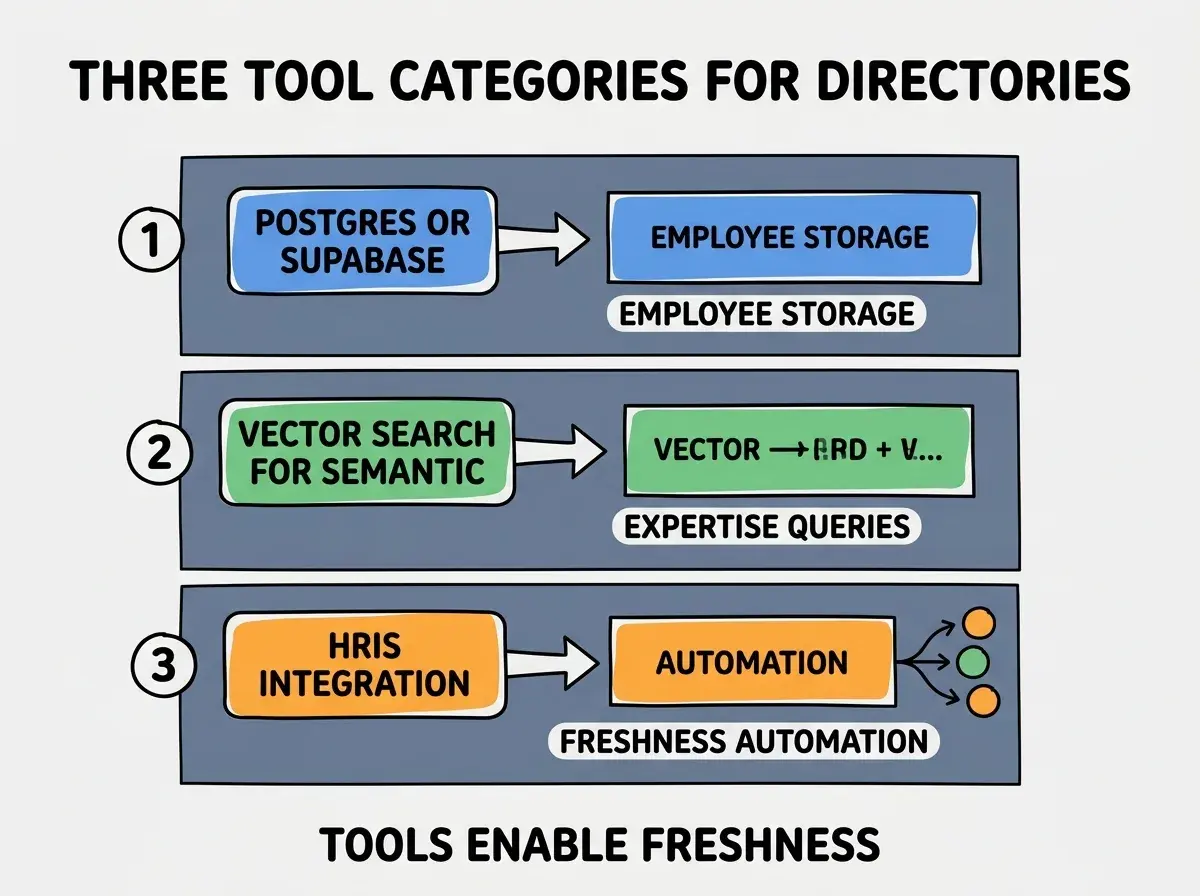
Tool 1, Postgres or Supabase for employee storage. Relational database fits employee data naturally. AI tools generate schema and queries effectively.
Tool 2, vector search for semantic expertise queries. Pinecone, pgvector embeddings of employee profiles. Semantic queries surface relevant people for natural language searches.
Tool 3, HRIS integration for freshness automation. Sync from Workday, Rippling, or BambooHR. Automated sync keeps the directory current; manual update workflows produce stale data.
What Makes Employee Directories Sustainably Useful
Three patterns separate useful directories from neglected ones.
Pattern 1, every field has a clear update mechanism. Stale fields lose user trust; trust loss reduces use. Each field needs an answer to "how does this stay current".
Pattern 2, photos and personality details produce engagement. Pure name and role data feels sterile; photos and short bios produce engagement. Engagement drives use.
Pattern 3, integration with where employees already work. Directory accessible from Slack, integrated into team tools. Standalone directories see less use than embedded ones.
The combination produces directories that stay valuable for years. Without these patterns, directories often produce 1-2 months of attention then decay into unused archives.
How to Build Your First Employee Directory
Three implementation patterns help first directories succeed.
Pattern A, start with sync from authoritative source. HRIS or single source of truth provides initial data and ongoing updates. Manual entry from scratch rarely produces complete or current data.
Pattern B, ship with mandatory fields and optional fields. Mandatory fields ensure baseline quality. Optional fields allow personality without requiring effort. Balance produces participation.
Pattern C, recruit a beta user group before broad rollout. 5-10 employees test the directory before company wide launch. Feedback reveals usability issues that solo design misses.
The combination produces first directories that establish the pattern for sustained internal tooling. Without these patterns, first directories often launch incomplete and never recover from the initial impression.
The most damaging directory mistake is launching with incomplete or stale data. First impressions matter; users who find the directory stale at first visit rarely return for second tries. The fix is to invest in data quality before launch; complete and current data produces sustained use, partial data produces abandonment. Quality of initial data matters more than feature comprehensiveness.
The other mistake is requiring employee self service for all updates. Employees update profiles inconsistently; pure self service produces stale data. The fix is to combine HRIS sync for verifiable data with self service for personal touches.
A third mistake is treating the directory as nice to have rather than core infrastructure. Directories without ownership decay; ownership produces sustained quality. The fix is to assign clear ownership for the directory's currency and quality.
A fourth mistake is missing privacy considerations. Some employee data should be visible to all, some only to specific roles, some only to the employee. The fix is to design privacy levels deliberately; default to broad visibility for low sensitivity fields, restricted visibility for high sensitivity ones.
A fifth mistake is failing to update the directory during reorganizations. Team changes happen often; directories that lag organization changes lose trust. The fix is to integrate directory updates into the reorganization process; org changes trigger directory refresh, not vice versa.
What This Means For You
The employee directory built with AI tools becomes valuable through searchable data, integration with workflow, and sustained freshness. The four phases, search patterns, and tool combinations produce directories teams rely on.
- If you're a product manager: Directories accelerate cross team work. Build them when team size makes ad hoc discovery slow; below 30 people, ad hoc may suffice.
- If you're a founder: Employee directories become valuable as team grows beyond 20-30 people. Below that, ad hoc beats premature directory; above that, directories pay back rapidly.
- If you're a senior dev: AI tools handle directory implementation effectively. The bottleneck is data freshness and integration, not implementation; invest in HRIS sync more than fancy features.
Browse more internal tool tutorials
Read more build tutorials