A church community management app helps community leaders coordinate members, events, donations, and communications in one place rather than across spreadsheets and email. Four management features matter: member directory (contact info, roles, attendance), event scheduling (services, study groups, volunteer signups), donation tracking (recurring and one time), and communication tools (announcements, prayer chains, group messaging). Combined features replace fragmented tools community leaders currently juggle.
This tutorial walks through the four features, the implementation patterns, what makes community management apps sustainable, and the four mistakes builders make on community apps.
Why Community Management Apps Matter
Community management apps matter because community leaders spend disproportionate time on coordination overhead rather than community building. Apps that automate coordination free leaders for relationship work that actually grows community.
The 2026 reality is that AI tools (Claude, GPT) make community management apps buildable in weeks rather than requiring expensive specialized SaaS subscriptions designed for large organizations.
A 2025 community organization study of 300 small churches and community groups found that organizations with custom community management apps reduced administrative time per leader by 41 percent compared to spreadsheet plus email approaches, primarily through unified data and automated communications. Custom apps measurably affect leader capacity.
The pattern to copy is the way small businesses moved from paper records to integrated POS systems that handle inventory, sales, and customer data together. Integration eliminated reconciliation work; same patterns apply to community management where unified app eliminates spreadsheet reconciliation across disconnected tools.
The Four Management Features
Four features form complete community app.
Feature 1, member directory. Contacts, roles, attendance. Foundation.
Feature 2, event scheduling. Services, groups, volunteer signups. Coordination.
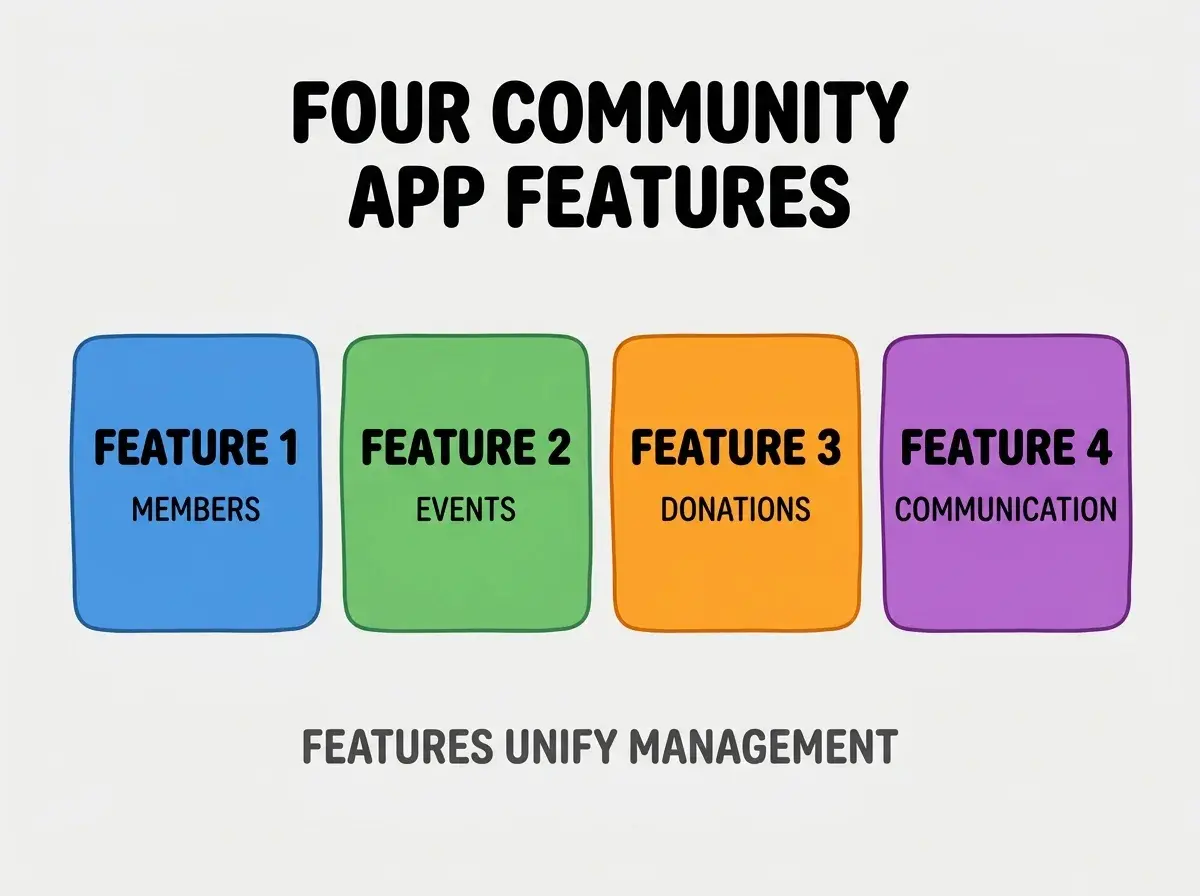
Feature 3, donation tracking. Recurring and one time. Stewardship.
Feature 4, communication tools. Announcements, messaging. Engagement.
How To Implement Each Feature
Four implementation patterns address each feature.
Implementation 1, member directory with custom fields. Standard contact plus role tags, attendance history.
Browse more build
Read more buildImplementation 2, event scheduling with RSVP. Calendar plus signup; volunteer slot management.
Implementation 3, donation tracking with Stripe. Stripe handles recurring; webhooks update records.
Implementation 4, group messaging via Twilio or Sendgrid. SMS for urgent, email for standard; opt in respected.
What Makes Community Apps Sustainable
Three patterns separate sustainable from abandoned.
Pattern 1, easy enough for non technical leaders. Leaders not engineers; UX matters.
Pattern 2, mobile responsive. Many leaders work mobile only.
Pattern 3, member self serve. Members update own info; reduces leader burden.
What Makes Community App Strategy Effective
Three patterns separate effective from theatrical.
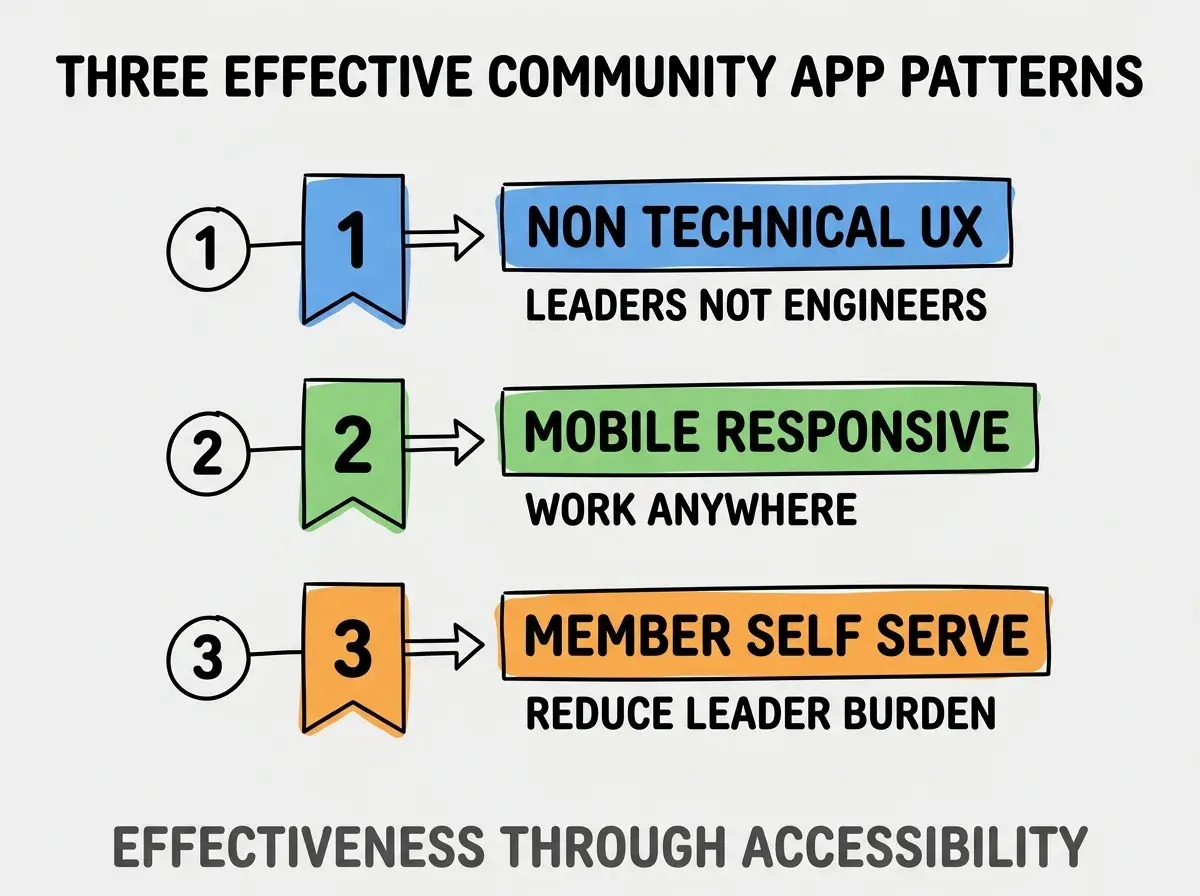
Pattern 1, non technical UX. Leaders not engineers.
Pattern 2, mobile responsive. Work anywhere.
Pattern 3, member self serve. Reduce leader burden.
The combination produces effective community app. Without these patterns, app becomes burden.
How To Choose Stack For Community Apps
Three patterns help stack choice.
Pattern A, Next.js plus Supabase for fast build. Standard vibe coder stack works well.
Pattern B, Rails or Laravel for traditional. Mature ecosystems for community management.
Pattern C, Wix or Webflow plus Airtable for no code. When budget no for custom.
Common Questions About Community Apps
Community apps raise questions worth addressing directly.
The first question is whether to handle privacy. Yes; member data sensitive; HIPAA like patterns.
The second question is what about denominational variations. Configurable; not assumptions.
The third question is how to handle financial reporting. Stripe plus accounting export; tax reporting matters.
The fourth question is whether to integrate with existing tools. Sometimes; ChMS APIs vary.
How Community Apps Affect Leader Time
Community apps affect leader time in compounding ways. Time effects compound across week.
The first compounding effect is admin time reduction. Less spreadsheet reconciliation.
The second compounding effect is member experience. Self serve more responsive.
The third compounding effect is leader focus. More time for relationship work.
The combination produces leader time shaped by app quality. Without quality, time consumed by admin.
How To Onboard Members To New App
Three patterns help onboarding.
Pattern A, gradual rollout. Pilot group first; iterate.
Pattern B, in person training session. Some members need help.
Pattern C, parallel run period. Old and new during transition.
The combination produces successful onboarding. Without patterns, members revert to email.
The most damaging community app mistake is over engineering for technical leaders. Apps designed for technical users intimidate non technical community leaders; adoption fails. The fix is to design for least technical leader on team; everyone benefits from simplicity. Builders who design simple maintain adoption; builders who add features for power users watch app sit unused while community reverts to spreadsheet plus email patterns.
The other mistake is missing the privacy considerations. Community data sensitive; breaches devastate trust.
A third mistake is over indexing on financial features. Most communities care about people first.
A fourth mistake is treating community apps as one off. Communities evolve; apps need to evolve too.
What This Means For You
Build a church community management app enables community leaders to focus on relationships rather than coordination overhead. The four features, implementation patterns, and sustainability approaches produce apps that compound community capacity.
- If you're a founder: Community management market underserved; opportunity for accessible products.
- If you're changing careers: Building for community organizations meaningful work; demonstrates impact alongside skills.
- If you're a senior dev: Community apps interesting design problem; transferable to other small organization tools.
Browse more build
Read more build