The best vibe coding tool stack for students costs zero dollars per month using free tiers and educational discounts. The complete stack covers AI coding (Claude or Cursor educational), hosting (Vercel hobby tier), database (Supabase free tier), version control (GitHub Education), and learning resources (free university partnerships). Total monthly cost is zero; total capability is comparable to paid stacks for project sized up to 1000 users.
This checklist walks through the six stack categories, the specific tools for each, what each free tier includes, and the four mistakes students make when choosing tools.
Why Tool Stack Matters For Student Vibe Coders
The tool stack for student vibe coders matters because cost is often the only barrier between students and professional tools. Free tier strategy removes the barrier entirely.
The 2026 reality is that student tool stacks rival professional stacks at zero cost. Generous free tiers, educational discounts, and student programs combine to make professional capability accessible.
A 2025 student developer survey of 800 university students found that students with optimized free tier stacks completed 4x more projects than students who attempted to pay for tools or used inferior alternatives. Free tier knowledge produces measurable project output difference.
The pattern to copy is the way scholarship students access top universities. Quality access does not require wealth; access requires knowing the systems that grant access. Free tiers and educational discounts work the same way.
The Six Stack Categories
Six categories form the complete student vibe coding stack.
Category 1, AI coding tool. The primary tool for code generation. Free options include GitHub Copilot for Students, Cursor with educational discount, and Claude with usage limits.
Category 2, hosting platform. Where your apps live online. Vercel hobby tier, Netlify free, Cloudflare Pages all support student projects.
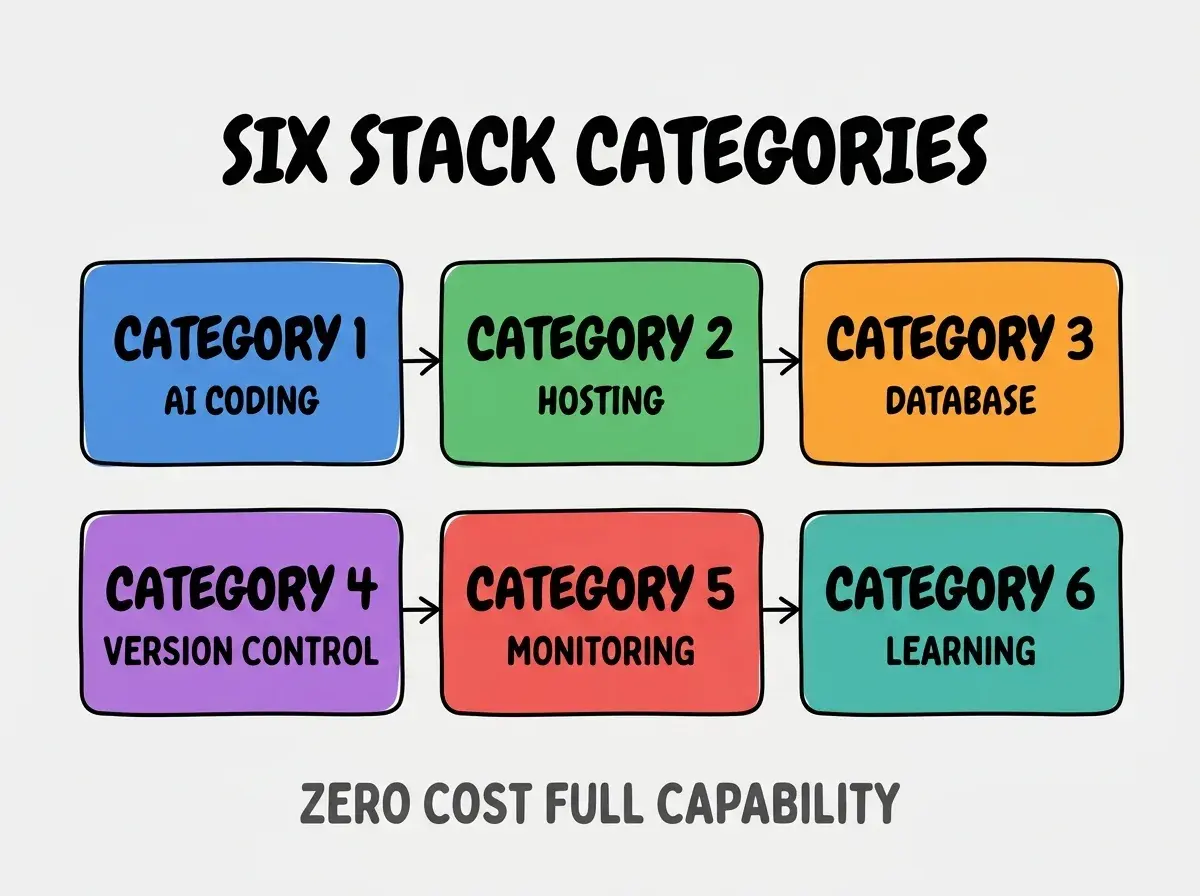
Category 3, database. Where data lives. Supabase free tier, Firebase Spark plan, Neon free tier all work for student projects.
Category 4, version control. Where code lives and history is tracked. GitHub Education provides free unlimited private repositories.
Category 5, monitoring. How you know your app is working. Sentry free tier, Vercel analytics, Cloudflare analytics all provide basic monitoring.
Category 6, learning resources. Where you build skills. Free university partnerships with major tools, official documentation, YouTube tutorials.
What Each Free Tier Includes
Six free tier specifics shape what students can build.
GitHub Copilot for Students includes full Copilot capabilities free during student status. Verification through GitHub Education program.
Browse more tools articles
Read more toolsCursor with educational discount offers significant pricing reduction for verified students. Apply through Cursor's education program.
Vercel hobby tier includes 100 GB bandwidth, unlimited projects, automatic deployments. Sufficient for typical student projects.
Supabase free tier includes 500 MB database, 1 GB storage, 50,000 monthly active users. Generous for learning and small projects.
GitHub Education includes Pro features (private repos, advanced features) free for verified students. Apply through Student Developer Pack.
Sentry free tier includes 5,000 errors monthly. Sufficient for learning error tracking on student projects.
How To Verify Educational Status
Three verification approaches enable student tool access.
Pattern 1, GitHub Student Developer Pack. Single verification unlocks dozens of tools; the foundational student verification.
Pattern 2, university email address. Many tools accept .edu email automatically; check before applying through other paths.
Pattern 3, student ID upload. Tools without automatic verification often accept student ID photo upload. Slower but works.
The combination produces access to comprehensive tool stack. Without verification, paid tier costs apply.
What Makes The Student Stack Sustainable
Three patterns separate sustainable student stacks from temporary tool experiments.
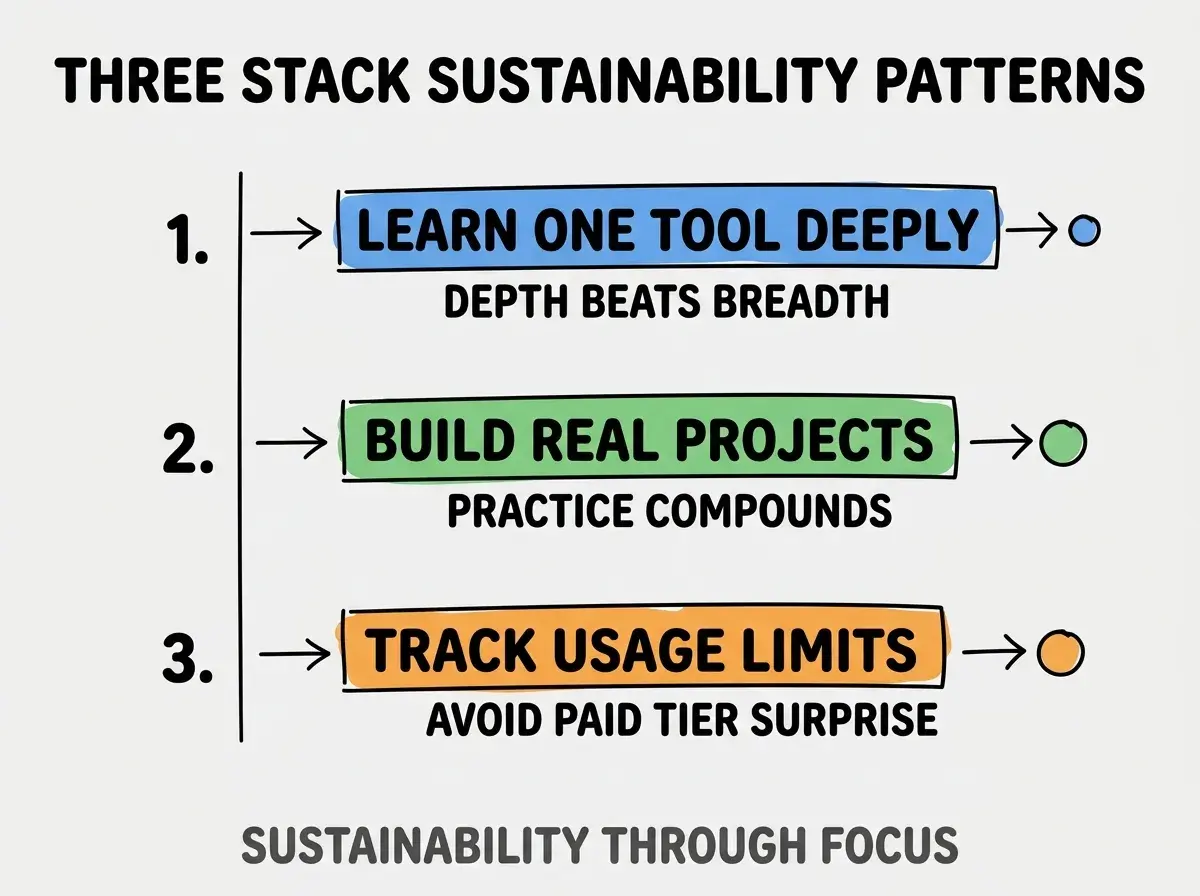
Pattern 1, learn one tool deeply. Stack hopping prevents skill compounding; deep tool knowledge transfers across years.
Pattern 2, build real projects. Tools without projects produce no skill; projects without tools produce no shipping. Need both.
Pattern 3, track usage limits. Free tiers have limits; surprise paid tier charges damage student budgets. Awareness prevents surprise.
The combination produces stacks that build skills over student years. Without these patterns, tool churn replaces skill building.
How To Add Premium Tools When Needed
Three patterns help students add specific premium tools when scope requires.
Pattern A, hackathon credits for short term needs. Many tools provide credits during hackathons; capture credits for short term scaling.
Pattern B, internship discounts for longer needs. Some companies provide tool credits to interns; ask during onboarding.
Pattern C, freelance work fund accounts. First freelance projects fund tool upgrades; tools enable better freelance work; cycle accelerates.
The combination produces incremental upgrade paths. Without paths, students hit walls when projects exceed free tier scope.
Common Questions About Student Tool Stacks
Student tool stacks raise questions worth addressing directly.
The first question is whether free tier tools are inferior to paid versions. Most are not; free tiers are usage limited, not capability limited. Capability matches paid for typical student needs.
The second question is whether to use educational discounts that disappear after graduation. Yes; discounts during education accelerate skill building. Skills earned during discount period last after discount ends.
The third question is whether students should stay on free tiers after graduation. Depends on income; transition to paid when income supports it. Free tier compatibility skills transfer.
The fourth question is which tool to learn first. Start with one AI coding tool plus GitHub plus Vercel; minimum viable stack enables shipping. Add tools as projects require.
How Student Stack Choices Affect Career
Student stack choices affect career trajectory in compounding ways. Career effects compound across decades.
The first compounding effect is skill foundation depth. Tools learned deeply during student years become the foundation for advanced skills later.
The second compounding effect is portfolio quality. Free tier tools support real shipped projects; portfolio differentiates students in hiring.
The third compounding effect is community membership. Tools have communities; community membership during student years builds networks that pay off in career.
The combination produces career trajectories shaped by student tool choices. Without strategic tool selection, career foundations stay shallow.
How To Build A Student Portfolio With The Stack
Three portfolio patterns leverage the student stack effectively.
Pattern A, ship 5 projects in your year. Quantity beats quality at student stage; shipped projects produce skills and portfolio.
Pattern B, document each project's stack and decisions. Project documentation demonstrates engineering thinking; thinking matters for hiring.
Pattern C, contribute to open source projects in your stack. Contributions demonstrate collaborative skills; collaboration matters for jobs.
The combination produces portfolio that opens job opportunities. Without portfolio building, student years produce learning without proof of learning.
The most damaging student tool stack mistake is choosing tools based on what professionals use rather than what fits student scale. Professional tools are designed for professional scale; student scale needs student appropriate tools. The fix is to optimize for shipping projects at student scale rather than mimicking professional setups. Students who ship at appropriate scale build skills faster than students who fight inappropriate tools.
The other mistake is missing the GitHub Student Developer Pack. The pack unlocks dozens of tools; missing it costs hundreds of dollars in equivalent paid tools.
A third mistake is over investing in tools versus building. Tools enable building; building produces skills. Tool research that does not lead to shipping produces no skill.
A fourth mistake is treating free tier limits as immovable barriers. Limits often relax with creative architecture; understanding limits enables working within them.
What This Means For You
The best vibe coding tool stack for students costs zero dollars while providing professional capability. The six categories, free tier specifics, and verification approaches produce framework for student tool selection.
- If you're a student: Apply for GitHub Student Developer Pack today; the verification opens stack access that compounds across student years.
Browse more tools articles
Read more tools