The fastest way to learn prompt engineering is to see the same request written two ways and compare what comes out. Theory is useful, but nothing teaches faster than placing a vague prompt next to its precise version and watching the AI produce completely different results. This article gives you five real prompt transformations that cover the most common coding tasks vibe coders face.
Every transformation follows the same pattern. You see the prompt most people would naturally write, then the improved version, and why the output is dramatically better.
Building a Landing Page
This is often the first thing vibe coders ask an AI to build, and where the most time gets wasted on vague prompts.
The vague prompt: "Build me a landing page for my app."
You get a generic template. A hero with "Welcome to Our App" as the headline, placeholder feature cards, and a footer with links to nowhere. It looks like every free Bootstrap template from 2019.
The precise prompt: "Build a landing page for a project management tool aimed at freelance designers. Hero headline: 'Stop Losing Track of Client Projects' with a subheadline about managing projects, invoices, and client communication. Below the hero, three feature cards: Project Timelines (calendar icon), Client Portal (users icon), and Invoice Tracking (dollar icon). Each card has a one-sentence description. Tailwind CSS with indigo-600 primary, white and gray-50 backgrounds, rounded-xl cards with subtle shadows. CTA button 'Start Free Trial' in the hero and at the bottom."
The precise version tells the AI who the audience is, what the product does, the specific headline, the exact features, visual style, and CTA placement. Every sentence eliminates a dimension of guessing.
The difference between vague and precise prompts is not prompt length. It is information density. The precise prompt is longer because it contains more decisions, not more words. Each additional sentence represents a choice the AI would otherwise make for you, and probably make wrong.
Adding User Authentication
Authentication is complex, and vague prompts produce the widest variety of unusable outputs.
The vague prompt: "Add authentication to my app."
The AI does not know if you want Firebase, JWT, NextAuth, or Auth0. Email/password, social login, or magic links. You will almost certainly get something that does not match your stack.
The precise prompt: "Add email/password authentication to my Next.js 14 app using NextAuth.js v5 with the Credentials provider and Prisma adapter. I have a User model with email and hashedPassword fields. Create: (1) NextAuth config in auth.ts with JWT session strategy, (2) a login page at app/login/page.tsx with email/password fields, loading state, and error display, (3) a register page at app/register/page.tsx with bcrypt password hashing. Style both as centered cards with max-w-md using Tailwind. Redirect to /dashboard on success. No social providers yet."
This prompt specifies the library, provider type, existing model, files to create, user flow, styling, and scope boundary. The AI produces all three files in one pass and they work together.
Creating a Dynamic Form
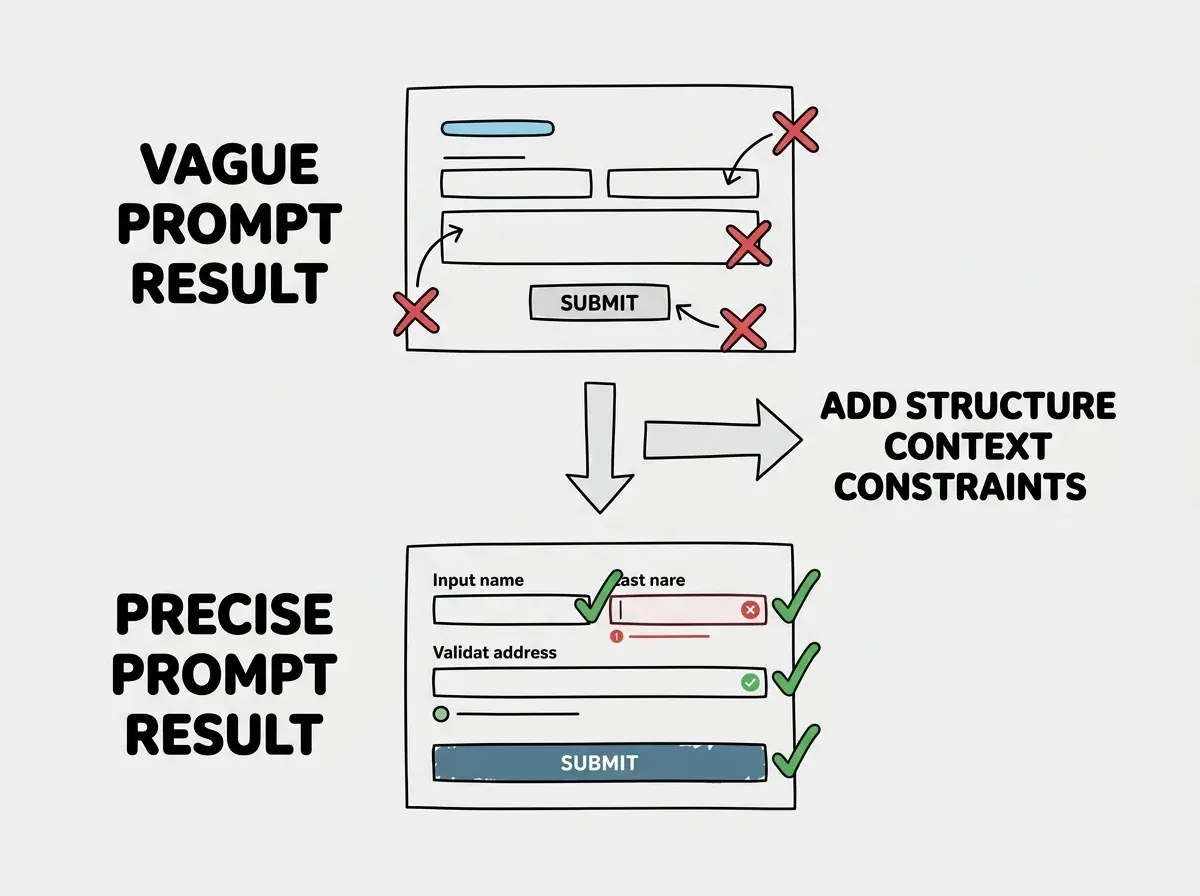
Forms appear in nearly every web application, and the gap between a vague form prompt and a precise one is enormous.
The vague prompt: "Create a form for collecting user information."
You get name and email fields and a submit button. No validation, no error handling, no clear data structure.
The precise prompt: "Create a multi-step form in React for customer onboarding. Step 1: name and email (required, email validated). Step 2: company name, company size (dropdown: 1-10, 11-50, 51-200, 200+), and industry (dropdown: Technology, Finance, Healthcare, Education, Other). Step 3: summary of all data with confirm button. Back and Next buttons on each step (no Back on Step 1, Confirm instead of Next on Step 3). Validate before proceeding. Use React Hook Form with Zod validation. Tailwind CSS with a progress bar showing the current step."
Every field is specified, every interaction is defined, and the libraries are chosen explicitly.
Generating a Reusable Component
Reusable components need the most thoughtful prompts because they must handle multiple use cases.
The vague prompt: "Create a modal component."
You get a basic modal with hardcoded content and a close button. It works for one use case and needs rewriting for every other.
The precise prompt: "Create a reusable Modal component in React with TypeScript. Props: isOpen (boolean), onClose (function), title (string), children (ReactNode for body), optional footer (ReactNode for action buttons). Dark semi-transparent backdrop that closes on click. Escape key closes it. Centered content with max-w-lg, white background, rounded-xl, subtle shadow. CSS transition entrance animation (fade backdrop, slide up content). Accessibility: role dialog, aria-modal true, aria-labelledby pointing to title. Use a React portal to render outside the main DOM tree."
Every requirement stated once in the prompt instead of discovered through five rounds of iteration. The output handles keyboard interaction, accessibility, animation, and flexible content.
Writing separate prompts for each small feature of a component instead of describing the complete component in one prompt. When you prompt incrementally for something like a modal ("now add a close button," "now add a backdrop," "now add keyboard support"), each addition risks breaking the previous work. Describe the full component once and let the AI build it cohesively.
Building a Dashboard Widget
Dashboard components combine data display, interaction, and visual design, making them a great test of prompt quality.
The vague prompt: "Create a chart component for my dashboard."
The AI picks a random chart library, generates a random chart type with random sample data, and styles it however it wants. Technically functional, but it will not fit your dashboard.
The precise prompt: "Create a revenue overview widget for a SaaS dashboard. Line chart showing monthly recurring revenue for the last 12 months using Recharts. Above the chart, current MRR as a large number ($48,500) with a +12.3% green badge. Chart line in indigo-500 with gradient fill fading from indigo-100 to transparent. X-axis shows abbreviated month names, Y-axis shows dollar amounts. Tooltip on hover shows exact MRR value. Sample data with realistic growth curve. Self-contained card component with white background, rounded-xl, subtle shadow, p-6 padding."
Every visual detail is specified, the library is chosen, and the component boundaries are defined. You can drop this widget into your application.
The Pattern Behind Every Transformation
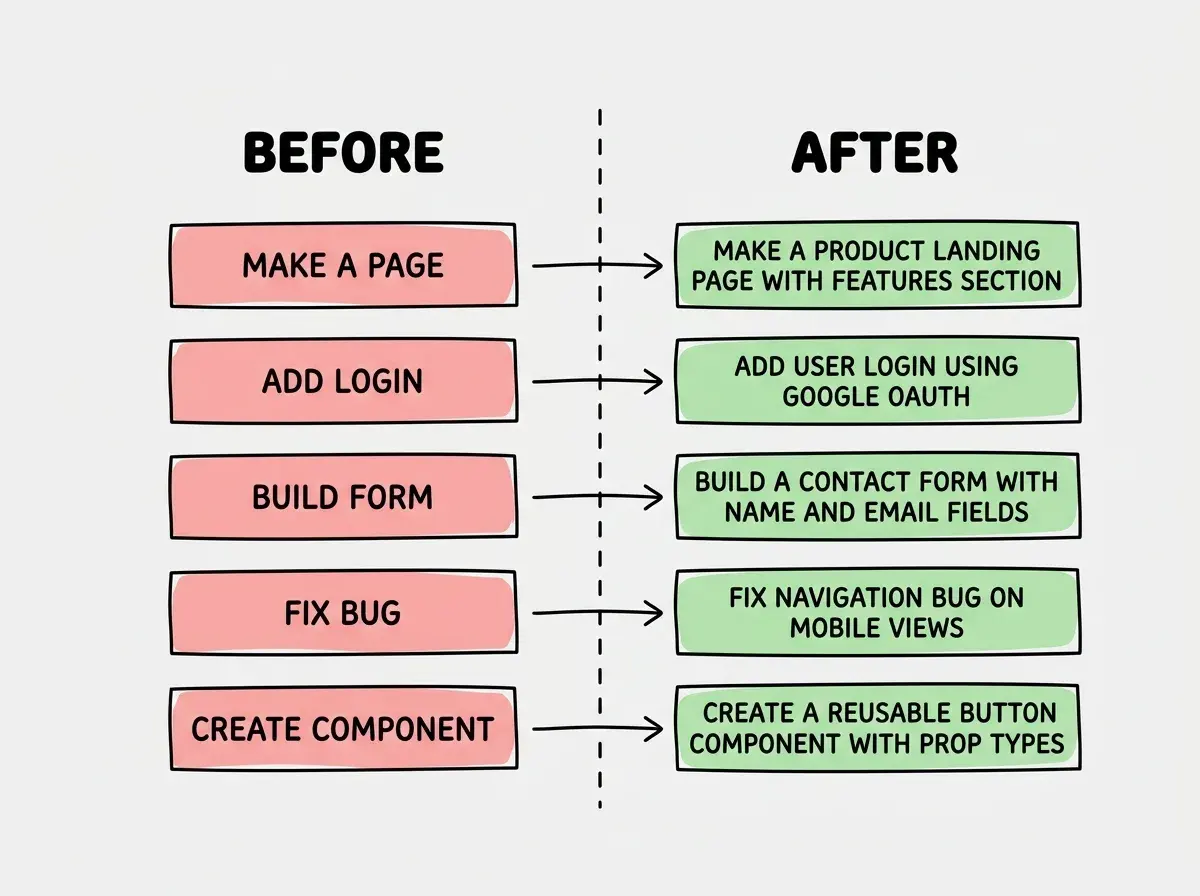
Across all five transformations, the same pattern emerges. The vague prompt names a category (landing page, authentication, form). The precise prompt describes a specific instance with enough detail that only one interpretation is possible.
You need the habit of asking three questions before hitting enter. What exactly am I building? What does the AI need to know about my existing project? What should the AI specifically avoid doing?
Those three questions take sixty seconds. That sixty seconds saves five to thirty minutes of iteration. Over a full day of building, this habit saves two or three hours. And the skill compounds. After a few weeks of deliberate practice, you will write precise prompts automatically.
Go deeper with the STRUCTURE framework that makes every prompt more effective.
Read the masterclassWhat This Means For You
The quality of your AI's output is a direct reflection of your input. You are not limited by the AI. You are limited by how clearly you can describe what you want.
- If you are a founder building your product: Pick your next feature and write the prompt two ways. The vague version first, then sixty seconds of adding your tech stack, requirements, and scope boundaries. Do this for a week and you will never go back to vague prompts.
- If you are a career changer: Save your best prompts in a file. When a prompt produces great results, copy it with a note about what made it work. After a month you will have a personal prompt library you can adapt to new situations instead of starting from scratch.
- If you are a student: Take any tutorial project and rebuild it entirely through prompts. Write a prompt for each feature and compare the output to the tutorial code. This teaches prompt engineering and coding simultaneously.
Start with the fundamentals and build the prompt engineering habit.
Explore more