AI coding with voice dictation enables 3x faster prompting than typing for many builders. Four voice patterns work well: Whisper based dictation for English speakers, native OS dictation for short prompts, voice plus refinement for longer prompts, and specialized voice tools for code specific dictation. Voice works particularly well for non technical builders, creatives, and anyone whose typing speed limits prompt creation. Setup takes 30 minutes and produces sustained productivity gains.
This tutorial walks through the four voice patterns, the tools for each, what makes voice work for AI coding, and the four mistakes builders make adopting voice workflows.
Why Voice Dictation Matters For AI Coding
Voice dictation matters for AI coding because prompts often need length to be specific. Typing 100 word prompts takes 60-90 seconds; dictating 100 word prompts takes 20-30 seconds. The 3x speed adds up across thousands of prompts.
The 2026 reality is that voice dictation has matured to where accuracy matches typing for most contexts. Accuracy gap has closed; speed gap remains.
A 2025 voice workflow productivity study of 200 vibe coders found that builders using voice dictation generated 2.7x more prompts per hour than typing only builders, with similar prompt quality. Speed produces measurable productivity difference.
The pattern to copy is the way professional writers use dictation for first drafts. Voice produces volume; editing produces quality. Combined approach beats typing alone for many writing types. Coding prompts work the same way.
The Four Voice Patterns That Work
Four patterns serve different voice dictation use cases.
Pattern 1, Whisper based dictation for English speakers. Tools like Wispr Flow, MacWhisper use OpenAI Whisper for high accuracy English dictation.
Pattern 2, native OS dictation for short prompts. Mac and Windows dictation work well for short prompts; built in convenience.
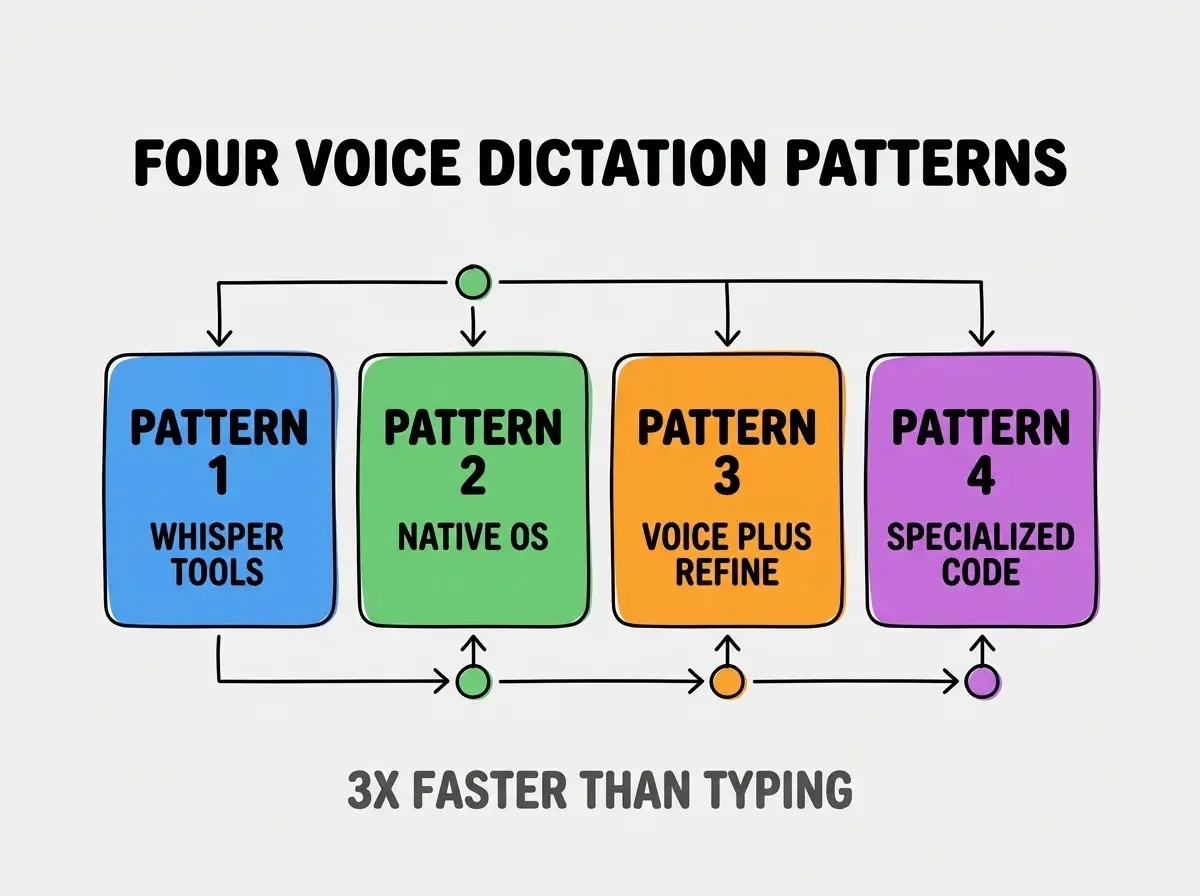
Pattern 3, voice plus refinement for longer prompts. Dictate first draft, edit with keyboard. Combined approach handles complex prompts.
Pattern 4, specialized voice tools for code specific dictation. Tools that handle code specific terminology and syntax.
Tools For Each Voice Pattern
Four tool categories implement the four patterns.
Tool 1, Wispr Flow for Whisper dictation. Mac native, fast, accurate. Default choice for many builders.
Browse more tools articles
Read more toolsTool 2, OS dictation for built in convenience. Mac dictation (Cmd+twice), Windows dictation (Win+H). Always available.
Tool 3, custom workflow with editing. Any dictation tool plus text editor for refinement; workflow flexibility.
Tool 4, code aware dictation tools. Tools that understand code syntax better than general dictation.
What Makes Voice Work For AI Coding
Three factors make voice particularly effective for AI coding.
Factor 1, prompts benefit from length and specificity. Voice enables longer prompts than typing; longer prompts produce better AI generation.
Factor 2, conversational tone matches AI interaction. Voice produces natural conversational prompts; AI responds well to natural language.
Factor 3, body relief matters for sustained work. Voice eliminates typing strain; sustained sessions become more comfortable.
What Makes Voice Workflows Sustainable
Three patterns separate sustainable voice workflows from temporary experiments.
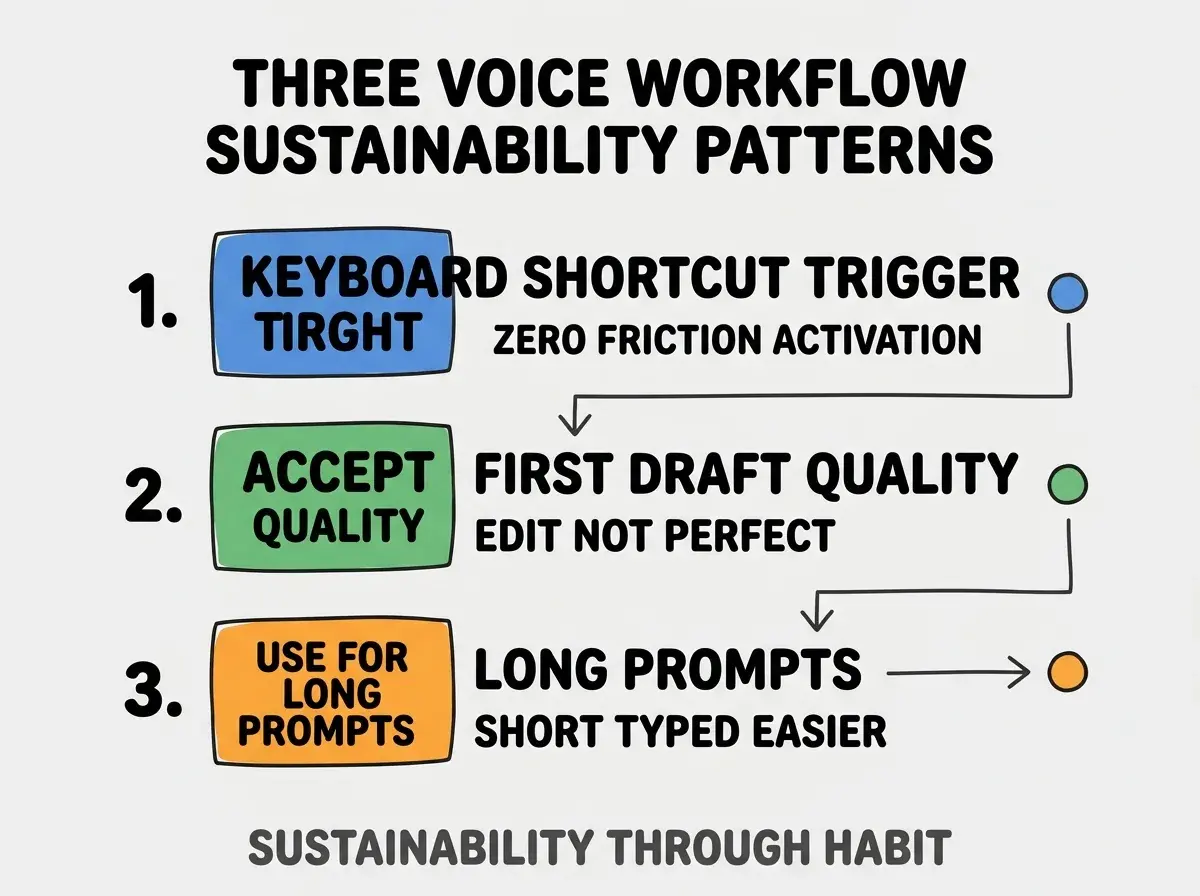
Pattern 1, keyboard shortcut for instant trigger. Voice tool activates with keyboard shortcut; friction kills voice habit.
Pattern 2, accept first draft quality. Editing perfectionism slows voice; accept good enough first draft.
Pattern 3, use for long prompts. Short prompts faster typed; voice value compounds with prompt length.
The combination produces sustainable voice workflows. Without these patterns, voice abandons quickly.
How To Set Up Voice Workflow
Three setup patterns enable voice workflow adoption.
Pattern A, install Wispr Flow or similar Whisper tool. Modern Whisper tools install in minutes; setup minimal.
Pattern B, configure keyboard shortcut for activation. Pick shortcut you do not use; consistency prevents misfires.
Pattern C, practice for one week before judging. Voice feels awkward initially; practice produces fluency.
Common Questions About Voice Dictation
Voice dictation for AI coding raises questions worth addressing directly.
The first question is whether voice works in shared offices. Privacy considerations apply; whisper voice or text to speech alternative works.
The second question is how voice handles code specific terminology. Modern tools handle most terminology; custom vocabulary helps for project specific terms.
The third question is whether voice helps with non English. Whisper handles many languages; English best, others varying.
The fourth question is how voice integrates with existing AI tools. Most AI tools accept text input; voice produces text. Integration trivial.
How Voice Affects Coding Sessions
Voice affects coding sessions in compounding ways. Session effects compound across hours.
The first compounding effect is reduced typing fatigue. Less typing means longer sustained sessions; sessions produce more output.
The second compounding effect is more detailed prompts. Voice enables specificity that typing discourages; specificity produces better AI generation.
The third compounding effect is conversational AI interaction. Natural voice patterns extract more from AI; AI responds to conversation.
The combination produces coding sessions shaped by voice availability. Without voice, sessions hit typing limits.
How To Build Voice Vocabulary
Three patterns build voice dictation vocabulary.
Pattern A, learn punctuation commands. "Period", "comma", "new paragraph" all common; vocabulary speeds dictation.
Pattern B, custom vocabulary for project terms. Project specific names added to dictation vocabulary; recognition improves.
Pattern C, formatting commands for code prompts. "Quote", "open brace", "tab" enable code dictation; vocabulary expands capability.
The combination produces voice fluency. Without vocabulary, voice stays limited.
The most damaging voice dictation mistake is judging voice on first day. First day produces awkward results that improve dramatically over week of practice. The fix is to commit to one week practice before judging; practice produces fluency that day one cannot predict. Builders who commit to practice find voice transformative; builders who judge on day one abandon what would have helped them most.
The other mistake is over editing voice output. Voice output good enough usually; perfect editing slows voice value.
A third mistake is using voice for short prompts. Short prompts faster typed; voice value depends on length.
A fourth mistake is missing the privacy consideration. Voice in shared spaces affects others; consideration matters.
What This Means For You
AI coding with voice dictation produces 3x prompting speed for many builders. The four patterns, tools, and sustainability approaches produce voice workflows that compound productivity.
- If you're a founder: Try Wispr Flow this week; setup is minutes, productivity gain compounds.
- If you're a creative: Voice fits creative workflows naturally; lean into voice for AI coding.
Browse more tools articles
Read more tools