Multi currency support for vibe coded apps requires four concerns AI tools handle inconsistently: storing amounts as integer cents not floats, displaying with proper formatting per locale, converting between currencies with tracked exchange rates, and handling Stripe or payment processor multi currency configuration. Adding all four produces apps that handle global customers correctly; missing any produces bugs that affect revenue and trust.
This tutorial walks through the four currency concerns, the implementation patterns for each, what AI defaults look like, and the four mistakes builders make adding multi currency.
Why Multi Currency Matters For Growth
Multi currency matters for vibe coded apps because most growth happens internationally after initial market saturation. Without multi currency, international users face friction; friction reduces conversion.
The 2026 reality is that AI tools handle basic currency display but miss subtle currency handling that affects accuracy. Subtle issues compound across transactions.
A 2025 SaaS internationalization study of 200 vibe coded apps found that apps with multi currency support converted international users at 67 percent higher rates than apps with single currency. Multi currency removes friction that single currency creates.
The pattern to copy is the way international banks handle currency. Multiple currencies, accurate conversion, proper formatting per locale. Banks built systems for currency over decades; vibe coded apps benefit from learning the patterns.
The Four Currency Concerns
Four concerns form complete multi currency support.
Concern 1, storing amounts as integer cents. $10.50 stored as 1050 not 10.50. Float arithmetic loses precision; integer arithmetic does not.
Concern 2, displaying with proper formatting per locale. "$10.50" for US, "10,50 €" for France, "¥1050" for Japan. Locale specific formatting.
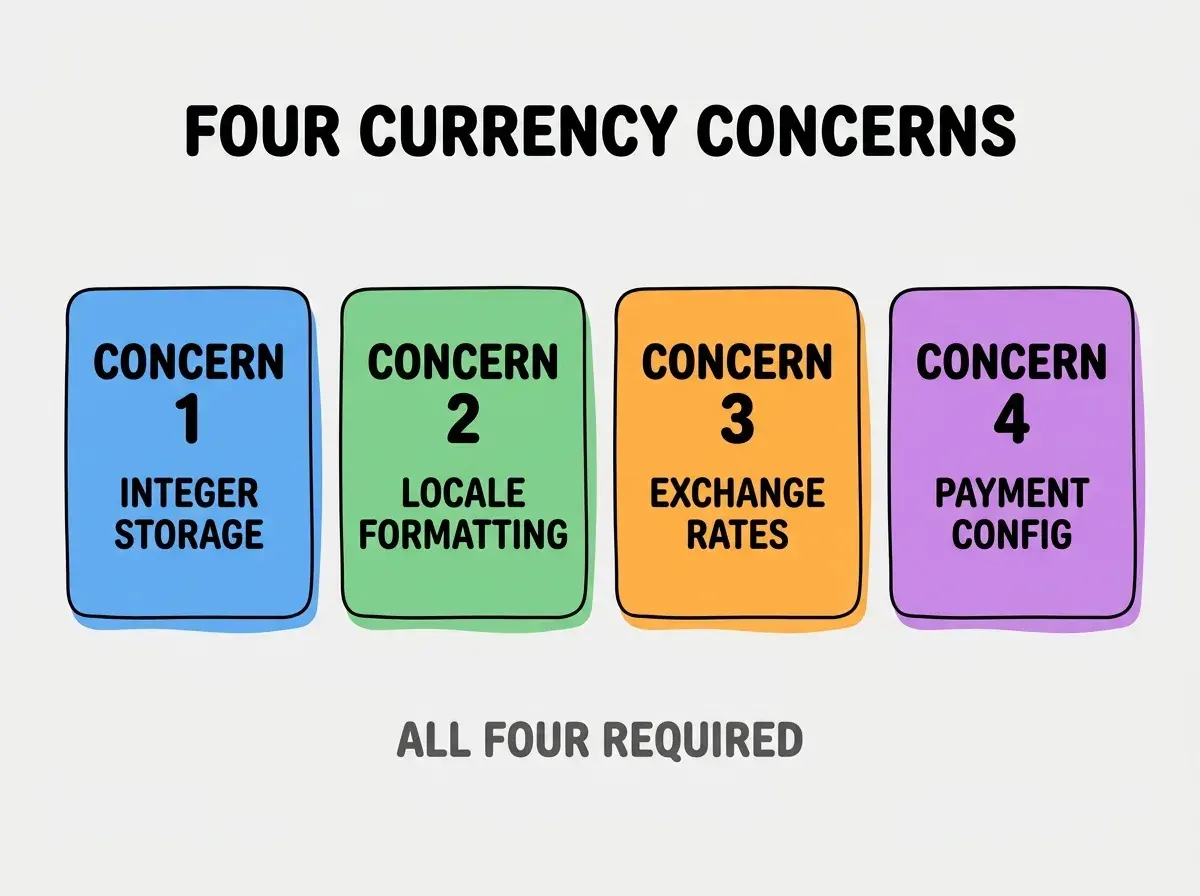
Concern 3, converting between currencies with tracked rates. Conversion uses current rates; rates tracked for accuracy and audit.
Concern 4, payment processor multi currency configuration. Stripe multi currency setup; charging in customer's currency works only with proper config.
How To Implement Each Concern
Four implementation patterns address the four concerns.
Implementation 1, integer cents in database. Postgres BIGINT column stores amounts; conversion to display value at presentation layer.
Browse more grow articles
Read more growImplementation 2, Intl.NumberFormat for display. Browser native API handles locale formatting; framework support extensive.
Implementation 3, exchange rate API integration. ExchangeRate-API or similar for current rates; cache rates with TTL.
Implementation 4, Stripe multi currency activation. Enable multi currency in Stripe dashboard; configure presentment currencies; update checkout integration.
What AI Default Currency Code Looks Like
AI defaults follow patterns that produce subtle issues.
Default 1, decimal storage with floats. AI uses 10.50 numeric type; float precision causes accumulation errors.
Default 2, single locale formatting. AI hardcodes US formatting; international users see wrong format.
Default 3, hard coded exchange rates. AI uses placeholder rates; rates go stale immediately.
Default 4, single currency Stripe integration. AI uses single currency Stripe setup; multi currency requires explicit configuration.
What Makes Multi Currency Sustainable
Three patterns separate sustainable multi currency from one off setup.

Pattern 1, abstract currency throughout codebase. No hard coded USD anywhere; abstraction enables changes.
Pattern 2, audit currency operations regularly. Currency math errors compound; audit catches before issues.
Pattern 3, monitor exchange rate freshness. Stale rates produce misleading prices; monitoring catches staleness.
The combination produces sustainable multi currency. Without these patterns, multi currency degrades.
How To Test Multi Currency Implementation
Three test patterns validate currency handling.
Pattern A, test with multiple currencies systematically. USD, EUR, JPY, GBP cover most patterns; test each.
Pattern B, verify rounding behavior. Currencies have different decimal rules; test rounding behavior matches.
Pattern C, end to end test full payment flow. Display, checkout, payment, receipt all use right currency. Full flow reveals issues.
Common Questions About Multi Currency
Multi currency raises questions worth addressing directly.
The first question is whether to charge in user's currency or your currency. User's currency converts better; revenue tradeoff worth it for international scale.
The second question is whether to use Stripe or other payment processor. Stripe excellent multi currency; alternatives capable but Stripe simpler.
The third question is how often to update exchange rates. Hourly for active charging; daily for display only. Match update frequency to use.
The fourth question is whether to localize beyond currency. Yes for serious international expansion; full localization beyond currency.
How Multi Currency Affects International Expansion
Multi currency affects expansion in compounding ways. Expansion effects compound across markets.
The first compounding effect is conversion rate per market. Local currency converts better than foreign currency.
The second compounding effect is customer trust. Local currency signals serious market presence; trust translates to retention.
The third compounding effect is dispute reduction. Currency confusion produces disputes; disputes cost money and trust.
The combination produces international expansion that compounds. Without multi currency, expansion limits.
How To Add Multi Currency To Existing Apps
Three patterns help retrofit multi currency.
Pattern A, migrate amounts to integer cents first. Storage migration foundation; everything else builds on it.
Pattern B, add currency code to amount columns. Each amount has currency; currency required for proper handling.
Pattern C, update display layer per locale. Format display by user locale; backend untouched, frontend updates.
The combination produces multi currency for existing apps. Without retrofit, single currency limits forever.
The most damaging multi currency mistake is storing amounts as decimal floats. Float arithmetic produces accumulation errors that compound across transactions; small errors become large errors. The fix is to store amounts as integer cents always; conversion to display value at presentation layer. Apps using integer cents handle currency correctly; apps using floats produce financial bugs.
The other mistake is hard coding currency assumptions. Hard coded USD prevents internationalization; abstract from start.
A third mistake is missing the rounding rules per currency. Different currencies have different rules; respect each.
A fourth mistake is treating multi currency as add on. Multi currency affects entire codebase; treat as foundational.
What This Means For You
Multi currency support for vibe coded apps enables international expansion that compounds revenue. The four concerns, implementation patterns, and sustainability approaches produce multi currency that scales globally.
- If you're a senior dev: Add integer cents storage from project start; foundation prevents future migration.
- If you're an indie hacker: Multi currency unlocks international markets; international markets often larger than domestic.
Browse more grow articles
Read more grow