To migrate from Create React App (CRA) to Next.js in 2026, recognize that CRA is officially deprecated as of early 2025 and Next.js is now the default React framework, choose between four migration approaches based on your app's complexity (incremental side-by-side, full rewrite, gradual route-by-route, hybrid Vite-then-Next), handle the routing transition (React Router to App Router), update data fetching patterns (client-side to Server Components), and plan for 1 to 4 weeks of migration work depending on app size. The migration is now well-trodden; thousands of teams have completed it.
This piece walks through the four migration approaches, the routing and data fetching transitions, the testing patterns, and the four mistakes that turn smooth migrations into multi-month projects.
Why CRA to Next.js Is Now Mandatory
Create React App was officially deprecated in early 2025. The React team recommends Next.js or other framework-based approaches for new projects, and the maintenance signal for CRA is now fading. Apps still on CRA face an increasingly difficult situation as ecosystem support dwindles.
The 2026 reality is that this migration is no longer optional for production apps. The React team's recommendation has filtered through to every major library and tooling update. Apps that stay on CRA face increasing friction; apps that migrate gain access to the modern React feature set.
A 2025 React State of Ecosystem survey of 12,000 React developers found that 67 percent of CRA-based projects had migrated or planned to migrate within the next year. Of completed migrations, the median timeline was 3 weeks for medium-complexity apps. The migration that seemed daunting in 2024 became routine in 2025; thousands of teams have done it and documented their patterns. Following the established patterns produces predictable timelines.
The pattern to copy is the way teams migrated from jQuery to React in the 2010s. The migration was non-trivial but well-trodden by the time most teams undertook it. CRA-to-Next.js is at the same maturity point: the path is well-known, the gotchas are documented, the timelines are predictable for teams following the established patterns.
The Four Migration Approaches
Different app complexities suit different migration approaches. Four approaches cover most situations.
Approach 1, incremental side-by-side. Run CRA and Next.js side-by-side at different routes. Migrate routes one at a time. Right for large apps where big-bang migration is too risky.
Approach 2, full rewrite. Start fresh in Next.js, port features one by one. Right for small apps (under 10K LOC) where the rewrite is faster than the migration.
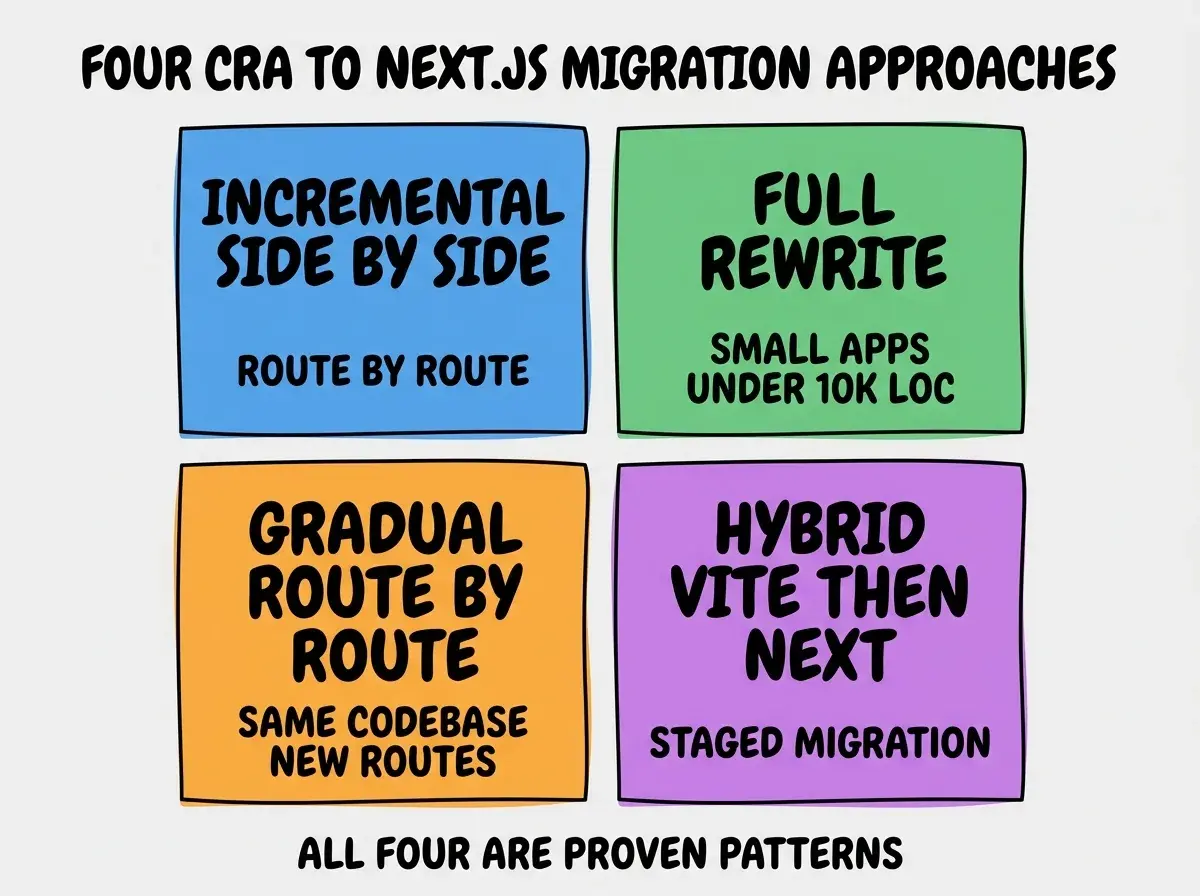
Approach 3, gradual route-by-route in same codebase. Stay in one codebase but migrate routes from CRA to Next.js incrementally. Best for medium apps with mature routing.
Approach 4, hybrid Vite-then-Next. Migrate to Vite first (smaller change), then to Next.js later. Right for teams that need to leave CRA fast but cannot fully commit to Next.js patterns immediately.
The Routing Transition
React Router to Next.js App Router is the most visible change. Three patterns handle most routing transitions.
Pattern 1, file-based routing replaces explicit routes. Next.js uses file-system routing; routes are defined by file structure. Eliminates the explicit <Route> definitions but requires restructuring the file layout.
Browse more migration guides
Read more tools articlesPattern 2, dynamic routes use brackets. /users/[id] replaces /users/:id. Same concept, different syntax. Mechanical translation.
Pattern 3, layouts replace nested routes. Next.js layouts handle what nested routes used to handle in React Router. Cleaner but requires rethinking shared UI.
The Data Fetching Transition
Client-side data fetching with useEffect becomes server-side data fetching in Server Components. Three patterns handle most data fetching transitions.
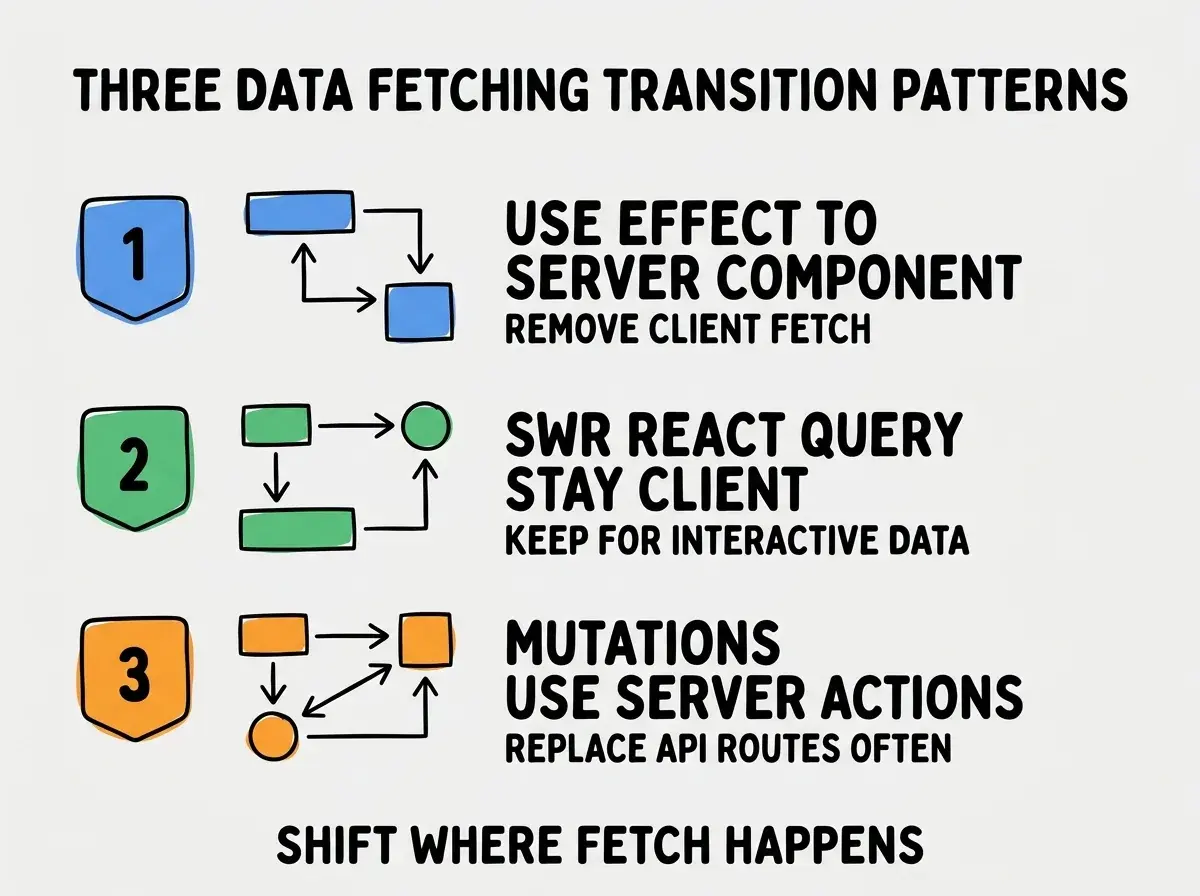
Pattern 1, useEffect to Server Component. Initial data fetching that does not need to be client-side becomes a Server Component with direct data fetch. Simpler than the useEffect+state pattern.
Pattern 2, SWR/React Query stay client-side. Interactive data that updates frequently (real-time, user actions) can stay in SWR or React Query in client components. Not everything moves to server.
Pattern 3, mutations use Server Actions. Form submissions and data updates use Server Actions. Often replaces custom API routes that CRA apps built around.
Testing the Migration
Three testing patterns reduce the risk of regression during migration.
Pattern 1, snapshot tests on output. Compare the rendered output of pages before and after migration. Catches visual regressions.
Pattern 2, end-to-end tests on critical flows. Playwright or Cypress tests on signup, checkout, login flows. Catches functional regressions.
Pattern 3, gradual rollout with feature flags. Route a percentage of traffic to the new Next.js version. Catch issues with real users without exposing all users to risk.
The combination of these three testing patterns means migration becomes verifiable rather than scary. Teams that migrate without tests live with anxiety; teams with tests migrate confidently.
The most damaging CRA to Next.js migration mistake is trying to use the Pages Router pattern in Next.js (older approach) rather than App Router (current standard). Some migrations grab the older Pages Router because it feels more familiar coming from CRA. The result is a migration that produces an immediately-outdated codebase. The fix is to commit to App Router from the start. Yes, it requires more learning; yes, it produces better code that aligns with the future direction of Next.js. Migrate forward, not sideways.
The other mistake is migrating without addressing the build configuration changes (Webpack config, environment variables, asset handling). CRA hides much of this; Next.js exposes it differently. Plan for 1-2 days of debugging the build configuration alone, separate from the code migration. Teams that do not budget for this surprise themselves with delays.
Common Build Configuration Translations
Three CRA build patterns translate to specific Next.js patterns. Knowing the mapping accelerates the migration.
Translation 1, environment variables. CRA prefixes with REACT_APP_; Next.js uses NEXT_PUBLIC_ for client-side and unprefixed for server-side. Bulk find-and-replace plus verifying which variables need to be exposed client-side.
Translation 2, asset imports. CRA imports images as URLs; Next.js uses the Image component or static imports. The Image component has performance benefits but requires updating image references throughout the codebase.
Translation 3, public folder usage. CRA's public folder works similarly in Next.js but with different cache behavior. Audit static asset references after migration to confirm they still serve correctly.
The combination of these translations covers most build-related migration issues. Plan a specific migration session for build configuration; treating it as part of code migration usually produces missed details.
Performance Wins From the Migration
Beyond the framework modernization, three performance wins typically show up after CRA to Next.js migration.
Win 1, automatic code splitting. Next.js splits code by route automatically. CRA bundles everything by default. Expect 30-50 percent smaller initial bundle sizes.
Win 2, image optimization. Next.js Image component handles WebP conversion, responsive sizing, lazy loading. Significant Core Web Vitals improvements with no code changes.
Win 3, server rendering. Pages can render on the server, improving perceived performance and SEO. Especially valuable for content-heavy pages.
These wins are not theoretical; they show up in real Lighthouse scores after migration. The performance benefits often justify the migration cost on their own, separate from the future-proofing benefits, and they show up in revenue metrics for apps where conversion correlates with page speed.
What This Means For You
The CRA to Next.js migration is now a well-trodden path. Following the established patterns produces predictable outcomes for most teams.
- If you're a founder running a CRA app: Plan the migration this quarter. The longer you wait, the harder the ecosystem makes it.
- If you're changing careers into React: Learn Next.js, not CRA. CRA knowledge is becoming legacy quickly.
- If you're a student: All new React learning should be Next.js with App Router. CRA knowledge has limited shelf life.
Browse more migration guides
Read more tools articles