A marketer content calendar app helps teams coordinate publishing across channels with visibility into what ships when. Four calendar features matter: visual timeline (drag and drop scheduling), channel coordination (social, blog, email), approval workflow (draft to scheduled to published), and analytics integration (post performance feeds back). Combined features produce content calendars that scale beyond spreadsheets; without these, content coordination devolves into chaos.
This tutorial walks through the four features, the implementation patterns, what makes content calendars sustainable, and the four mistakes marketers make on content calendar tools.
Why Content Calendar Apps Matter For Marketers
Content calendar apps matter because content marketing requires coordination across channels, formats, and contributors. Without calendar visibility, teams duplicate work, miss launch alignment, and struggle to maintain consistent cadence.
The 2026 reality is that AI tools (Claude, GPT) make content calendar apps buildable in days that previously required dedicated SaaS subscriptions or extensive Notion customization.
A 2025 marketing operations study of 400 teams found that teams with custom content calendar apps maintained publishing cadence 47 percent better than teams using generic tools or spreadsheets, primarily through workflow customization fitting team process. Custom builds measurably affect cadence consistency.
The pattern to copy is the way television programming guides coordinate networks, time slots, and content types. Visual grid shows what airs when; programming teams plan from grid. Same patterns apply to content marketing; calendar grid coordinates publishing across teams and channels.
The Four Calendar Features
Four features form complete content calendar app.
Feature 1, visual timeline. Drag and drop scheduling. Foundation.
Feature 2, channel coordination. Social, blog, email together. Multi channel.
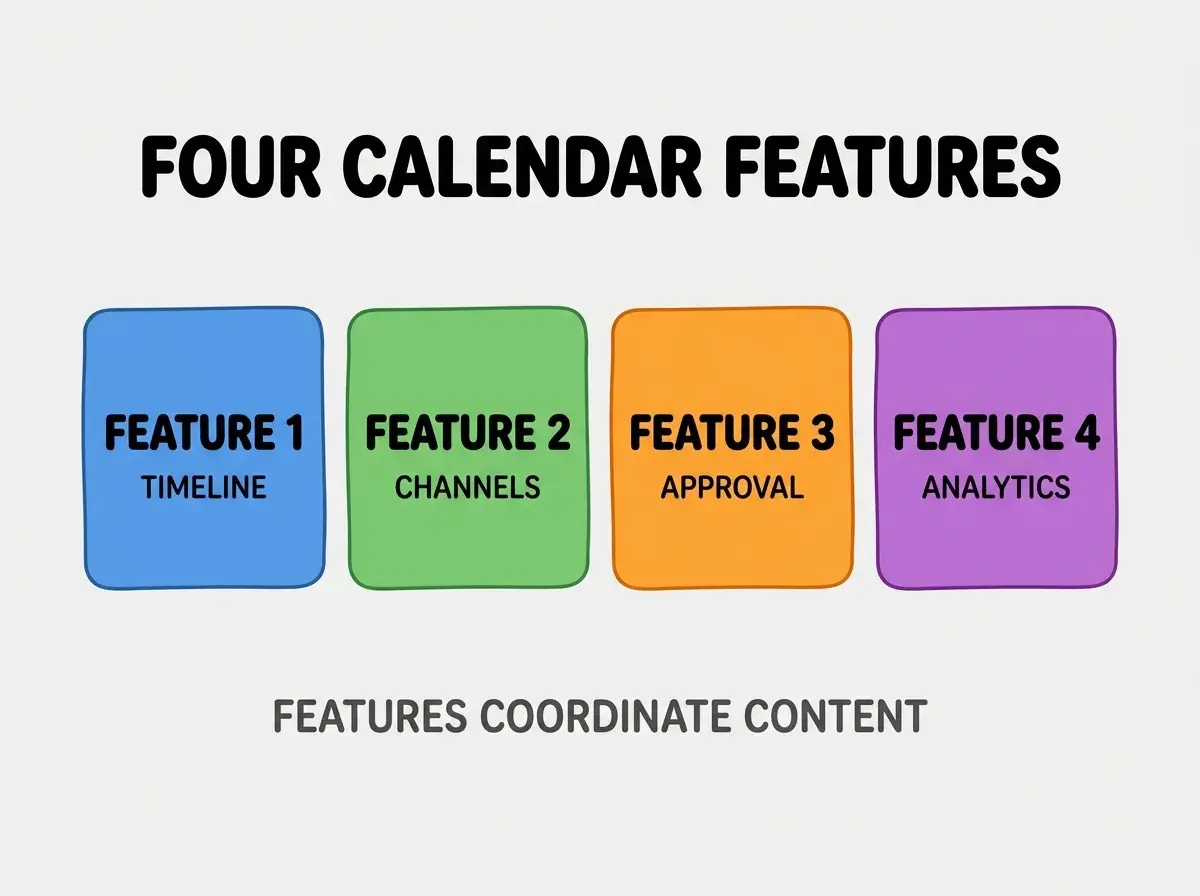
Feature 3, approval workflow. Draft to scheduled to published. Process.
Feature 4, analytics integration. Performance feeds back. Learning.
How To Implement Each Feature
Four implementation patterns address each feature.
Implementation 1, FullCalendar or react big calendar. React libraries handle drag drop; days of work saved.
Browse more build
Read more buildImplementation 2, channel field per content item. Tag content with channels; filter calendar by channel.
Implementation 3, status field with workflow rules. Draft, ready for review, approved, scheduled, published states.
Implementation 4, analytics webhook from publishing tools. Performance data flows back; calendar shows results.
What Makes Content Calendars Sustainable
Three patterns separate sustainable from spreadsheet abandonment.
Pattern 1, low friction adding items. Quick add maintains use.
Pattern 2, mobile responsive. Marketers often update on mobile.
Pattern 3, integration with publishing tools. Calendar plus Buffer or Hootsuite reduces double entry.
What Makes Calendar Strategy Effective
Three patterns separate effective from theatrical.
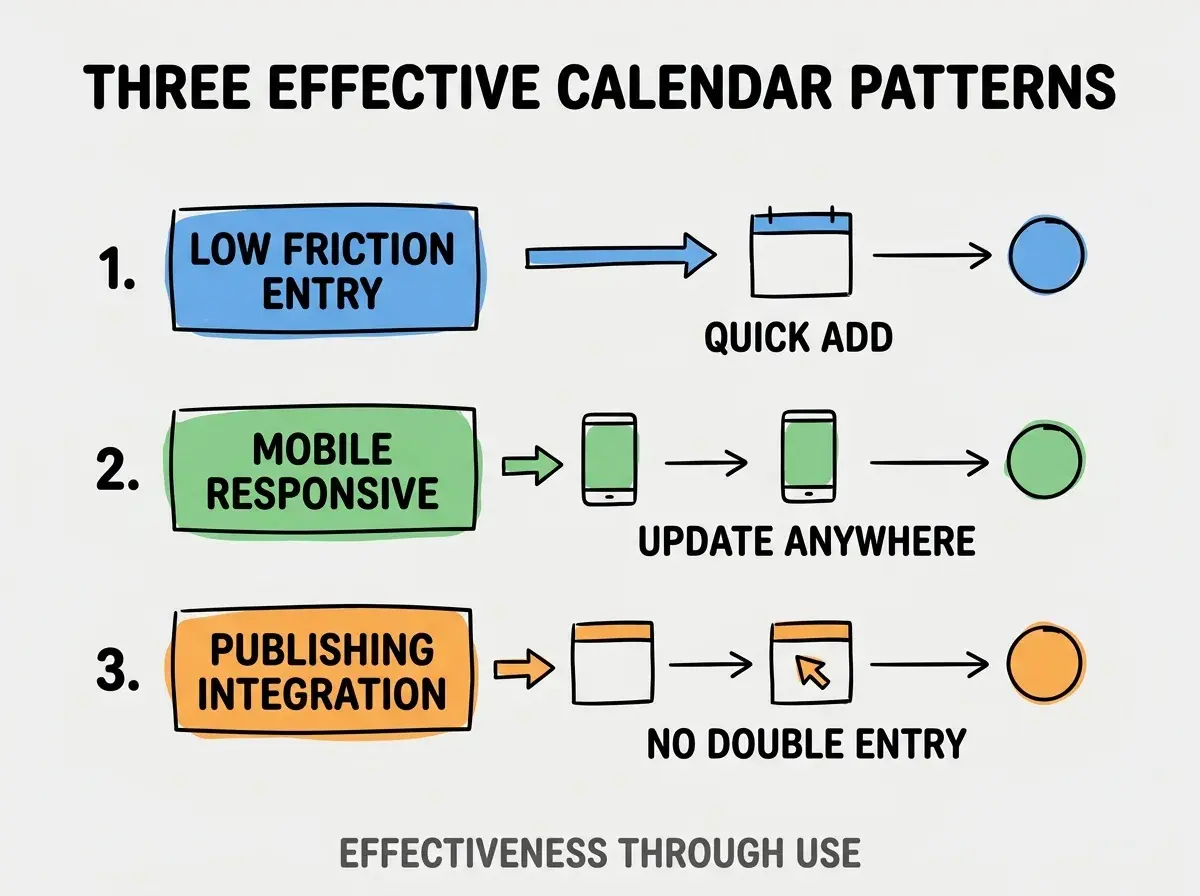
Pattern 1, low friction entry. Quick add.
Pattern 2, mobile responsive. Update anywhere.
Pattern 3, publishing integration. No double entry.
The combination produces effective calendar use. Without these patterns, calendar abandoned for spreadsheets.
How To Choose Calendar Stack
Three patterns help stack choice.
Pattern A, FullCalendar for React stack. Battle tested; flexible.
Pattern B, Notion API integration for hybrid. Some teams prefer Notion as backing store.
Pattern C, custom for unique workflows. When SaaS too rigid, custom fits.
Common Questions About Content Calendars
Content calendars raise questions worth addressing directly.
The first question is whether to build vs buy. Build when workflow unique; buy for standard.
The second question is what about team permissions. Role based access; not everyone edits.
The third question is how to handle multi region publishing. Timezone aware scheduling; localize times.
The fourth question is whether AI can generate calendar items. Yes; AI suggests topics from analytics feedback.
How Content Calendars Affect Team Coordination
Content calendars affect coordination in compounding ways. Coordination effects compound across campaigns.
The first compounding effect is reduced duplication. Visibility prevents duplicate work.
The second compounding effect is launch alignment. Cross channel launches coordinate naturally.
The third compounding effect is reporting clarity. Calendar plus analytics shows what worked when.
The combination produces coordination shaped by calendar discipline. Without discipline, coordination via meetings.
How To Migrate From Spreadsheets
Three patterns help migration.
Pattern A, data import from spreadsheet. CSV import preserves history.
Pattern B, parallel run period. Use both during transition; verify completeness.
Pattern C, train team on new tool. Adoption requires training.
The combination produces successful migration. Without patterns, team reverts to spreadsheets.
The most damaging content calendar mistake is over engineering features before validating use. Marketers want simple tool; complex tool gets ignored. The fix is to ship minimal calendar; add features based on actual usage feedback. Marketers who ship simple maintain use; marketers who ship complex watch tool sit empty while team reverts to spreadsheets that feel manageable under pressure.
The other mistake is missing the mobile experience. Mobile updates happen often; desktop only fails.
A third mistake is over indexing on automation. Some manual flexibility valuable.
A fourth mistake is treating calendar as static plan. Calendar is living tool; replans expected.
What This Means For You
Marketer content calendar app builds enable team coordination that scales beyond spreadsheets. The four features, implementation patterns, and sustainability approaches produce calendars that compound marketing team output.
- If you're a marketer: Calendar tools central to operations; building custom enables workflow fit.
- If you're a founder: Marketing operations affect company growth; calendar investment justified by coordination gains.
- If you're a senior dev: Calendar app interesting design problem; transferable to scheduling systems generally.
Browse more build
Read more build