A designer building a user testing recording tool produces tailored recording capability without commercial tool cost. Four feature areas matter: screen recording with mouse tracking, microphone audio for think aloud protocol, session metadata capture (browser, viewport), and review interface for analyzing recordings. The build takes a weekend with vibe coding tools and produces recordings tailored to your specific testing needs.
This tutorial walks through the four feature areas, the prompts that build each, what makes recordings useful for design decisions, and the four mistakes designers make when building recording tools.
Why Designer Built Recording Tools Matter
Designer built recording tools matter because commercial tools (Hotjar, FullStory, Lookback) often have features designers do not need and lack features designers want. Custom tools fit specific workflow.
The 2026 reality is that vibe coding tools enable designers to build their own user testing tools. Build capability removes commercial tool dependency.
A 2025 design tool survey of 200 design teams found that teams using custom built user testing tools conducted 62 percent more user tests than teams using commercial tools, primarily because custom tools fit their specific workflow. Custom fit removes friction.
The pattern to copy is the way professional photographers customize cameras and lenses for their specific work. Off the shelf works; specialized produces better fit. User testing tools follow same pattern; custom produces better workflow fit.
The Four Feature Areas
Four feature areas form complete user testing recording tool.
Feature 1, screen recording with mouse tracking. Captures user interaction; mouse tracking reveals attention.
Feature 2, microphone audio for think aloud. Audio captures user reasoning; think aloud protocol reveals thinking.
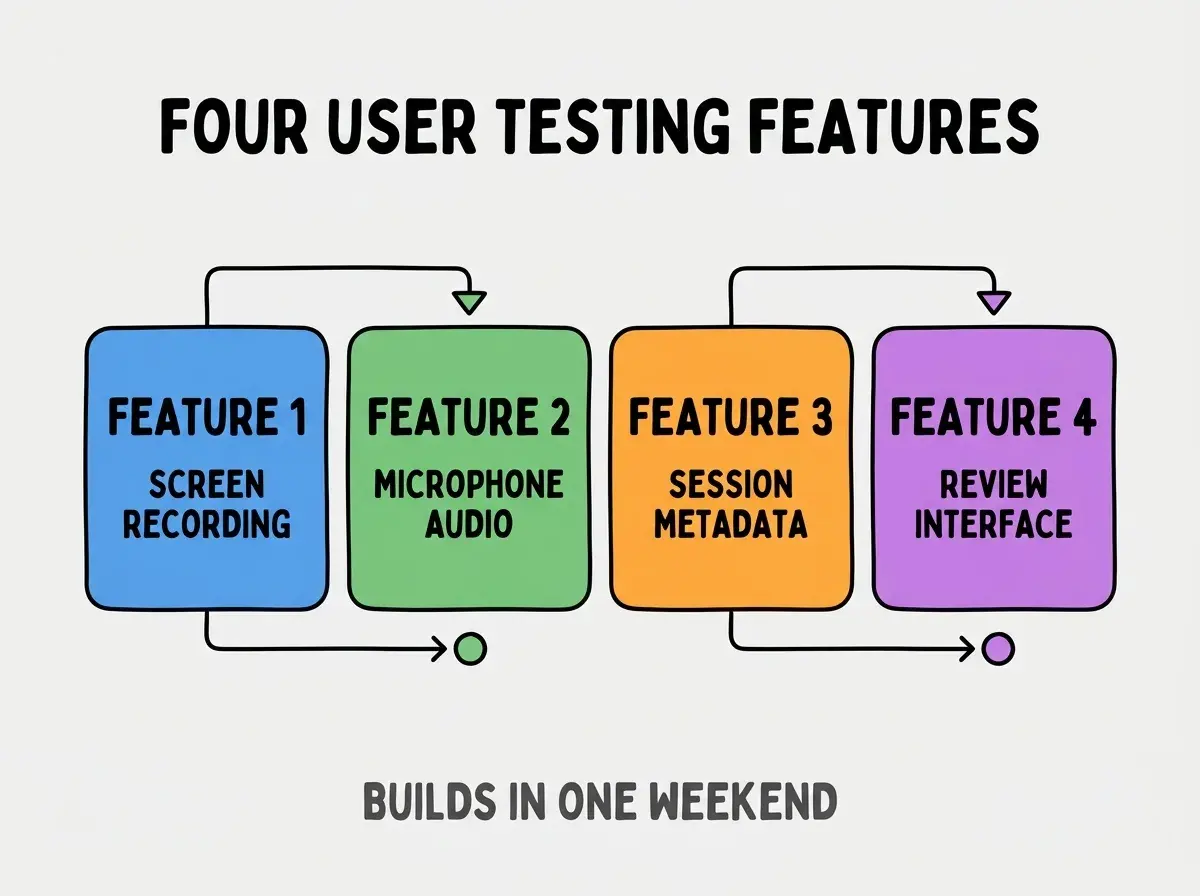
Feature 3, session metadata capture. Browser, viewport, OS captured automatically; metadata enables filtering.
Feature 4, review interface. Browse recordings, add notes, mark insights. Review enables analysis.
The Prompts That Build Each Feature
Four prompts implement each feature area.
Prompt 1, build screen recording. "Use MediaRecorder API to capture screen and microphone. User starts recording, stops recording, downloads or uploads result. Include mouse position overlay."
Browse more build articles
Read more buildPrompt 2, add audio capture. "Capture microphone alongside screen; merge into single video file. User can review audio while watching screen recording."
Prompt 3, capture session metadata. "On recording start, capture browser user agent, viewport size, OS, and timestamp. Save metadata alongside recording."
Prompt 4, build review interface. "Create page listing all recordings with metadata. Click recording to play; sidebar for adding timestamped notes. Filter recordings by metadata."
What Makes Recordings Useful For Design
Three patterns separate useful recordings from wasted recordings.
Pattern 1, think aloud captured during session. Think aloud reveals reasoning; reasoning informs design decisions.
Pattern 2, specific tasks not free exploration. Specific tasks reveal usability; free exploration reveals less actionable insight.
Pattern 3, multiple users not single. Patterns across users matter; single user reveals individual quirks.
What Makes Recording Tools Sustainable
Three patterns separate sustainable recording tools from one off builds.
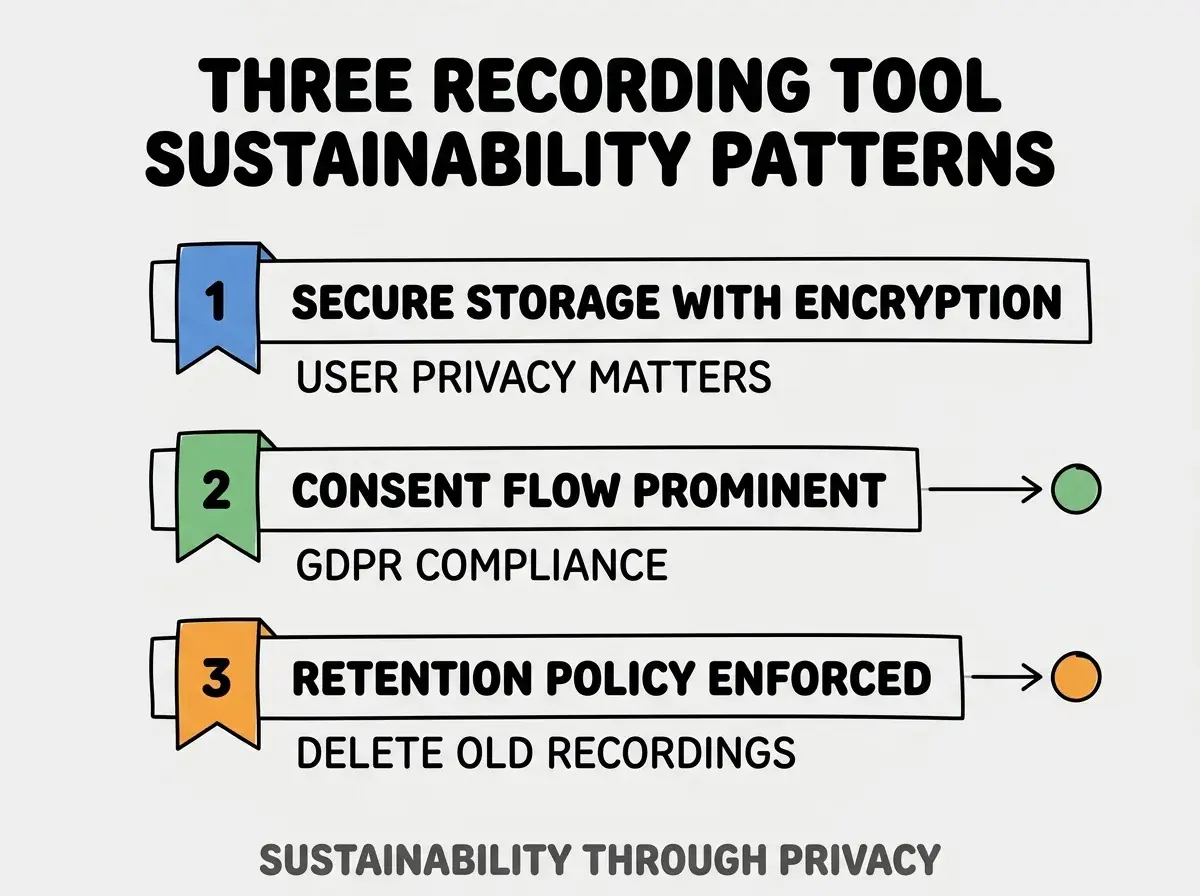
Pattern 1, secure storage with encryption. Recordings contain user information; encryption protects users.
Pattern 2, consent flow prominent. Users consent before recording; consent legally required and ethically necessary.
Pattern 3, retention policy enforced. Old recordings deleted automatically; bounded retention reduces risk.
The combination produces sustainable recording tools. Without these patterns, tools create liability.
How To Run Effective Sessions
Three patterns produce effective user testing sessions.
Pattern A, prepare task list before session. Specific tasks produce specific insights; preparation matters.
Pattern B, encourage think aloud explicitly. Reminders to think aloud increase verbalization; reminders matter.
Pattern C, sit with users for first sessions. Live observation builds intuition; observation complements recordings.
Common Questions About User Testing Tools
User testing tools raise questions worth addressing directly.
The first question is whether to use commercial tools or build custom. Commercial for getting started; custom for specific workflow. Both have place.
The second question is whether to record without consent. Never; consent legally required and ethically necessary. Consent is non negotiable.
The third question is how long to retain recordings. Match retention to insight extraction time; usually 30-90 days.
The fourth question is whether to share recordings with stakeholders. With user consent yes; without consent no. Permission requires explicit user agreement.
How User Testing Affects Product Outcomes
User testing affects product outcomes in compounding ways. Outcome effects compound across product lifetime.
The first compounding effect is product market fit. Testing reveals fit gaps; gap closure improves fit.
The second compounding effect is design quality. Testing reveals design issues; closure improves design.
The third compounding effect is team alignment. Shared recordings build shared understanding; alignment compounds team velocity.
The combination produces product outcomes shaped by testing depth. Without testing, outcomes follow assumption.
How To Analyze Recordings Effectively
Three patterns produce effective analysis.
Pattern A, watch first without note taking. Initial watch builds gestalt; note taking afterwards captures patterns.
Pattern B, look for patterns across users. Single user surprises matter less; patterns inform decisions.
Pattern C, share clips not full recordings. Stakeholders engage with clips; full recordings overwhelm.
The combination produces analysis that informs decisions. Without analysis, recordings produce data without insight.
The most damaging user testing tool mistake is recording without explicit consent. Recording without consent creates legal liability and ethical violations regardless of insight value. The fix is to make consent prominent and explicit; users acknowledge before recording starts. Tools with prominent consent comply legally and ethically; tools without consent create risk that exceeds insight value.
The other mistake is recording without analysis. Recordings without analysis waste time; analysis produces value.
A third mistake is treating recording tool as static. Tools improve through use; iterate based on actual workflow.
A fourth mistake is missing the privacy considerations. User information requires careful handling; carelessness creates liability.
What This Means For You
Designer built user testing recording tools enable tailored testing at lower cost than commercial alternatives. The four features, prompts, and analysis approaches produce tools that compound design insight.
- If you're a designer: Build a basic recording tool this weekend; ownership often produces tools that fit workflow better than commercial.
Browse more build articles
Read more build