Evaluating a new artificial intelligence code editor requires more than just testing its autocomplete features. You must also understand how it impacts your monthly software budget. When development teams move from traditional editors to artificial intelligence assisted environments, the billing models shift from simple flat rate licenses to hybrid models involving base seats and variable usage costs.
Retrospective edition for 2026-05-19. Researched and published September 9, 2026. Product details reflect documentation checked at publication unless explicitly identified as historical.
Prices below were checked September 9, 2026, not reconstructed as May 19 historical prices.
Predicting your monthly spend requires a clear understanding of what is included in your base subscription and what triggers additional charges. This guide explores the official subscription tiers, explains how usage based billing works for advanced features, and provides practical frameworks for forecasting your costs.
Breaking Down Core Cursor Subscription Tiers Today
The foundation of your budget begins with selecting the right base tier. This guide starts with Hobby, Pro, and Teams, then includes the higher individual tiers shown on the live page.
According to the Cursor pricing page, the entry point is the Hobby tier, which is available for free. This tier provides a basic introduction to the environment but is naturally constrained to prevent abuse of expensive computational resources.
For professional developers, the Individual Pro tier costs 20 USD monthly. This tier unlocks the core productivity features required for daily software engineering tasks. For organizations managing multiple developers, the Teams tier is priced at 40 USD per user per month. This organizational tier adds centralized billing and administrative controls necessary for corporate environments.
| Feature | Individual Pro | Teams |
|---|---|---|
| Base Monthly Price | 20 USD | 40 USD per user |
| Target Audience | Solo developers and freelancers | Engineering teams and agencies |
| Billing Management | Individual account billing | Centralized organizational billing |
The same September check lists Pro+ at $60 per month and Ultra at $200 per month. The page describes higher Agent limits for those tiers. Prices exclude applicable taxes; confirm the selected billing cadence and region before purchase.
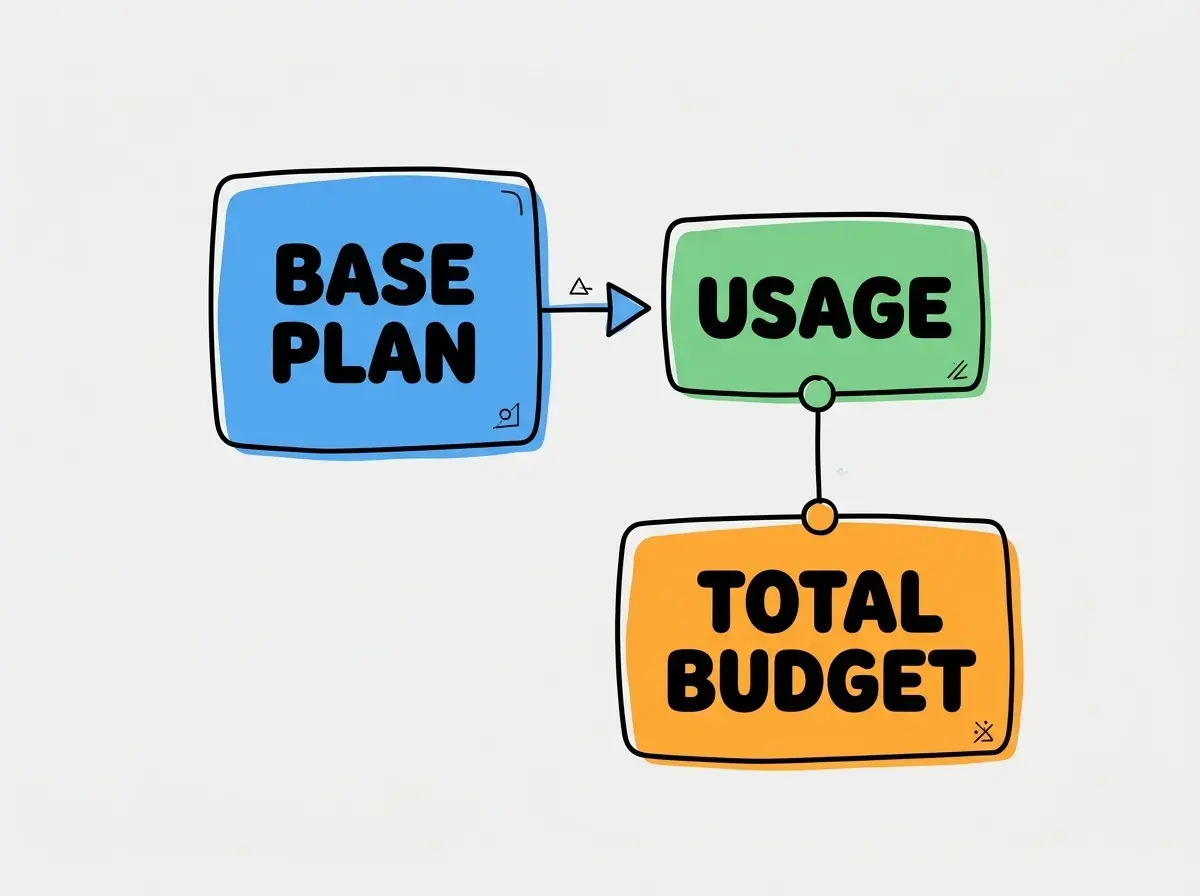
When evaluating these tiers, it is crucial to understand that the base price is just the starting point. The transition from a flat rate text editor to an intelligent coding environment means you are paying for access to large language models. These models require significant compute power for every request, which introduces the concept of usage based billing.
Many developers assume that a paid subscription includes universal unlimited access to the most advanced frontier models. There is no universal unlimited frontier promise. High end model requests are subject to limits, and on-demand usage can incur extra charges when enabled and consumed.
Understanding Usage Based Costs and Extra Fees Now
The base subscription includes a defined amount of usage, but modern coding environments offer advanced capabilities that operate outside the standard request flow. When you utilize autonomous agents, cloud based agents, or specialized tools like Bugbot, you are tapping into separate billing considerations.
These advanced features often consume significantly more context tokens than a standard autocomplete suggestion. When an agent reads your entire repository to find a bug, it processes massive amounts of data. The model routing, context window size, and automatic retry mechanisms all contribute to the final computational cost of a task.
To build an accurate budget, you must account for these variable costs. The base subscription secures your seat and a generous allowance of standard requests. However, if your workflow relies heavily on autonomous agents running complex refactoring tasks overnight, check whether the work fits the included allowance or consumes enabled on-demand usage.
Explore clear explanations of AI coding tools, project context, and reliable development workflows.
Explore the blogEngineering managers must establish clear guidelines for when and how team members should deploy these resource intensive tools. A practical evaluation task is to monitor your usage during the first two weeks of a paid subscription. By restricting agent usage to specific complex problems rather than routine boilerplate generation, you can establish a baseline for your variable costs.
You should also consider the cost of migration and trials. When moving a team to a new editor, there is a ramp up period where developers are learning the interface and experimenting with the features. This experimentation phase often leads to higher than average usage as developers test the limits of the system. You should pad your initial budget estimates to accommodate this learning curve.
Hypothetical Budget Scenarios for Software Builders
To make these concepts concrete, let us examine a few hypothetical budgeting scenarios. These examples use assumed usage levels to demonstrate how base costs and variable fees combine to form your total monthly spend.
First, consider a solo freelance developer. They subscribe to the Individual Pro tier for a base cost of 20 USD monthly. During a particularly busy month, they rely heavily on advanced cloud agents to refactor a legacy codebase. This extensive agent usage generates an additional 10 USD in variable fees. Their total hypothetical monthly spend would be 20 USD base plus 10 USD extra, equaling 30 USD. This demonstrates that while the base price is 20 USD, the actual cost scales with project demands.
Next, consider a small agency with five developers. They require centralized billing and administrative controls, so they opt for the Teams tier. The base cost is calculated as 5 users multiplied by 40 USD per user, resulting in a baseline monthly commitment of 200 USD.
If this fictional team keeps its measured usage within the included allowance and does not enable separately billed extras, its variable charges may remain zero. Their predictable monthly budget remains close to the 200 USD base. However, if they encourage all five developers to use cloud agents freely for daily tasks, an assumed additional usage budget of 50 to 100 USD would bring the hypothetical total to 250 to 300 USD to their monthly invoice.
These scenarios highlight the importance of active management. You cannot simply assume a generic flat rate for every user. The actual cost is a direct reflection of how deeply your team integrates the most computationally expensive features into their daily workflows.
Managing Monthly Spend Inside the Billing Dashboard
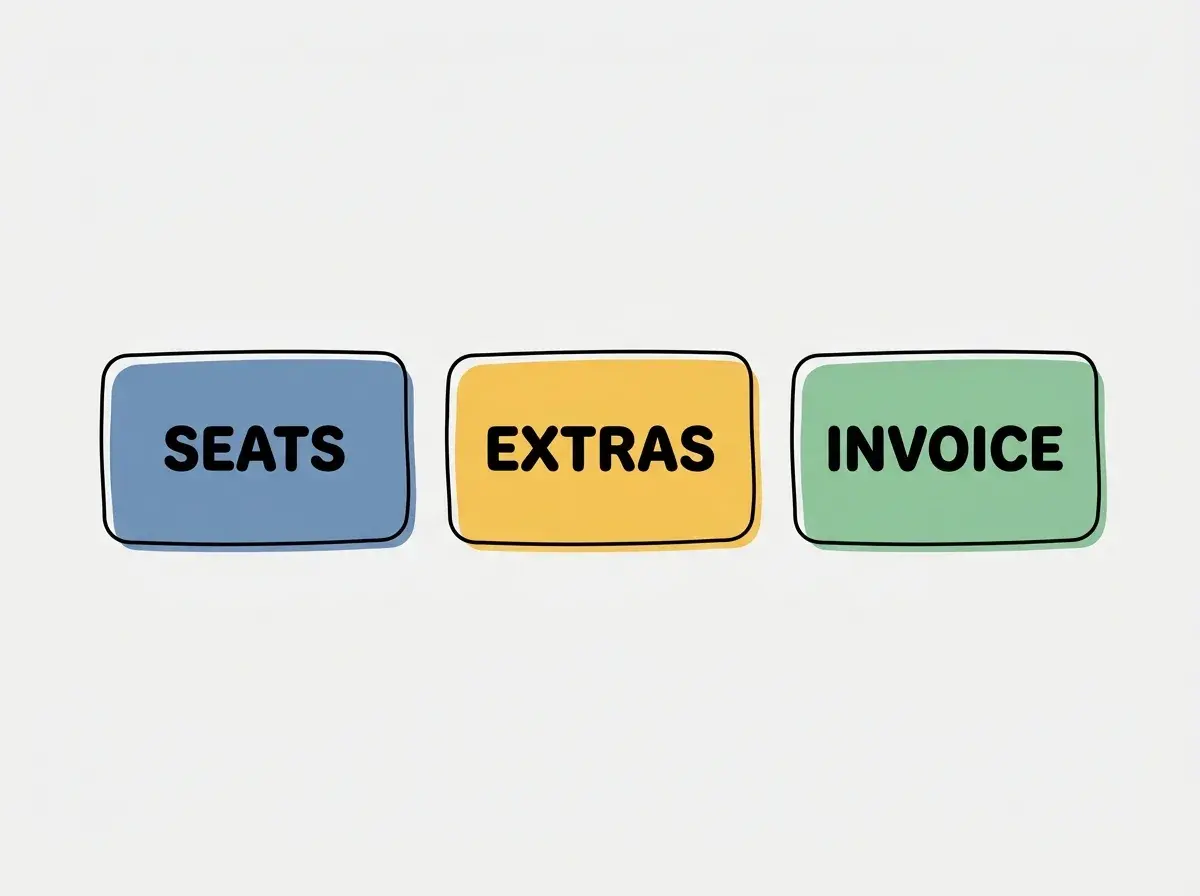
The key to maintaining a predictable budget is utilizing the controls provided in the billing dashboard. You must proactively manage your account settings to prevent unexpected charges at the end of the billing cycle.
When you first set up your account, navigate to the billing section and familiarize yourself with the usage caps. Inspect the available spending controls and what each one covers. Confirm whether it is a hard stop or an alert and whether separate products have independent settings. A limit on one usage category is not necessarily a cap on the entire invoice.
For team administrators, this is a critical responsibility. You must balance the need for developers to access powerful tools with the financial constraints of your organization. A practical approach is to set a conservative usage cap initially. If a developer hits the cap and requires more resources to complete a critical task, they can request a temporary increase. This introduces a layer of friction that encourages mindful consumption of expensive compute resources.
Review included usage, enabled on-demand billing, spending controls, and separately billed products before expanding a rollout. Reconcile the actual invoice against those settings.
Regularly reviewing your usage metrics is also essential. The dashboard provides insights into which features are driving your variable costs. If you notice that Bugbot usage is consistently pushing you near your cap, you might need to evaluate whether the tool is providing enough value to justify the expense, or if your team needs additional training on how to use it efficiently.
Budgeting for artificial intelligence tools is an ongoing process. As models become more capable and new features are introduced, the cost structures may evolve. By establishing a routine of checking your billing dashboard and analyzing your usage patterns, you can adapt your budget and ensure you are getting the best return on your investment.
Frequently Asked Questions About Cursor Subscriptions
To further clarify the pricing structure, here are answers to common questions regarding subscriptions and billing mechanics.
What This Means for You and Your Development Budget
Transitioning to an artificial intelligence coding environment requires a shift in how you forecast your software expenses. The days of simple flat rate licenses are being replaced by hybrid models that blend base seat costs with variable usage fees.
By understanding the official base prices of 20 USD for individuals and 40 USD per user for teams, you can establish a solid foundation for your budget. However, the true cost of ownership depends entirely on how you manage advanced features like cloud agents and autonomous debugging tools.
You must take an active role in monitoring your usage, setting hard caps in your billing dashboard, and establishing clear team policies regarding resource intensive tasks. With careful management and a clear understanding of the pricing mechanics, you can harness the power of these advanced tools without sacrificing the predictability of your monthly budget.
Read more practical articles for choosing tools, reviewing changes, and shipping useful software.
Read more guides