Navigating the financial landscape of artificial intelligence development tools requires a clear understanding of how usage translates into billing. As developers increasingly rely on platforms that generate code and host applications simultaneously, budgeting becomes more complex than simply paying a flat monthly software subscription. You are no longer just paying for access to a tool; you are paying for the computational effort required to understand your codebase, generate new logic, and serve the resulting application to the internet.
Retrospective edition for May 17, 2026. Researched and published September 9, 2026. Product details reflect documentation checked at publication unless explicitly identified as historical.
Prices and allowances below were checked September 9, 2026. They are not a historical May 17 price snapshot.
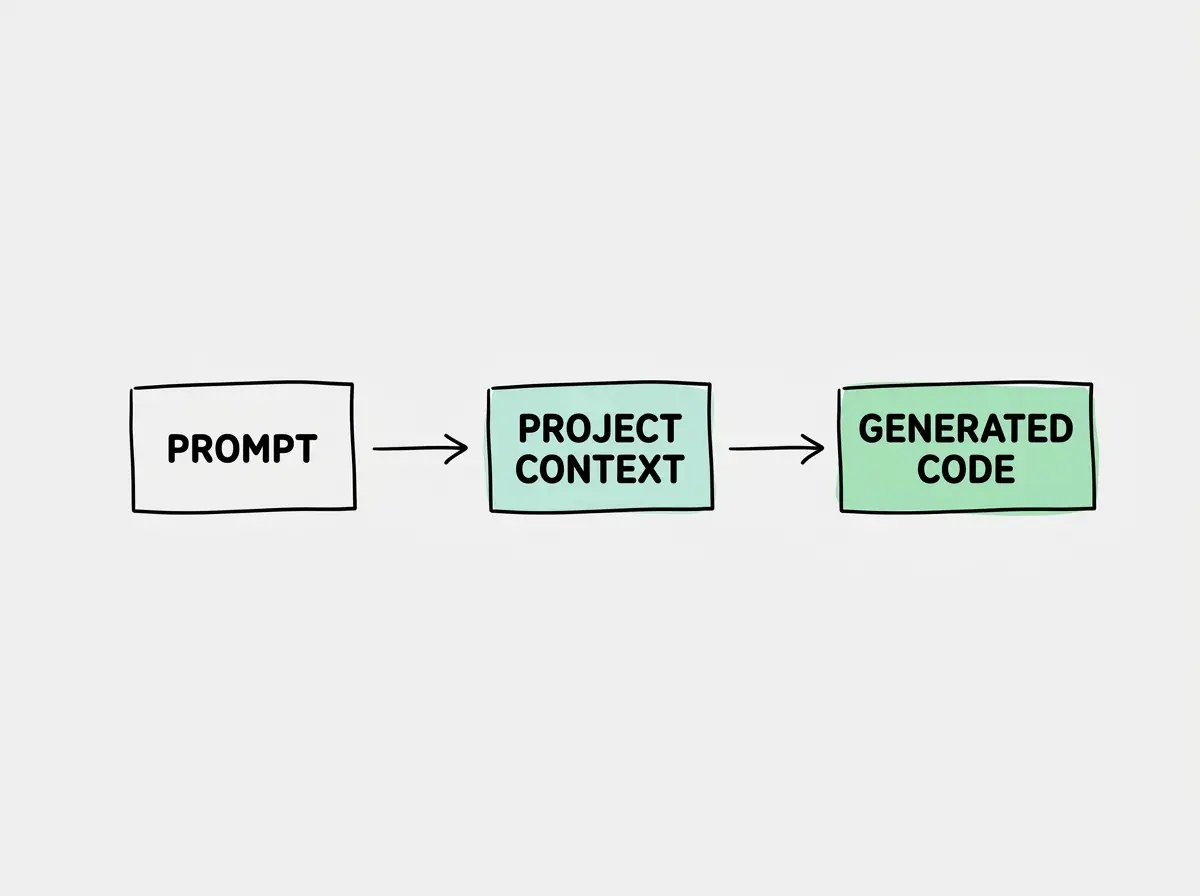
This documentation-based review examines the pricing structure of Bolt.new, focusing on how its token economy and hosting allowances impact a real world project budget. By distinguishing the prompt, project context, generated output, and repeated repair work, we can build a realistic model of what it costs to develop and launch a web application using this platform.
Understanding Token Consumption Mechanics
To accurately forecast your expenses, you must first understand how Bolt.new measures your activity. The platform uses tokens as its primary metric for computational work. A token roughly corresponds to a piece of a word, but in the context of coding, it can represent variables, syntax characters, or entire strings of logic.
When you interact with the platform, you consume tokens in several distinct ways. Input tokens represent the text you type into the prompt box. However, your prompt is rarely sent to the artificial intelligence in isolation. To provide relevant code, the system must also send the current state of your project files. This means a simple ten word request might actually consume thousands of input tokens if your project contains extensive existing code.
Output tokens are generated by the artificial intelligence in response to your prompt. Do not assume Bolt bills these as a separate API-style rate category. When the system writes a new React component or a complex API route, the generated text contributes to token usage; characters and tokens are not interchangeable units.
Context includes relevant files and conversation history sent with a request. It is part of what the model processes, not a separate allowance to add again. As you iterate on a feature, the system retains previous prompts and responses to maintain continuity. The amount can change as context is selected or compacted. A later prompt is not guaranteed to use more tokens.
Finally, repair attempts can consume more input and output tokens. “Repair tokens” here describes repeated work, not a separately documented Bolt billing category. If a generated component fails to compile, the platform may run an internal loop to resolve the syntax error before presenting the final result to you. These automated repair cycles consume tokens, which can occasionally lead to unexpected spikes in usage during complex refactoring tasks.
The Free and Pro Plan Breakdown
According to the official documentation at official documentation, the platform offers a tiered approach to accommodate different levels of development intensity. Understanding the exact limits of these tiers is crucial for determining which plan fits your workflow.
The Free plan costs zero dollars and provides a substantial allowance for casual developers or those testing the platform. Users on this tier receive an allowance of 300,000 daily tokens. Additionally, there is a hard cap of one million monthly tokens. This structure encourages consistent, moderate daily use rather than massive, single day coding marathons. If you exhaust your daily limit, you must wait for the reset period before generating more code.
For developers requiring more capacity, the Pro plan is available for 25 USD billed monthly. The entry Pro allowance starts at 10 million tokens per month with no daily token limit. It is not unlimited monthly generation. The Pro plan is designed for continuous professional development where waiting for a daily token reset would disrupt the project timeline.
| Feature | Free Plan | Pro Plan |
|---|---|---|
| Monthly Cost | $0 USD | $25 USD |
| Daily Token Limit | 300,000 tokens | No daily limit |
| Monthly Token Limit | 1,000,000 tokens | Starts at 10 million tokens |
| Target Audience | Hobbyists and evaluation | Professional developers |
The Free plan restricts your development velocity with both daily and monthly token caps. If you plan to build a complex application over a few days, the 300,000 daily token limit will likely become a bottleneck, so compare the measured workload with the allowance before choosing a plan.
Hosting Versus Generation Costs
A common area of confusion when budgeting for artificial intelligence development platforms is distinguishing between the cost of writing the code and the cost of running the application. Bolt.new handles the generation of your application, and while it includes basic hosting capabilities for previewing your work, you must carefully separate generation usage from third party service usage.
When you ask the platform to build a user authentication flow, the tokens consumed to write that code are billed against your Bolt.new plan. However, if that code integrates with an external service like Supabase for database management or Stripe for payment processing, the actual execution of those services is entirely separate.
If your application becomes popular and thousands of users begin creating accounts, Supabase will bill you for database reads and writes based on their own pricing model. Bolt.new does not meter or bill you for the traffic your application receives or the third party application programming interfaces it calls. Your Bolt.new subscription strictly covers the artificial intelligence generation environment and the provided preview hosting allowances.
Explore clear explanations of AI coding tools, project context, and reliable development workflows.
Explore the blogA Practical Thirty Day Budget Example
To illustrate how these limits apply in reality, let us construct a hypothetical thirty day budget for a solo developer building a software as a service dashboard. This example relies on hypothetical usage assumptions to demonstrate how token consumption accumulates over a standard development cycle.
Assume the developer dedicates the first week to heavy foundational work. They are generating the core layout, setting up routing, and establishing the database schema. During this phase, they issue fifty prompts per day. Because the codebase is small initially, the context window is light. We will hypothetically assume each prompt averages two thousand input tokens and generates one thousand output tokens. This results in roughly 150,000 tokens consumed per day. Under the Free plan, this fits comfortably within the 300,000 daily limit.
If the developer moved to a sufficient paid allowance, by the second week, the developer focuses on complex feature integration. The codebase has grown significantly. In this invented example, more project context is supplied with each request. Even if they only issue thirty prompts per day, the input context might swell to eight thousand tokens per prompt, with output and repair tokens adding another two thousand. This hypothetical scenario results in 300,000 tokens consumed daily. That daily usage equals the Free daily cap, although the fictional developer has already exceeded its monthly allowance.
In the third week, the developer encounters a difficult bug related to state management. They spend the day iterating rapidly, issuing eighty prompts as they ask the system to debug and rewrite multiple components. The context window is massive, and the repair tokens accumulate quickly. The daily usage spikes to a hypothetical 600,000 tokens. On the Free plan, they would be locked out halfway through the day. Furthermore, seven days at 150,000 tokens would total 1,050,000, exhausting the free monthly cap during the first week.
This hypothetical exercise demonstrates that while the Free plan is excellent for initial scaffolding, this hypothetical sprint exceeds the Free allowance and requires either less generation or a sufficient paid allowance to avoid frustrating workflow interruptions.
Do not assume that fewer prompts mean fewer tokens. Project size can increase the context sent with a request, but actual usage also depends on context selection and the task. Measure the balance change instead of predicting cost from prompt count alone.
Use a small, reviewable task to check how this applies in your own project before expanding the workflow.
Reconcile the Entire Thirty Day Example
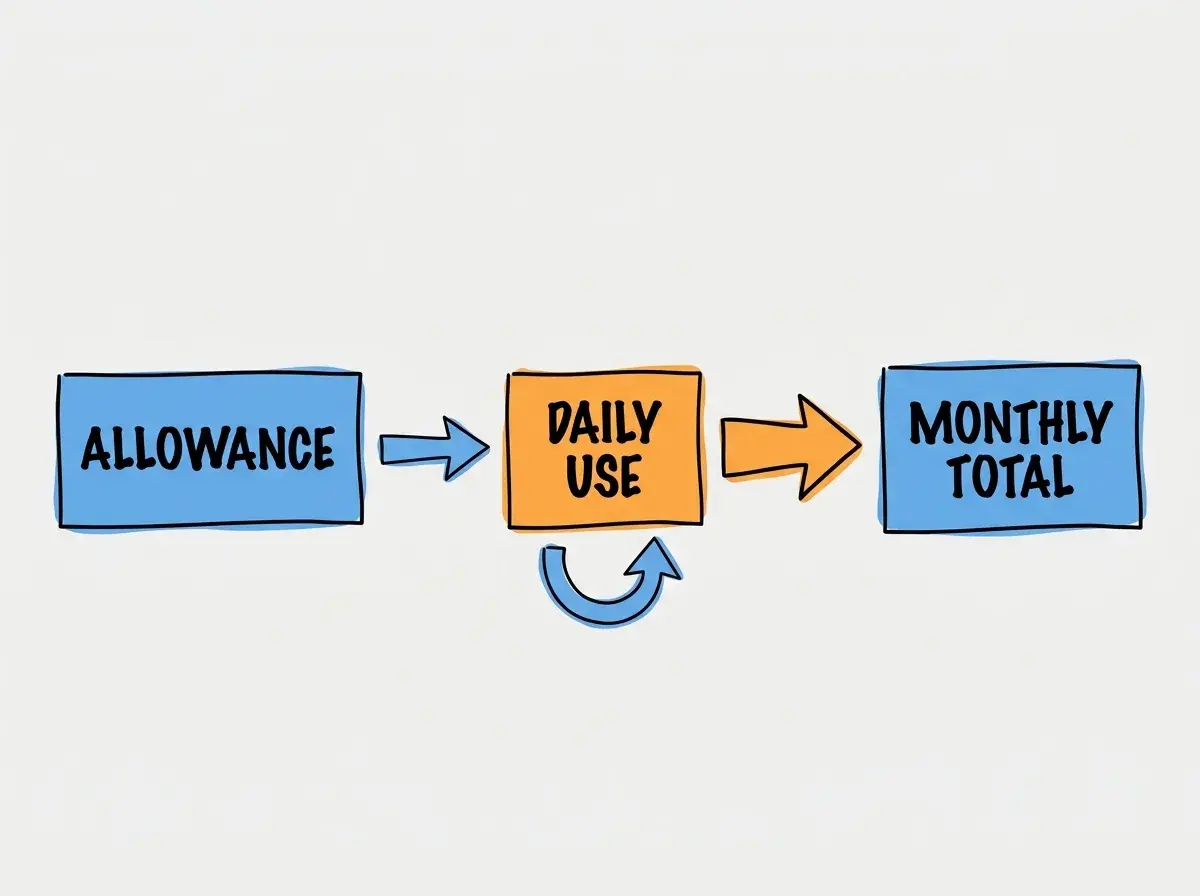
To complete the worksheet, assume seven days at 150,000 tokens, seven days at 300,000, one debugging day at 600,000, and fifteen lighter days at 100,000. The invented monthly total is 5.25 million tokens. That exceeds Free’s monthly allowance but fits within the entry Pro allowance listed at the September check. This is arithmetic for a fictional workload, not a prediction of what your project will consume.
Leave headroom for failed attempts and unexpected feature changes. If your observed average doubles, the same schedule reaches 10.5 million tokens and no longer fits a 10 million allowance. Before upgrading, consider whether a smaller requested change, a direct edit, or a clearer specification would avoid repeated generation. The useful budget unit is a completed, reviewed task rather than a prompt that merely returned text.
Keep hosting in a separate worksheet column. A project can stop using generation tokens after launch while continuing to serve traffic or call an external API. Conversely, an intense development session can consume generation capacity before any customer visits the site. Those two patterns need different alerts and different decisions about plan size.
Managing Your Usage and Billing Dashboard
Keeping track of your token consumption is essential for maintaining your budget, especially if you are trying to stay within the Free plan limits. The platform provides a dashboard where you can reconcile your daily and monthly usage.
When reviewing your dashboard, record the token balance before and after representative tasks; do not assume the dashboard exposes every internal token category. If a small change uses unexpectedly many tokens, it may indicate that your context window has become bloated. You can sometimes mitigate this by starting a new chat session and only referencing the specific files you are currently working on, rather than forcing the system to read the entire project history for every minor styling change.
The token guide explains balances, renewal, rollover, and plan-dependent reload options. While the Pro plan offers expanded capacity for 25 USD monthly billing, it is still prudent to write efficient prompts. Clear, specific instructions reduce the need for the system to generate incorrect code, which in turn saves output and repair tokens.
The documented monthly reset is the first of the month for Free and the renewal date for paid subscriptions. Check your account for the current balance and reset timing before a deadline.
What this means for you
Budgeting for an artificial intelligence development project requires a shift in perspective. You are managing computational resources just as much as you are managing financial resources. The 25 USD monthly cost for the Pro plan is relatively straightforward, but the true cost of development includes the time spent managing your context windows and optimizing your prompts.
By understanding the difference between input, output, and repair tokens, you can structure your development sessions more efficiently. Start with broad architectural prompts when the context window is small, and isolate complex debugging tasks into fresh sessions to prevent token bloat.
Ultimately, Bolt.new provides a powerful environment for rapid application development. By carefully monitoring your usage dashboard and separating your generation costs from your third party hosting costs, you can build sophisticated web applications with a clearer estimate of both generation and operating costs.
Read more practical articles for choosing tools, reviewing changes, and shipping useful software.
Read more guides