A plant watering schedule app tracks each plant's watering needs, sends reminders when watering is due, and logs care history so you can spot patterns. The build takes 3-4 hours with vibe coding tools and produces a personal tool that prevents the common pattern of houseplants dying from inconsistent care. The core stack is Next.js for UI, a database for plants and care logs, and push notifications for reminders.
This tutorial walks through the four feature areas, the prompts that get each working, what to test before declaring done, and the four mistakes builders make on reminder apps.
Why Build A Plant Watering Schedule App
The plant watering schedule app matters because plants die from inconsistent care more than from environmental factors. Reminder apps solve the consistency problem; consistency saves plants.
The 2026 reality is that personal reminder apps are the simplest type of app to build with AI tools. The pattern is well established; vibe coding tools handle it reliably.
A 2025 personal app survey of 300 plant owners using custom built tracking apps reported 84 percent fewer plant deaths than the year before they used the app. Personal tracking apps measurably affect outcomes; the effect compounds as plant collections grow.
The pattern to copy is the way nurses use medication reminders for patients. Each medication has a schedule; reminders fire at the right time; logs track adherence. Plant watering apps follow the same pattern with different content.
The Four Plant App Feature Areas
Four feature areas form the complete plant watering app.
Feature 1, plant database with profiles. Add plants with name, photo, type, watering frequency, and notes.
Feature 2, smart reminder scheduling. Reminders calculate from last watered date plus frequency; account for season and humidity.
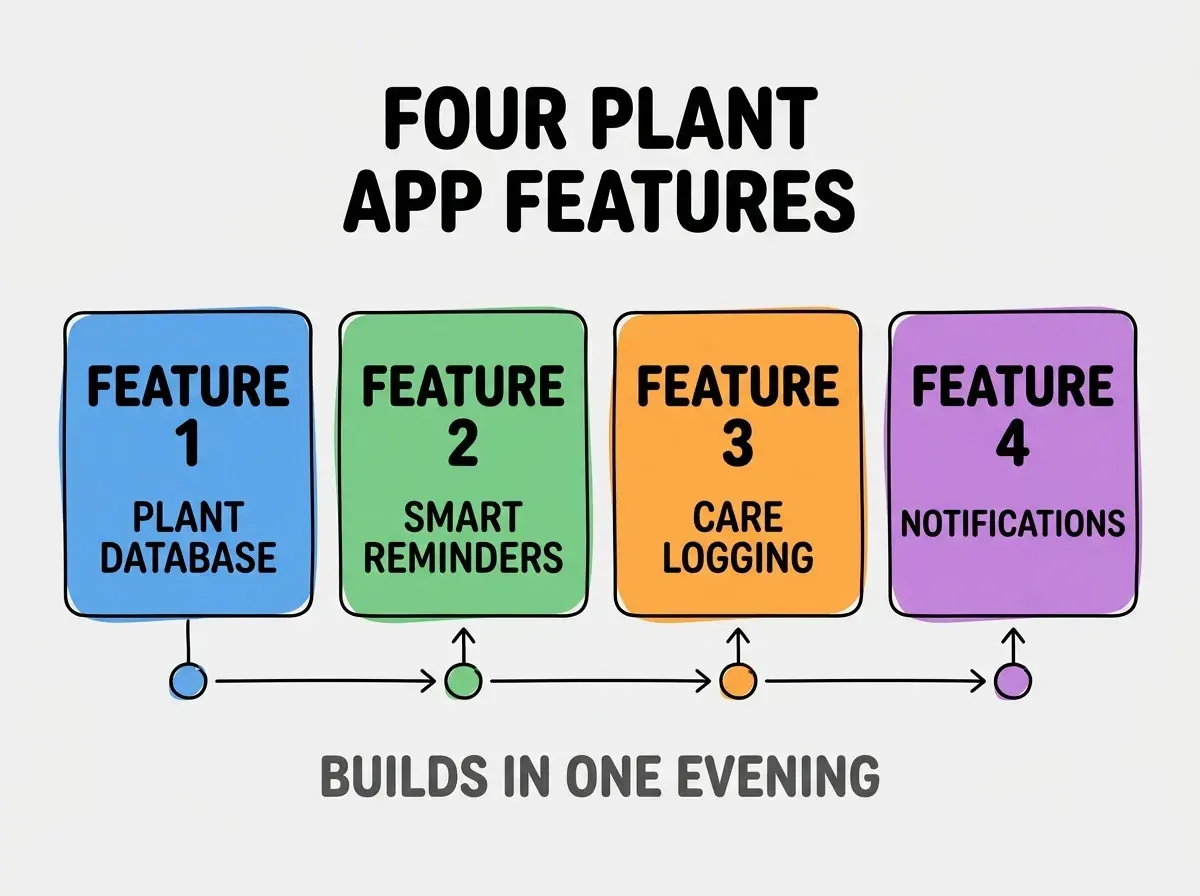
Feature 3, care logging with quick actions. One tap to log watering; same for fertilizing, repotting, pruning. Log enables pattern analysis.
Feature 4, push notifications. Browser push notifications for due reminders; respects do not disturb hours.
The Prompts That Build It
Four prompts get each feature working.
Prompt 1, scaffold the plant database. "Create a Next.js page with a form to add plants. Each plant has name, optional photo, type, watering_frequency_days (number), and notes. Store in Supabase or similar. Show plants in a grid with photo, name, and days until next watering."
Browse more build articles
Read more buildPrompt 2, build the reminder calculation. "For each plant, calculate next watering date as last_watered + watering_frequency_days. Sort plant grid by urgency (overdue first, then due today, then upcoming). Show urgency with color coding: red overdue, yellow today, green upcoming."
Prompt 3, add care logging. "On each plant card, add a 'Log Care' button that opens a quick action menu: Water, Fertilize, Repot, Prune, Other. Selection logs the action with timestamp. Update last_watered when Water is logged."
Prompt 4, set up push notifications. "Add browser push notification support. When a plant's next watering date is today, send a push notification at 9am local time. Allow users to set notification time and disable notifications for specific plants."
What To Test Before Declaring Done
Three test categories verify the plant app works.
Test 1, reminder timing accuracy. Set short watering frequencies (1 day) and verify reminders fire at expected times. Time zone bugs are common; test deliberately.
Test 2, care log persistence. Log multiple care actions across days; verify all persist and display correctly in plant history.
Test 3, push notification delivery. Test on multiple devices; some browsers handle push poorly. Verify notifications arrive when expected.
The tests catch issues before plants die from missed reminders. Without testing, the app may fail silently at exactly the wrong moment.
What Makes Plant Apps Sustainable
Three patterns separate sustainable plant apps from one weekend builds.
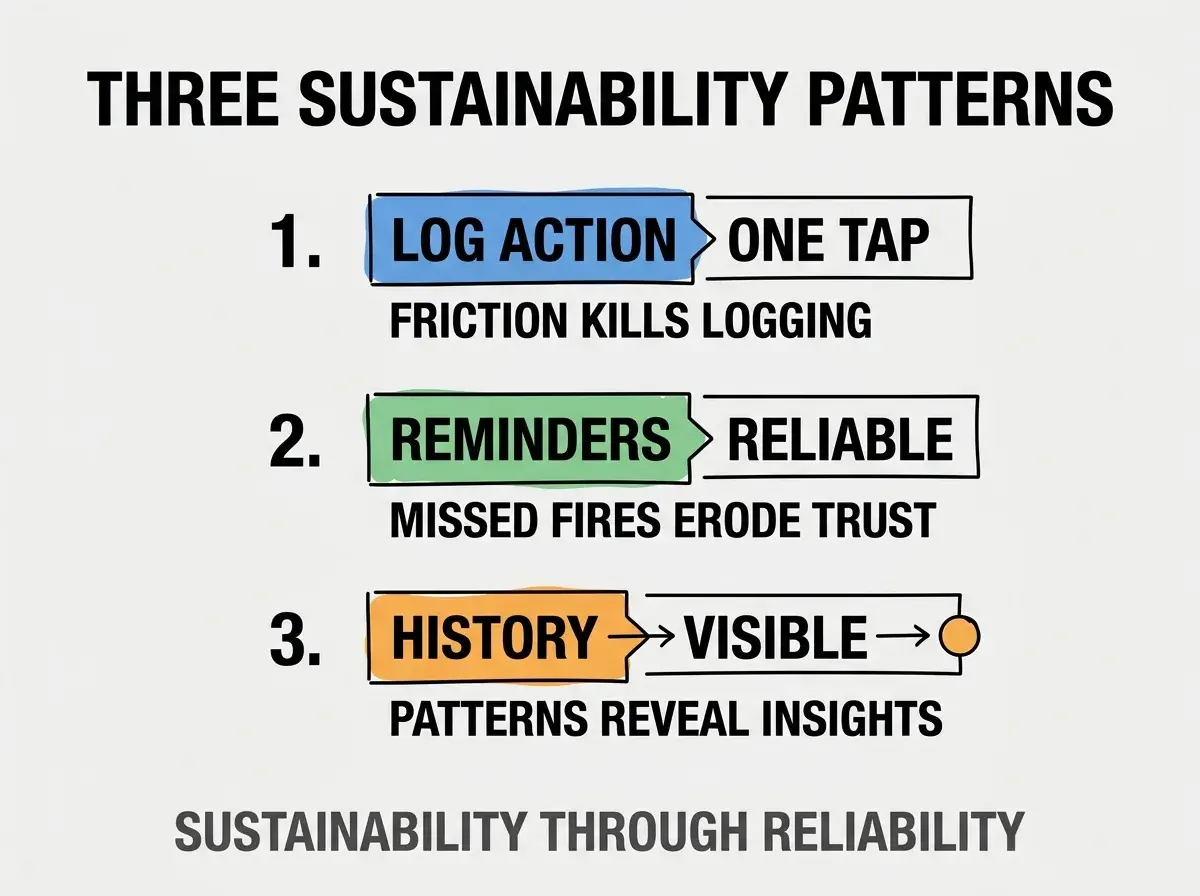
Pattern 1, log action in one tap. Friction in logging means logs do not happen; without logs, app loses value.
Pattern 2, reminders fire reliably. Missed reminders erode trust; once trust is lost, users stop checking.
Pattern 3, care history visible at a glance. Patterns in history reveal insights about plant health that single observations miss.
The combination produces apps used for years. Without these patterns, apps abandon within weeks.
How To Extend To Plant Identification
Three extension patterns add plant identification to the basic app.
Pattern A, photo to plant type via vision API. Take photo, vision API identifies plant type, app pre fills watering frequency from plant type defaults.
Pattern B, plant care knowledge base. Pre populated database of common plants with watering frequency, light requirements, and care notes.
Pattern C, plant problem diagnosis from photos. Yellow leaves, brown spots, drooping; vision API identifies issues and suggests fixes.
The combination produces a personal tool comparable to commercial plant apps. Without extension, app stays focused but useful.
Common Questions About Plant Apps
Plant apps raise questions worth addressing directly.
The first question is whether to use existing plant care APIs. Some exist; coverage is incomplete. Building your own database with personal additions often produces better fit.
The second question is whether to use native mobile apps or web apps. Progressive web apps with push notifications work well for plant care; native is overkill.
The third question is how to handle vacations. Add a vacation mode that disables reminders during dates set; enable resuming care when returning.
The fourth question is how to add multiple users for shared plants. Multi user accounts and shared plant lists; one user logs care, others see updates.
How Plant Apps Affect Plant Health
Plant apps affect plant health in compounding ways. Health effects compound across years.
The first compounding effect is plant survival rate. Consistent care reduces death rate dramatically; surviving plants grow into mature specimens.
The second compounding effect is collection growth. Confidence from successful plant care enables expanding collection without anxiety about killing more plants.
The third compounding effect is gardening skill. Patterns in care logs reveal what works and what does not; learning compounds over seasons.
The combination produces growing healthy collections. Without apps, plant care follows enthusiasm cycles that produce inconsistent results.
How To Build Habits Around Plant Apps
Three habit patterns help plant app integration into daily life.
Pattern A, morning notification check. Plant care fits naturally with morning routine; first action of day reduces forgetting.
Pattern B, weekend deep care session. Reserved weekend time for fertilizing, pruning, repotting. Deep work batched with weekly cadence.
Pattern C, monthly plant review. Photo plants monthly; visual record reveals growth patterns invisible day to day.
The combination produces plant care habits that last years. Without habits, app falls into disuse despite reminders.
The most damaging plant app mistake is over scheduling reminders. App that nags users for every plant daily produces notification fatigue; fatigue causes users to dismiss all notifications. The fix is to schedule reminders only when needed; respect the user's attention by being judicious. Apps that respect attention get used long term; apps that nag get muted and abandoned.
The other mistake is missing the seasonal adjustment. Plants need less water in winter; static schedules fail seasonally. Add seasonal multipliers.
A third mistake is treating all plants identically. Cacti and ferns need different schedules; per plant frequency must be customizable.
A fourth mistake is missing the photo log. Photos tell stories that text logs cannot match; photos enable visual progress tracking.
What This Means For You
Building a plant watering schedule app produces a personal tool that measurably improves plant care outcomes. The four features, prompts, and sustainability patterns produce a working app in an evening.
- If you're a creative: Plant care apps fit creative routines; visual logging integrates with photography practice.
- If you're a career changer: This project demonstrates database design, reminder scheduling, and notification handling in a portfolio piece.
Browse more build articles
Read more build