To build a client dashboard and reporting portal with AI in 2026, structure the dashboard around four sections clients actually use (active project status, deliverables timeline, budget burn, recent activity feed), pull data from your existing tools (project management, time tracking, billing) via API, white-label with each client's branding, and ship a separate URL per client. The build takes about a week with AI assistance and produces a portal that beats most off-the-shelf agency tools on customization while costing nothing per client per month.
This piece walks through the four sections clients use, the integration patterns, the white-labeling approach, and the four mistakes that turn client portals into ghost towns.
Why Custom Client Portals Beat Agency Tools
Agencies have many off-the-shelf options for client portals (Teamwork, ClientPortal.io, SuiteDash, etc.). They work, but they have a common problem: they impose their structure on every client engagement, charge per client, and limit customization. A custom portal built with AI assistance lets each agency fit the portal to their specific workflow and clients without the per-seat costs.
The 2026 advantage is that the build is small enough (one focused week) that even small agencies can justify it. The savings versus per-seat tools add up quickly; the customization advantage compounds across every client conversation.
A 2025 Agency Management Institute survey of 600 digital agencies found that agencies with custom client portals had 23 percent higher client retention and 31 percent higher referral rates than agencies using off-the-shelf portals. The mechanism was simple: custom portals look more professional, fit the agency's specific workflow, and create a stickier client relationship. The build cost is small compared to the lifetime value of retained clients.
The pattern to copy is the way custom hotel concierge services beat generic "guest services" apps. Generic services check the box; custom services anticipate needs and reflect the brand. Client portals follow the same logic: generic gets the job done; custom builds relationships.
The Four Sections Clients Actually Use
Most client portals over-build. Four sections cover what clients actually look at.
Section 1, active project status. Where each project stands today. Stage, blockers, expected completion date. The first thing clients check.
Section 2, deliverables timeline. What is coming up, when. Past deliverables marked complete. Future deliverables with dates. Helps clients plan around your delivery schedule.
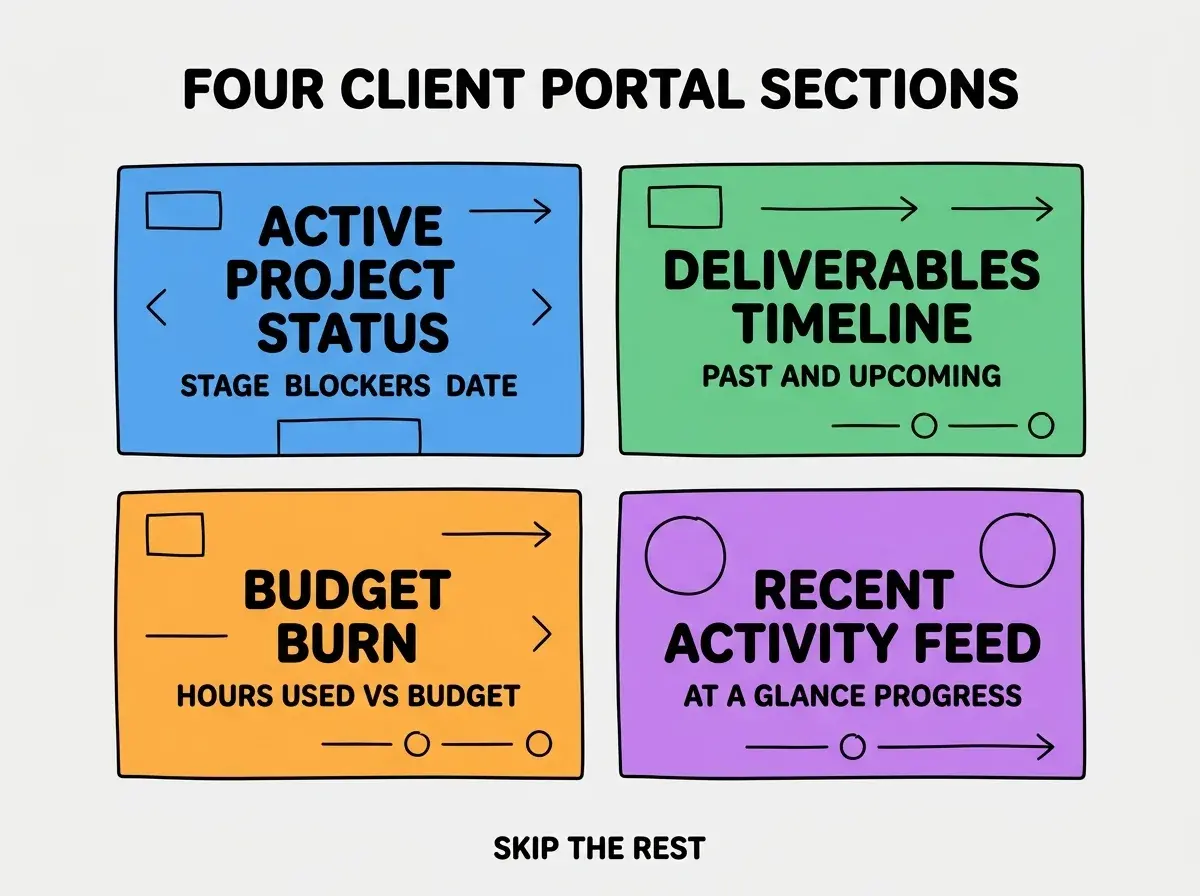
Section 3, budget burn. Hours used versus budget, or dollars spent versus retainer. Critical for trust and for catching scope creep early.
Section 4, recent activity feed. What happened in the last week. Reduces "is anything happening" anxiety and demonstrates ongoing work.
The Integration Patterns
The portal's value depends on the data being fresh. Three integrations cover most agency workflows.
Integration 1, project management tool. Asana, Notion, Linear, or whatever your team uses. Pull project status, milestones, deliverables. The largest data source.
Browse more agency build guides
Read more build articlesIntegration 2, time tracking tool. Toggl, Harvest, Clockify. Pull hours by project for the budget burn view. Often the most-checked section by clients.
Integration 3, billing tool. Stripe, FreshBooks, or QuickBooks. Pull invoice status and payment history. Reduces "where is my invoice" emails dramatically.
The combination of these three covers 80 percent of client questions. The other 20 percent (file sharing, messaging, etc.) are usually better handled by existing tools (Dropbox, Slack) than by being shoehorned into the portal.
The White-Labeling Approach
Each client should feel the portal is theirs, not yours. Three patterns make white-labeling work.
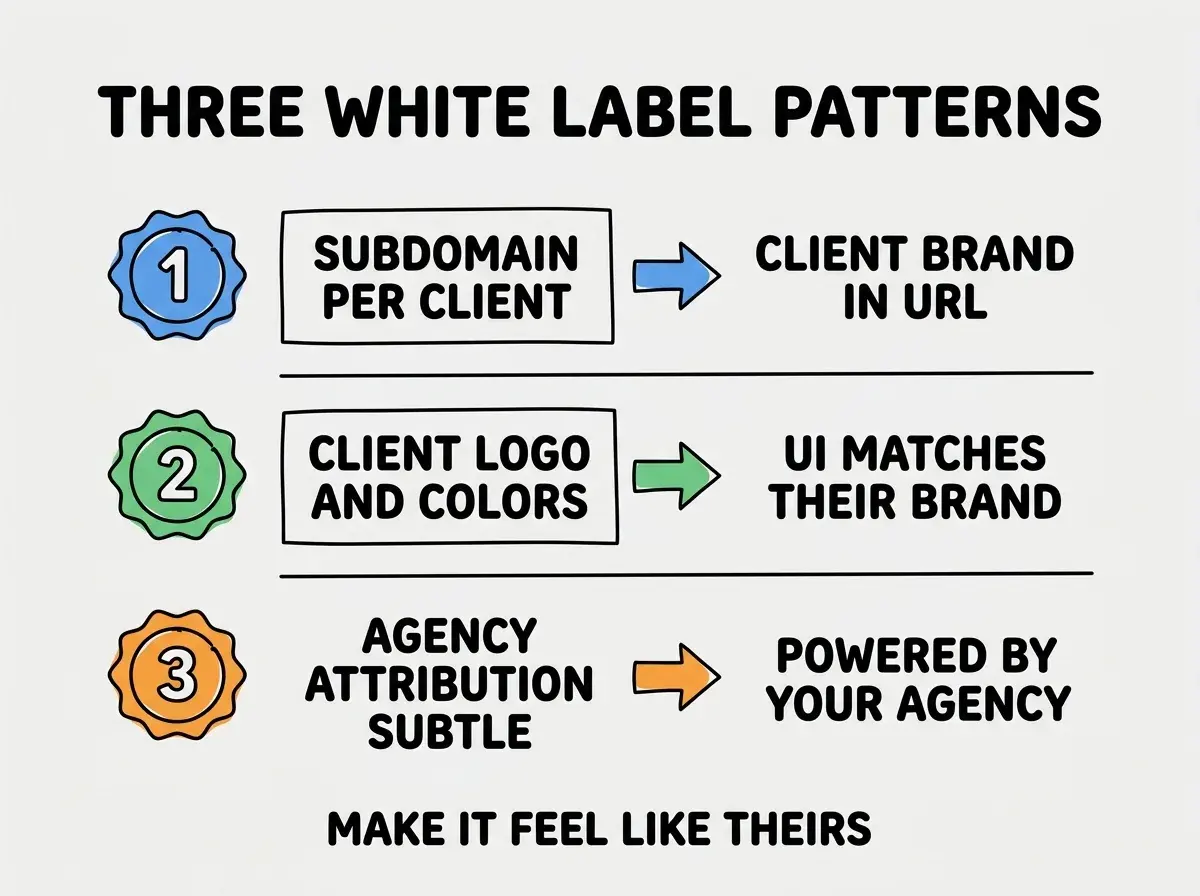
Pattern 1, subdomain per client. client.youragency.com or even portal.theirdomain.com if you want to go further. The URL is the first impression; their brand belongs there.
Pattern 2, client logo and colors. The portal's UI uses the client's brand colors, fonts, and logo. Each client's portal looks like their own product, not yours.
Pattern 3, subtle agency attribution. A small "powered by [your agency]" footer. Maintains your visibility without dominating the experience.
The combination produces portals that clients feel ownership over. The psychological effect compounds: clients who feel ownership become advocates and referrals.
The Activity Cadence That Builds Trust
Beyond the structure, the cadence of updates determines whether clients trust the portal as their source of truth.
Cadence 1, daily for active projects. Status updates and activity feed entries every weekday. Skipping days makes the portal feel abandoned.
Cadence 2, weekly summary. Email summary every Monday with what shipped last week and what is coming this week. Drives traffic to the portal.
Cadence 3, monthly retrospective. Longer email with the month's accomplishments, billing summary, upcoming priorities. Reinforces the value being delivered.
The cadence is what separates portals clients check daily from portals that get one login per quarter. Without consistent updates, the portal becomes irrelevant; with them, the portal becomes the central reference for the engagement.
The most damaging client portal mistake is building too many features and then having clients ignore the portal entirely. Agencies sometimes try to replace email, Slack, file sharing, video calls, and project management all in one portal. Clients use the portal for nothing because they prefer their existing tools for each function. The fix is to build a focused portal that does the four things in the diagram above and nothing else. The portal becomes the place clients go for those four things; their existing tools handle the rest. Less is more for client portal adoption.
The other mistake is forgetting to onboard clients on the portal. A portal nobody knows exists is a portal nobody uses. Send a 5-minute video walkthrough when the portal launches; reference the portal in every status email. Adoption requires sustained nudging in the first month.
Performance and Reliability Considerations
Beyond features, three operational concerns determine whether the portal stays useful at scale.
Concern 1, performance. The portal must load in under 2 seconds even with multiple integration data sources. Cache aggressively; use background sync rather than blocking page loads on API calls.
Concern 2, uptime. Clients judge agency reliability by portal reliability. Use a hosted platform (Vercel, Netlify) with built-in CDN and aggressive monitoring. Downtime undermines the trust the portal is supposed to build.
Concern 3, data consistency. When integration data is stale, surface it explicitly ("last synced 3 hours ago") rather than showing potentially-wrong data without context. Honest staleness beats deceptive freshness.
The combination of these three concerns separates portals that scale gracefully from portals that become liabilities. Investing in operational quality upfront prevents the slow erosion of client trust that happens when portals get unreliable.
Pricing the Portal as Part of Engagements
Beyond building the portal, three pricing patterns determine whether the portal investment pays back through client engagements.
Pattern 1, included with retainer. Bundle portal access with monthly retainer fees. Position as a premium feature of working with the agency. Reinforces the retainer's value.
Pattern 2, separate value-added line item. Show portal access as a $200-500/month line item. Communicates the portal's value explicitly; some clients negotiate it out, most accept.
Pattern 3, free for top-tier clients only. Reserve portal access for clients above a certain spend threshold. Creates an aspirational dynamic and rewards your most valuable relationships.
The right pricing pattern depends on the agency's positioning. Premium agencies often bundle the portal as a relationship benefit; volume agencies often charge separately to maintain margins.
Dig deeper
A few hand-picked sources if you want to go further.
What This Means For You
A custom client dashboard and reporting portal is one of the highest-leverage agency builds in 2026. The build is small with AI assistance, and the client retention impact compounds.
- If you're a founder: Build a custom portal once you have 5+ ongoing clients. The retention and referral lift justifies the build cost easily.
- If you're changing careers into agency work: Building a portal teaches you the operational patterns of running an agency. Highly transferable skill.
- If you're a student: Build a portal for a hypothetical client as a portfolio project. The combination of frontend, integration, and operational thinking is rare.
Browse more agency build guides
Read more build articles