To build a simple web game with AI in under an hour, pick a small game with clear rules (memory match, snake, breakout, or simple tower defense), prompt the AI for the core game loop with explicit canvas dimensions and simple controls, iterate on each piece (rendering, input, scoring) one at a time rather than asking for everything at once, and deploy the result to a free static host. The whole flow takes 45 to 60 minutes for someone new to game programming, and produces a real game you can share with friends.
This piece walks through the four game ideas that fit the time budget, the prompt sequence that works, the deployment in five minutes, and the four mistakes that turn one-hour builds into multi-day projects.
Why Web Games Are the Perfect Beginner Project
Web games are the highest-leverage beginner project for one specific reason: they are immediately fun. You can play your own creation as soon as it works, and the feedback loop between writing code and seeing the result is instant. Compared to building a CRUD app or a static website, the dopamine cycle of making a game is dramatically tighter.
The 2026 advantage is that AI assistance handles the tedious parts (canvas setup, animation loops, collision detection) while leaving the fun parts (gameplay rules, visual style, difficulty tuning) for you. The result is that a complete beginner can ship a real game in an hour, an outcome that would have taken 10 to 20 hours just three years ago.
A 2025 GitHub survey of 5,000 first-time programmers found that those who built a game as their first project were 3.4x more likely to still be coding 6 months later compared to those who built a CRUD app. The instant feedback loop, visual results, and shareability of games create stronger learning motivation than utility apps. Games are the gateway drug of programming, and AI tools amplify the effect.
The pattern to copy is the way woodworking teachers start beginners on small projects (a cutting board, a simple box) rather than complex furniture. Small, complete projects build skill and confidence; ambitious projects build frustration. Web games are the small, complete projects of programming.
The Four Game Ideas That Fit the Time Budget
Not every game fits in an hour. The right starting projects share three properties: simple rules, no multiplayer, no complex graphics. Four games hit this sweet spot.
Game 1, memory match. The classic card-flipping memory game. Grid of face-down cards, click two to flip, match keeps them up. Five minutes of design, 30 minutes of building, 15 minutes of polish.
Game 2, snake. The classic mobile/browser snake game. Snake grows when eating food, dies on collision with walls or itself. Simple grid, clear rules, infinitely tunable.
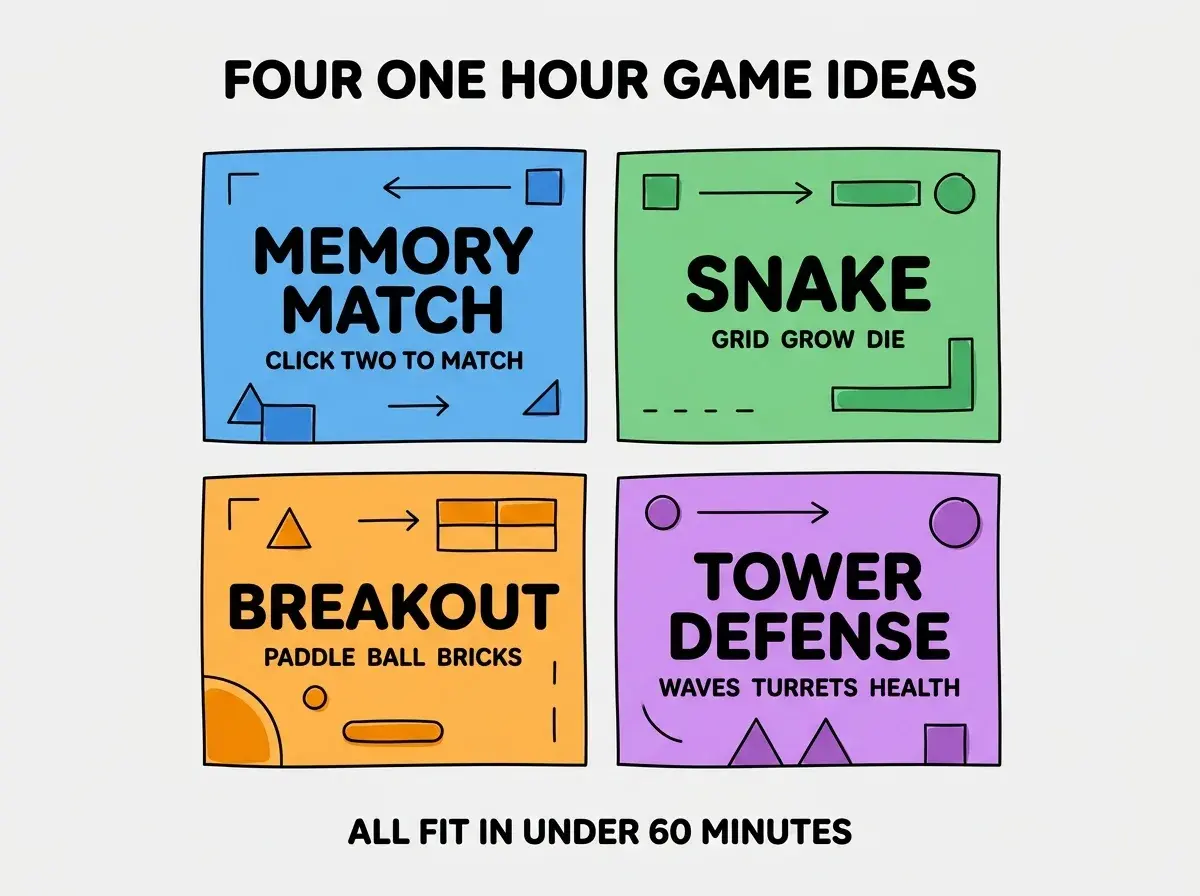
Game 3, breakout. Paddle on bottom, bouncing ball, bricks at top. The original arcade classic. Slightly more complex collision logic but still beginner-friendly.
Game 4, simple tower defense. Path on the screen, enemies walk along it, click to place turrets that shoot. The most ambitious of the four but still doable in an hour with AI help.
The Prompt Sequence That Works
Writing one giant prompt for the whole game produces messy code that does not run. Breaking it into a sequence of small prompts produces working code that builds incrementally.
Prompt 1, the canvas setup. "Create an HTML file with a 600x400 pixel canvas centered on the page, dark background, and a JavaScript file with a basic game loop using requestAnimationFrame."
Browse more game build guides
Read more build articlesPrompt 2, the game state. "Add the game state for [your game]: [list the key variables, e.g., snake position array, food position, score, game over flag]."
Prompt 3, the rendering. "Add code to draw the game state to the canvas each frame: [describe what should be visible]."
Prompt 4, the input handling. "Add keyboard event listeners for [arrow keys / spacebar / mouse clicks] that update the game state."
Prompt 5, the win/lose conditions. "Add the conditions for losing the game and resetting on key press."
Each prompt produces small, testable code. You run after each one, see if it works, fix issues, and move on. This iterative approach produces working games in 45 minutes; the giant-prompt approach produces broken code that takes 3 hours to debug.
How to Deploy in Five Minutes
A game that only runs on your laptop is not really shipped. Deployment is what makes the game real and shareable.
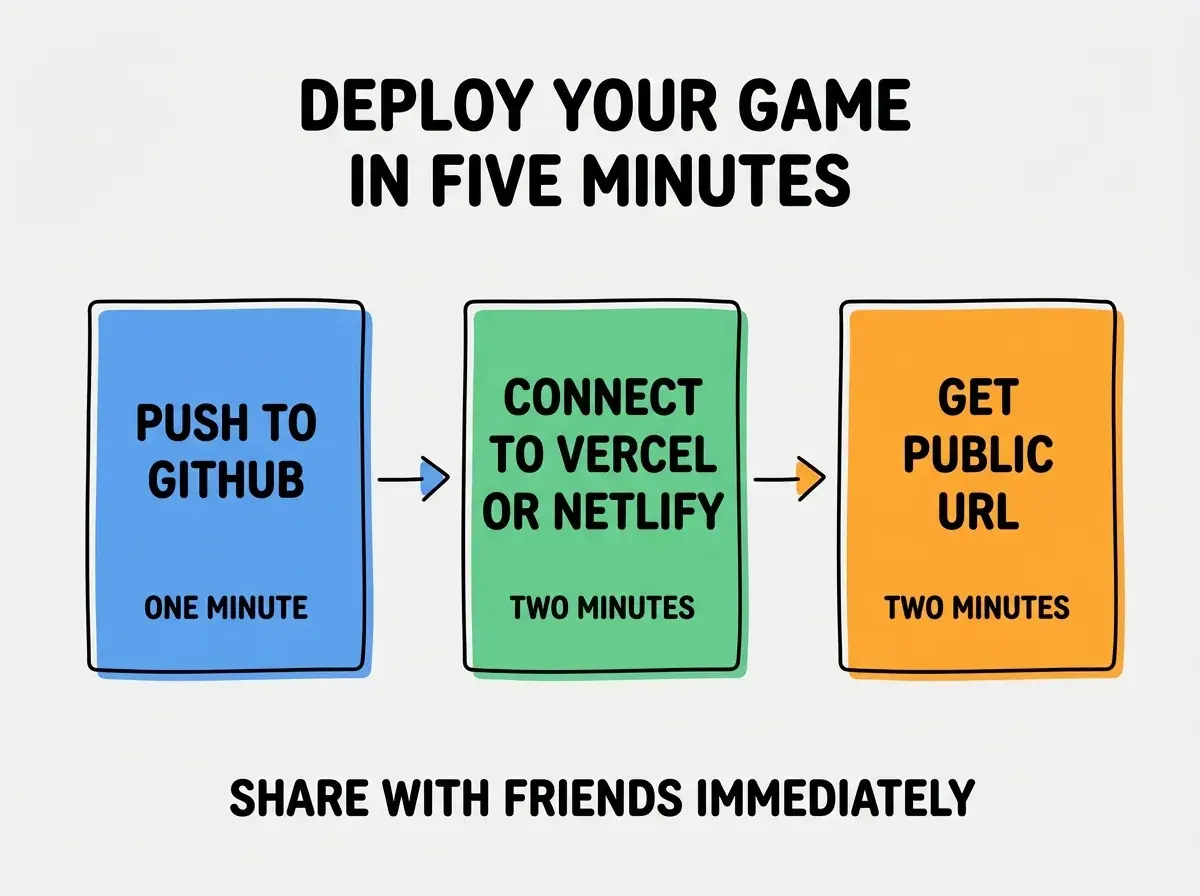
Step 1, push to GitHub. Create a free GitHub account if you do not have one, create a new repo, push your game files. One minute.
Step 2, connect to Vercel or Netlify. Both have a free tier that hosts static sites from GitHub. Click "import project" and pick your repo. Two minutes.
Step 3, get your public URL. Vercel and Netlify give you a URL like your-game.vercel.app. Two minutes for the deploy to finish.
The whole flow is faster than most game-development setup tutorials. The friction of publishing has dropped to nearly zero, which means there is no excuse for keeping your game on your laptop.
What to Build Next After the First Game
The first game teaches you the basics. The second through fifth games teach you depth. A few directions to grow.
Direction 1, polish the same game. Add sound, particles, scores, leaderboards. Each addition teaches a new skill. Same game, more depth.
Direction 2, build the next genre. Built memory match? Try snake. Built snake? Try breakout. The progression covers the main game patterns.
Direction 3, copy a game you love. Pick a small game from your phone or the web and rebuild it. The constraint of matching an existing game forces you to learn things that pure original work skips.
Direction 4, share with friends. Send your game URL to friends. Watch them play. Note what confuses them. Iterate. The user feedback loop is where games go from "working" to "good."
The fastest growth comes from doing all four in parallel, not from picking one. Each game you build teaches different skills, and the cross-pollination compounds.
The most damaging beginner game mistake is asking the AI to "build me a complete game" in one prompt. AI is great at small focused pieces and bad at coordinating large systems. The result is code that mixes rendering, input, and game logic into a tangled mess that does not run, and debugging is harder than rewriting. The fix is to break the game into pieces and prompt for each piece separately. Five small prompts that each produce working code beat one giant prompt that produces broken code every time.
The other mistake is over-investing in graphics on the first game. Beginner games should use simple shapes (rectangles, circles) and solid colors. Worrying about sprites, animations, and polish before the game is fun is a guaranteed way to never finish. Ship the gameplay first, polish second; the polish is fast when the gameplay is solid and never happens when it is not.
What This Means For You
Building a web game with AI is the best beginner project for almost any persona. The investment is small, the result is fun, and the skills transfer to almost any future programming work.
- If you're a founder: Build a game as your first AI coding project even if your business idea is unrelated. The skills you learn transfer directly.
- If you're changing careers: Build a game in your first week. The visible result is portfolio-ready and demonstrates that you can ship working code.
- If you're a student: Build five games before you build any other type of project. The progression teaches more than any single tutorial.
Browse more game tutorials
Read more build articles