A workout log with exercise suggestions tracks training and recommends next workouts based on history. Four feature areas matter: workout logging (exercises, sets, reps, weight), exercise library (movements with form videos and descriptions), AI suggestions (next workout based on goals and history), and progress visualization (strength curves, volume charts, personal records). The build takes a weekend with vibe coding tools and produces fitness app personalized to your training rather than generic commercial apps.
This tutorial walks through the four feature areas, the prompts that build each, what makes workout apps sticky, and the four mistakes builders make on personal fitness apps.
Why Build Personal Workout Apps
Personal workout apps matter because commercial fitness apps optimize for mass market while individuals have specific training needs. Custom apps fit your training; commercial apps fit average user.
The 2026 reality is that vibe coding tools enable personal fitness apps in weekend that previously required week of traditional development. Build capability removes commercial dependency.
A 2025 personal fitness app survey of 600 vibe coders who built their own apps found that custom workout logs maintained 4.2x higher daily use than commercial alternatives, primarily through better fit for personal training style. Personal builds win on personal fit.
The pattern to copy is the way professional athletes use custom training journals. Generic journals work for general; custom journals match specific sport, periodization, recovery patterns. Personal workout apps work the same way.
The Four Feature Areas
Four feature areas form complete workout log.
Feature 1, workout logging. Quick entry of exercises, sets, reps, weight. Speed matters; logging during workout.
Feature 2, exercise library. Movements with descriptions, form videos, muscle groups. Library serves logging.
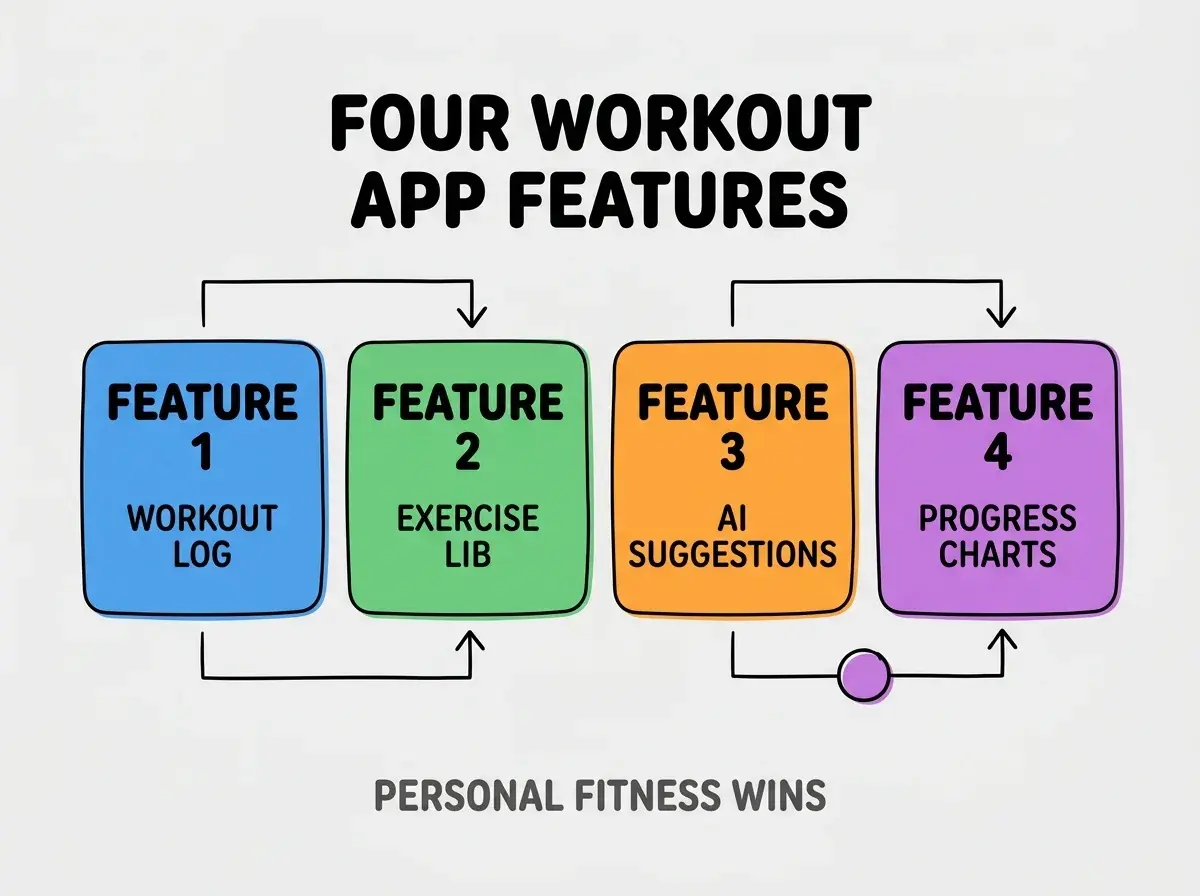
Feature 3, AI suggestions. Next workout based on goals, history, recovery. AI personalizes recommendations.
Feature 4, progress visualization. Strength curves, volume charts, personal records. Visualization motivates.
The Prompts That Build Each Feature
Four prompts implement each feature.
Prompt 1, build workout logging. "Quick log entry: select exercise, log sets/reps/weight. Auto save; offline capable. Edit history anytime."
Browse more build
Read more buildPrompt 2, add exercise library. "Library of common exercises with descriptions, muscle groups. Search and filter. Custom exercise creation."
Prompt 3, build AI suggestions. "AI suggests next workout based on training history, stated goals (strength, hypertrophy, endurance), and recovery time since last training of same muscle group."
Prompt 4, add progress charts. "Strength curves per exercise (1RM estimates over time), volume per muscle group, personal records highlighted. Time range filters."
What Makes Workout Apps Sticky
Three patterns separate sticky apps from unused ones.
Pattern 1, fast logging during workout. Slow logging interrupts; fast logging maintains flow.
Pattern 2, progress visible immediately. Visible progress motivates next workout; hidden progress demotivates.
Pattern 3, AI suggestions actually used. Suggestions matching goals get followed; generic suggestions ignored.
What Makes Personal Fitness Apps Sustainable
Three patterns separate sustainable apps from one off projects.
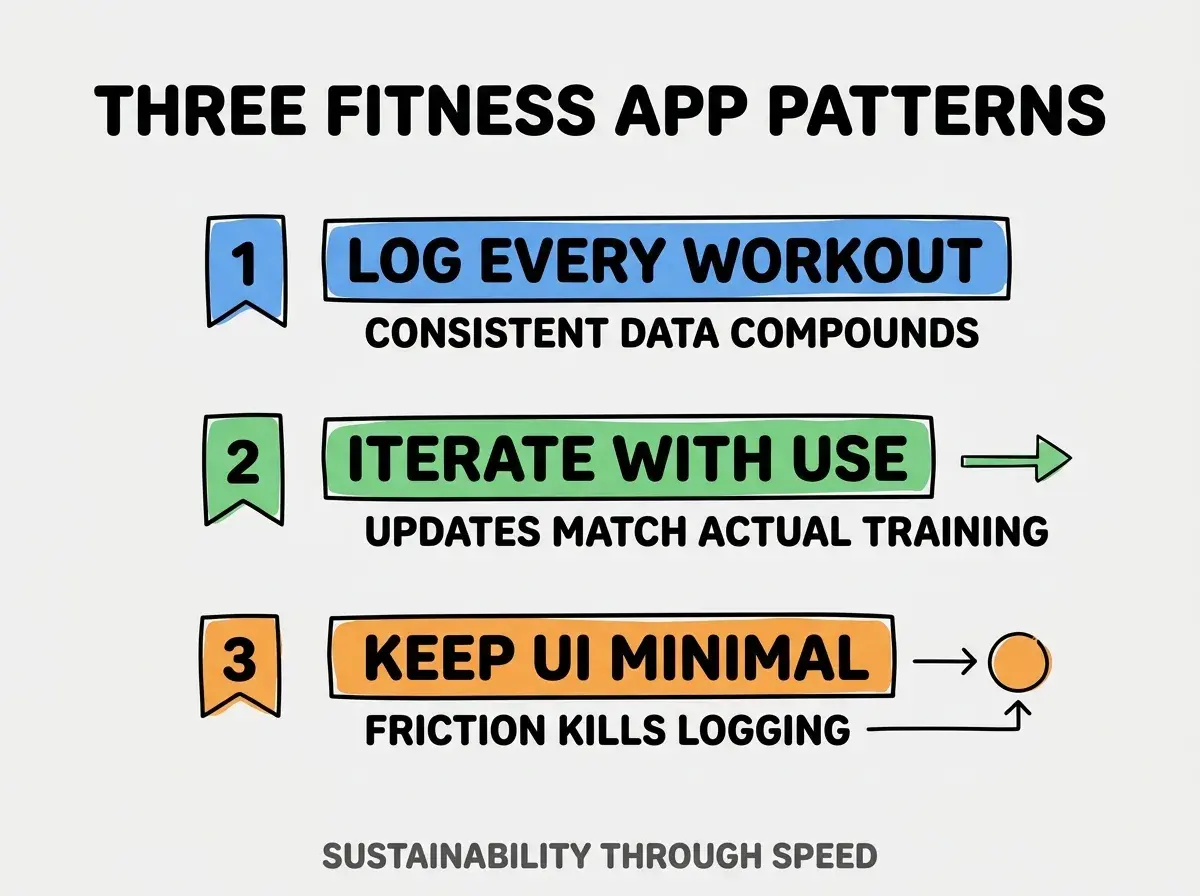
Pattern 1, log every workout. Consistent data enables AI suggestions; gaps reduce signal.
Pattern 2, iterate with use. Updates that match actual training compound; speculative updates do not.
Pattern 3, keep UI minimal. Friction kills logging; minimal UI enables consistent use.
The combination produces sustainable workout apps. Without these patterns, apps abandoned within months.
How To Add Cool Features Later
Three patterns help extend workout apps.
Pattern A, body measurements tracking. Weight, body fat, measurements over time; correlate with training.
Pattern B, social sharing for accountability. Workout completion shared with training partner; accountability compounds.
Pattern C, periodization templates. Multi week training cycles; periodization compounds gains.
Common Questions About Workout Apps
Workout apps raise questions worth addressing directly.
The first question is whether to support multiple workout types. Yes; lifting, cardio, mobility all worth tracking.
The second question is whether to integrate with wearables. Yes if you wear; heart rate and recovery data improve suggestions.
The third question is what backend to use. Supabase, Firebase, simple SQLite all work for personal scale.
The fourth question is whether AI suggestions need user approval. Yes; suggestions inform but do not dictate. User judgment matters.
How Workout Apps Affect Training Outcomes
Workout apps affect training outcomes in compounding ways. Training effects compound across years.
The first compounding effect is consistency. Tracked training often more consistent; consistency compounds gains.
The second compounding effect is progressive overload. Visible progression enables overload; overload compounds strength.
The third compounding effect is recovery awareness. Recovery patterns visible enable better training decisions.
The combination produces training outcomes shaped by tracking. Without tracking, training depends on memory.
How To Use AI For Workout Programming
Three patterns help AI assist programming.
Pattern A, AI generates weekly workout plans. Plans based on goals; user adjusts.
Pattern B, AI analyzes plateau patterns. Plateaus visible in data; AI suggests intervention.
Pattern C, AI explains exercise selection. Why this exercise; explanations build training intuition.
The combination produces AI assisted programming. Without AI, programming depends on coach or guess.
The most damaging workout app mistake is over engineering features before establishing logging habit. Apps with 50 features used twice produce nothing; apps with 5 features used 5x weekly produce training data. The fix is to launch minimum logging, use daily, add features only when actual use reveals need. Builders who launch lean and iterate produce useful apps; builders who launch complete produce unused apps.
The other mistake is missing the data export. Personal training data should belong to you; export prevents lock in.
A third mistake is treating it as commercial fitness app. Personal apps optimize for one trainer; commercial scaling concerns irrelevant.
A fourth mistake is over indexing on AI suggestions. AI suggests; user decides. Suggestions assist judgment, not replace.
What This Means For You
A workout log with exercise suggestions provides personal fitness tracking better than commercial alternatives. The four features, prompts, and sustainability patterns produce personal apps that compound training outcomes.
- If you're a founder: Personal fitness apps build product muscle; building for self informs building for others.
- If you're changing careers: Personal apps prove vibe coding skill while serving personal interest; portfolio compounds.
- If you're a student: Personal apps build technical skills with intrinsic motivation; intrinsic motivation compounds learning.
Browse more build
Read more build